Scared Cat Meme Template — Wide-Eyed Reaction
The moment a harmless surprise suddenly feels urgent. Add your caption above this wide-eyed white-and-brown cat reaction.
Edit the caption in your browser. Export a five-second MP4. Drafts save in this browser on this device.
Three ways to use this reaction
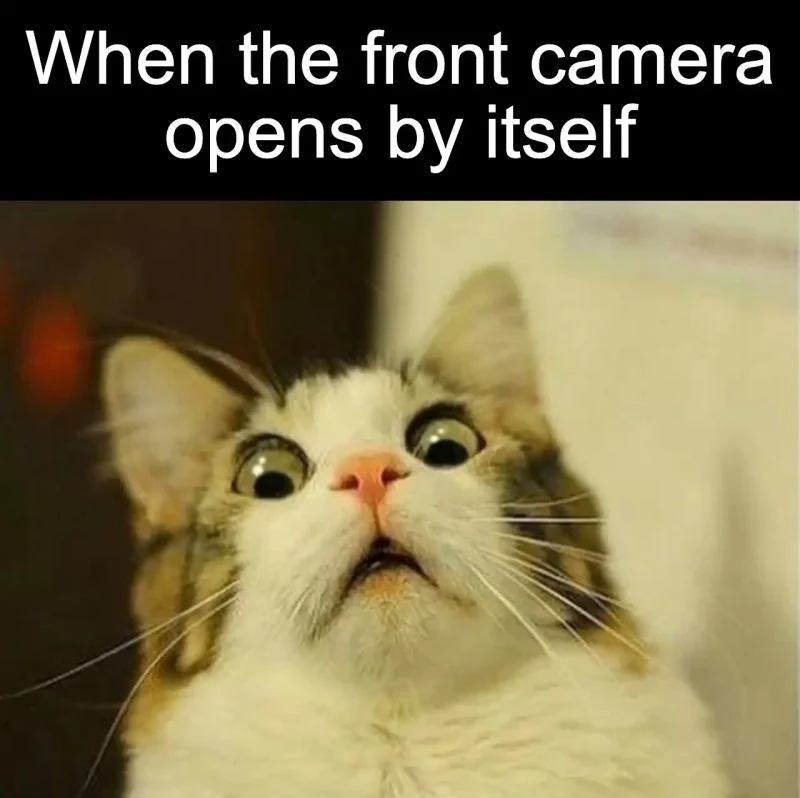
The accidental selfie
An ordinary phone action becomes a sudden surprise.
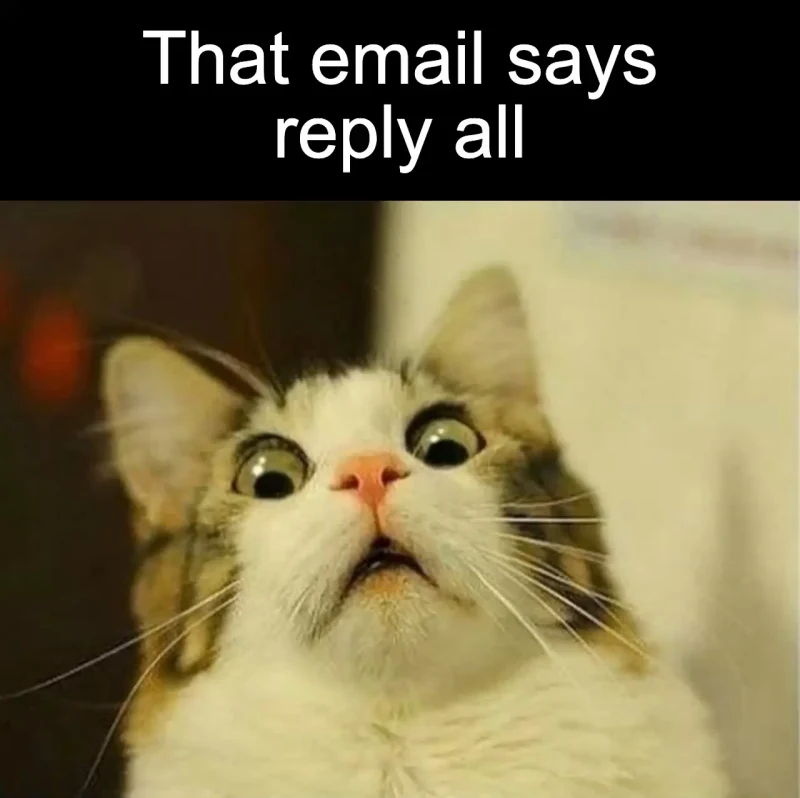
The reply-all surprise
Two short lines make a familiar email mistake immediately readable.
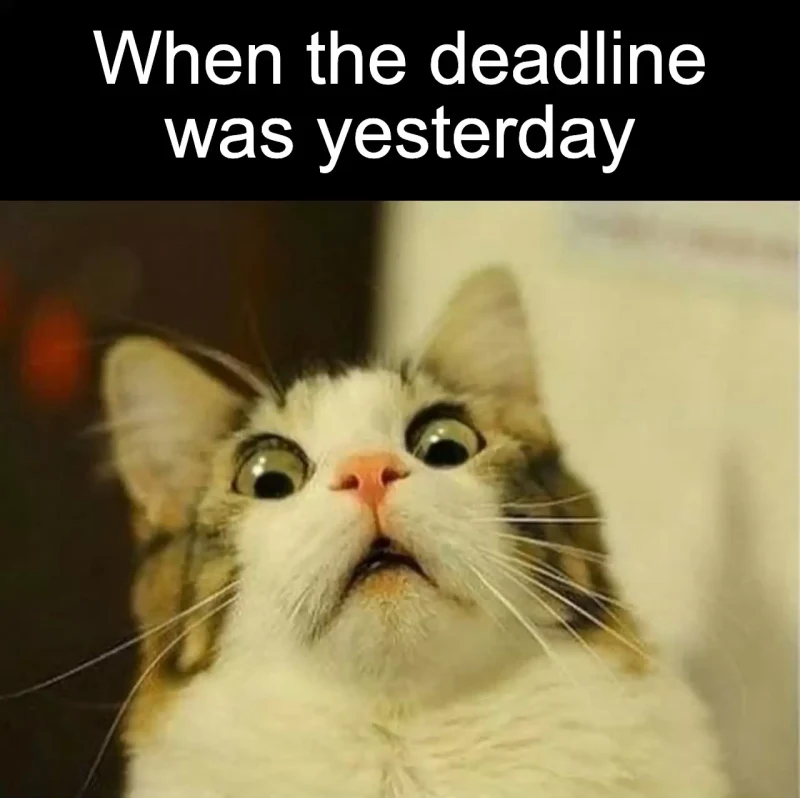
The missed deadline
The last word reveals why the reaction is so urgent.
What this scared-cat reaction conveys
The wide eyes create an immediate startled look. Your caption decides whether that reads as surprise, nervous anticipation or comic panic. This page uses the still white-and-brown cat image shown in the examples. Crying cats, screaming-cat edits and moving jump-scare clips are different formats; the editor opens this particular picture.
Name the instant the situation changes
A useful caption often starts with a small discovery: you notice the deadline is today, hear an unexpected notification, or realize the person you were messaging is standing nearby. Give the reader the exact trigger rather than simply writing that you are scared. The face supplies the exaggerated feeling, while the caption supplies the reason.
Use a quick reveal
Keep the setup short enough to understand in one glance. A familiar detail can do more work than several sentences of background: an unread subject line, a clock, or a message preview. You can put the ordinary situation on the first line and the surprising detail on the second. Read both lines at normal speed before exporting so the reveal does not get buried.
Surprise, doubt or a long wait?
Use this cat when the reaction happens immediately. For a claim that feels suspicious rather than alarming, try Side Eye Chloe. For the time spent anticipating a response or delivery, Mr Bean waiting shows the delay more clearly. These are caption choices, not claims about what the photographed cat was actually feeling.
Make your own version
- Open the template. The editor loads the source image and an editable caption layer.
- Replace the caption. Keep both eyes and the full face visible. Put the surprising detail above the source image, and inspect the preview after changing line breaks or replacing the picture.
- Preview and export. Read the caption at normal speed, then download the five-second MP4. The source picture remains still.
You can replace the source image or reset the caption. Projects save locally in this browser; export a copy before clearing browser data. Drafts do not sync across devices.
Source and format notes
This source reference shows the specific artwork used here. It identifies the pictured variant, not its first creator or a redistribution license. The three upper captions on this page are original examples.
Questions about this template
Find another character or reaction in the video meme template collection.