AI Christmas elf doll
AI Elf Video Generator
AI elf video: your Christmas elf doll comes alive.
Your elf and the mischief
Elf mischief · tap to use
Your elf photo first, then a 6-second video of the doll moving, usually 2–3 minutes. Upload only a photo you have the right to use. Failed steps are refunded.
AI elf video is the December trick where a Christmas elf doll looks like it moved on its own overnight: driving a toy car, sneaking a cookie, climbing the curtains. One TikTok post of a Christmas elf doll coming alive from last season sits at about 957K views. Here you upload one photo of your own elf doll, pick a mischief scene, and get a 9:16 still. The Video tab turns it into a 6-second clip (usually 2–3 minutes).
AI elf video examples
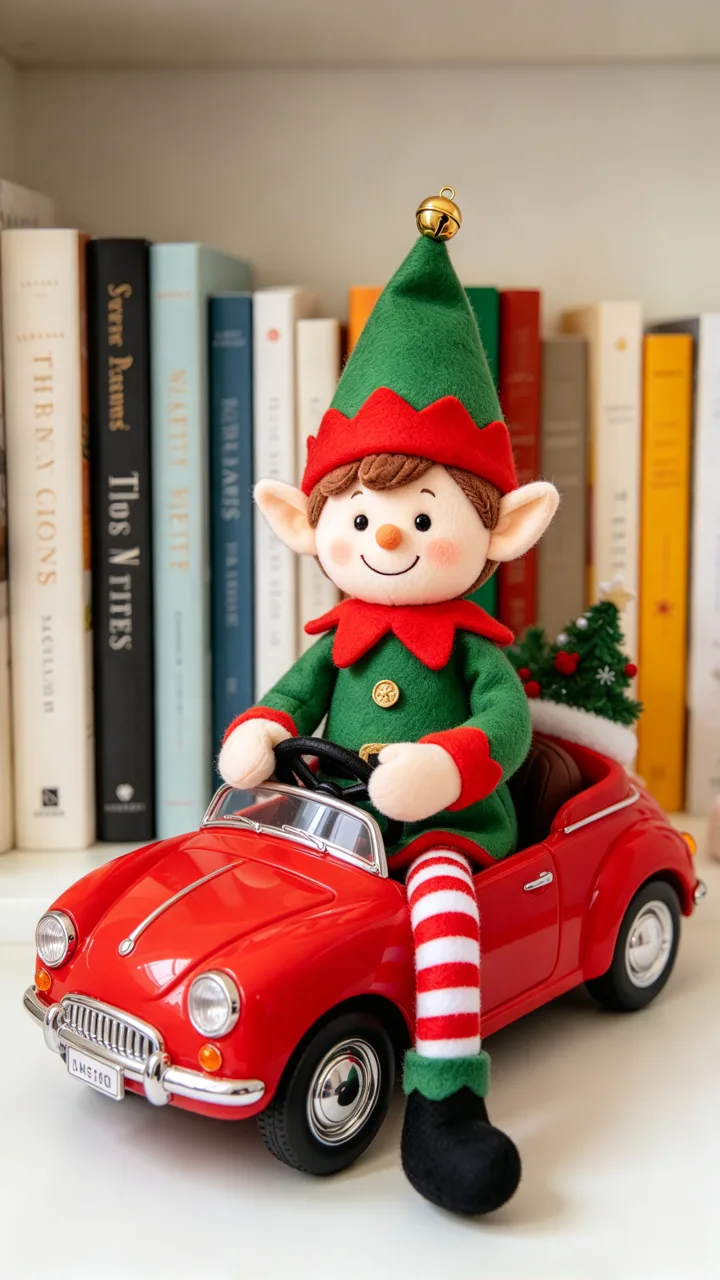
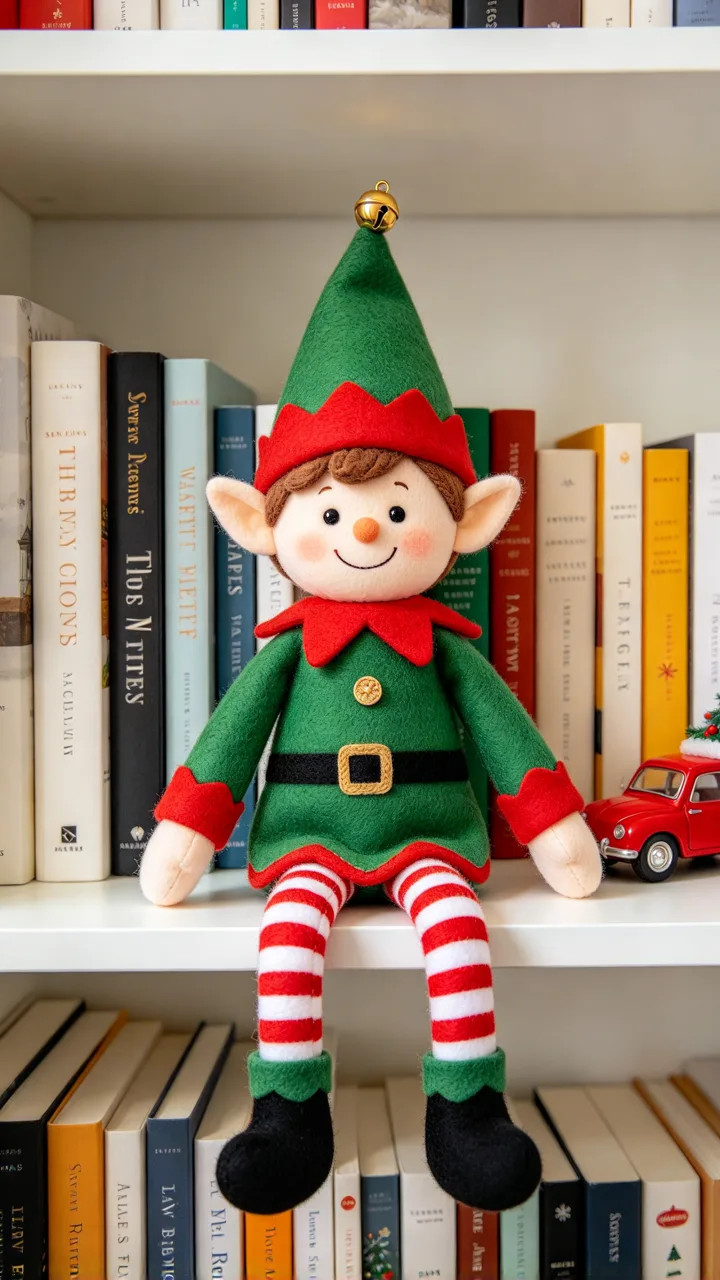
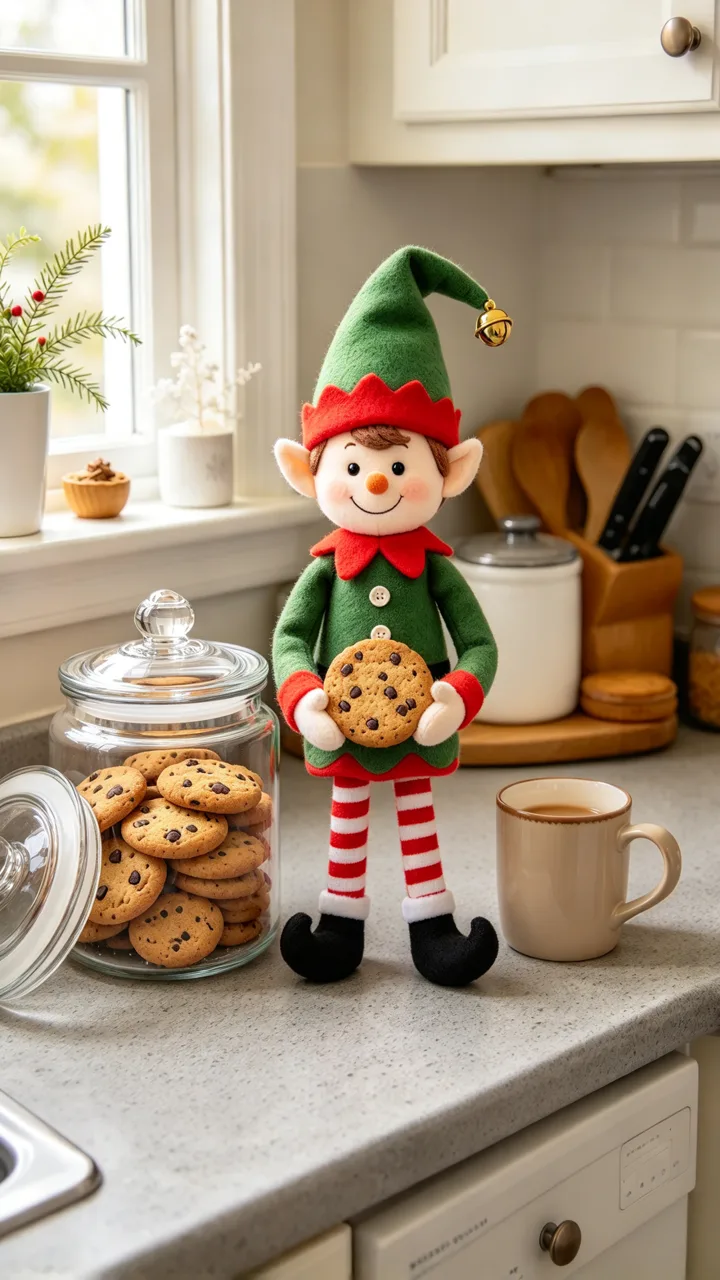
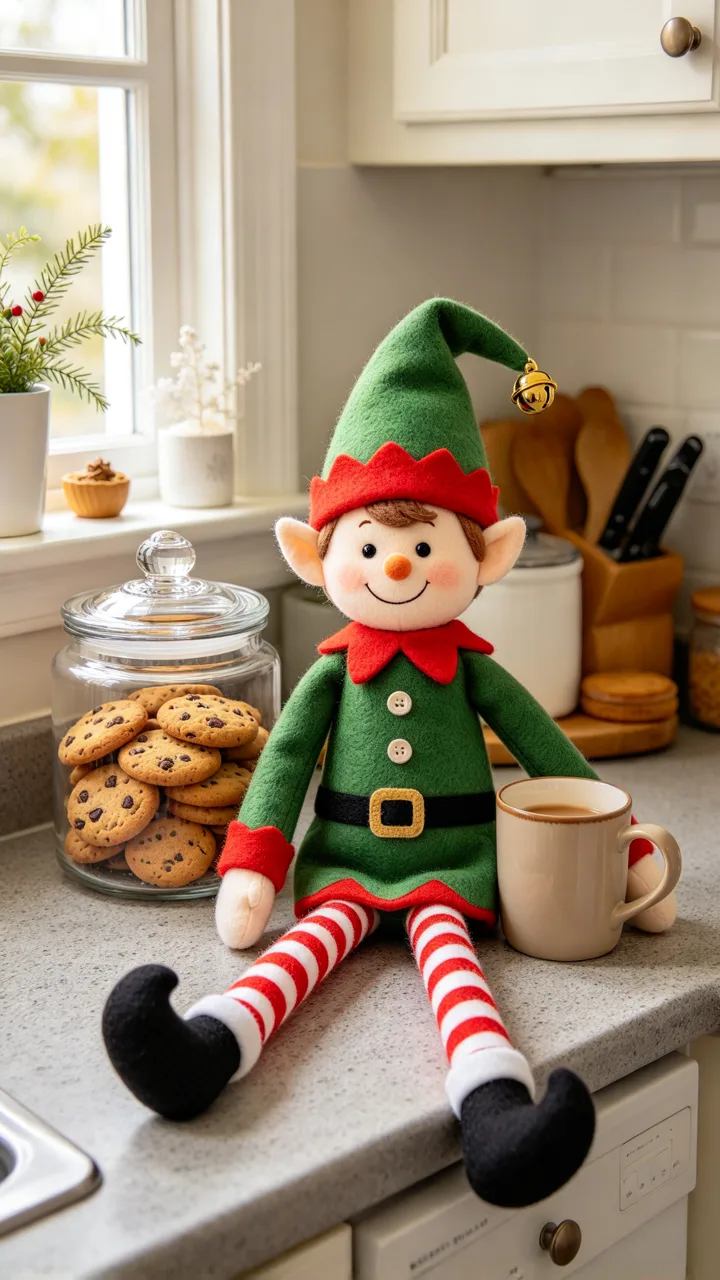
Each card is one mischief still made from the small before photo in its corner (generic green felt elf dolls, fictional homes). Tap Use this to put that scene in the box, or Copy prompt to take it with you.
 before
Driving a toy car
Off the shelf and away
Put my elf doll sitting in the small toy car, both little hands on the steering wheel, ready to drive.
 before
Sneaking a cookie
Caught at the cookie jar
Put my elf doll standing on the counter with the cookie jar lid pushed aside, holding a big cookie in both hands.
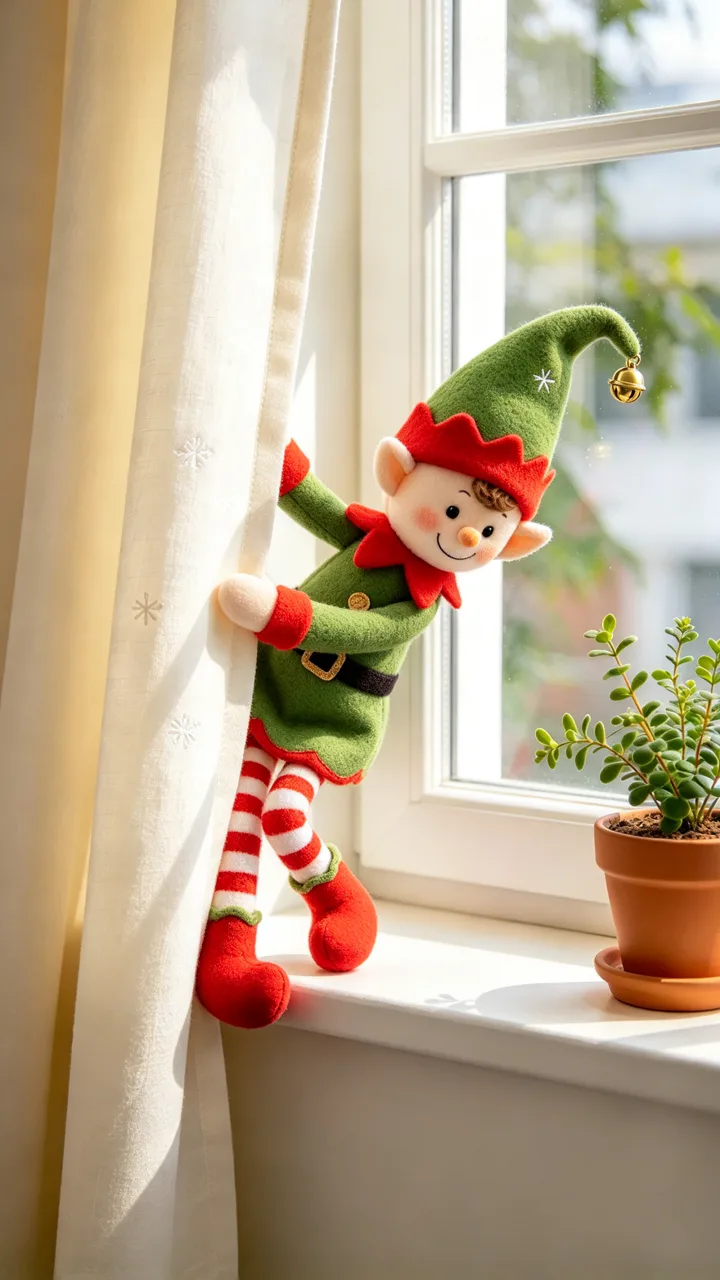
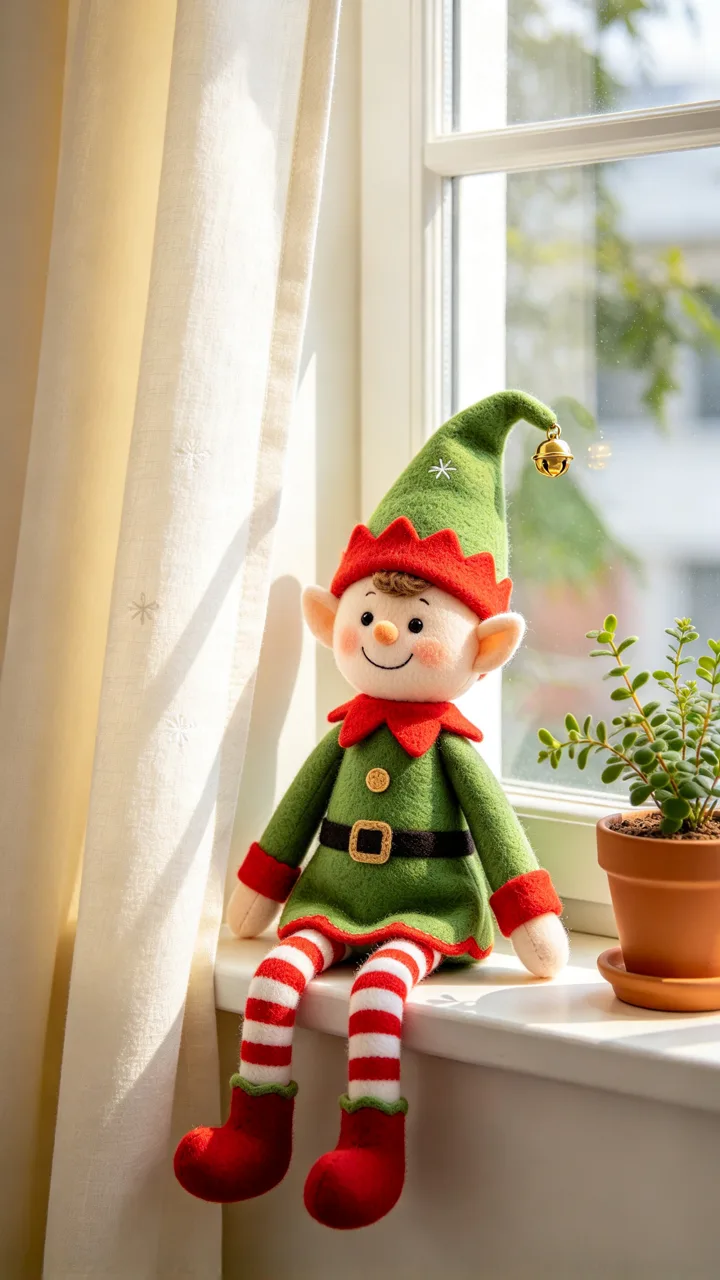 before
Climbing the curtains
Halfway up to the rod
Put my elf doll halfway up the curtain, holding on with both hands and feet, looking down at the windowsill.
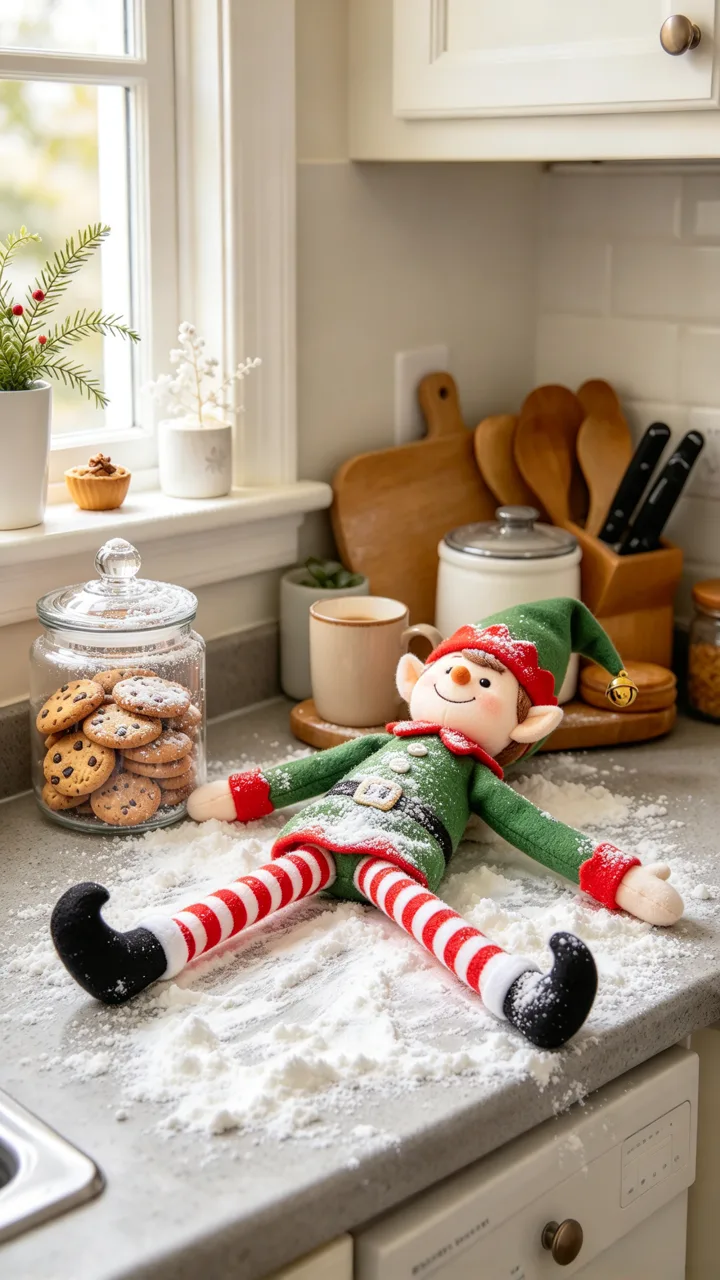 before
Flour snow angel
A mess on the counter
Put my elf doll lying on its back in a spill of white flour on the counter, arms and legs spread out like a snow angel.
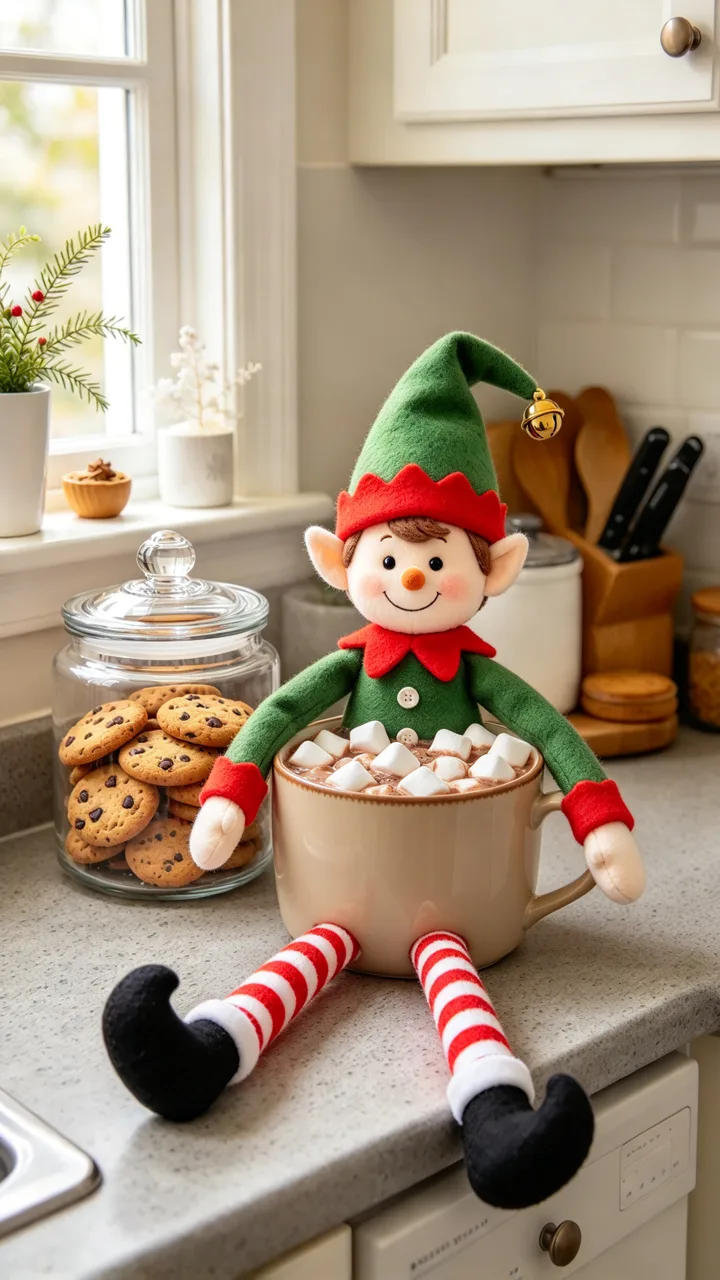 before
Marshmallow bath
Relaxing in a mug of cocoa
Put my elf doll sitting inside the mug full of hot cocoa and marshmallows, arms resting on the rim like in a hot tub.
 before
Oops, caught!
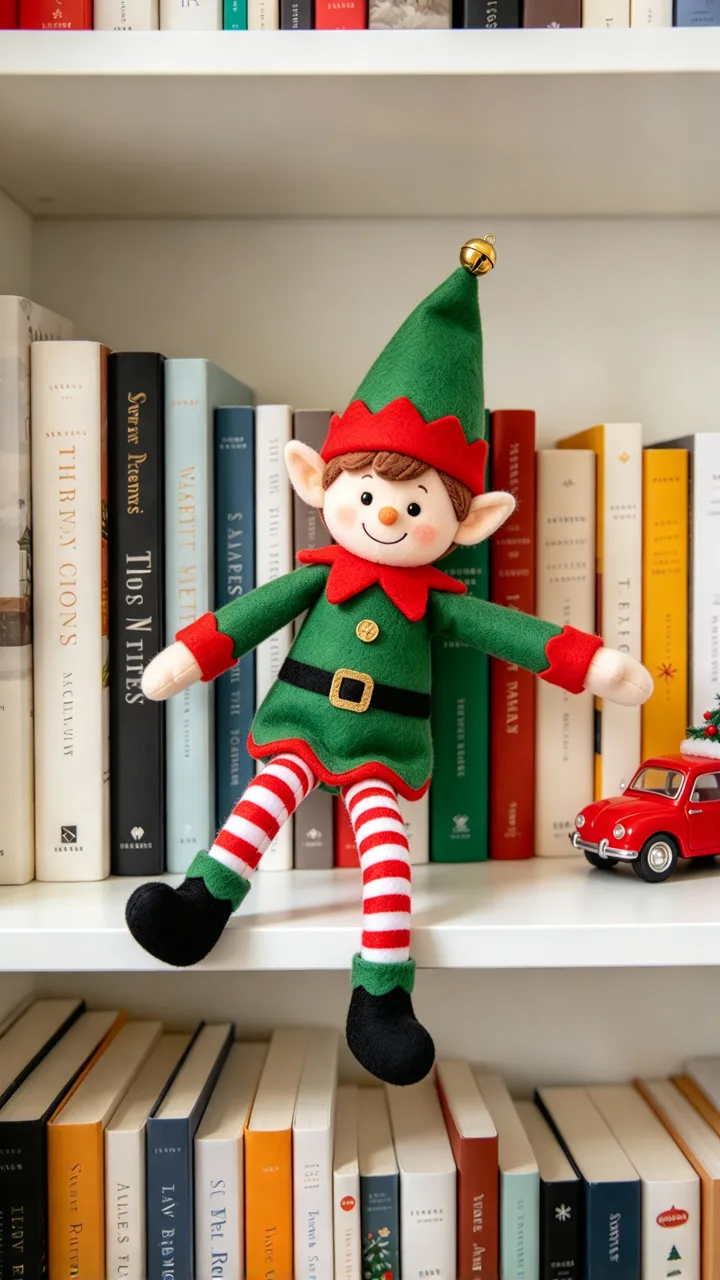
Falls off the shelf and runs
Put my elf doll balancing on the very edge of the shelf, arms flailing, about to tip over.
What is the AI elf video trend?
Each December, parents move a Christmas elf doll around the house overnight and show the kids in the morning. AI versions go further: the doll looks like it drove a toy car, climbed the curtains or sat in a mug of cocoa. A widely shared example is @barelymum’s Christmas elf doll clip (about 957K views) — we link it as text only; there is no embedded video on this page.
This AI elf video page makes that mischief from a photo of your own doll: six scenes are ready to tap (toy-car drive, cookie thief, curtain climb, flour snow angel, marshmallow bath, oops caught) and you can describe your own. Photo tab for the still; Video tab for a 6-second shot.
Christmas elf doll videos in numbers
- views on a Christmas elf doll “coming alive” post (Dec 2025)
- 957K
- views on a Christmas elf doll “coming alive” post (Dec 2025)
- Google interest in the week of Dec 14–20, 2025 vs its yearly average (US)
- ~2.7×
- Google interest in the week of Dec 14–20, 2025 vs its yearly average (US)
- ready mischief scenes on this page
- 6
- ready mischief scenes on this page
- photo, or photo + 6-second clip
- 9:16
- photo, or photo + 6-second clip
Parents searched for ways to make a Christmas elf doll “come alive” last December. Google interest peaked in the week of Dec 14–20, 2025 at about 2.7× its yearly average (US). One public TikTok of that overnight mischief trick — @barelymum’s post from last season — sits at about 957K views; we cite it as a text link only, with no embedded card.
On this page the examples use generic green felt elf dolls in fictional homes. Six mischief scenes are ready to tap, as a 9:16 still or a 6-second clip.
TikTok numbers from public posts, as of November 6, 2026.
How the overnight elf mischief works
The classic version is physical: move the doll overnight, leave a mess of flour or a cookie crumb trail, then act surprised in the morning. AI clips keep the same joke but animate the doll — it drives, climbs, bites a cookie or falls off the shelf — so the kids see “proof” it moved.
One Create here is one shot. Upload a photo of your elf doll where it sits, tap a mischief scene, and get the still or a 6-second clip.
What people say about elf-doll videos
Top comments under @barelymum’s Christmas elf doll clip push back on AI and mention stop motion:
“im so glad my childhood memories weren't made from ai this is just sad.”
Under @barelymum · 1.6K likes
“btw stop motion exists..”
Under @barelymum · 370 likes
“Wow thank you so much 😊”
Under @barelymum · 8 likes
On ReelMuse your own Christmas elf doll gets the lead: upload one photo, tap a scene above or describe your own, and get the still or a 6-second clip from the Video tab.
How to make an AI elf video
Step 1
Upload a photo of your elf doll
Your Christmas elf doll where it sits at home — shelf, kitchen counter or windowsill — with the doll easy to see. Only use a photo you have the right to use.
Step 2
Pick the overnight mischief
Tap Driving a toy car, Sneaking a cookie, Climbing the curtains, Flour snow angel, Marshmallow bath or Oops, caught!, or describe your own in the box.
Step 3
Create photo or video
Press Create for a 9:16 still of the doll mid-mischief (15 credits), or stay on Video for the photo plus a 6-second clip of it moving (210 credits).
ReelMuse vs prompting a video app yourself
Both can make a Christmas elf doll look like it came alive. ReelMuse is not affiliated with the chat or video apps creators use for the same trick.
ReelMuse
Other video apps
What you upload
One photo of your Christmas elf doll at home.
A photo, plus a prompt you write for every shot.
The scene
Six mischief scenes to tap, or describe your own.
Whatever you manage to describe.
Your doll’s look
Every scene asks to keep the face, clothes, colors, hat and size.
Depends on the app and your prompt.
Output
9:16 photo, or photo + 6-second clip.
Depends on the app.
Time
Photo usually under a minute; video usually 2–3 minutes.
Write the prompt, then wait on that app.
Price
15 credits photo / 210 credits video, shown before you create.
Depends on the app and subscription.
More Christmas AI on ReelMuse
Want Santa caught on a home camera instead of an elf doll? Use AI Santa video. For a holiday photoshoot of you, a couple or the family, try AI Christmas photo.
Who makes this
ReelMuse makes the AI elf video from the elf-doll photo you upload. The photo is used for that picture and, on the Video tab, for the 6-second clip made from it. Read the privacy policy and the terms. Upload only a photo you have the right to use.
FAQ
What is an AI elf video?
A short clip that makes a Christmas elf doll look like it came alive overnight: driving a toy car, sneaking a cookie, climbing the curtains or making a flour snow angel — the December trick parents show their kids in the morning.
How do I make my Christmas elf doll move?
Upload one photo of your elf doll on this page, pick a mischief scene (or describe your own) and press Create. You get the doll mid-scene as a still, or a 6-second clip on the Video tab.
Will it still look like my elf doll?
That is the goal. Every scene asks to keep the same face, clothes, colors, hat and size, and to keep your room and camera angle. A clear photo of the doll in place works best.
Is it a photo or a video?
Both. The Photo tab makes one 9:16 still of the doll set up for the mischief, usually under a minute. The Video tab makes that still first, then a 6-second clip where the doll moves, usually 2–3 minutes.
Can I show this to my kids as overnight mischief?
Yes — that is what the trend is for. Parents post clips of a Christmas elf doll “coming alive” as the overnight trick; on ReelMuse you make the clip from a photo of your own doll at home.
Is this the same as AI Santa video?
Related Christmas idea, different subject. AI Santa video puts Santa into a photo of your room. This page makes your Christmas elf doll look like it moved on its own overnight.
How much does AI elf video cost?
15 credits per photo, or 210 credits for the photo plus the 6-second video. The price is on the button before you create, and if a step fails its credits go back to your account automatically.