Free Braces Filter Online – AI Braces Simulator Try-On Tool
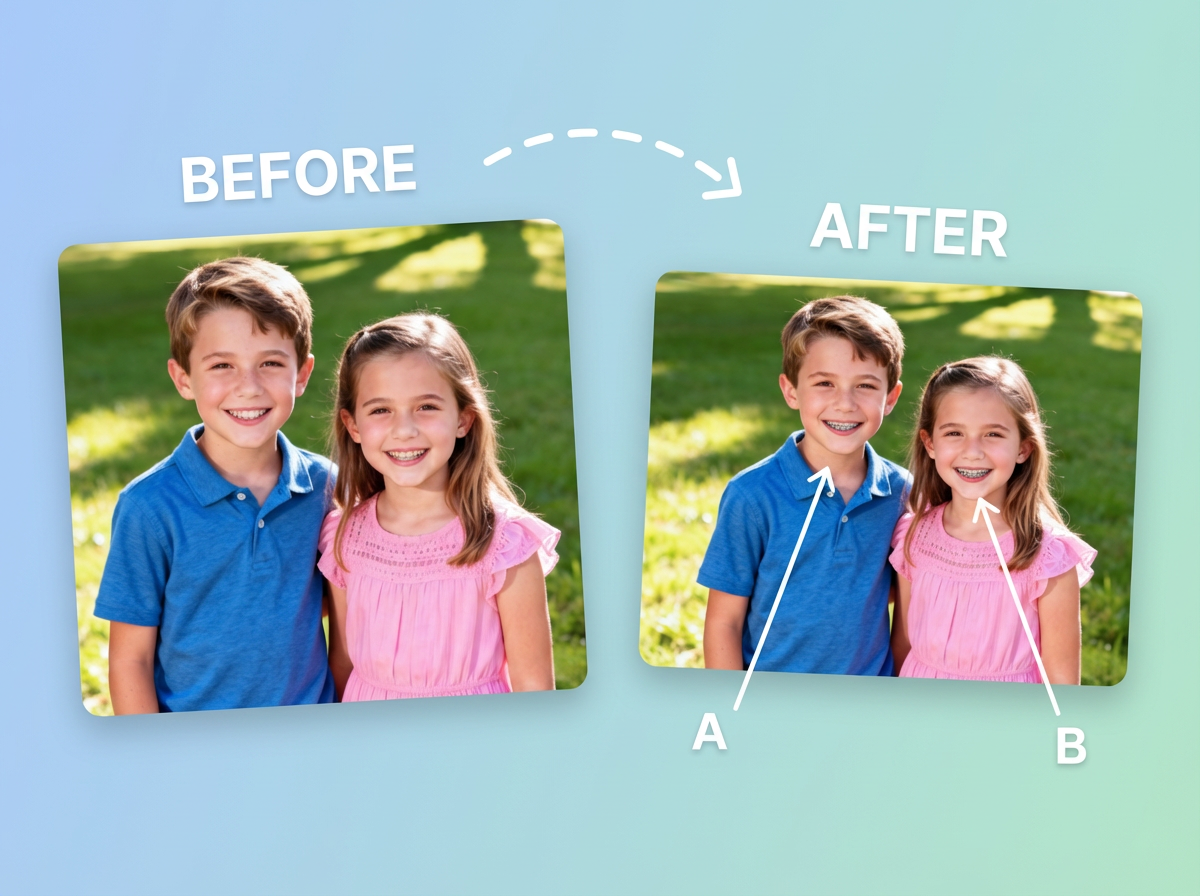
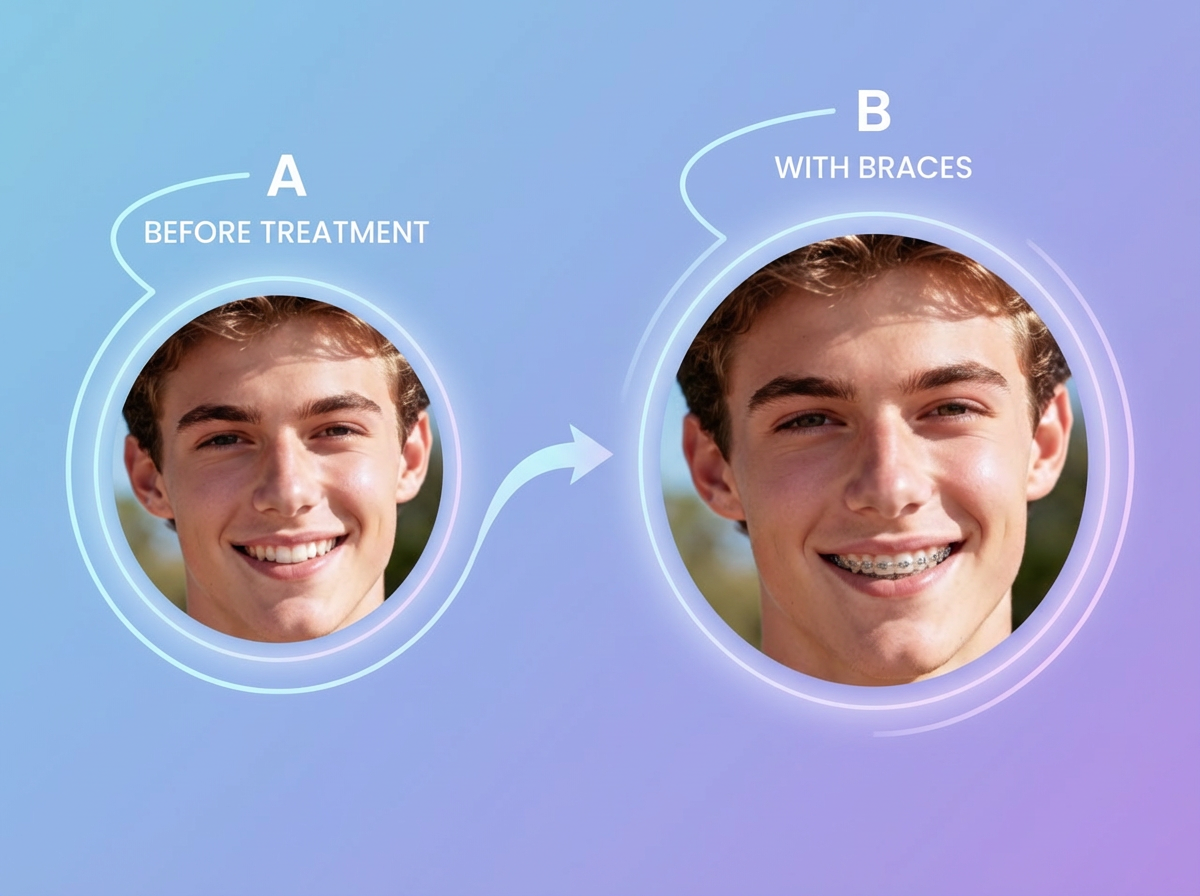
Curious about how you'd look with braces? Upload a photo and see realistic results instantly! Our advanced AI technology detects your facial features and teeth precisely, adding natural-looking braces in seconds. Whether you're planning orthodontic treatment or just having fun, get a perfect preview without any commitment.
How to Use Braces Filter in Reelmuse
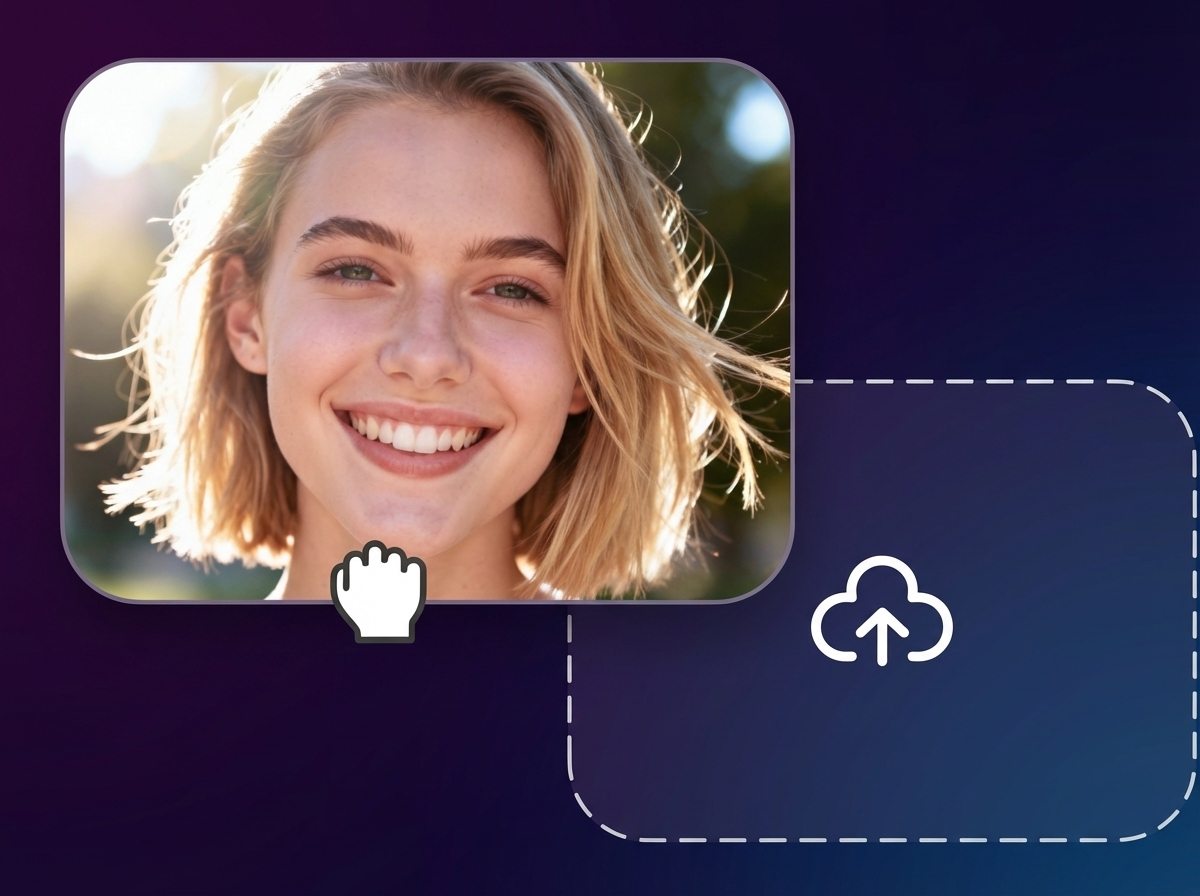
Step 1: Upload Your Photo
Upload a clear selfie you want to try braces on
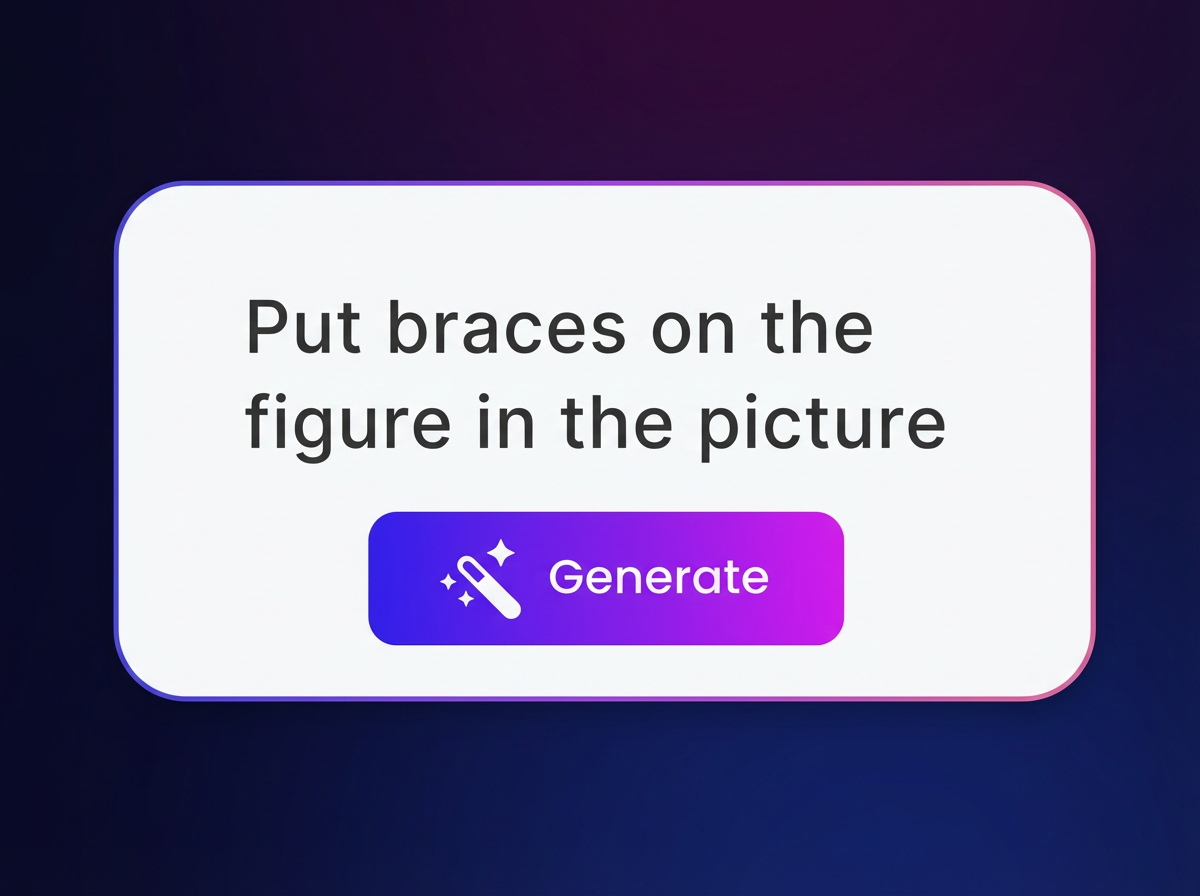
Step 2: Apply Braces Filter
AI automatically adds realistic braces
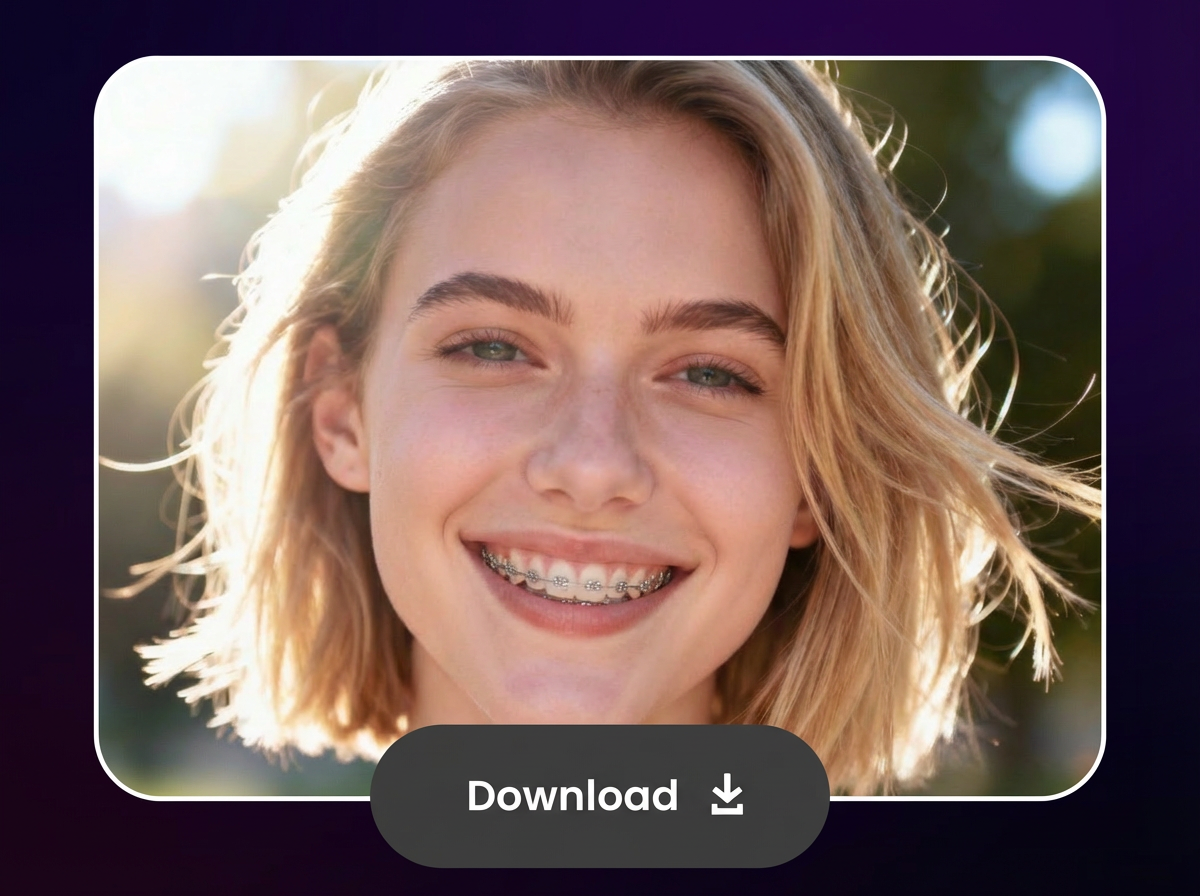
Step 3: Preview and Download
View the result and save it
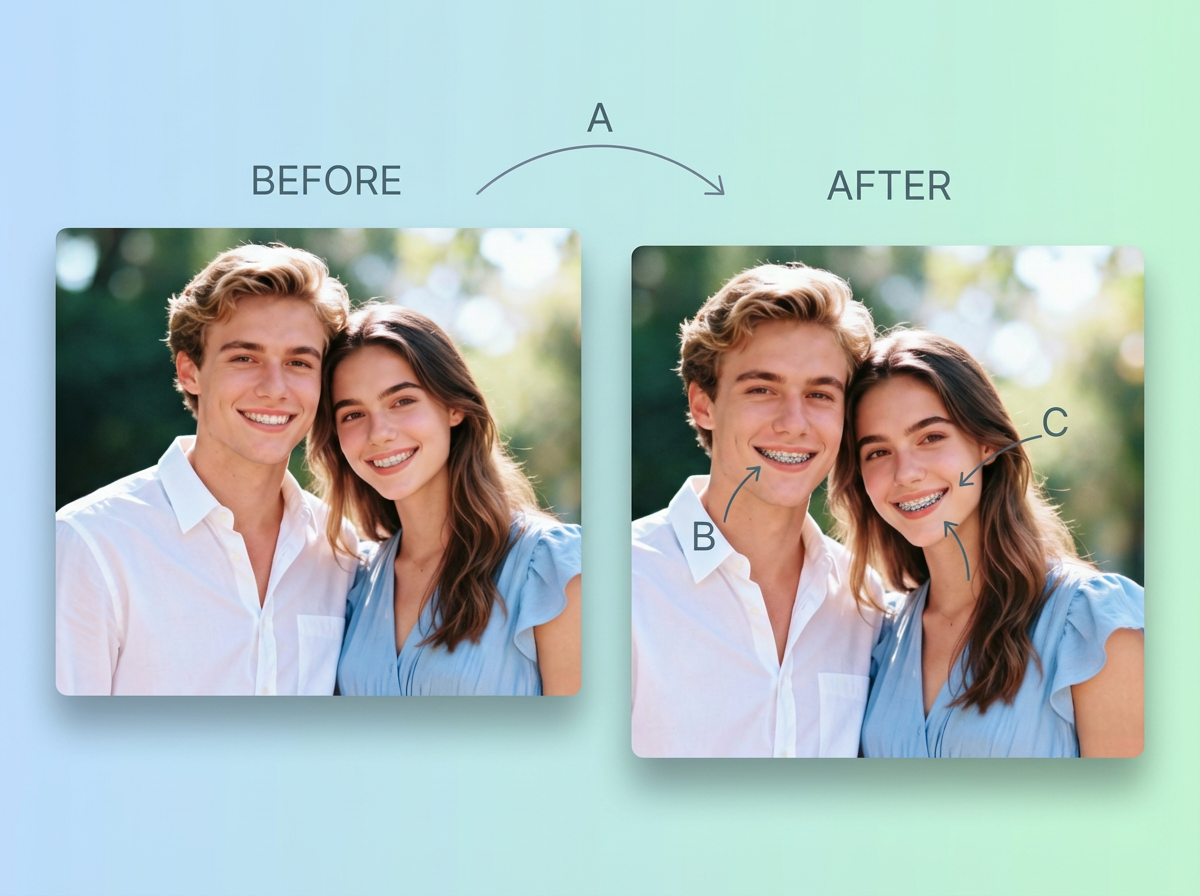
Instant Realistic Braces Preview
Upload your selfie and get an instant, highly realistic preview of how braces would look on you. Our cutting-edge AI accurately detects your teeth alignment, facial structure, skin tone, and lighting to seamlessly add metal, ceramic, or invisible braces. The results maintain your natural smile, expressions, and proportions, making it ideal for visualizing orthodontic outcomes before consulting a dentist. Whether you're an adult considering treatment or a teen excited about options, this tool helps you make informed decisions while having fun exploring different looks. No downloads, no waiting – results in seconds!
Braces Filter for Everyone
Our AI braces simulator is designed for everyone, regardless of age, gender, or ethnicity. From kids and teens excited about their first braces to adults exploring discreet options like clear aligners, this tool provides accurate and inclusive previews. It works beautifully on diverse skin tones, facial shapes, and smile types. Parents can show children what to expect, adults can visualize professional looks, and anyone can experiment for fun. The AI adapts to your unique features, ensuring the braces blend naturally and realistically every time.
Various Braces Styles to Choose From
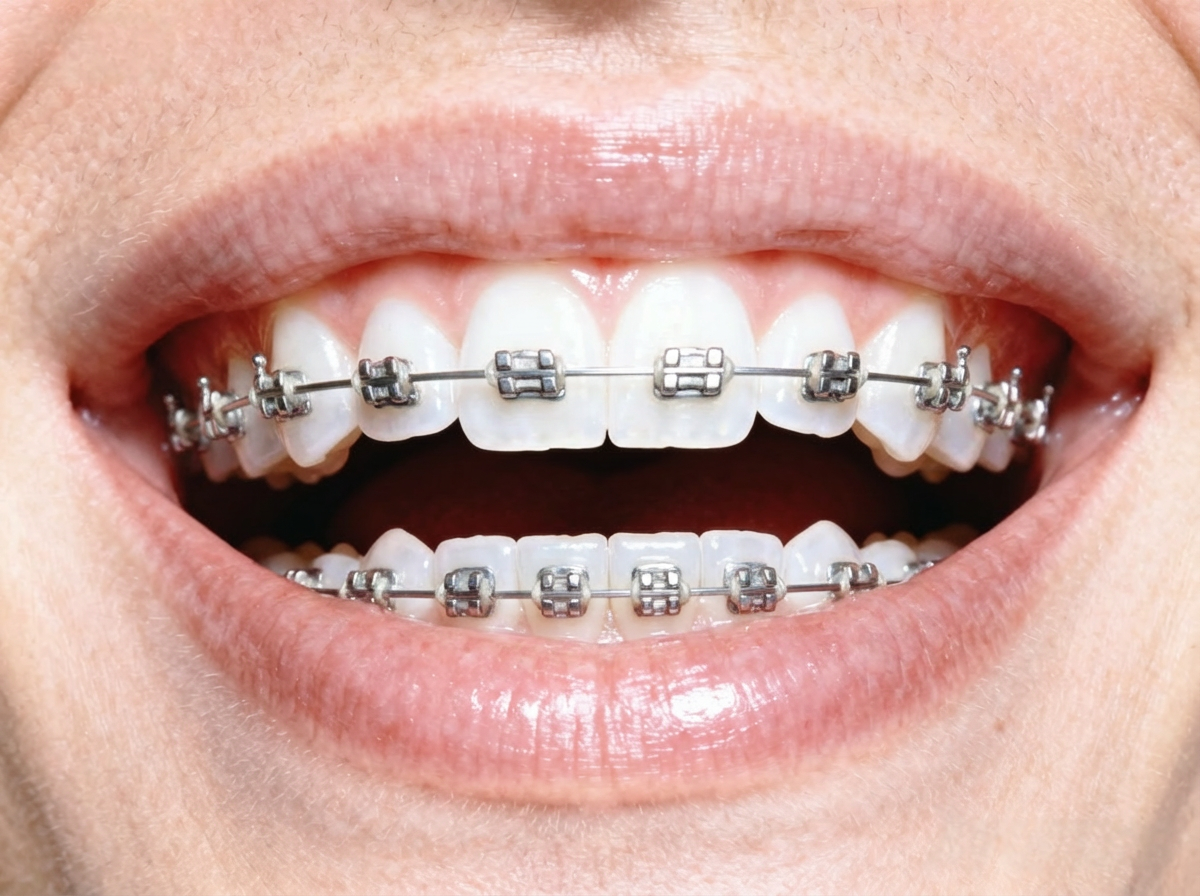
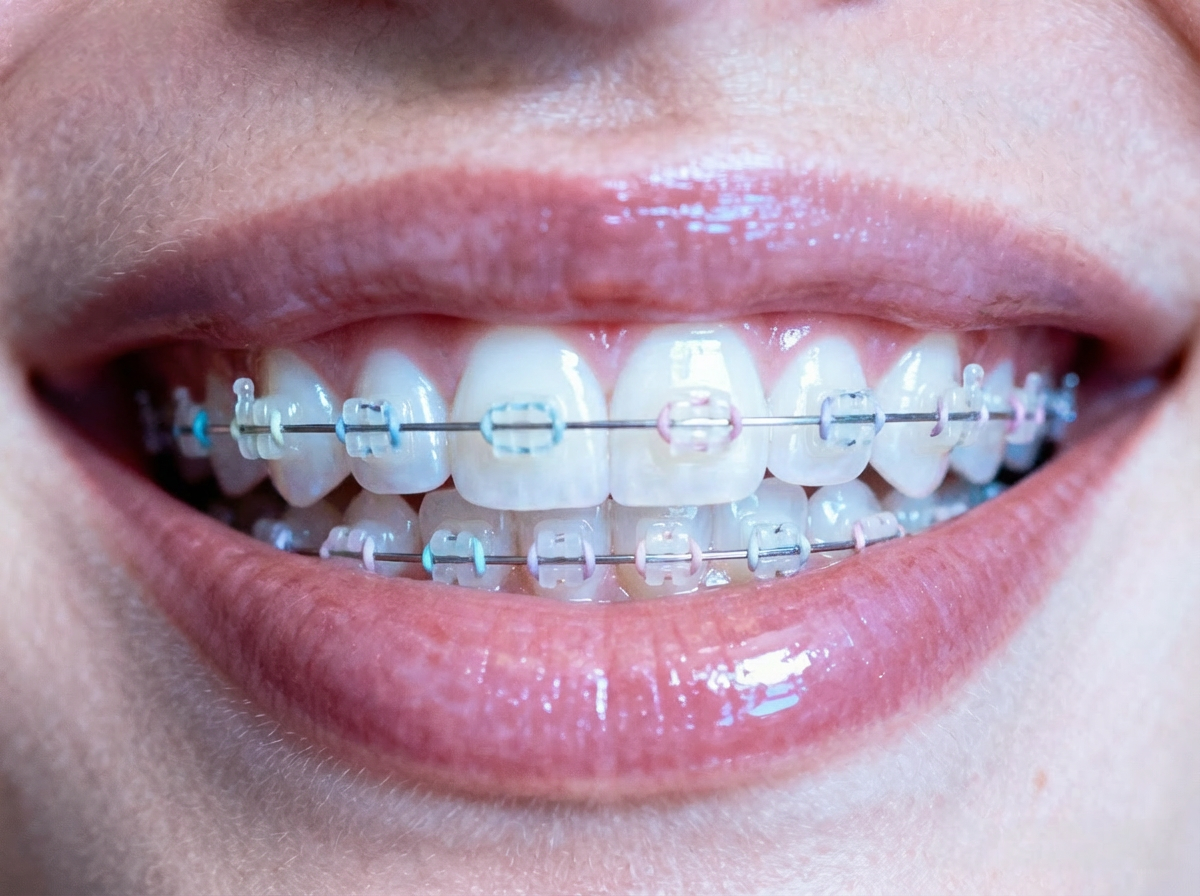
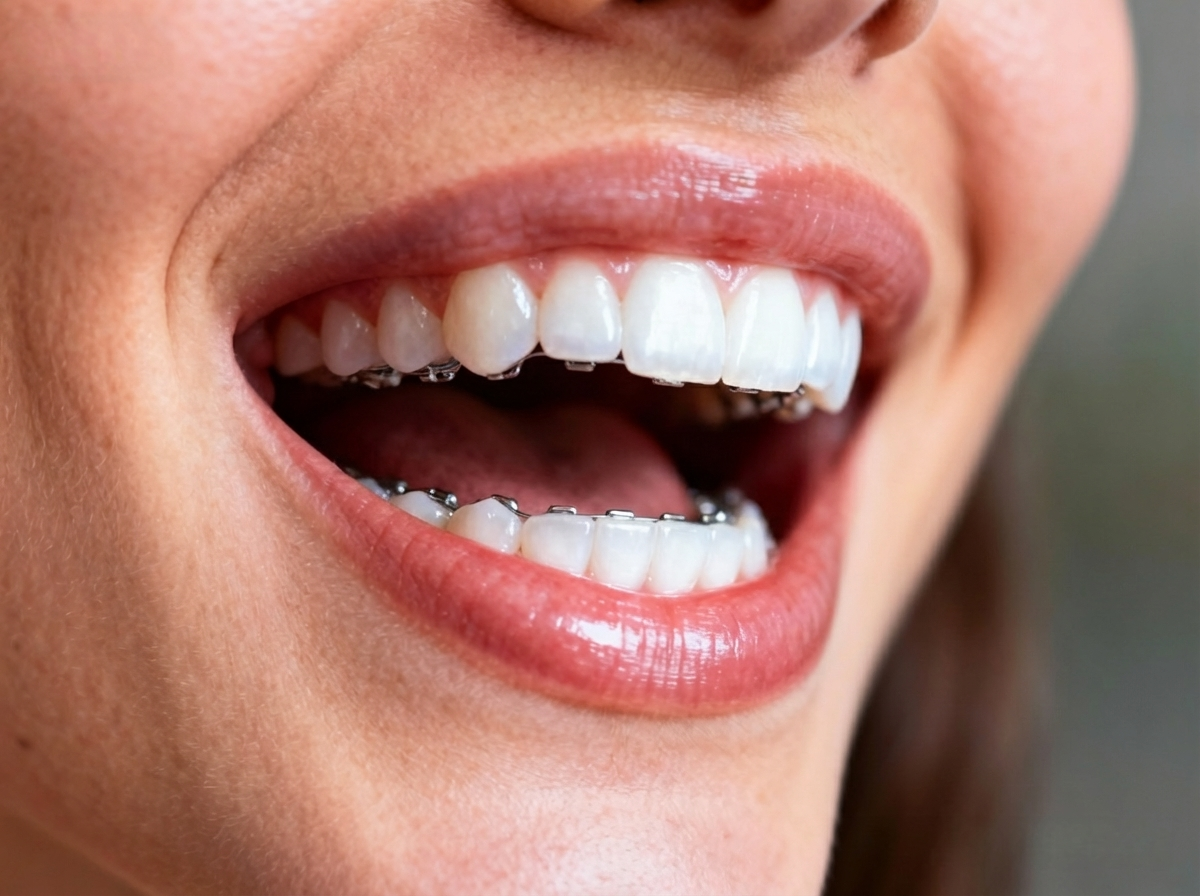
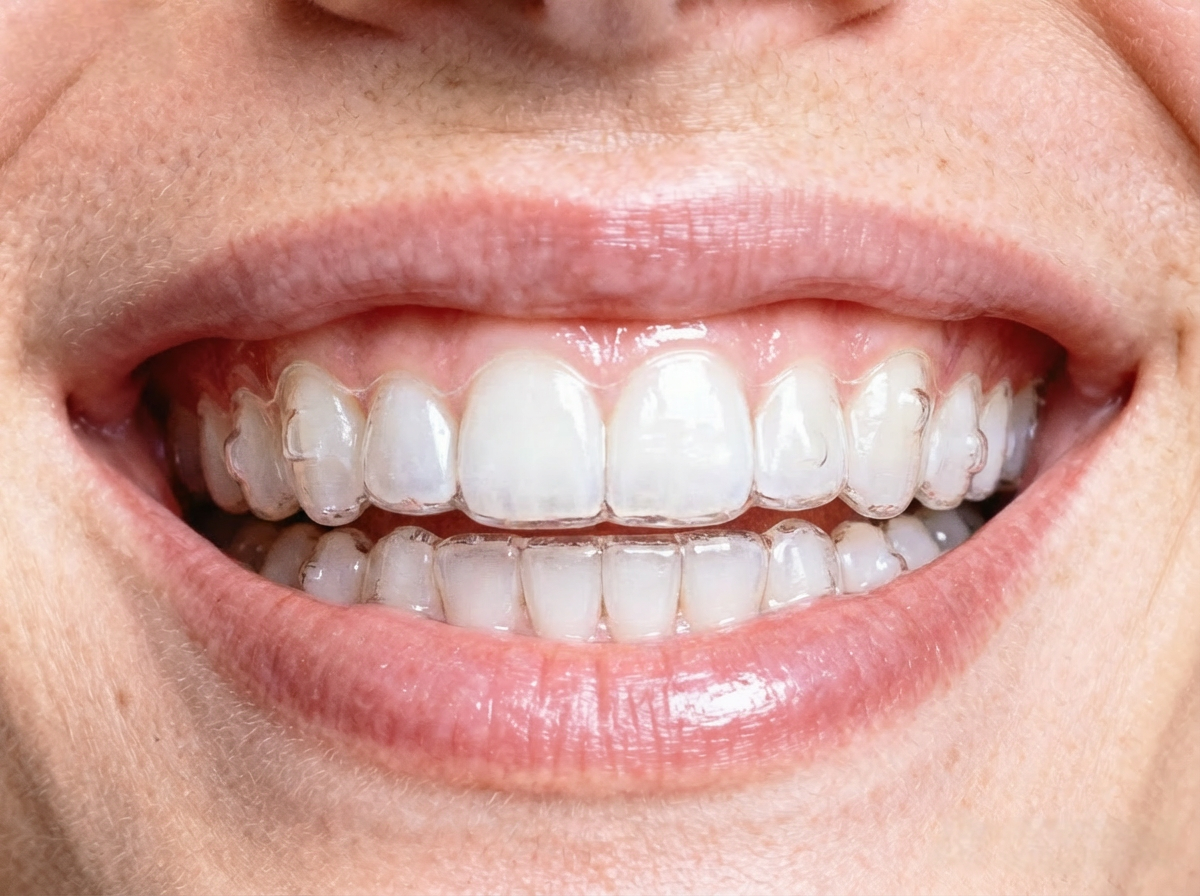
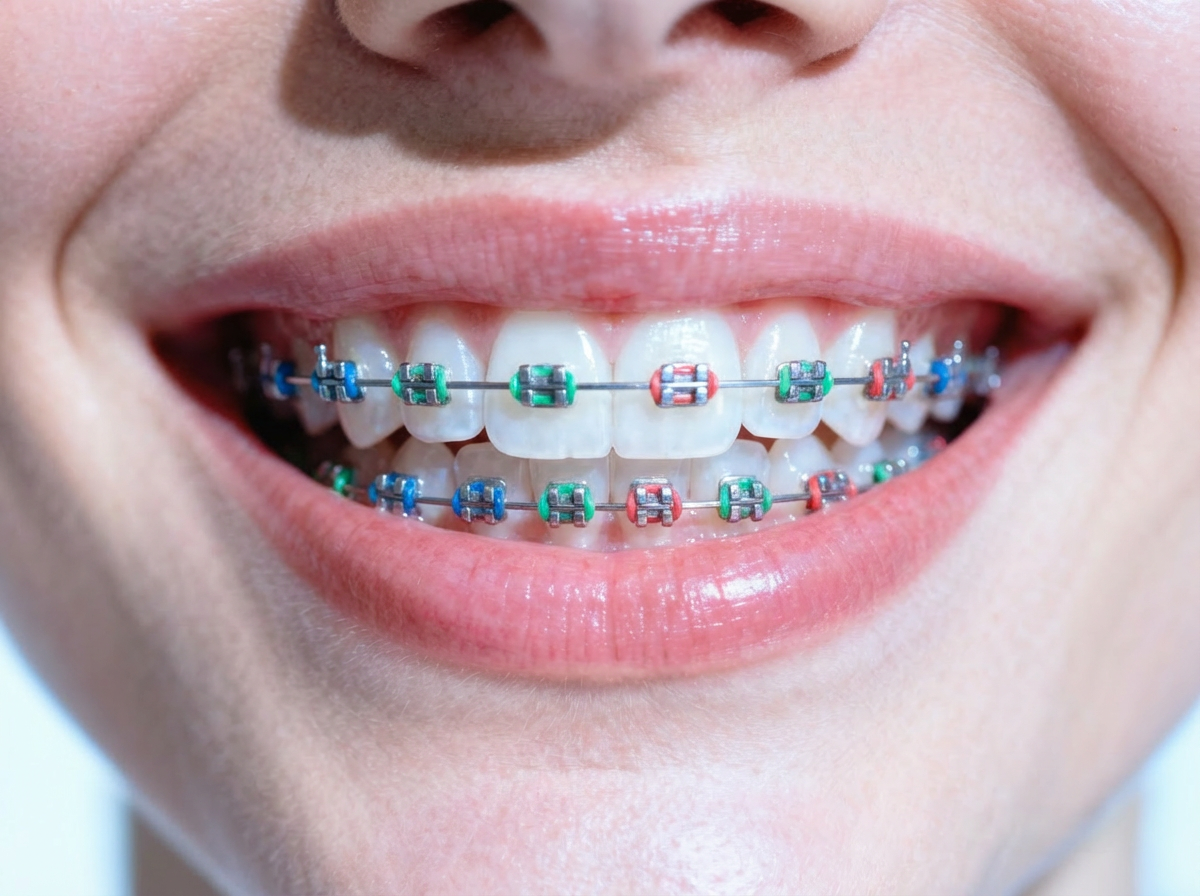
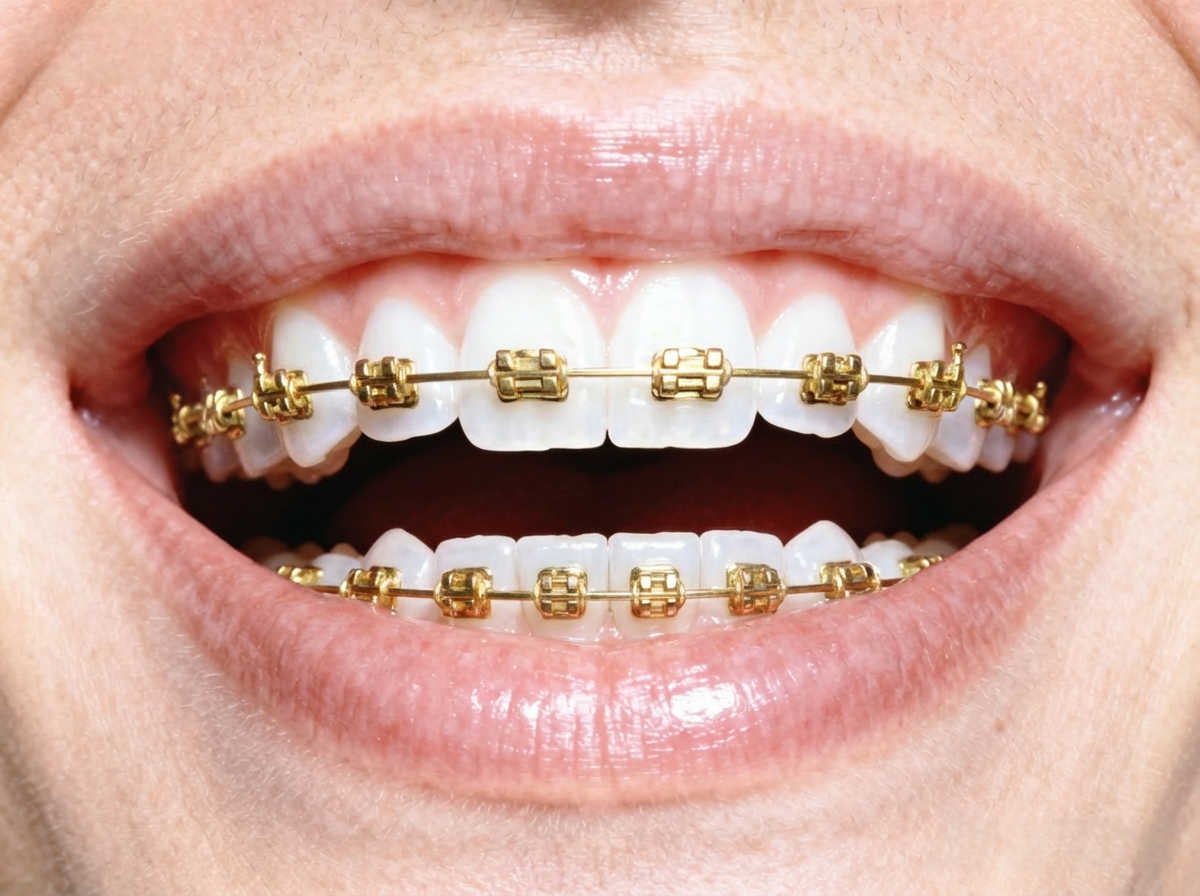
Experiment with a wide range of braces styles using our free AI tool. From traditional metal braces that are durable and effective, to discreet clear ceramic braces that blend with your teeth, and fun colorful ligatures for a personalized touch. You can also preview lingual braces or even simulate invisible aligners. The AI ensures each style looks authentic on your photo, helping you compare options and find the perfect fit for your lifestyle and aesthetic preferences.
Keep Natural Facial Details
Our advanced AI braces filter prioritizes preserving your natural facial details for the most authentic results. Skin texture, lighting, shadows, and expressions remain untouched while braces are added precisely to your teeth. This serious yet fun tool delivers professional-grade previews suitable for orthodontic planning or social media sharing. Unlike basic filters, it avoids distortion, ensuring your smile looks genuine and proportional in every scenario.
Explore More Creative Uses
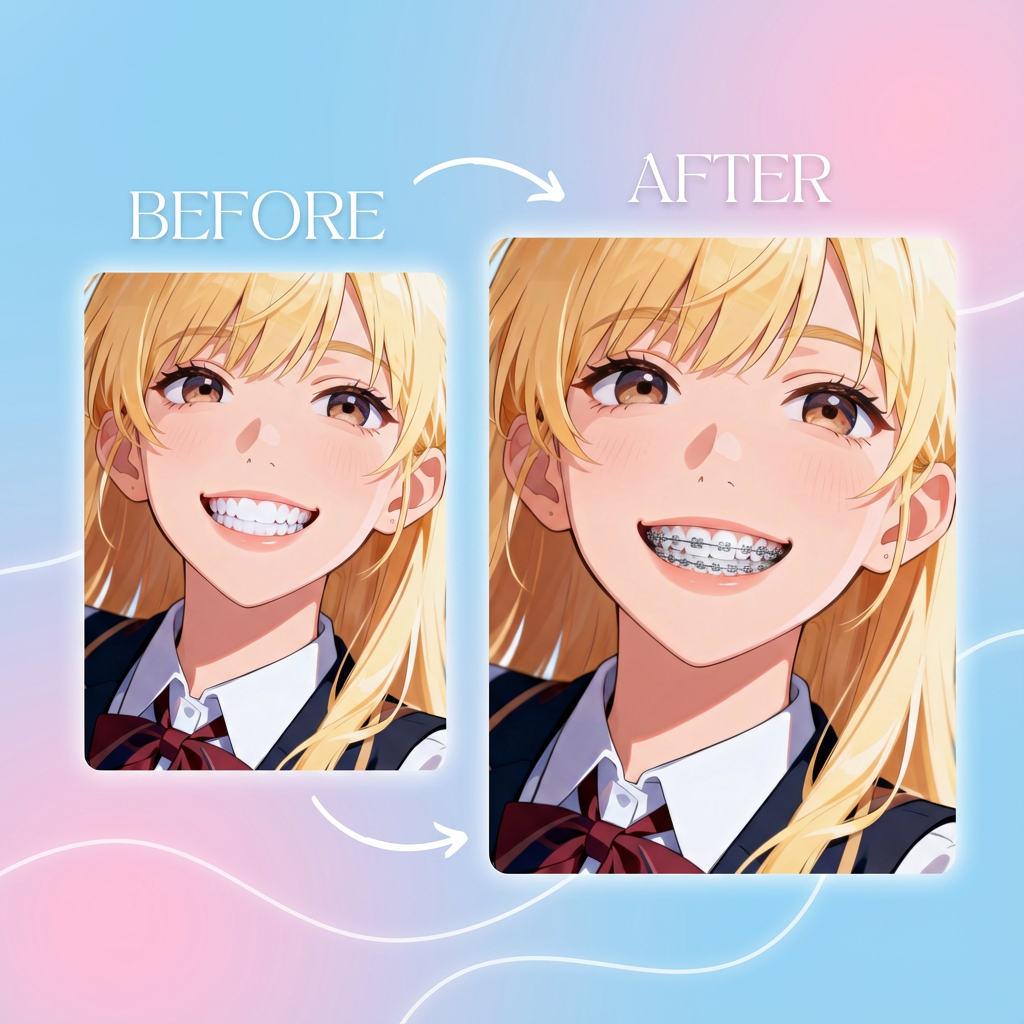
Anime Characters & Memes