Diwali AI Photo Generator
Diwali AI photo: festive portraits from one photo of you.
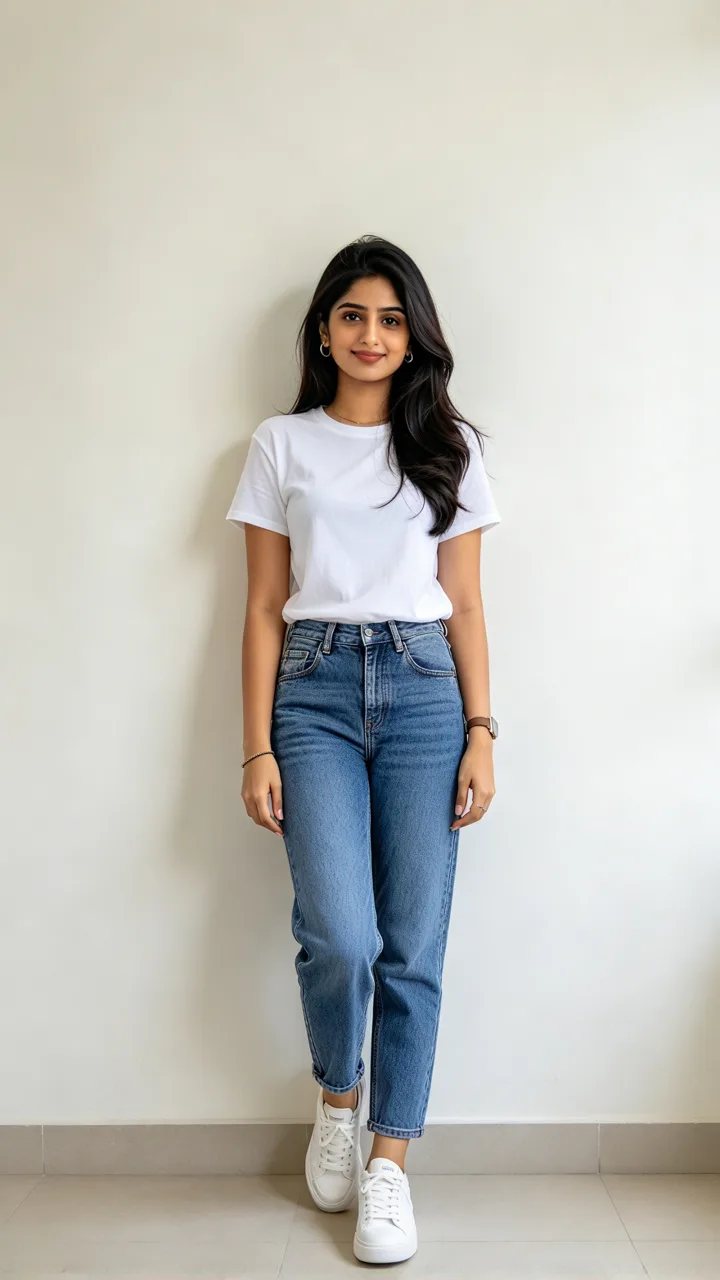
Your photo · AI Diwali portrait
Diwali scenes · tap to use
One 9:16 AI Diwali photo, usually about 20–30 seconds (GPT Image 2.6). Upload only a photo you have the right to use. Failed photos are refunded.
Around Diwali, many people use ChatGPT, Gemini and similar tools to make a festive portrait. ReelMuse turns that into one upload and a scene pick: you stay you, in lehenga, saree, kurta or sherwani among diyas, rangoli and fireworks. Each Create is one Diwali AI image — a 9:16 still in about 20–30 seconds (GPT Image 2.6, 15 credits). Prefer another holiday shoot? Try AI Christmas photo, or browse Dhanteras AI photo prompts.
Diwali AI photo prompts
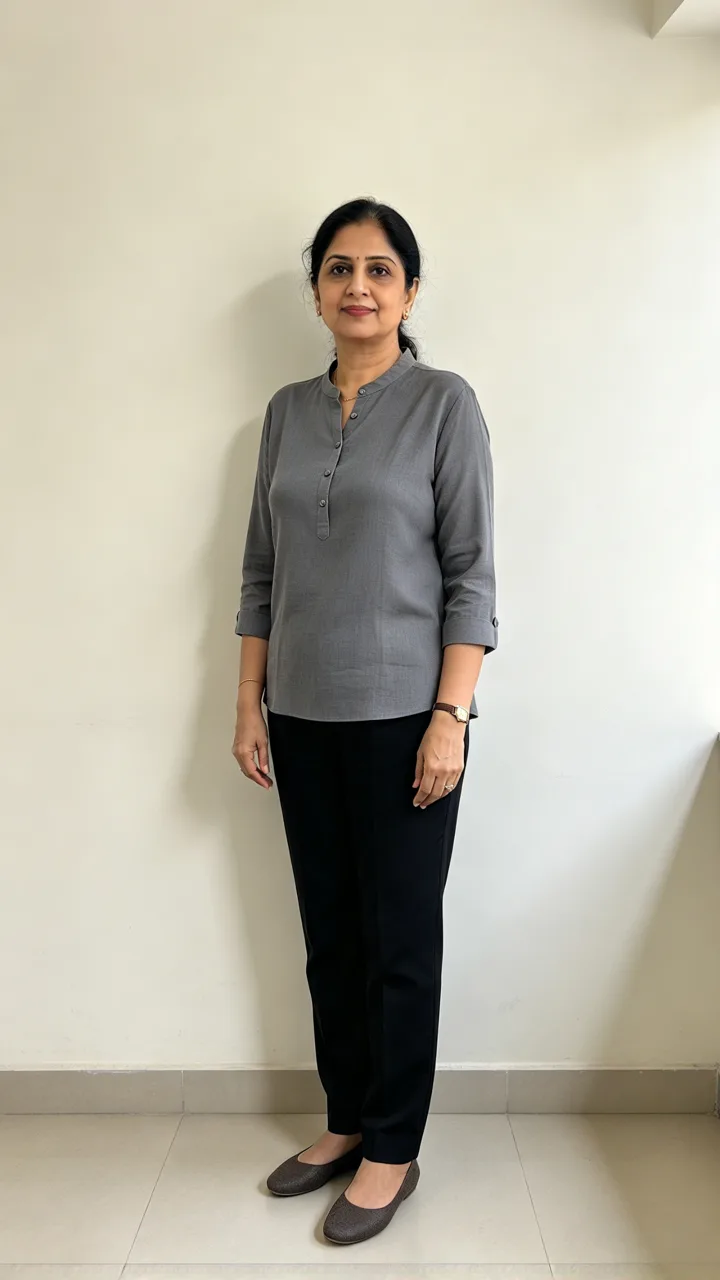
Each card is one festive scene made from the small before photo in its corner (fictional people, not real persons). Tap Use this to put that scene in the box, or Copy prompt to take the full Diwali AI photo prompt with you.
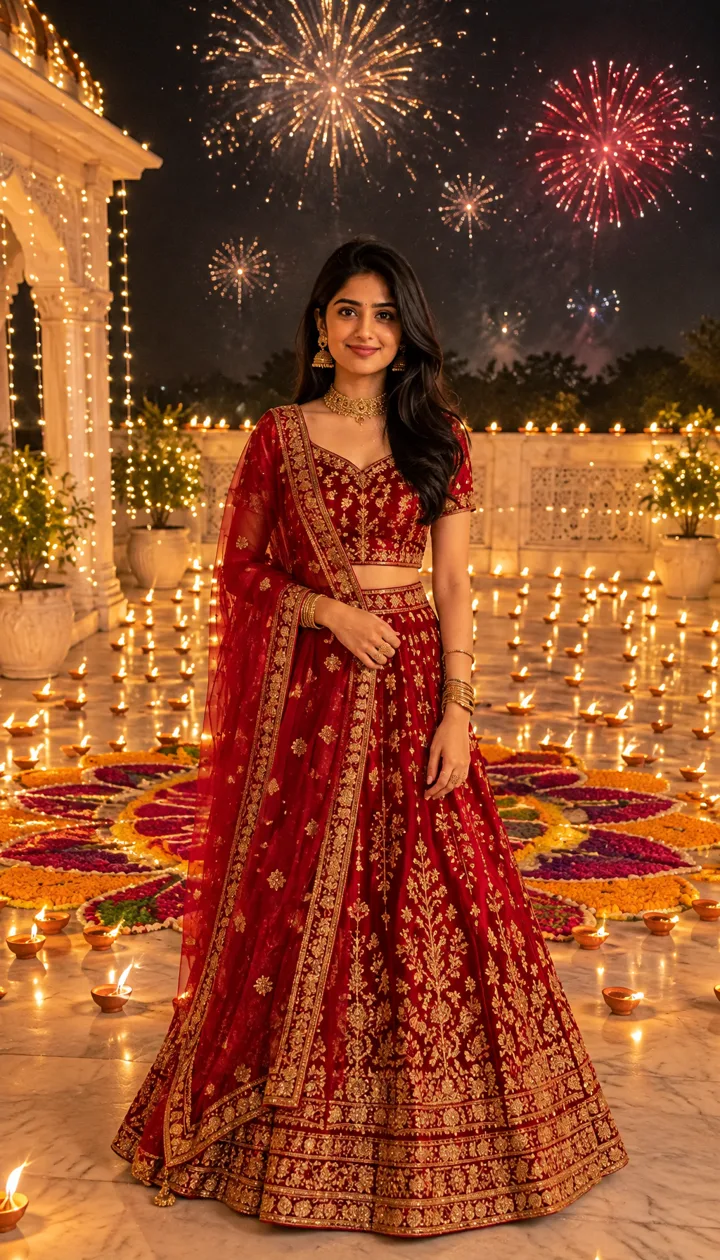
beforeCourtyard of diyas
Red lehenga, gold jewelry
Put me in a rich red silk lehenga with gold embroidery and gold jewelry, standing in a marble courtyard at night, surrounded by hundreds of lit clay diyas and a large colorful rangoli on the floor, fireworks in the dark sky behind me, warm candlelight on my face.
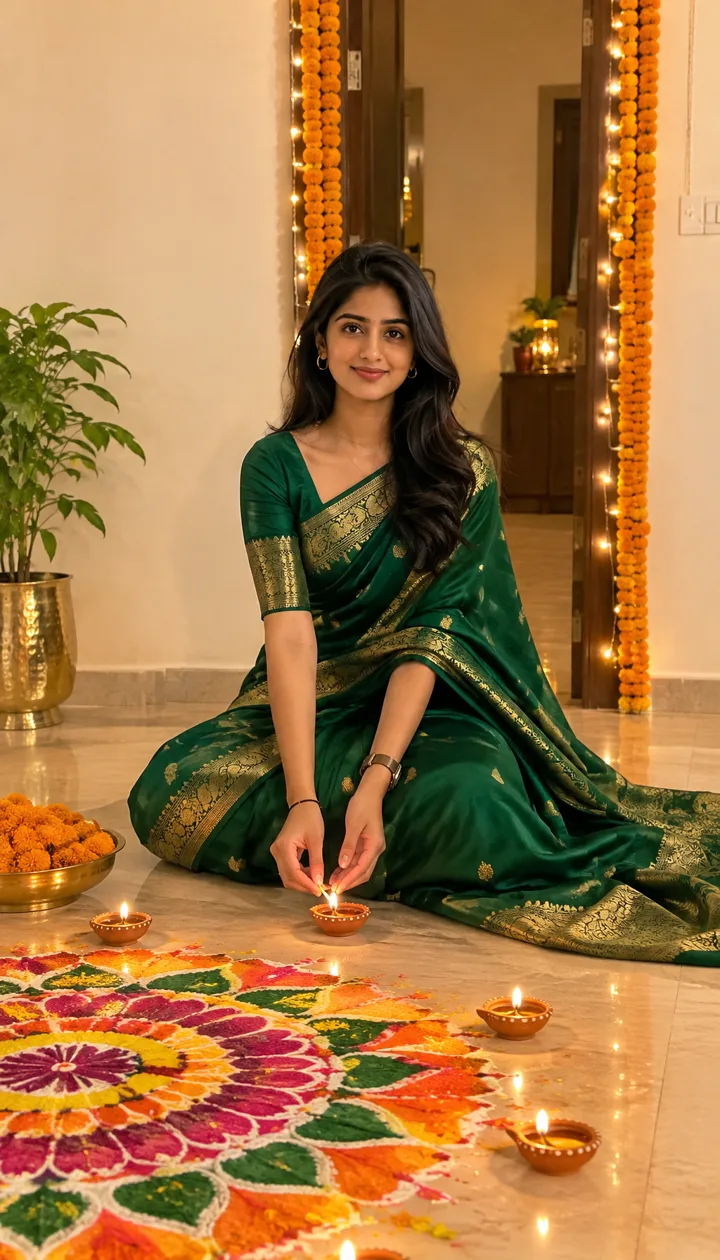
beforeLighting the rangoli
Emerald saree at home
Put me in an emerald green silk saree with a gold border, sitting on the floor of a warmly lit home beside a large colorful rangoli, lighting a small clay diya with both hands, orange marigold garlands on the doorway behind me.
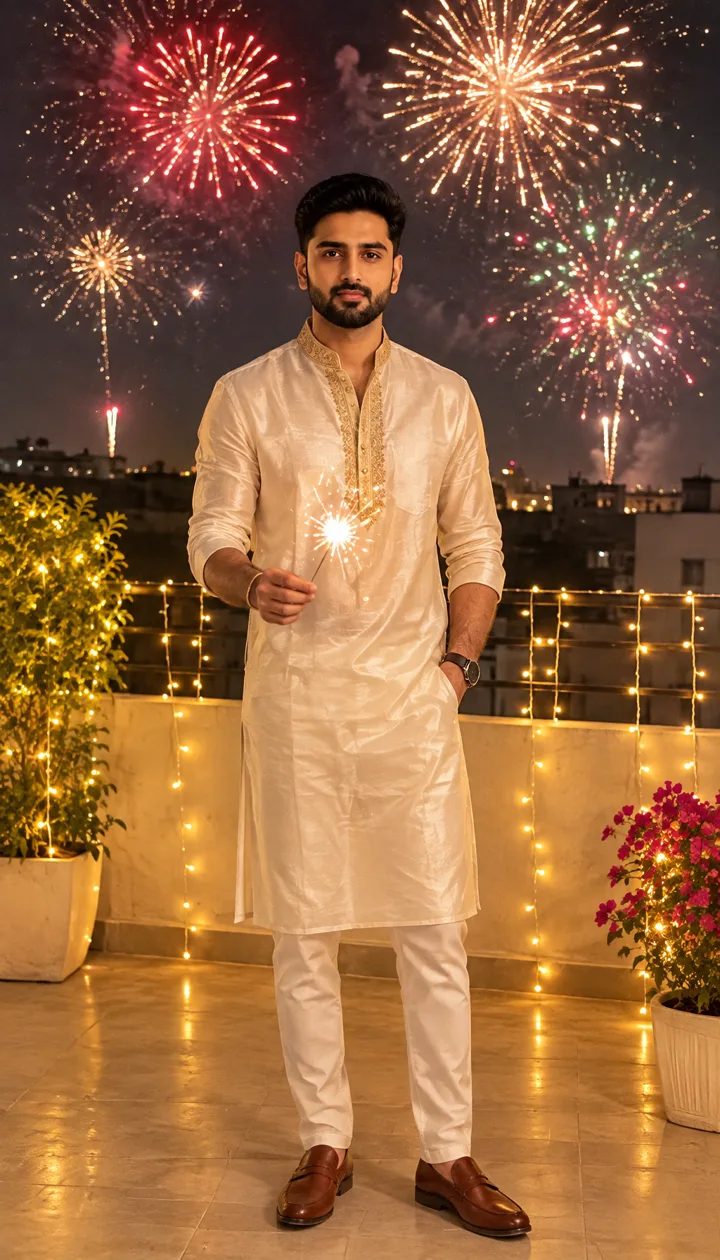
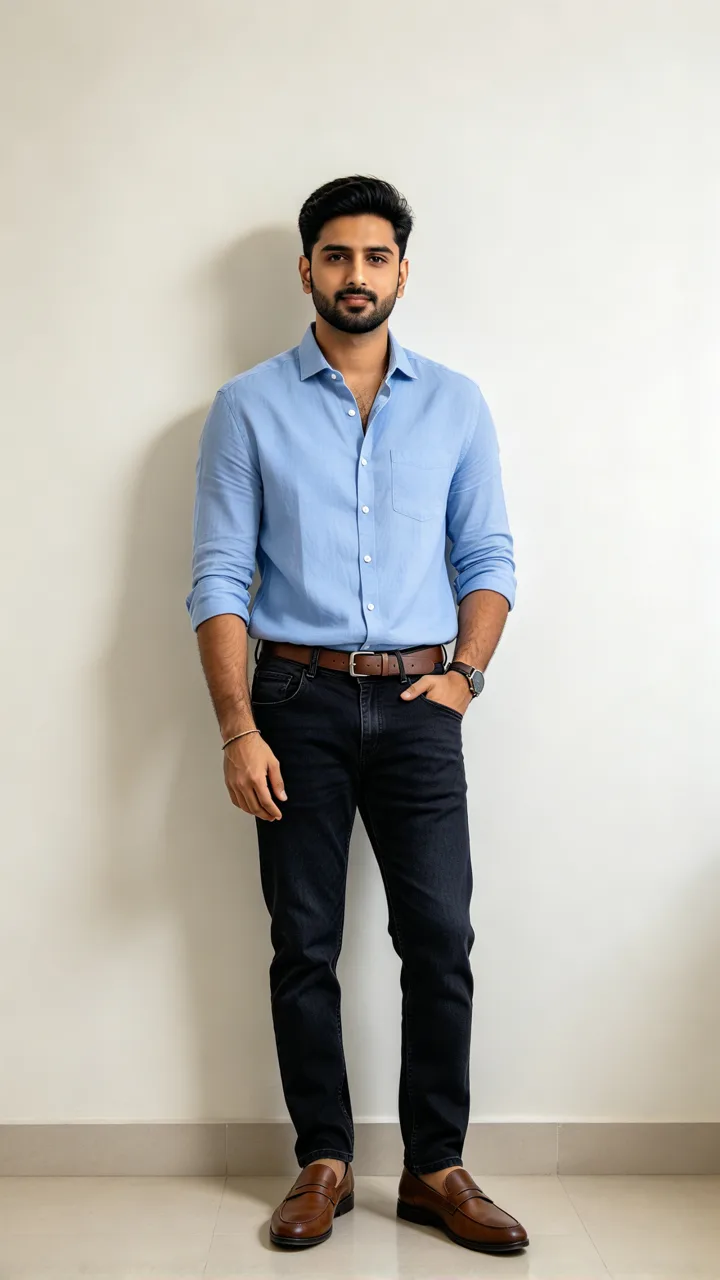 before
Sparklers on the terrace
Ivory kurta, fireworks
Put me in an ivory silk kurta with a gold embroidered collar, standing on a rooftop terrace at night holding a lit sparkler, colorful fireworks filling the sky behind me, strings of warm lights around the railing.
 before
Haveli doorway
Navy sherwani, marigolds
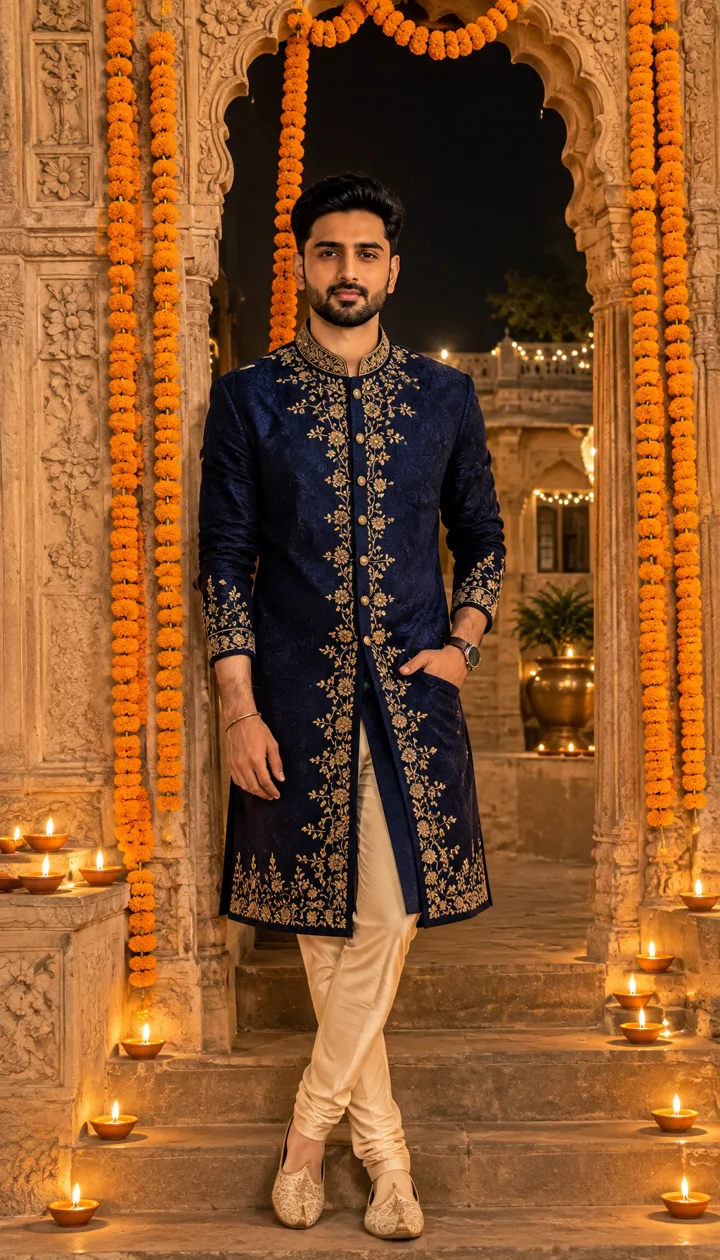
Put me in a navy blue sherwani with gold embroidery, standing in the carved stone doorway of an old haveli hung with orange marigold garlands, rows of glowing diyas on the steps beside me, night outside.
 before
Lantern balcony
Pink anarkali, sky lanterns
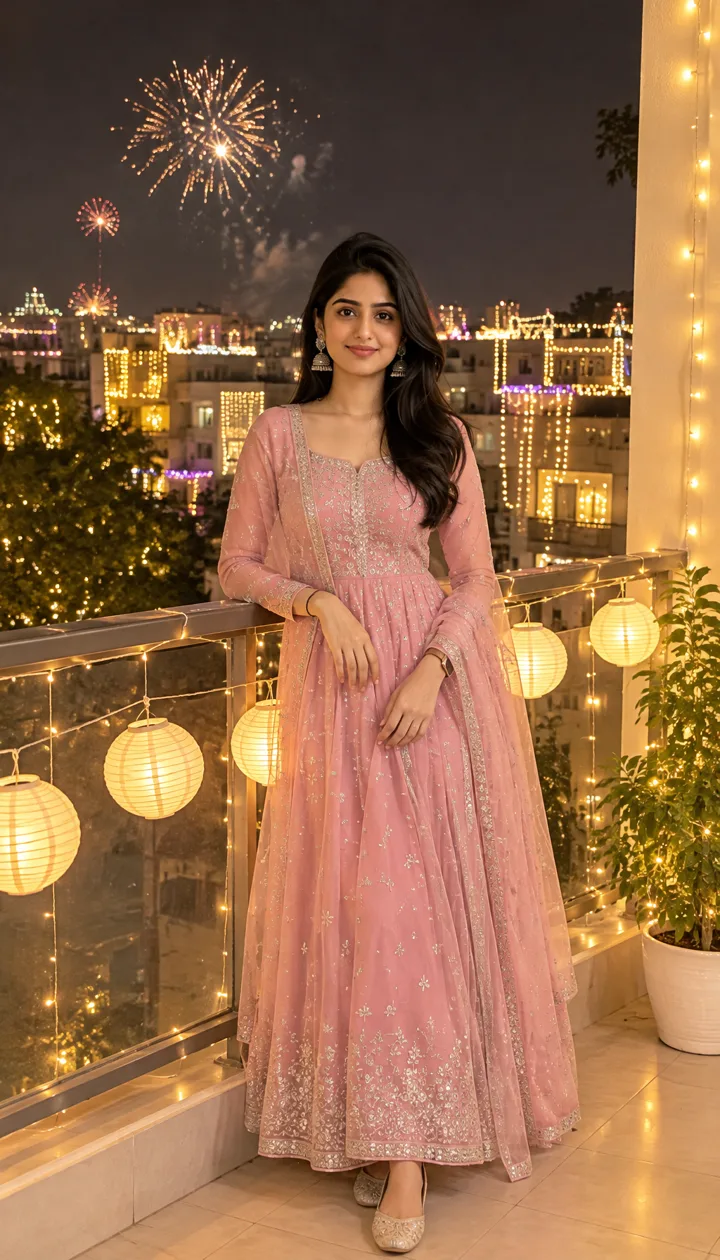
Put me in a soft pink anarkali suit with silver embroidery and jhumka earrings, leaning on a balcony strung with glowing paper lanterns, the city lit up for Diwali behind me, fireworks in the distance.
 before
Tray of sweets
Yellow silk, warm welcome
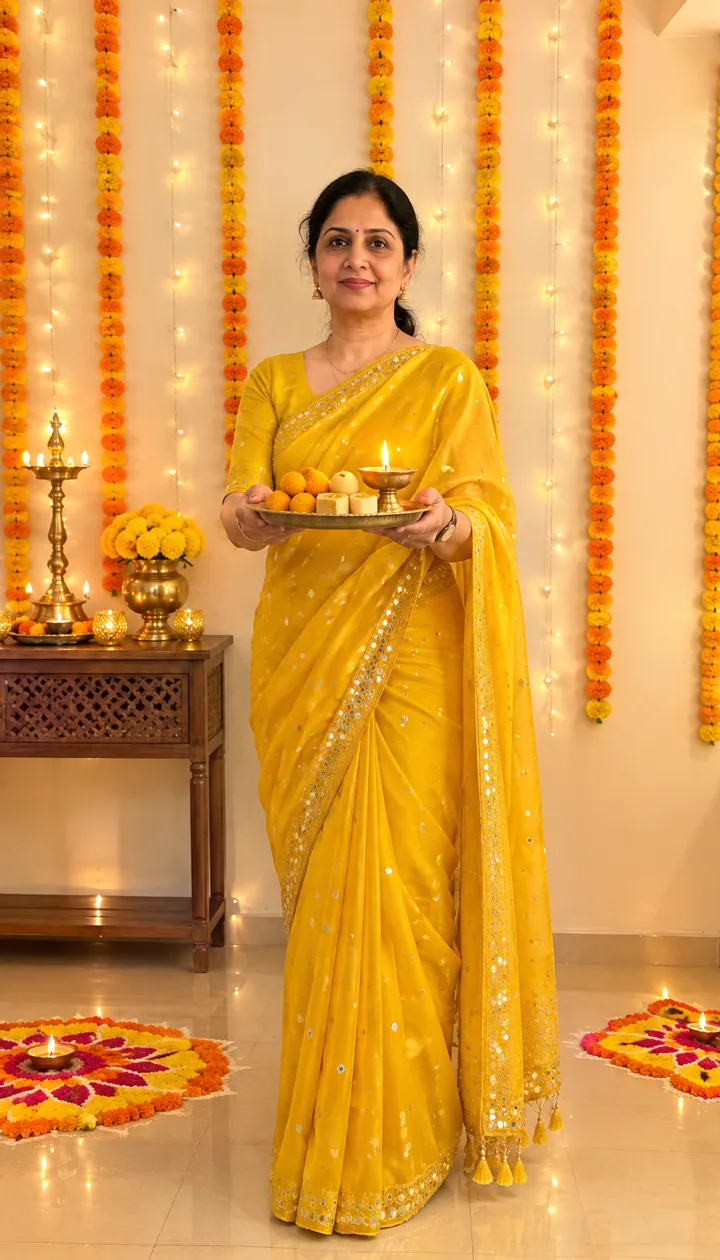
Put me in a bright yellow silk saree with small mirror work, holding a brass tray of Indian sweets and a lit diya toward the camera and smiling, in a warm room with marigold strings and rangoli patterns behind me.
What is a Diwali AI photo?
Creators upload one selfie into ChatGPT, Gemini or a similar image chat, paste a long festive prompt, and come back in traditional wear with diyas and rangoli behind them. Guides call it a Diwali AI photo, a Diwali photo prompt, or a Diwali AI portrait. The hard part is writing a prompt that keeps your face.
This Diwali AI Photo Generator skips the paste step: six scenes are ready to tap (courtyard of diyas, rangoli at home, terrace sparklers, haveli doorway, lantern balcony, tray of sweets), and you can describe any other look in the box. One Create is one 9:16 photo.
How people make Diwali AI photos
Around Diwali, tip posts push ChatGPT and Gemini prompts that turn a selfie into a festive portrait — silk sarees, lehengas, kurtas, diyas and marigold light.
On ReelMuse the same look needs no chat thread: six tap-ready scenes, photo only, about 20–30 seconds per Create. Use it for festive shares, greetings or albums.
What people share is simple: keep the real face, change the clothes and the room into a Diwali set — courtyard diyas, home rangoli, terrace fireworks, a haveli hung with marigolds. Prompt lists for Diwali AI photos tend to spell out the outfit, jewelry and lighting, then ask the model not to change the person.
ReelMuse does that scene work for you. Pick a preset or write your own; every run asks to keep face, skin tone, age, hair and body shape so it is clearly you. Photo only.
How to make a Diwali AI photo
- Upload a clear photo of yourself. Face the camera with both eyes visible and good light. Only use a photo you have the right to use.
- Pick a Diwali scene. Tap Courtyard of diyas, Lighting the rangoli, Sparklers on the terrace, Haveli doorway, Lantern balcony or Tray of sweets, or describe your own festive look in the box.
- Create the portrait. Press Create (15 credits). In about 20–30 seconds you get one 9:16 Diwali AI photo (GPT Image 2.6), ready to share.
FAQ
What is a Diwali AI photo?
A Diwali AI photo is a festive portrait made from an ordinary selfie: the same face in traditional wear among diyas, rangoli, marigolds and fireworks. People often make that look with ChatGPT or Gemini image prompts; this page does the scene for you.
How do I make a Diwali AI portrait without pasting a long prompt?
Upload one photo on this page, pick a scene (or describe your own) and press Create. You get a finished 9:16 festive portrait — no chat thread required.
Will I still look like myself?
That is the goal. Every scene asks to keep your face, skin tone, age, hair and body shape, and to look like a real phone photo with warm festive light.
Is it a photo or a video?
Photo only. One Create makes one 9:16 Diwali AI photo, usually about 20–30 seconds with GPT Image 2.6.
Can I still make one after Diwali day?
Yes. Festive wear and diya light work for Diwali season posts, greetings, family albums and the next celebration.
Is ReelMuse affiliated with ChatGPT or Gemini?
No. ReelMuse is not affiliated with OpenAI or Google. This page is our own Diwali AI photo tool for festive portraits.
How much does a Diwali AI photo cost?
15 credits per photo. The price is on the button before you create, and if a photo fails the credits go back to your account automatically.
Related
ReelMuse is not affiliated with OpenAI or Google.