@jr_lyan
Couple Christmas pajama photo
AI Christmas photoshoot
AI Christmas photo: a holiday shoot of you.
Christmas scenes · tap to use
One Christmas photo (9:16), usually under a minute. Upload only a photo you have the right to use. Failed photos are refunded.
AI Christmas photo is the Gemini-prompt photoshoot that went viral last Christmas season: ordinary photos of you, your partner or the whole family become a holiday portrait. The posts we show are from that season (Oct–Nov 2025); the top one, a couple in matching pajamas by the fireplace, sits at 1.61 million views. Here you skip the prompt: upload one photo, pick one of six scenes, and get a 9:16 Christmas photo. The Video tab turns it into a 6-second clip (usually 1–3 minutes).
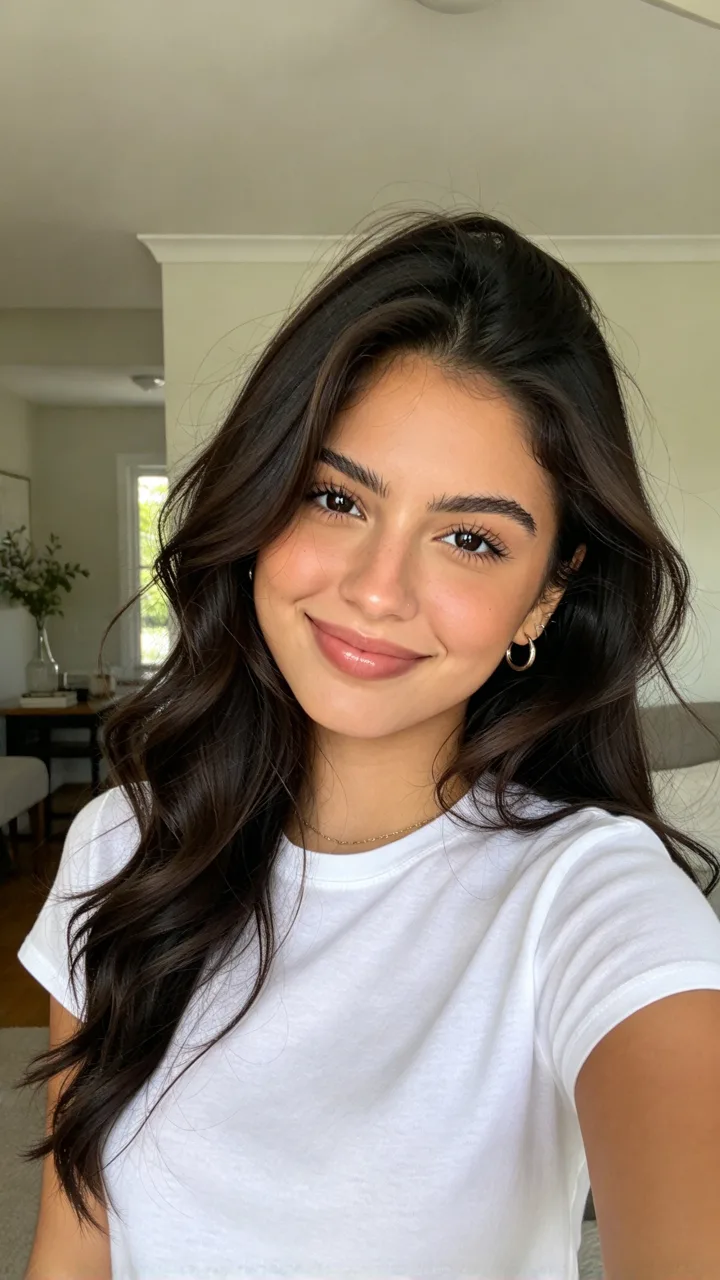
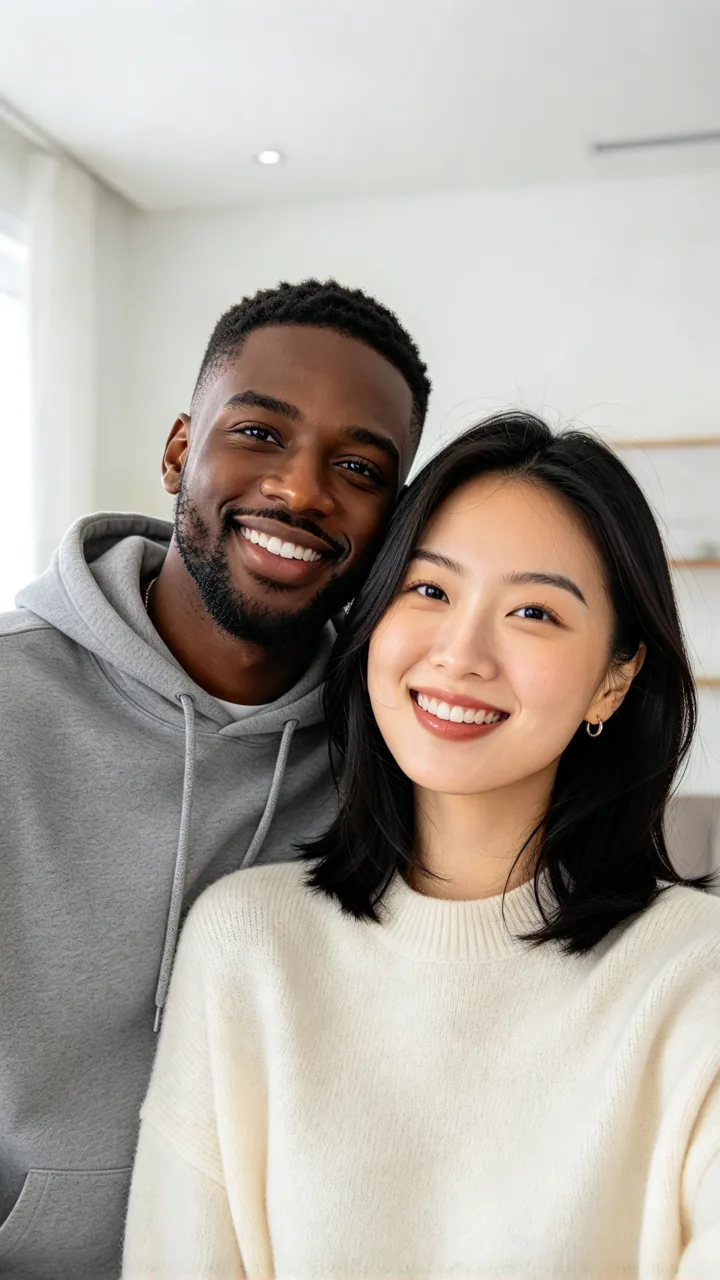
Each card is one Christmas scene made from the small before photo in its corner (fictional people). Tap Use this to put that scene in the box, or Copy prompt to take it with you.
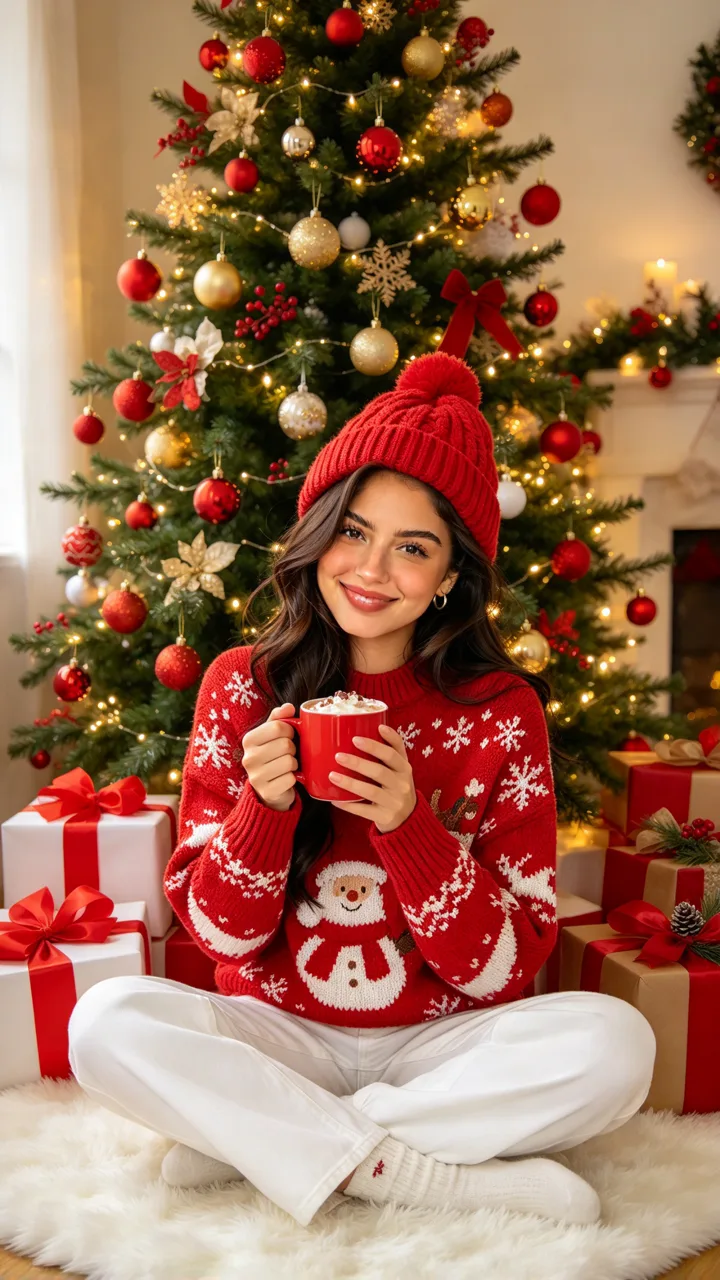
beforeCocoa by the tree
Santa sweater, presents, fairy lights
Make it a cozy Christmas photo: sitting cross-legged on a white fluffy rug in front of a tall Christmas tree full of red and gold ornaments and warm fairy lights, wrapped presents with red bows around, wearing a red knit Santa sweater, white pants and a red knit beanie, holding a red mug of hot cocoa with both hands, smiling.
 before
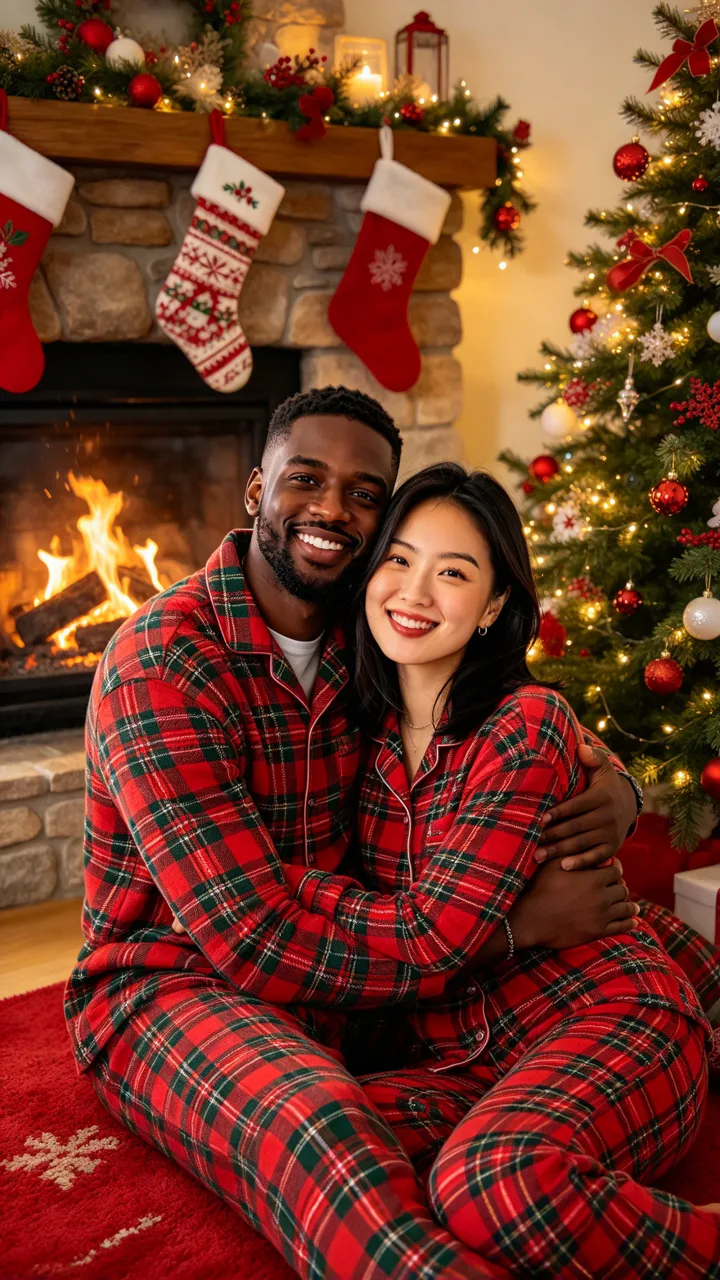
Matching pajamas
Plaid pajamas at the fireplace
Make it a Christmas pajama photo: everyone in matching red and green plaid Christmas pajamas, sitting close together on a red rug in front of a stone fireplace with a crackling fire and hanging stockings, a lit Christmas tree beside them, hugging and smiling at the camera.
 before
Family Christmas photo
Knit sweaters under the tree
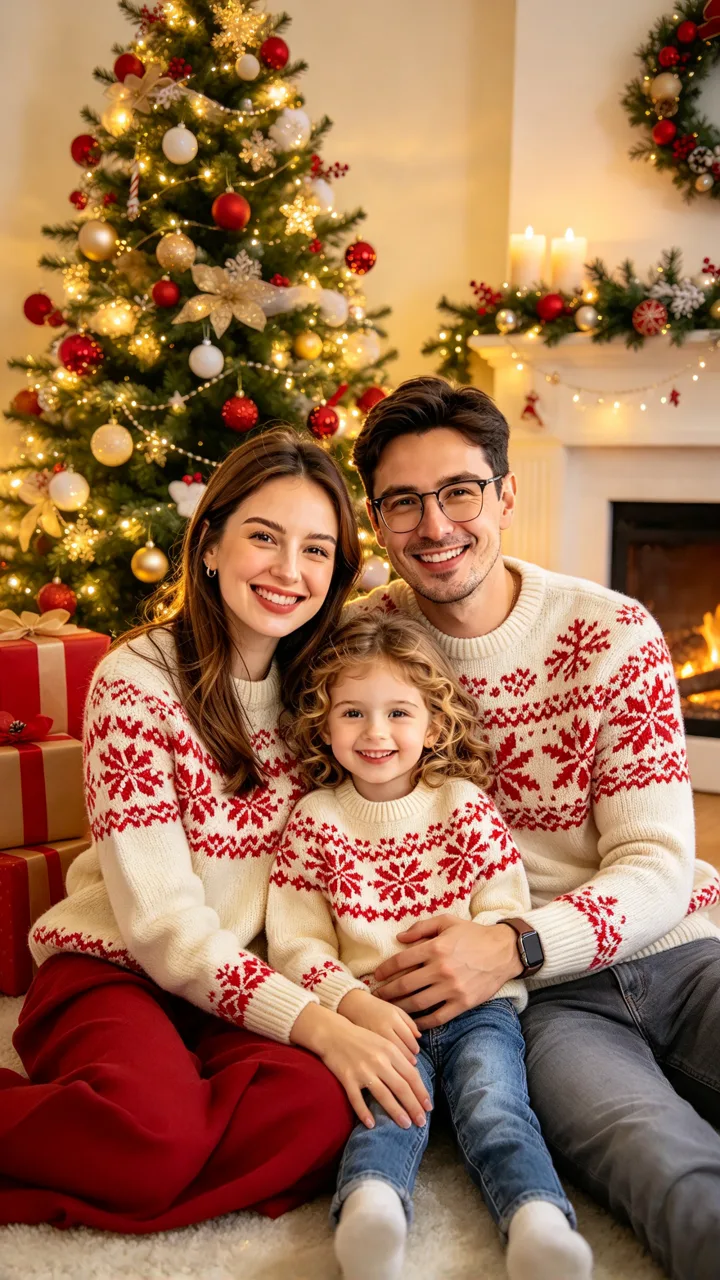
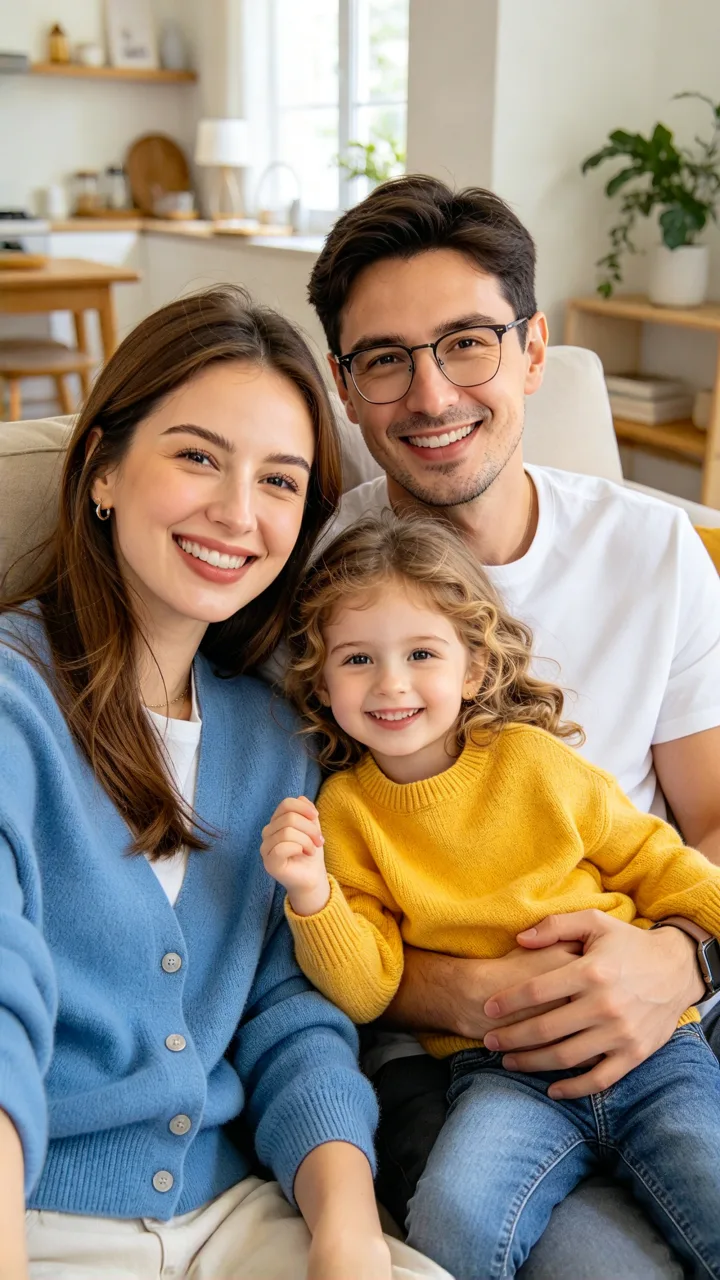
Make it a family Christmas card photo: everyone in cozy matching cream knit sweaters with red snowflake patterns, sitting together on the floor in front of a big glowing Christmas tree with presents, a garland and candles on the mantel behind, everyone smiling at the camera.
 before
Red velvet staircase
A Santa gown on a golden staircase
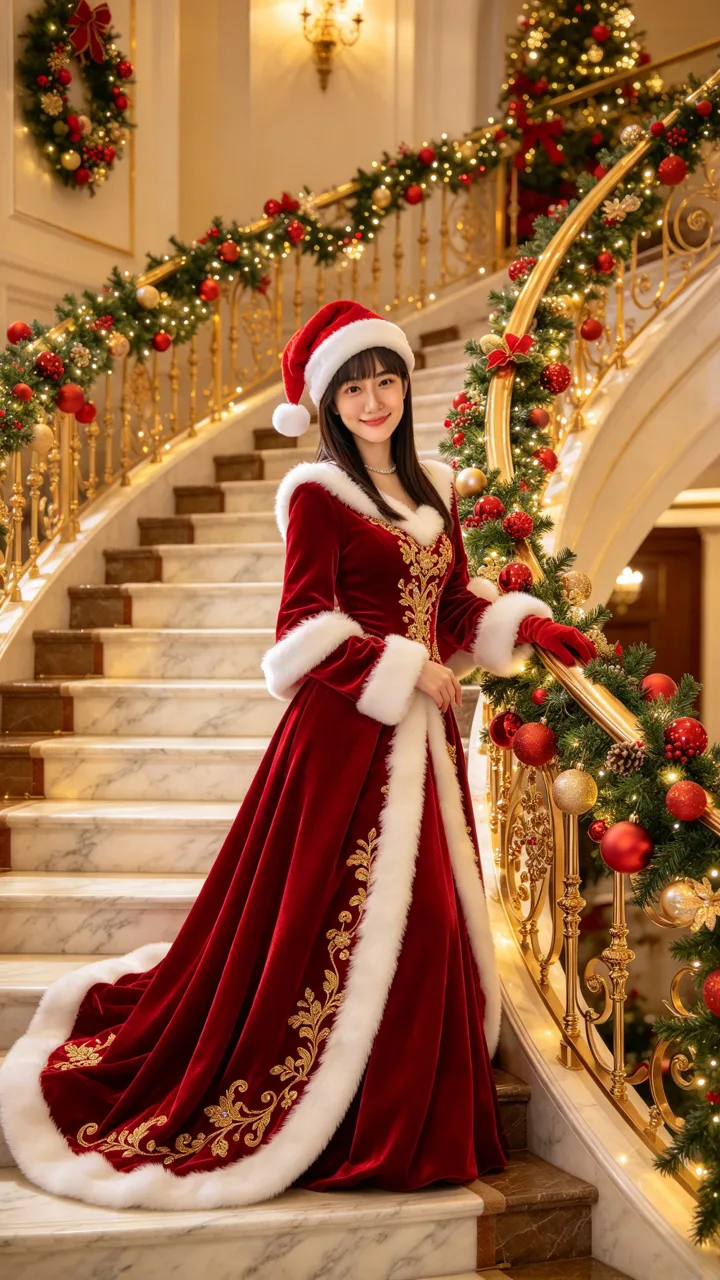
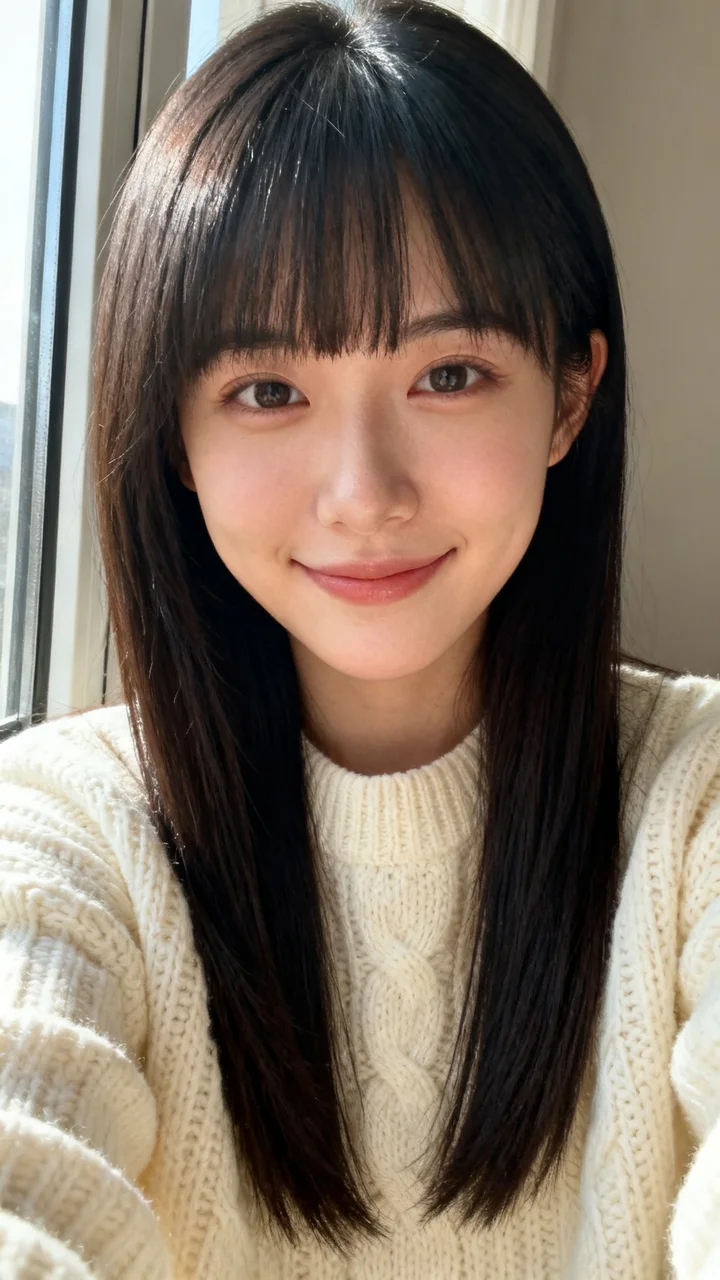
Make it a glamorous Christmas photo: standing on a grand curved marble staircase wrapped in pine garlands, red ornaments and thousands of warm golden lights, wearing a long red velvet gown with white fur trim and gold embroidery and a red Santa hat, one hand on the gold railing.
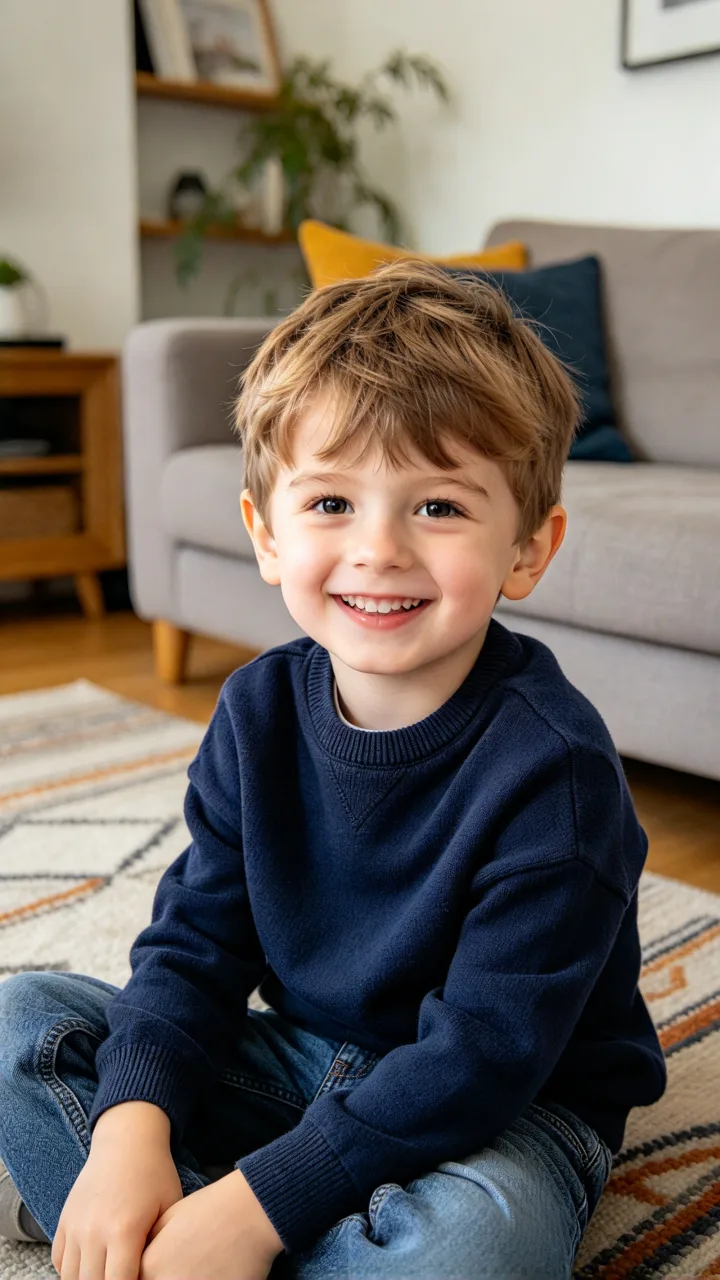 before
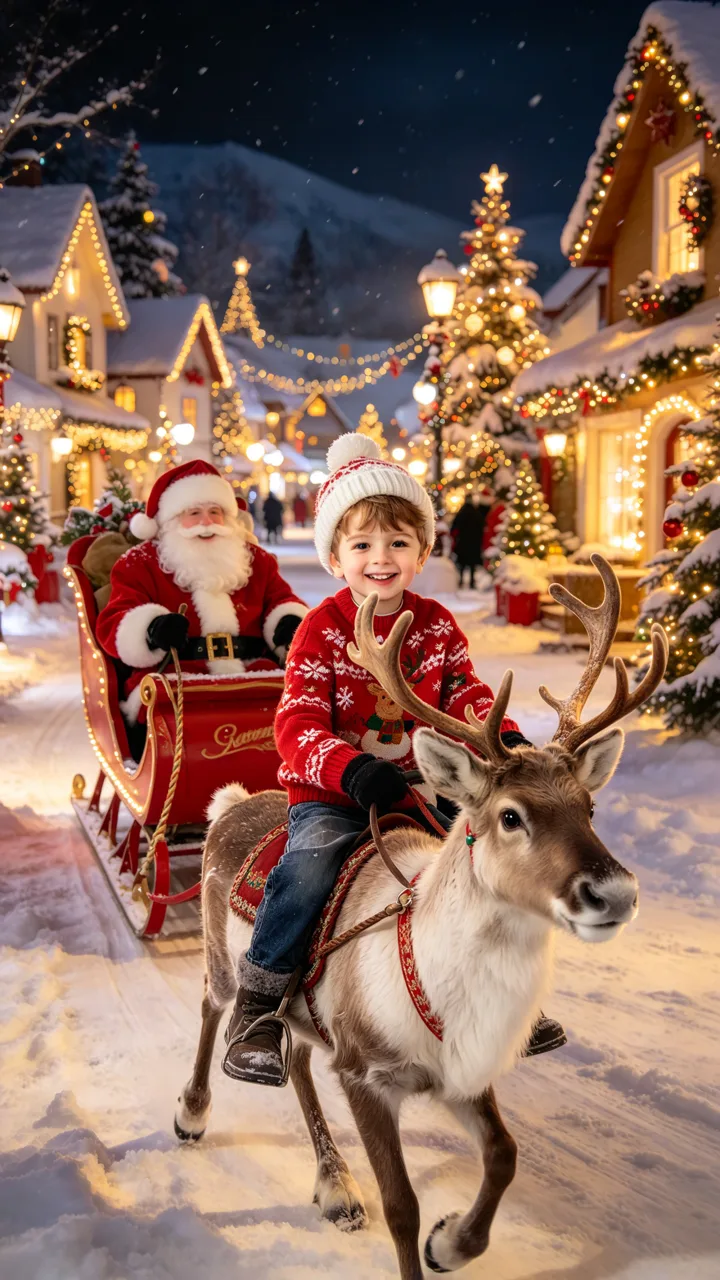
Reindeer ride with Santa
A snowy village at night
Make it a magical Christmas photo: riding a young reindeer down a snowy village street at night, wearing a red Christmas sweater and a white knit hat, Santa Claus in his red sleigh right behind, the houses glowing with Christmas lights and decorated trees.
 before
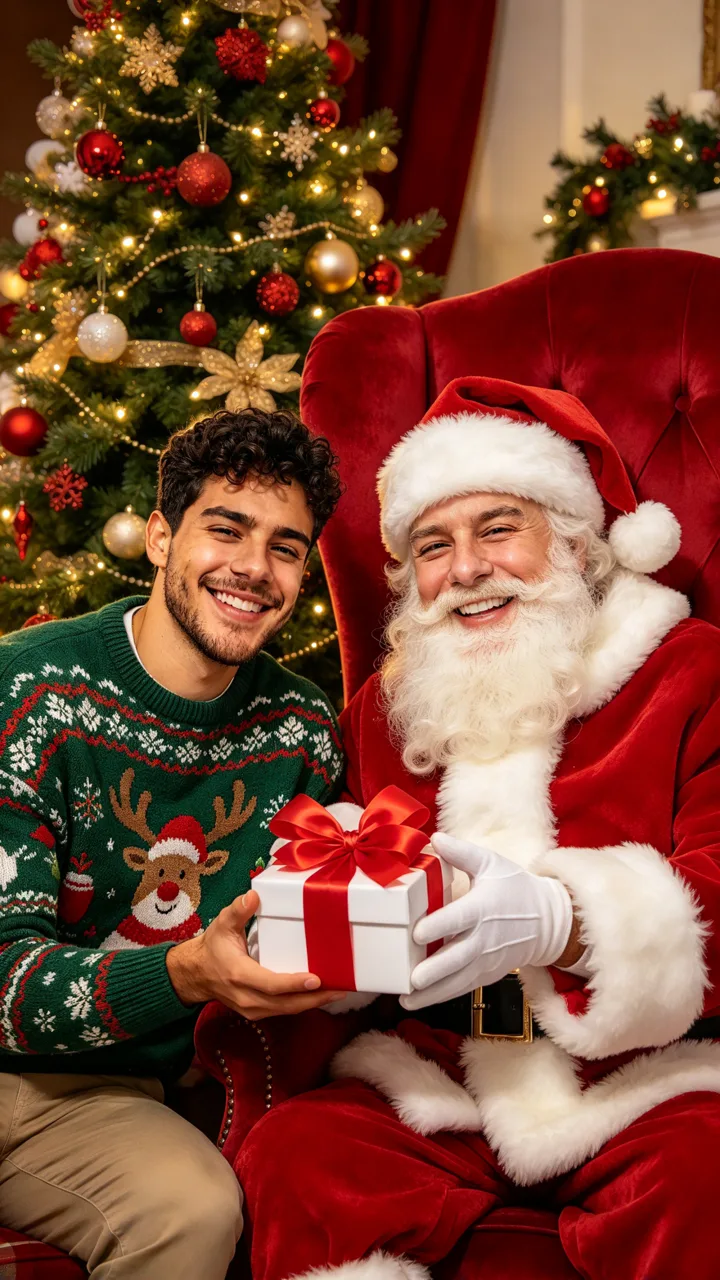
A gift from Santa
In the big red chair with Santa
Make it a Christmas morning photo: sitting next to Santa Claus in a big red velvet armchair beside a giant Christmas tree, wearing a cozy green Christmas sweater, Santa handing me a wrapped present with a big red bow, both smiling.
It is a Christmas photoshoot without the photographer. You start from ordinary photos (a selfie, a couple shot, the family on the sofa) and an AI edit puts the same people into a Christmas scene: matching pajamas at the fireplace, Santa sweaters under the tree, red outfits in front of the lights. The posts we show were made with long Gemini prompts pasted into the chat.
This AI Christmas photo page makes that picture without a prompt: six scenes are ready to tap (cocoa by the tree, matching pajamas, family sweaters, a red velvet gown on a lit staircase, a reindeer ride with Santa’s sleigh, a gift from Santa) and you can describe any other scene in the box. Photo tab for the still; Video tab for a 6-second clip.
Examples from TikTok
Three real Gemini Christmas photo posts from last season (2025). Not made with ReelMuse.
Clips belong to their creators and link back to TikTok. The AI Christmas photo page above makes the photo from your own picture.
AI Christmas photo is a seasonal search. In Google Trends (US, last 12 months), interest stays low for most of the year, then peaked in the week of December 21–27, 2025 at about 20 times its yearly average. Searchers type “ai christmas photo generator”, add “free” or “prompt”, or look for an “ai family christmas photo”.
On TikTok, the Gemini Christmas prompt posts went viral last season, in October and November 2025: a couple in matching pajamas by the fireplace (@jr_lyan) sits at 1.61 million views, a couple in red by the tree (@by.danielafigueiredo) at 466K, and one woman in three Santa sweaters (@hanselouis1821) at 403K. A new wave of Christmas AI posts started on TikTok on October 31, 2026; the cards above are from the 2025 season.
TikTok numbers from public posts, as of November 5, 2026.
Last season, creators posted Christmas photoshoots made from ordinary photos and a long Gemini prompt: a couple in matching pajamas at the fireplace, a couple in red by the tree, a woman in a Santa sweater with a mug of cocoa. Under the posts, viewers asked for the prompt text and posted their own tries.
The weak spot shows up in the same comments: some people say the AI changed their faces or made the photo look like a painting. ReelMuse does the prompt part for you, with six ready scenes that are each written to keep every face and the same number of people, and adds a Video tab for a 6-second clip.
Under last season’s Gemini Christmas posts, people post their own tries and ask for the prompt text, and some say the AI changed their faces or made the photo look like a painting:
“ami no me puso suéter con este frío jaja 😅🥰”
84 likes — "It didn’t give me a sweater, in this cold, haha", posted with a photo, under @jr_lyan
“Textoooo 🥺”
13 likes — "Teeext", asking for the prompt, under @jr_lyan
“Só as minhas ficam parecendo pintura. E olha que eu falo as coordenadas: "Não mude o rosto, foto ultra realista, manter características originais da pessoa", etc. etc, e mesmo assim ele não me obedece. …”
5 likes — "Only mine come out looking like a painting. And I even give it the instructions: ‘Don’t change the face, ultra-realistic photo, keep the person’s original features’, etc. etc., and it still doesn’t obey me", under @by.danielafigueiredo
“me puedes ayudar?? a mí me cambia las caras🥺🥺”
4 likes — "Can you help me?? For me it changes the faces", under @jr_lyan
“plis promtpnya kaka”
3 likes — Indonesian, "The prompt please, sis", under @hanselouis1821
On ReelMuse you skip the prompt: upload one photo, tap a scene above or describe your own, and get the Christmas photo, or a 6-second video from the Video tab.
Step 1
A selfie, a couple photo or the whole family, with every face visible and good light. Only use a photo you have the right to use.
Step 2
Tap Cocoa by the tree, Matching pajamas, Family Christmas photo, Red velvet staircase, Reindeer ride with Santa or A gift from Santa, or describe your own in the box.
Step 3
Press Create for a 9:16 Christmas photo, or switch to Video for the photo plus a 6-second clip of it coming to life.
Both give you a Christmas photo from your own picture. ReelMuse is not affiliated with Google Gemini, ChatGPT/OpenAI or CapCut.
ReelMuse
Prompt apps
What you upload
One photo: you, a couple or the family.
A photo, plus a long prompt copied from a post.
The scene
Six scenes to tap, or describe your own.
Whatever that one prompt describes.
Faces
Every scene asks to keep each face and the same number of people.
Some commenters say their faces changed or looked painted.
Output
9:16 photo, or photo + 6-second video.
One chat-app image.
Time
Photo usually under a minute; video usually 1–3 minutes.
Find the prompt, paste it, then wait on that app.
Price
Shown on the button before you create.
Depends on the app and subscription.
The winter Christmas collage is our older Christmas page: it keeps your portrait as it is and adds snowflakes, trees and lights around it. For a white gown instead of red velvet, try AI wedding dress.
ReelMuse makes the AI Christmas photo from the photo you upload. The photo is used for that picture and, on the Video tab, for the 6-second clip made from it. Read the privacy policy and the terms. Upload only a photo you have the right to use.
A Christmas photoshoot made from an ordinary photo: the people from your picture are put into a Christmas scene, such as cocoa by the tree, matching pajamas at the fireplace or a gift from Santa. Last season it spread on TikTok as a Gemini prompt trend.
Yes. Upload one photo with everyone in it. Each scene is written to keep the same number of people and every face, so a couple stays a couple and a family of three stays three.
That is the goal. Every scene asks to keep each person’s face, eyes, skin tone, hair and age, and to add no one. A clear, well-lit photo with faces toward the camera works best.
No. Six scenes are ready to tap, and the box adds the part that keeps your faces and the number of people. You can still write your own scene.
Both. The Photo tab makes one 9:16 Christmas photo, usually under a minute. The Video tab makes that photo first, then a 6-second clip of it coming to life, usually 1–3 minutes.
The winter Christmas collage keeps your portrait as it is and adds snowflakes, trees and lights around it. This page puts you in a new Christmas scene you pick, and the Video tab turns it into a 6-second clip.