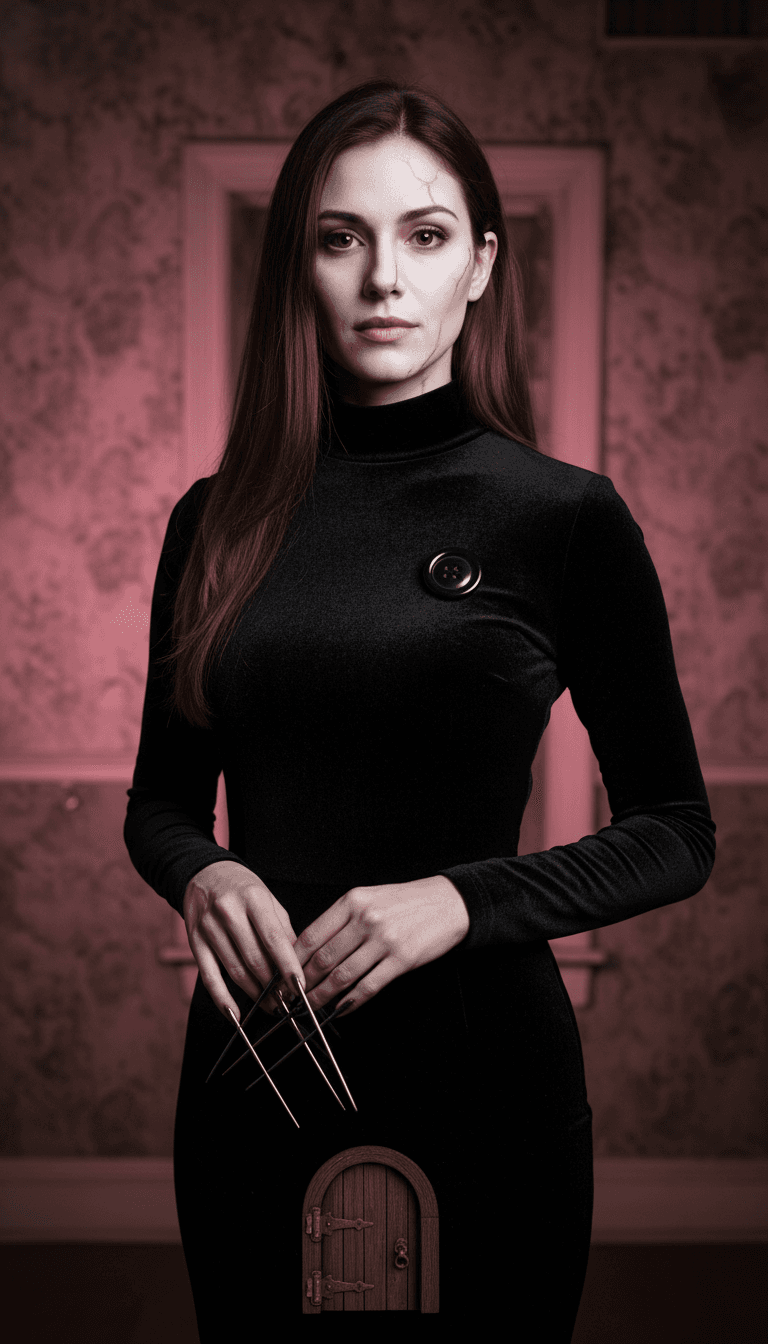
Coraline "Other Mother" cosplay
A real cosplay of the stop-motion villain passed 69M plays, and it set off a wave of Other Mother, Vanellope and Alice looks.
AI Halloween costume · 2026
Upload one selfie, pick a costume, and get a vertical photo of yourself as a vampire, witch, Victorian ghost or giant red rose. Your face stays the focus, no prompt writing needed, and you can animate the result into a 6-second video for TikTok or Reels right here.
Results are created with public sharing off. Upload only photos of yourself or people who agreed to it.
Examples
Sample results for the presets in the picker above. The face stays; the outfit, makeup, light and set change.
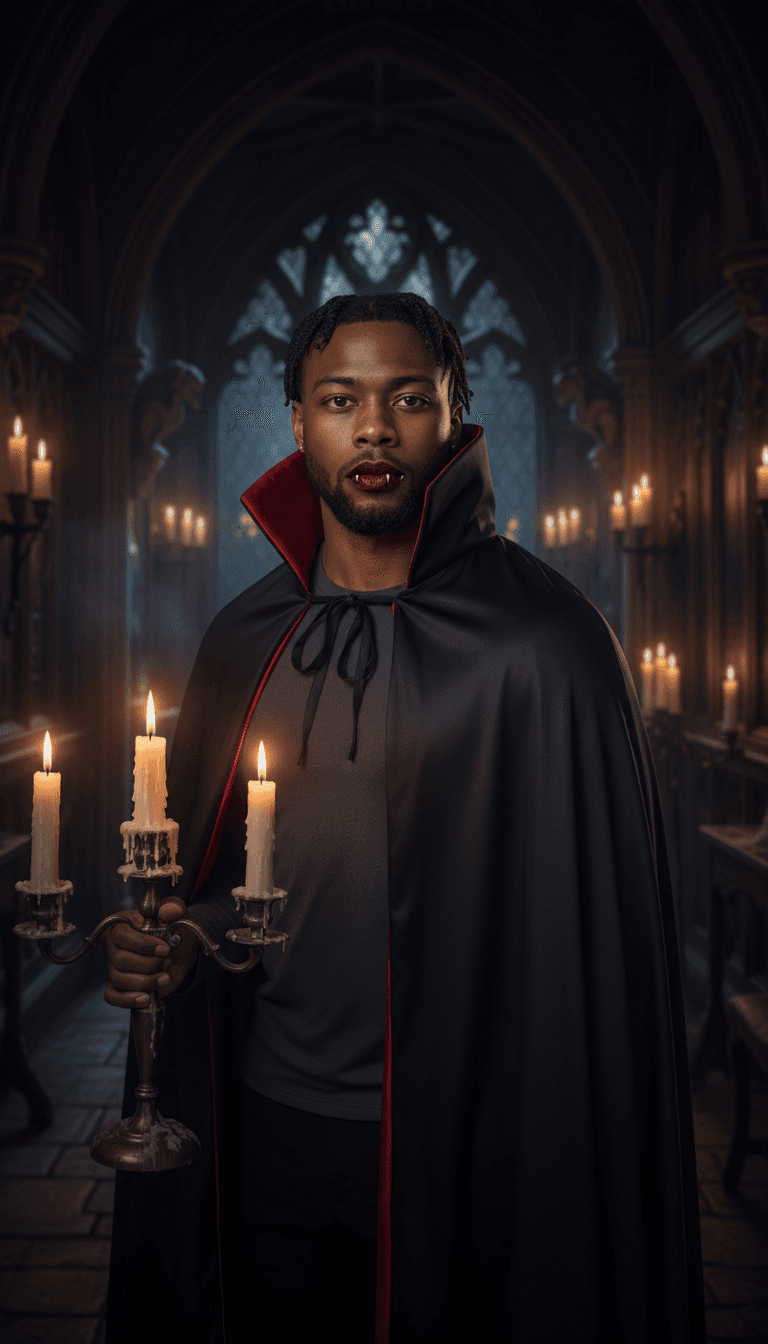
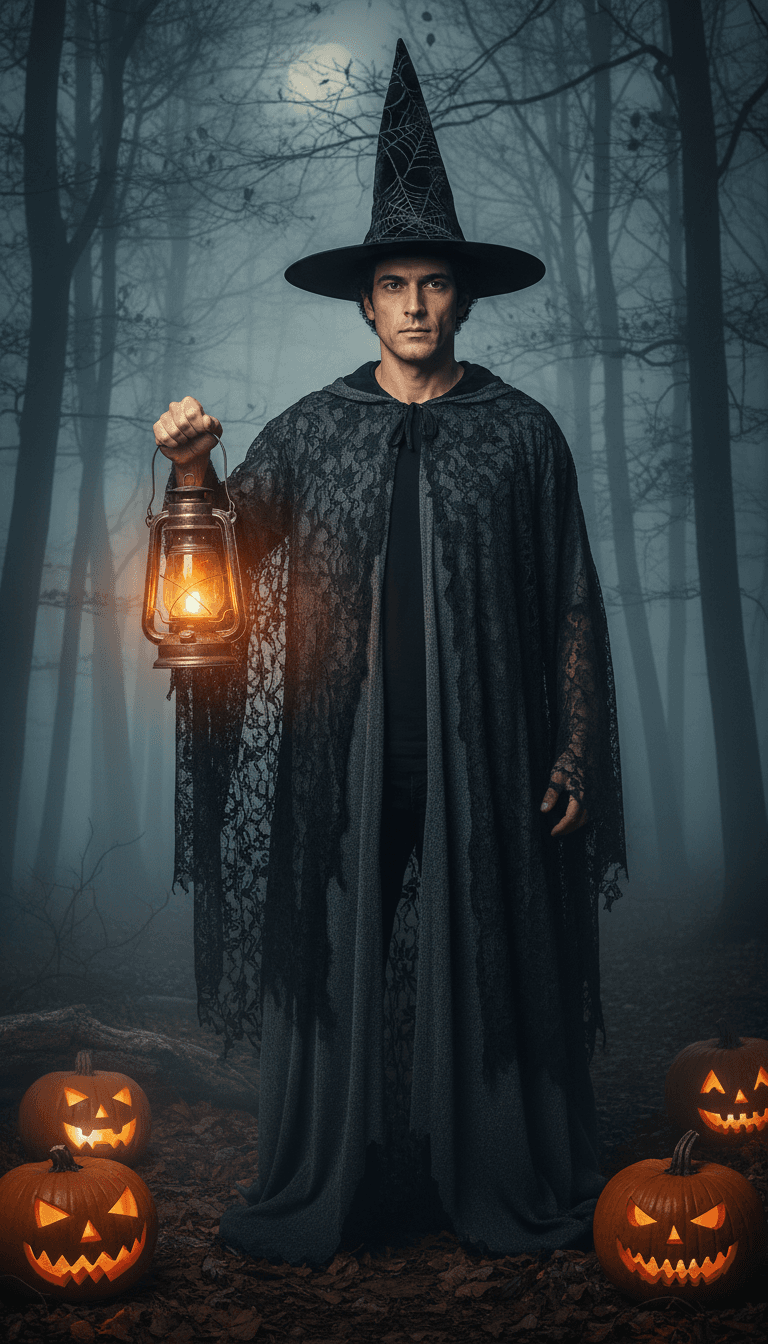
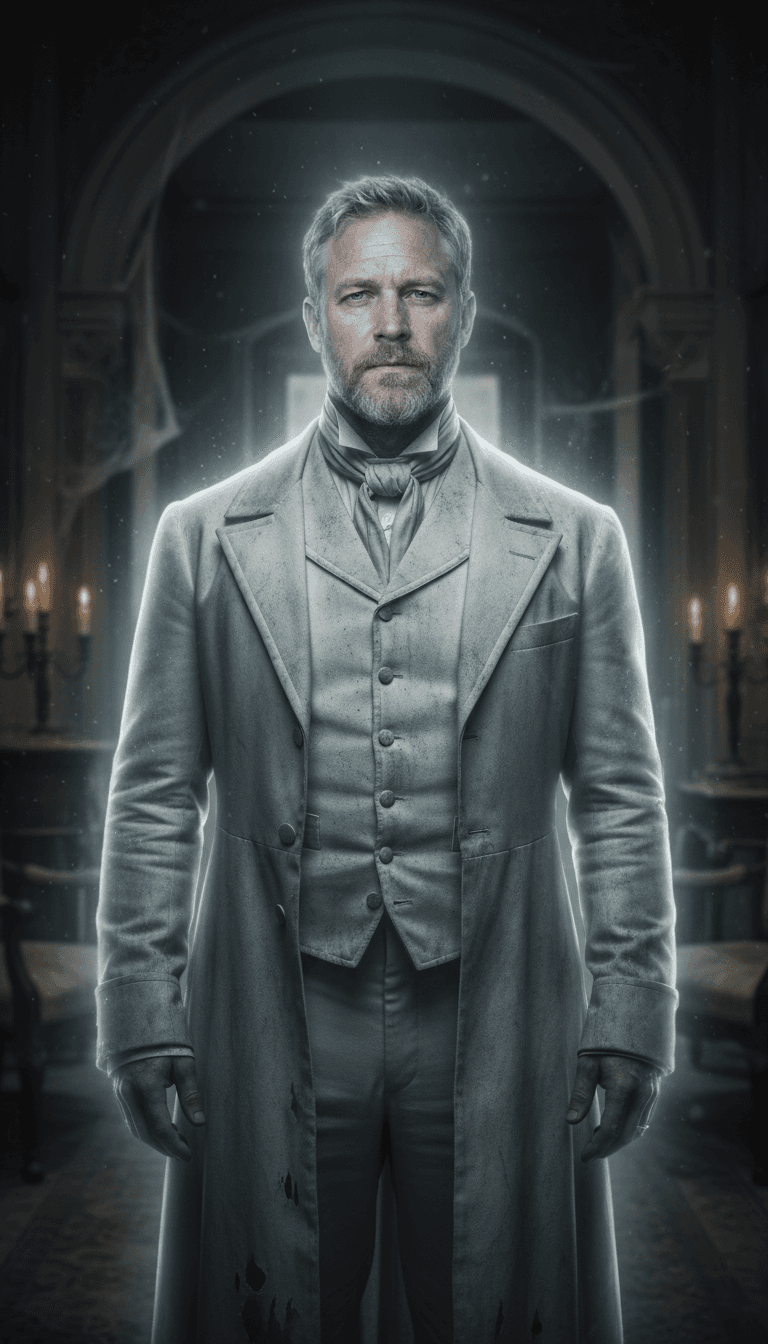
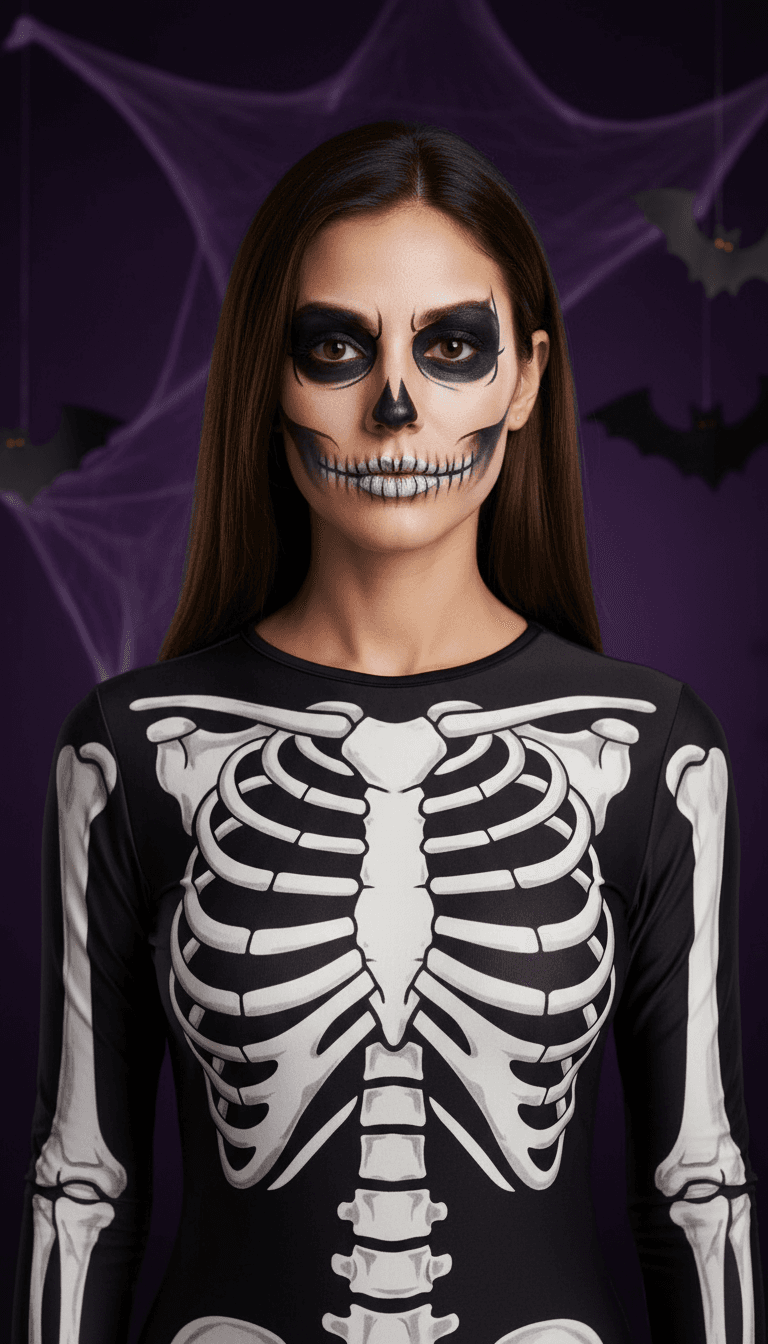
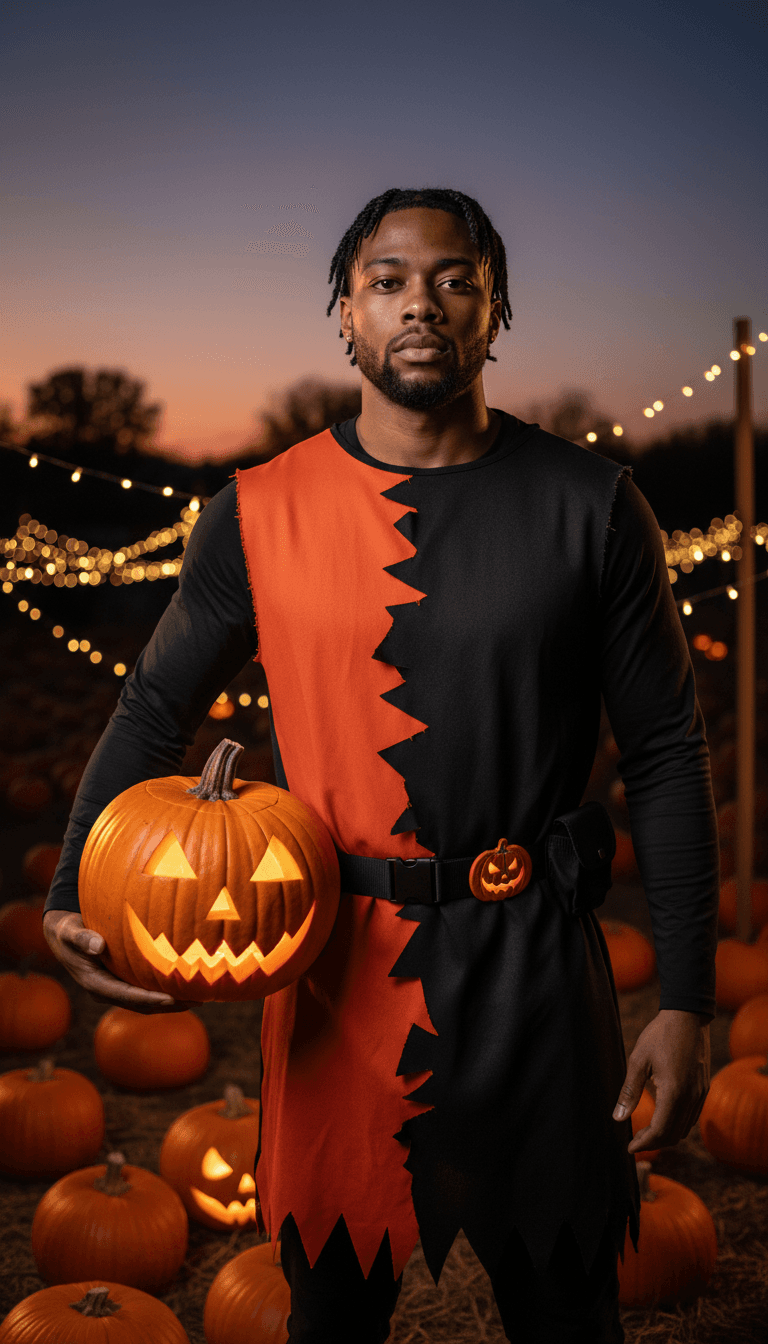
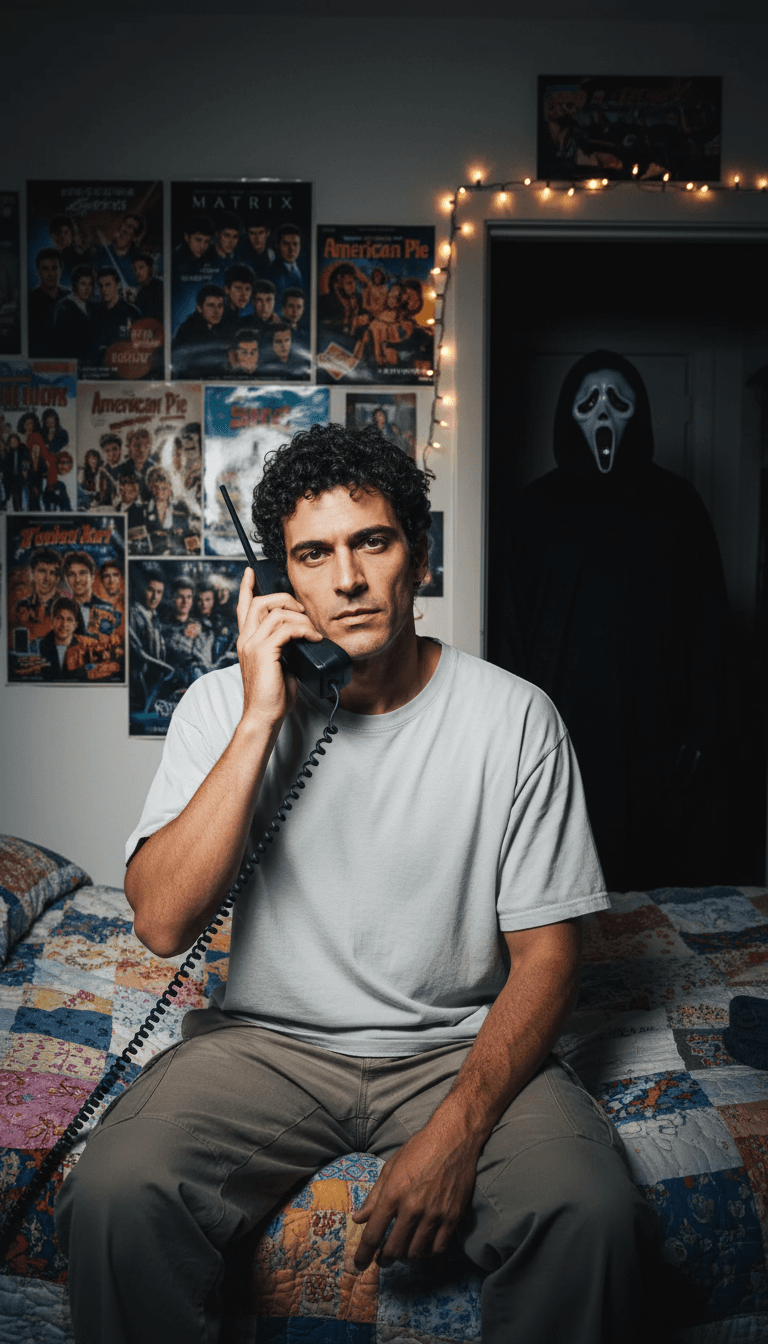
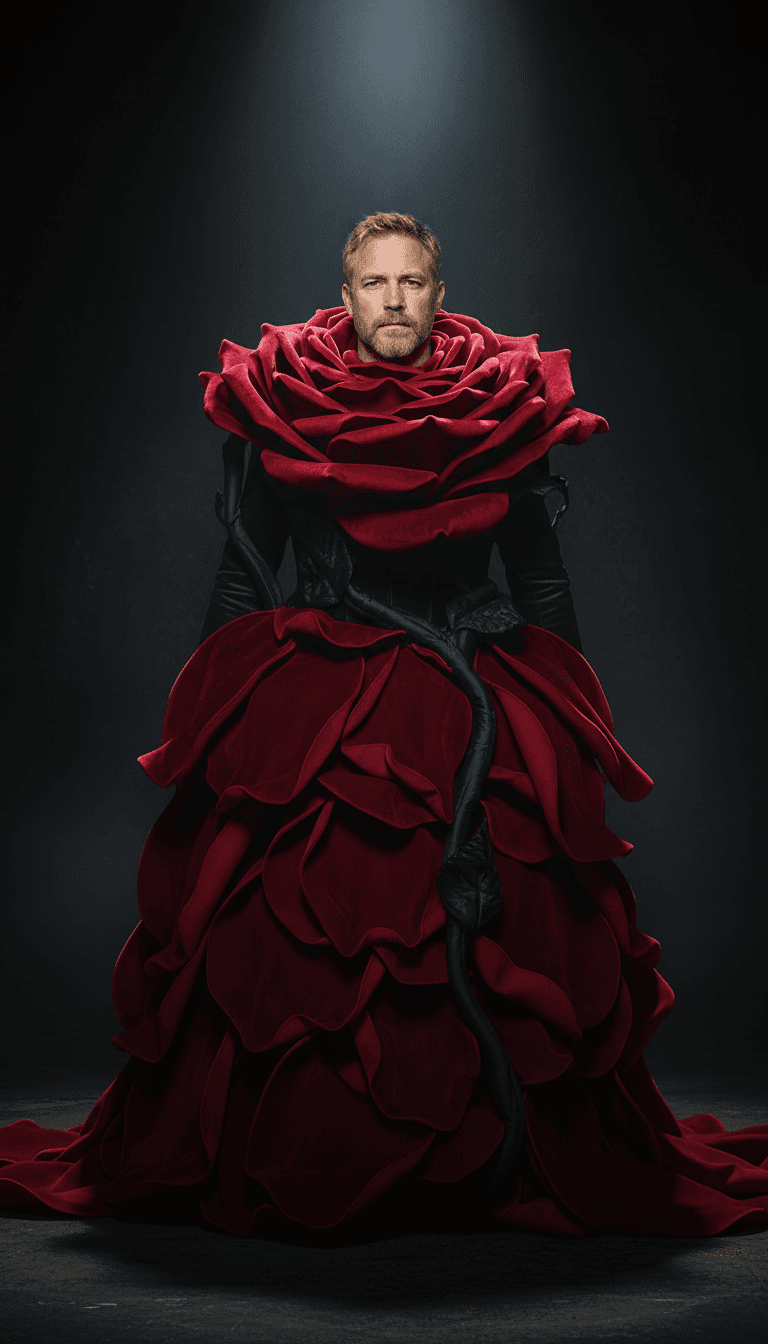
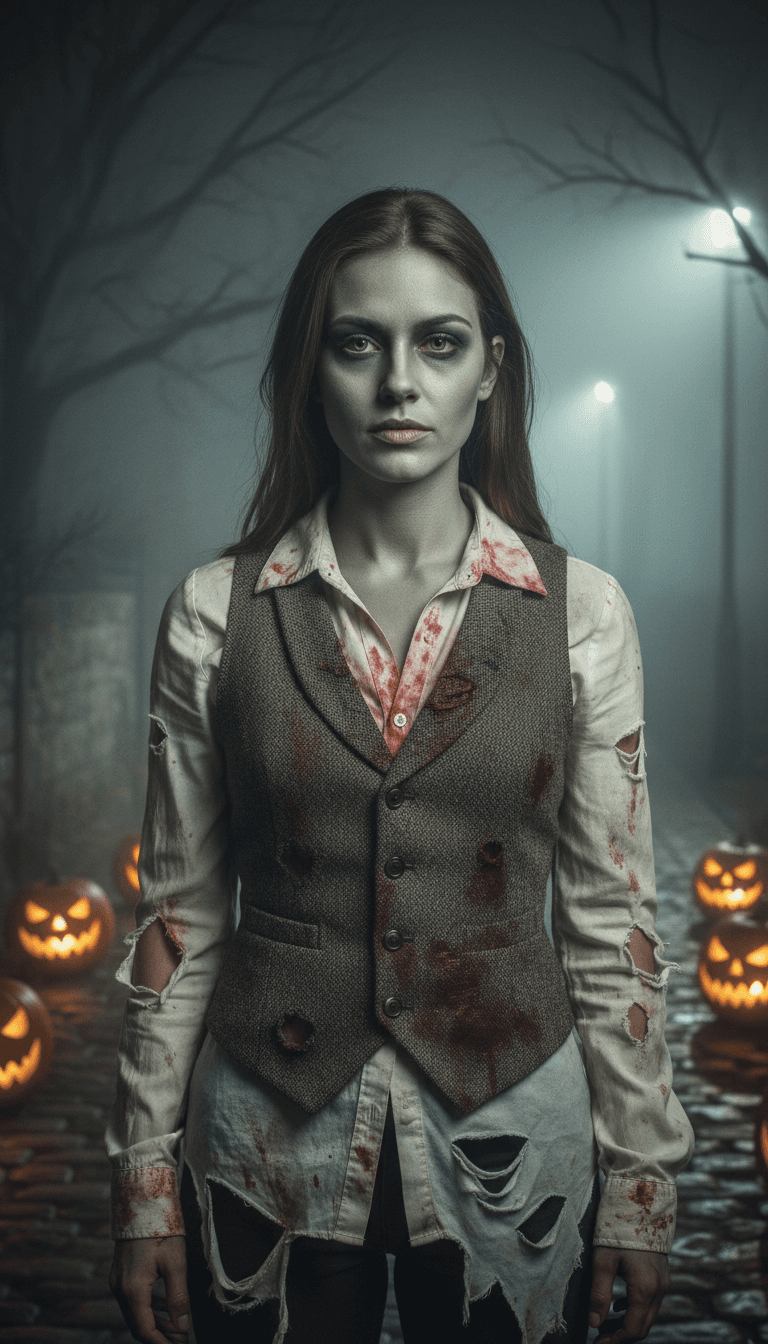
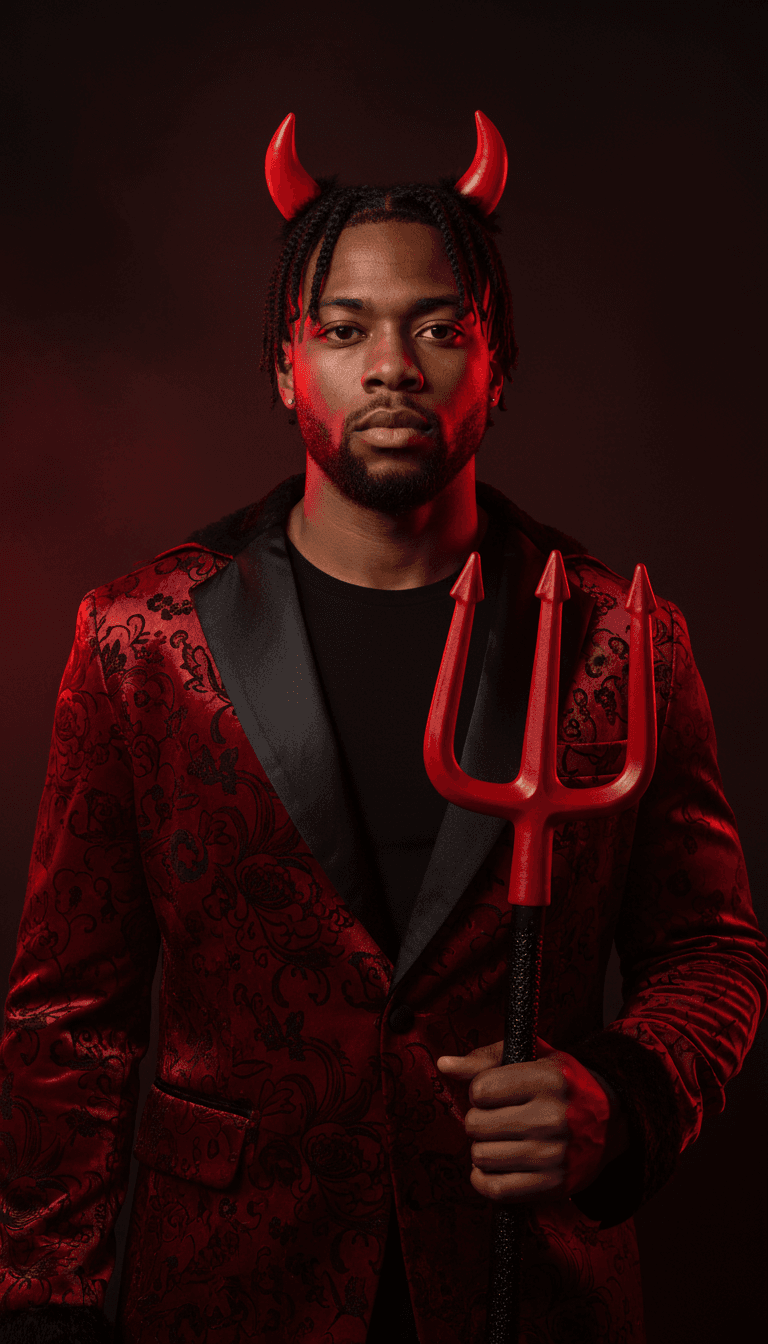
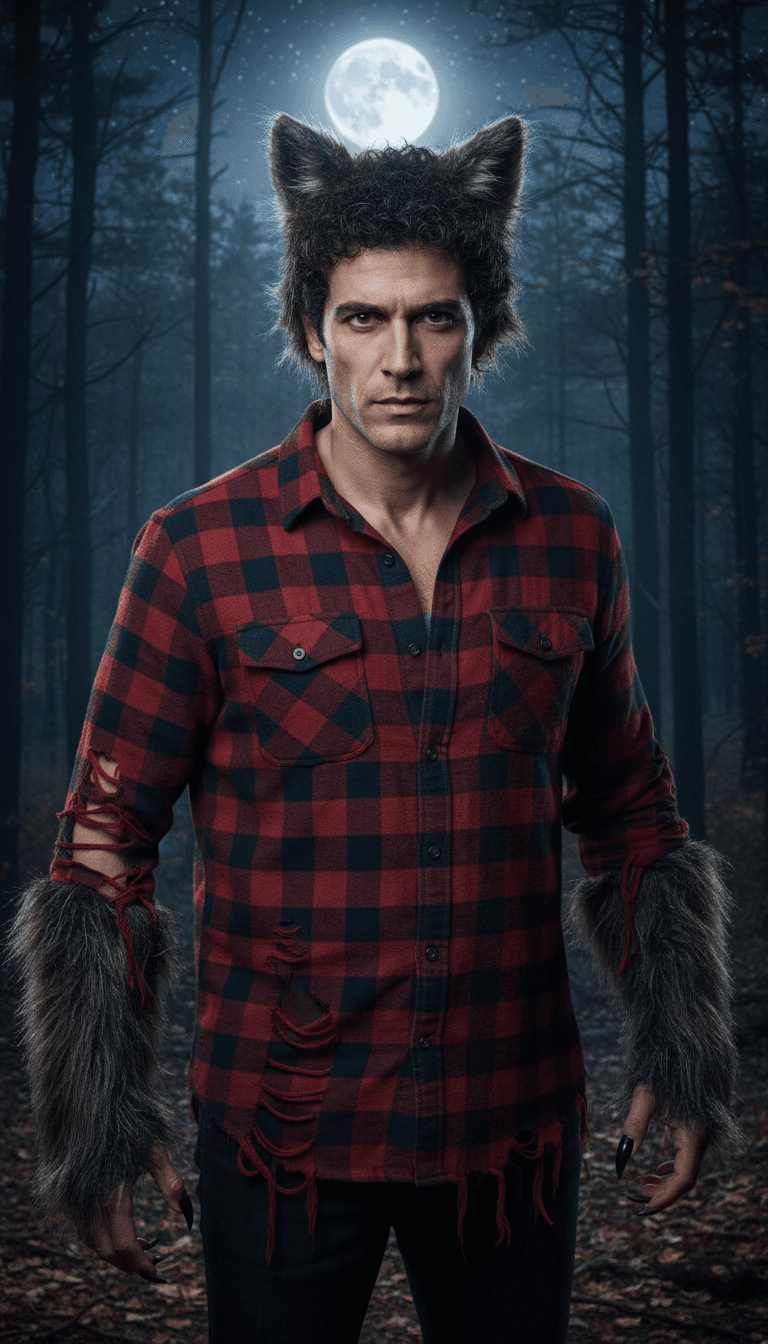
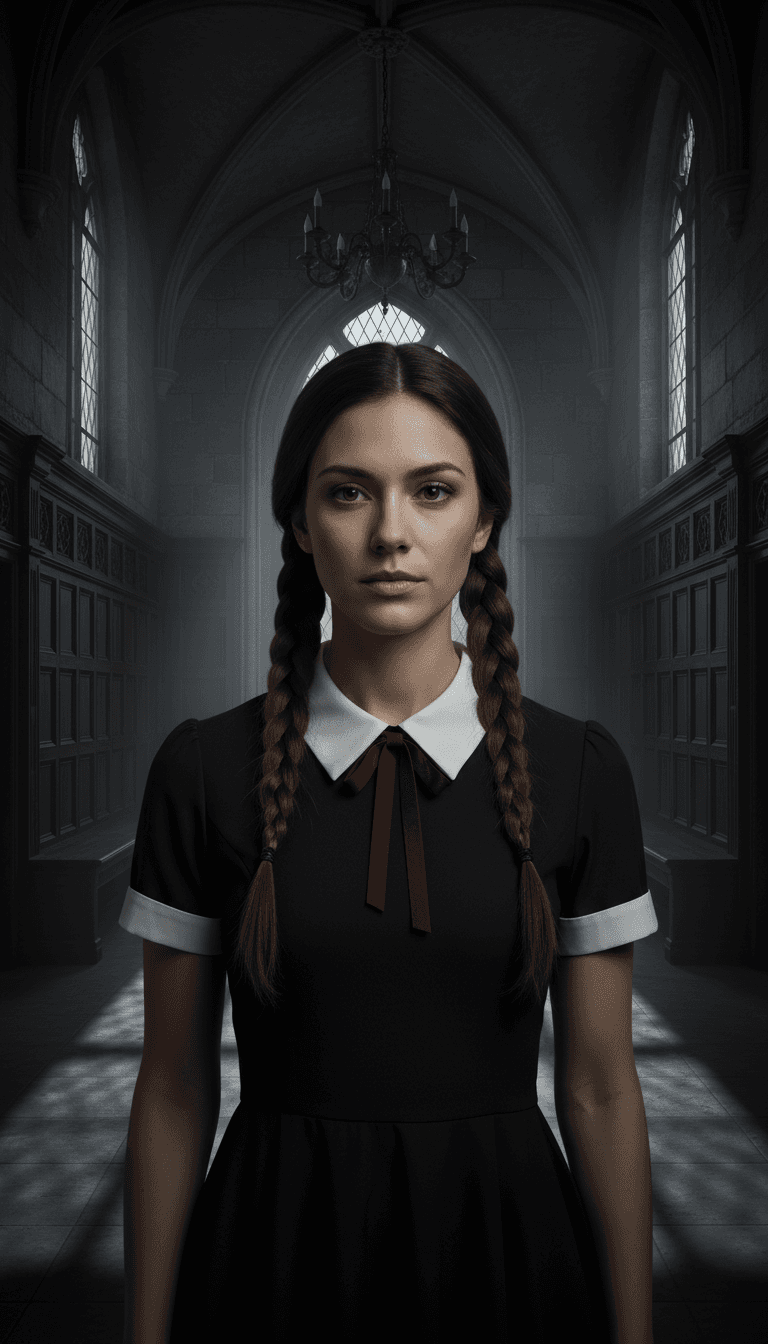
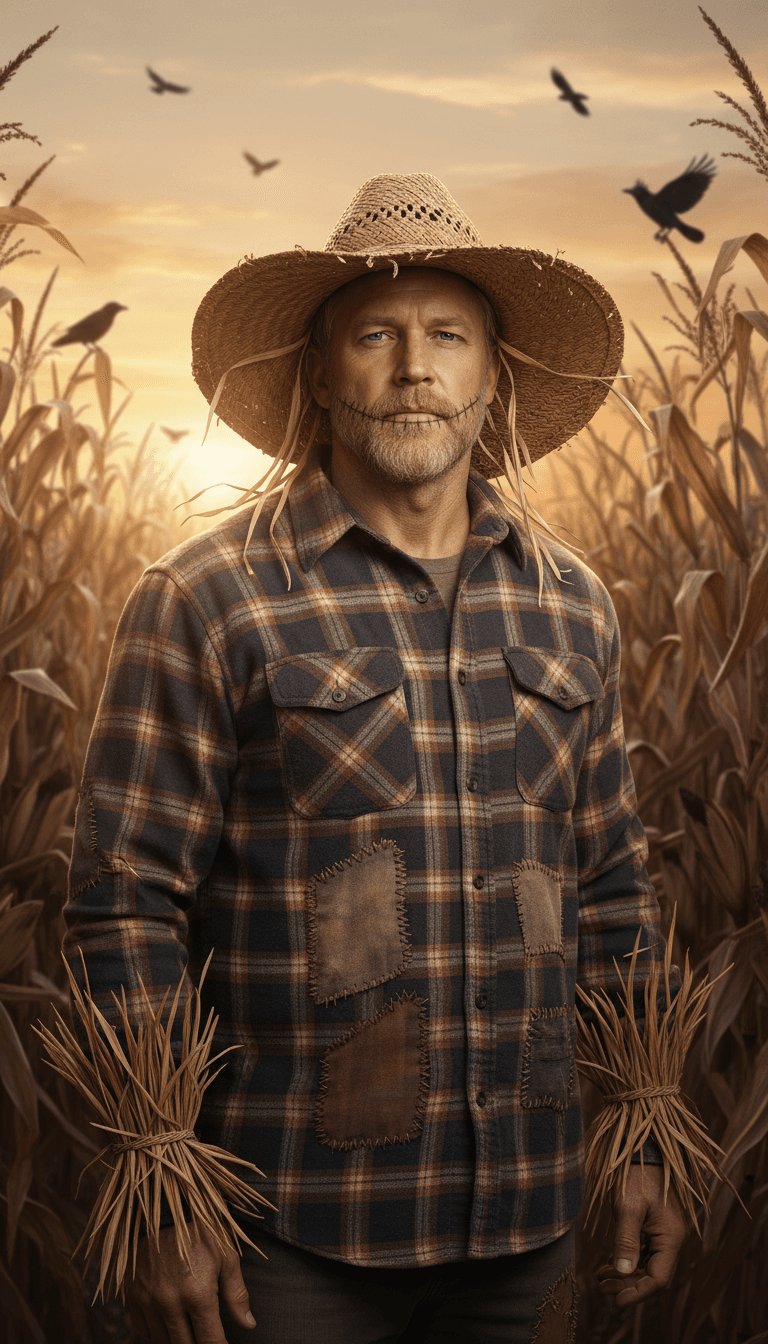
The AI Halloween costume trend is simple: you upload a selfie and an image model shows you in a costume, keeping your face and changing the outfit, makeup, lighting and background. People post the result instead of, or before, a real costume.
It took off in fall 2025, when Google promoted Halloween edits made with Gemini's image model, nicknamed Nano Banana, and "keep my face unchanged" prompts spread on TikTok and Instagram. In 2026 it is back for a second season with more specific looks: Y2K slasher-movie bedroom shots, giant rose gowns, costume transition videos, and couples and pet versions.
Two uses keep it popular. It is content: a polished costume photo for Stories, Reels or a profile picture. It is also a try-on: a quick way to see whether vampire or witch suits you before you spend money on a costume.
These looks come from real creators, mostly real costumes and cosplay, not AI. The links go to their posts or to trend roundups; none of them were made with ReelMuse. We use them as inspiration: Try this look loads our closest costume preset in the generator above.
A real cosplay of the stop-motion villain passed 69M plays, and it set off a wave of Other Mother, Vanellope and Alice looks.
An oversized rose gown shot as a mirror selfie looks dramatic in one frame, and most people cannot sew one, so they preview it first.
A flash-lit 2000s bedroom shot with a slasher in the background reads like a found photo, which is why people stop scrolling.
A snap or ceiling-fan cut through three or four costumes on the beat packs a whole closet of looks into one short video.
Creators strut toward the camera in costume to the "Ramalama" sound, and the slow walk-in shows off the whole outfit.
The core format. One selfie becomes a waist-up photo of you as a vampire, witch, Victorian ghost, skeleton or pumpkin head. The best ones keep the face clearly yours and change everything else: outfit, makeup, lighting and set.
An early-2000s bedroom shot with a flash-photo look: you on the bed with a corded phone, posters and fairy lights, and a Ghostface figure standing in the dark doorway behind you. It works because it reads like a found photo, not a costume.
An oversized red rose gown or suit on a dark stage under a single spotlight. It started as a real mirror-selfie costume and moved to AI because the dress is hard to make at home.
A quick snap or ceiling-fan transition through several costumes in a row. Creators make three or four costume photos first, animate each one, then cut them together on the beat.
One photo, many costumes, shown as a grid so friends can vote. It doubles as a real shopping step: you see which look suits you before you buy anything.
Matching vampire couples, a skeleton and a pumpkin, or a zombie love story. Couples versions need both faces, so they work best in a tool that accepts two input photos.
A dog as a tiny vampire, a cat in a witch hat, a pet in a pumpkin. Pet versions are forgiving because nobody checks whether the whiskers match.
Want the zombie couple story instead of a still photo? See the zombie AI video trend page.
The 13 presets above cover the most requested looks with no typing. If you want something else, copy a prompt below and use it in Image to Image or any image model that accepts a reference photo. Each prompt starts with the face instruction, because that line does the most work.
Keep my face unchanged. Turn me into a vampire queen in a black lace gown with a high red collar, dark red lips, candle-lit gothic castle, waist-up vertical photo.
Keep my face unchanged. Turn me into a Victorian ghost bride in a faded white lace dress and veil, soft pale glow, dusty mansion staircase, waist-up vertical photo.
Keep my face unchanged. Dress me in a dramatic oversized red rose petal gown with green stem details, dark stage, one spotlight, vertical photo.
Keep my face unchanged. Turn me into a witch with a tall pointed hat and dark velvet robe holding a glowing lantern, misty forest with jack-o'-lanterns, vertical photo.
Keep my face unchanged. Turn me into a vampire count in a black high-collar cape with red lining and a waistcoat, candle-lit stone hallway, waist-up vertical photo.
Keep my face unchanged. Give me furry wolf ears and claws and a torn flannel shirt, full moon over a dark forest, waist-up vertical photo.
Keep my face recognizable. Black bodysuit with white skeleton bones and light skull face paint, dark purple Halloween party backdrop, vertical photo.
Keep my face unchanged. Turn me into a scarecrow with a straw hat and patched plaid shirt with straw at the cuffs, cornfield at sunset with crows, vertical photo.
Use two photos. On ReelMuse, paste these into Image to Image with Nano Banana and upload both selfies.
Keep both faces unchanged. Turn the two people in these photos into a vampire couple in matching black and red Victorian outfits, gothic ballroom with candles, vertical photo.
Keep both faces unchanged. Person one in a skeleton bodysuit, person two in an orange pumpkin outfit, standing together in a pumpkin patch with string lights at dusk, vertical photo.
Keep both faces recognizable. Turn the two people into a playful zombie couple with tattered vintage clothes and light grey-green face paint, foggy street at night, vertical photo.
Upload a clear photo of your pet facing the camera.
Keep the dog exactly the same breed, fur color and markings. Dress it in a tiny black vampire cape with a red collar, candle-lit gothic room, vertical photo.
Keep the cat exactly the same fur color and eyes. Give it a small pointed witch hat, sitting next to a glowing cauldron, vertical photo.
Keep the pet exactly the same. Put it in a soft orange pumpkin costume sitting among jack-o'-lanterns at dusk, vertical photo.
Costumes you could actually make at home tonight after you see the AI version.
Keep my face visible and unchanged. Classic bedsheet ghost costume pulled back like a hood, dark hallway lit by a flashlight, vertical flash photo.
Keep my face unchanged. Early-2000s bedroom, sitting on the bed with a corded phone, posters and fairy lights, a masked figure in the dark doorway behind, flash photo look, vertical.
Keep my face unchanged. Black turtleneck, cat ear headband and simple drawn-on whiskers, moody orange Halloween lights, waist-up vertical photo.
Step 1
Use a clear, well-lit photo of one adult face looking at the camera. Shoulders in frame helps. Skip sunglasses, masks, heavy filters and group photos.
Step 2
Tap one of the 13 costume thumbnails. Each one is a tested prompt, so you do not have to write anything. The thumbnail shows the kind of result to expect.
Step 3
Press Create (24 credits). The photo appears in Your tasks, usually within a minute. Download it, try another costume with the same selfie, or press Animate it to turn it into a 6-second video right here (80 credits).
Still photos get saved; short videos get shared. When a costume photo is ready, press Animate it on it in Your tasks. The video is made right here on this page: 6 seconds of vertical motion (a slow turn to the camera, flickering candles, drifting fog) for 80 credits. It shows up in Your tasks next to the photo, ready to play and download. Want a different model, length or motion prompt? Use Image to Video with your downloaded photo.
For the costume transition format, make three or four costumes from the same selfie, animate each one, and cut them together on the beat in your editor of choice. Start with your real selfie, then snap to each costume. Keep each clip under two seconds so the change lands on the beat.
Identity drift is the most common complaint with this trend. The model has to invent a new outfit, makeup and light around your face, and anything it cannot see clearly it fills in. These habits help most:
Browsing the examples and copying the prompts is free. Each costume photo costs 24 credits, and the price is shown on the Create button before anything runs. Check the pricing page for current credit packs.
You do not need to install one. This page works in the browser on phones and desktops. Upload a selfie from your camera roll, pick a costume, and save the result to your phone.
ChatGPT and Gemini work if you like writing and rewriting prompts in a chat. ReelMuse runs the same kind of model (Nano Banana, the Gemini image model behind the 2025 trend) with tested costume prompts, a 9:16 frame for Stories and Reels, and a one-click 6-second video of the result on the same page.
Yes, as a preview. Pick the closest costume and look at shape, color and how it frames your face. The AI invents fabric and fit, so treat it as a mood check, not a size guide.
Your selfie is uploaded to ReelMuse storage so the model can use it, and the costume photo is created with public sharing turned off. Results stay in your account Library, where you can delete them. Upload only photos of yourself or of people who agreed.
Usually the input photo. Low light, a tilted head, sunglasses or a beauty filter give the model less of your face to keep. See the tips above, then try again with a straight-on, evenly lit selfie.
One selfie, 13 costumes, 24 credits per photo, 80 credits to animate it.
Upload a selfie