Hotel Lobby AI Trend Generator
Recreate the viral Hotel Lobby performance with your own face or characters using ReelMuse AI tools.
Make Your Own Hotel Lobby AI Video
The easiest Hotel Lobby face swap: replace Quavo and Takeoff with yourself, a friend, or any character you design.
How to Do the Hotel Lobby AI Trend
A 3-step Hotel Lobby trend maker workflow — no editing skills needed.
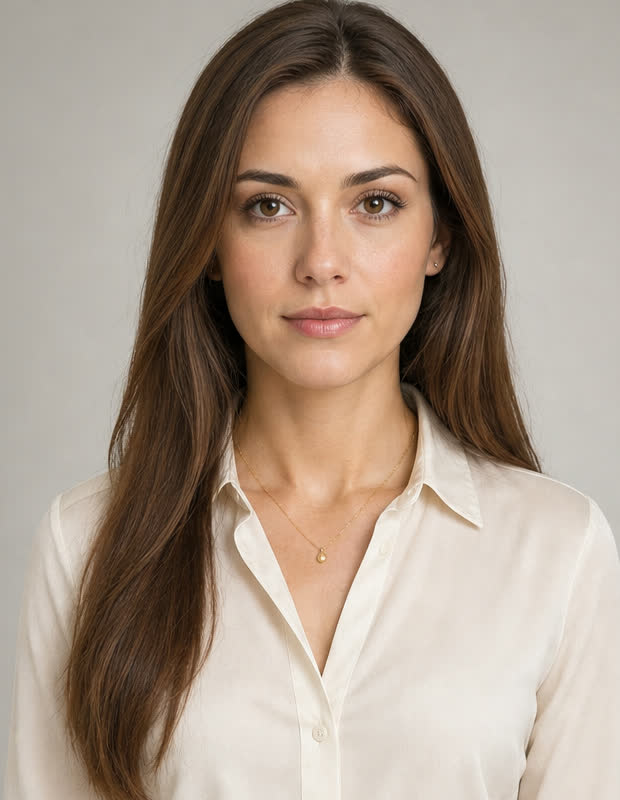
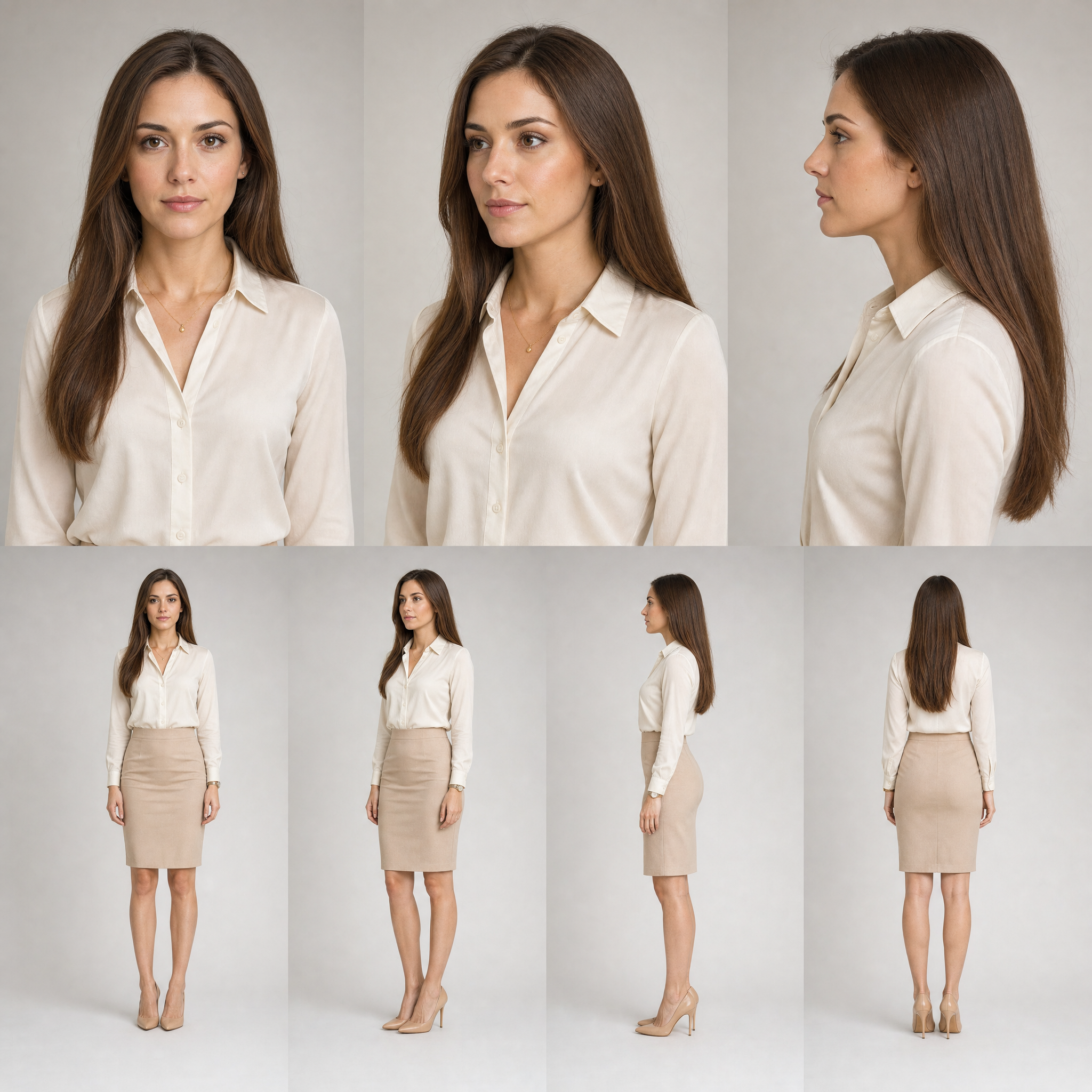
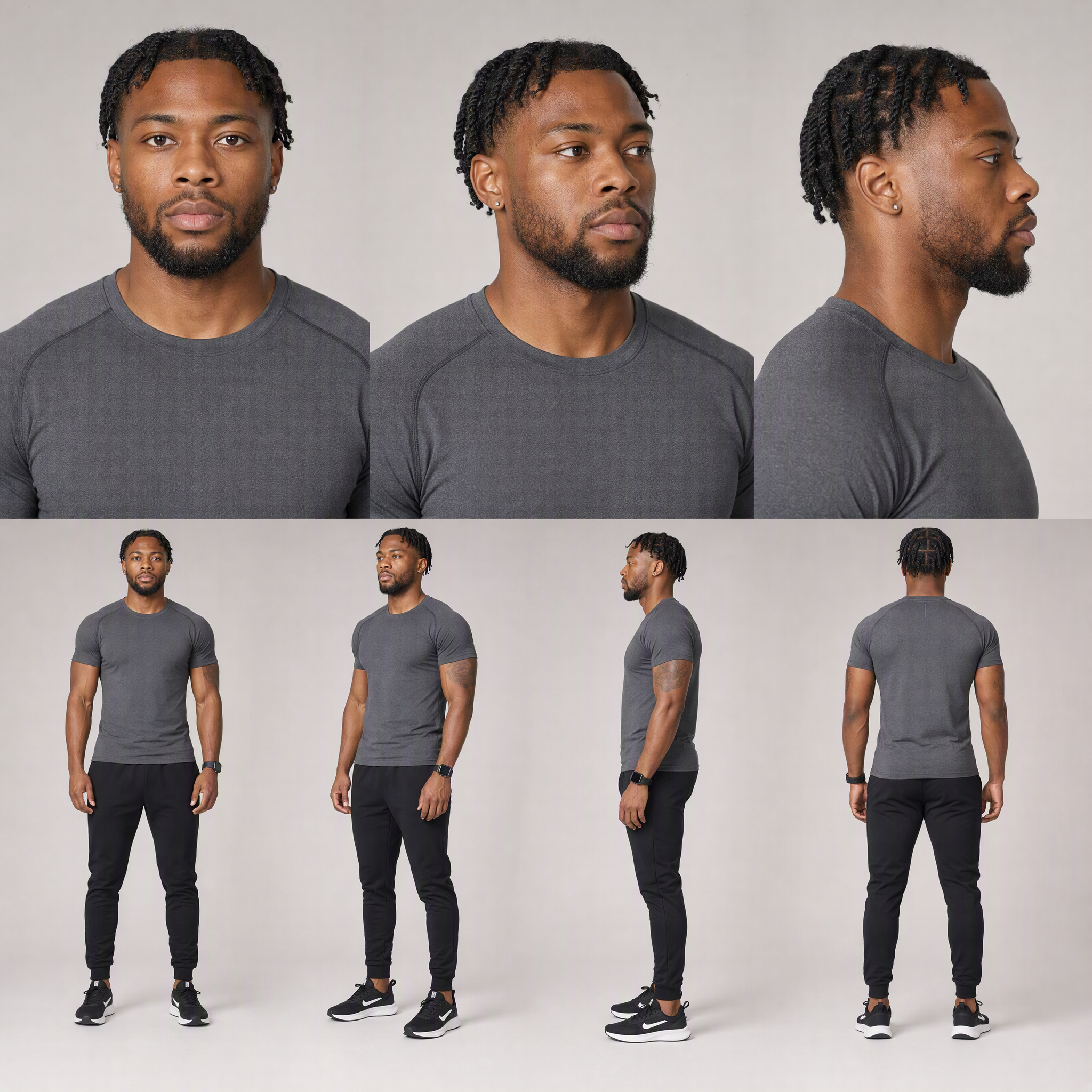
Step 1: Create a Character Sheet for Each Person
Step 2: Download the Hotel Lobby Motion Reference
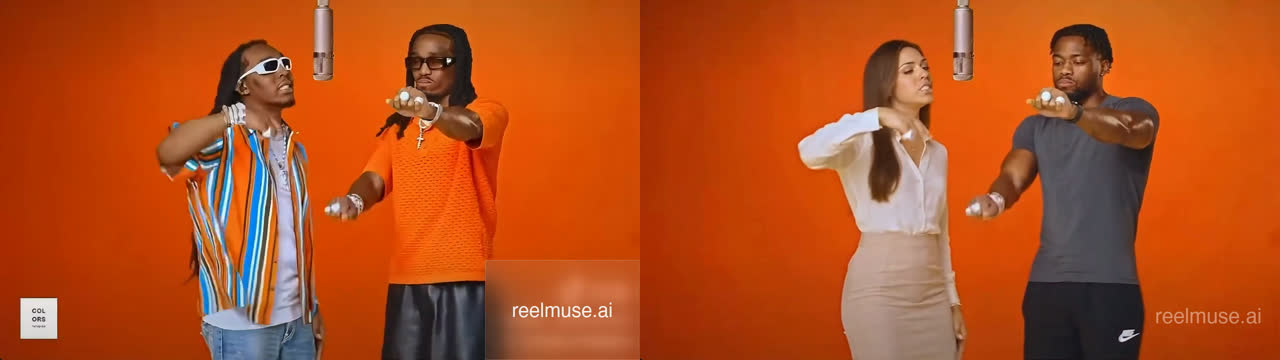
Step 3: Recreate the Performance with ReelMuse Image-to-Video
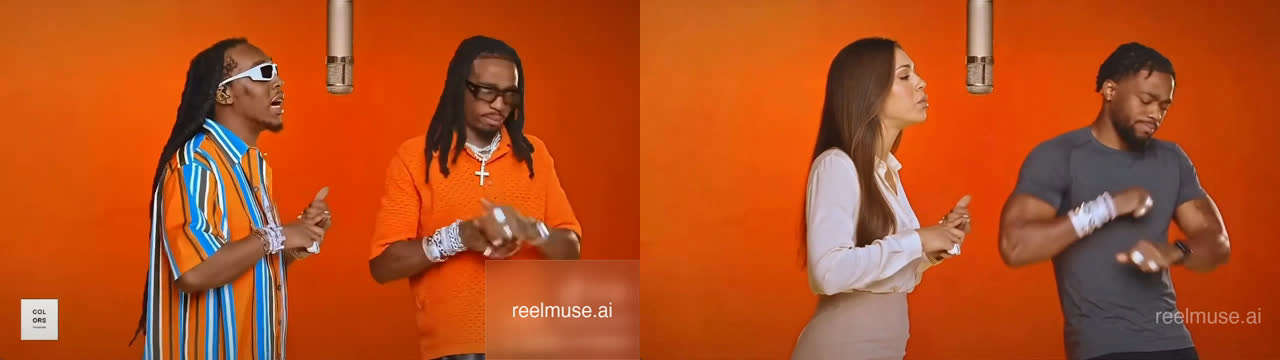
Step 4: Add the Hotel Lobby Audio
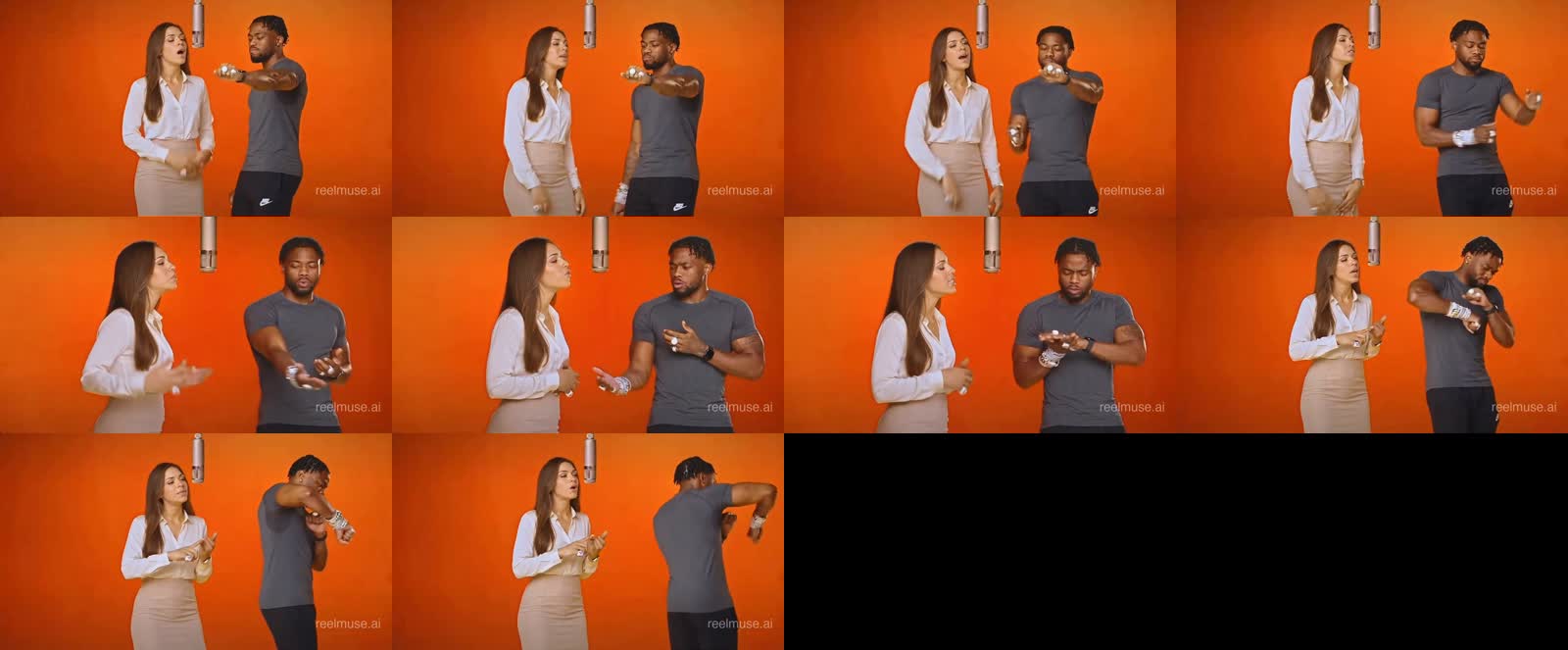
How to Recreate Other AI Performance Trends
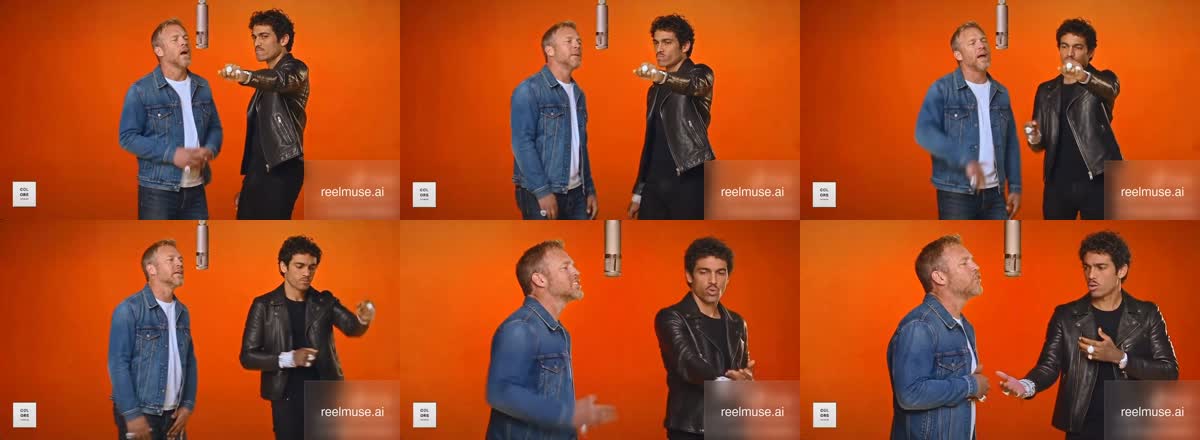
Best Practices for AI Video Swaps
Frequently Asked Questions
Frequently Asked Questions
Ready to Make Your Hotel Lobby AI Video?
Upload your motion reference and character sheets to the ReelMuse Hotel Lobby AI generator, and finish your take on the AI Hotel Lobby trend in minutes.