AI Highway Race
One photo → a 6-second in-car race as you get thrown around in the seat.


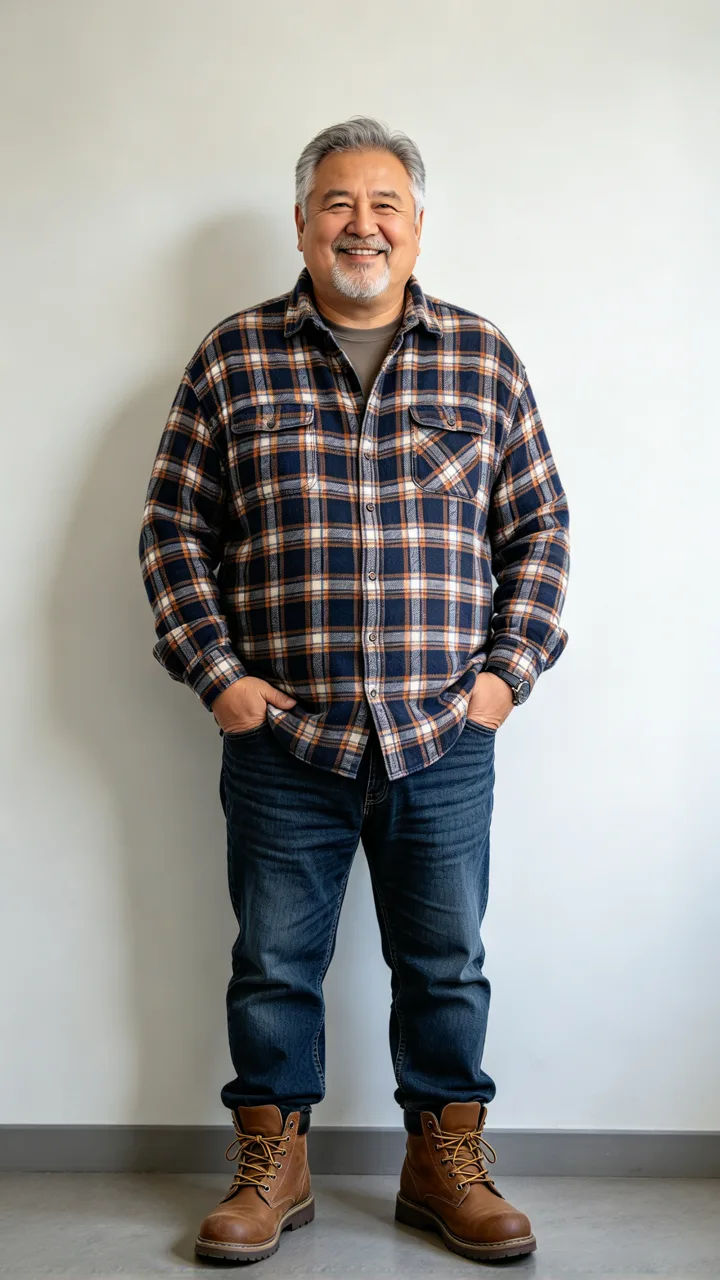
Your photo · highway race video
A 6-second vertical in-car video made from your photo. Upload only a photo of yourself or someone who agreed. Failed videos are refunded automatically.
Vietnamese CapCut templates for in-car highway races started spreading in early November: you sit behind the wheel, the car races, and bags or shoes fly off the seats. ReelMuse makes a 6-second 9:16 clip from one photo usually within 8–15 minutes (315 credits). Prefer a slam dunk instead? Try AI epic dunk, or a funk loading dance.
AI Highway Race examples
Each clip was made in one step from the small before photo in its corner (fictional people). Cars stay without brand logos. Best uploads: sitting, shoulders up, face lit.
beforeHighway shake
Fictional adult — bags fly in the cabin
beforeSeat bounce
Fictional adult — thrown around at speed
beforeOlder driver
Fictional older adult — same race motion
What is an AI Highway Race video?
Creators upload one photo into a CapCut template and come back in the driver’s seat of a racing car — highway speed, body thrown around, items flying inside the cabin. This page skips the template paste step: one upload, one 6-second video.
For the cleanest result, upload a seated half-body photo with both eyes visible. Standing full-body shots leave less face in the frame once you are buckled into the race seat.
How people make AI Highway Race clips
Vietnamese CapCut templates for in-car highway races started spreading in early November. The clip puts you behind the wheel while the car races and the cabin shakes.
On ReelMuse the same look needs no template app: one photo in, a 6-second 9:16 race out usually within 8–15 minutes. Example cars stay without brand logos.
How to make an AI Highway Race video
- Upload a clear photo of yourself. Face clearly visible works best so you stay recognizable in the driver’s seat. Only use a photo you have the right to use.
- Create the race video. Press Create (315 credits). You usually get, in 8–15 minutes, one 6-second 9:16 in-car race video.
FAQ
What is an AI Highway Race video?
An AI Highway Race video puts you in the driver’s seat of a racing car on a highway — the car speeds up, you get thrown around in the seat, and bags or shoes can fly off the seats. CapCut templates popularized the in-car look; this page makes a 6-second clip from one photo.
How do I make a highway race clip without CapCut?
Upload one photo on this page and press Create. You get a 6-second 9:16 in-car race video usually within 8–15 minutes.
Will it still look like me?
Yes — the race keeps your face in the driver’s seat while the cabin shakes. A seated half-body selfie works better than a standing full-body shot, so the model can lock onto your face behind the wheel.
Is it a photo or a video?
Video only. One Create makes one 6-second highway race clip. There is no separate photo step.
Is ReelMuse affiliated with CapCut?
No. CapCut popularized in-car race templates; ReelMuse is a separate product and is not affiliated with CapCut or ByteDance.
How much does AI Highway Race cost?
315 credits for the 6-second video. The price is on the button before you create, and if a video fails the credits go back to your account automatically.
Related
ReelMuse is not affiliated with CapCut or ByteDance.