TikTok transformation trend
Animal Transformation AI
Animal transformation AI turns one photo of your pet into a transformation video: armor plates fly in and lock on right where it sits.
Your photo and transformation
Transformations · tap to use
One transformed photo (9:16), usually under a minute. Upload only a photo you have the right to use. Failed photos are refunded.
Animal transformation AI is the TikTok trend where a pet transforms in place: armor plates lock onto a chihuahua, a husky grows dragon scales, a cat turns into a mecha, and the top clip has passed 5 million views. Here you upload one photo of your pet, pick a transformation, and get the transformed photo in about a minute; the Video tab makes the 6-second clip from your photo to the transformed version. It works on people too: turn yourself into a wolf or a lion.
Animal transformation AI examples
Each card is one transformation made from the small photo in its corner (fictional pets and people). Tap Use this to put that transformation in the box, or Copy prompt to take it with you.
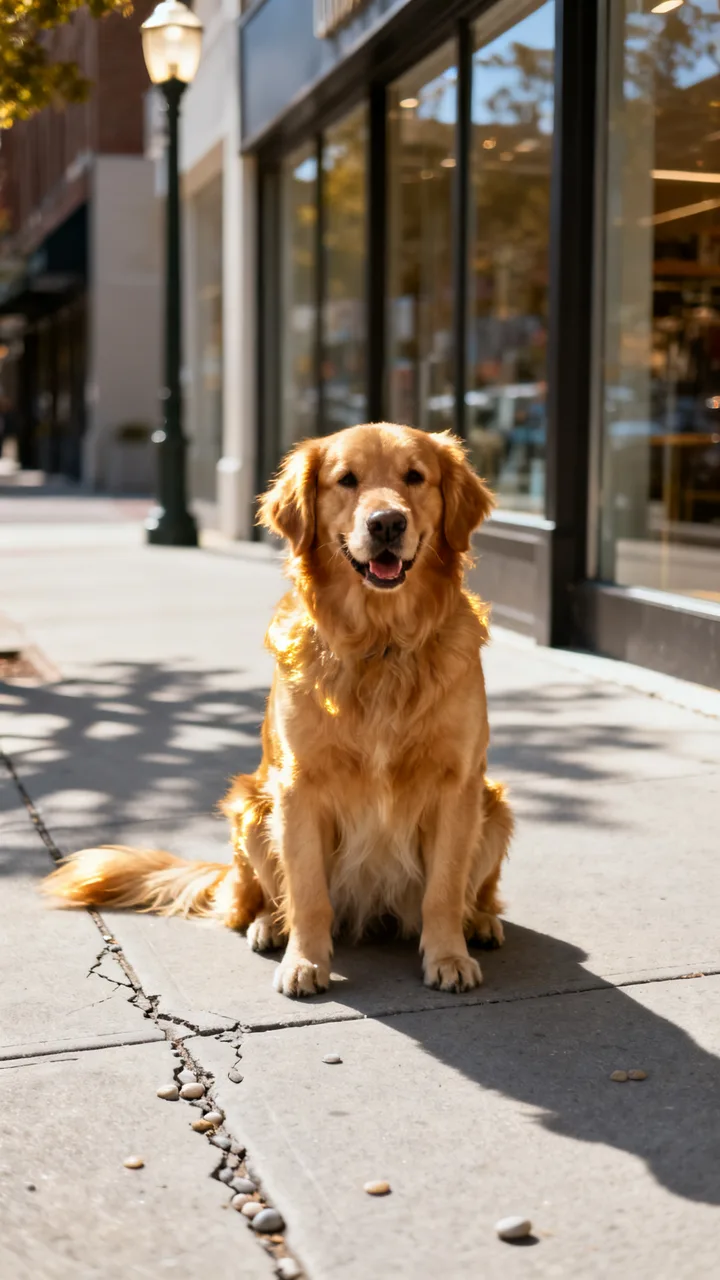
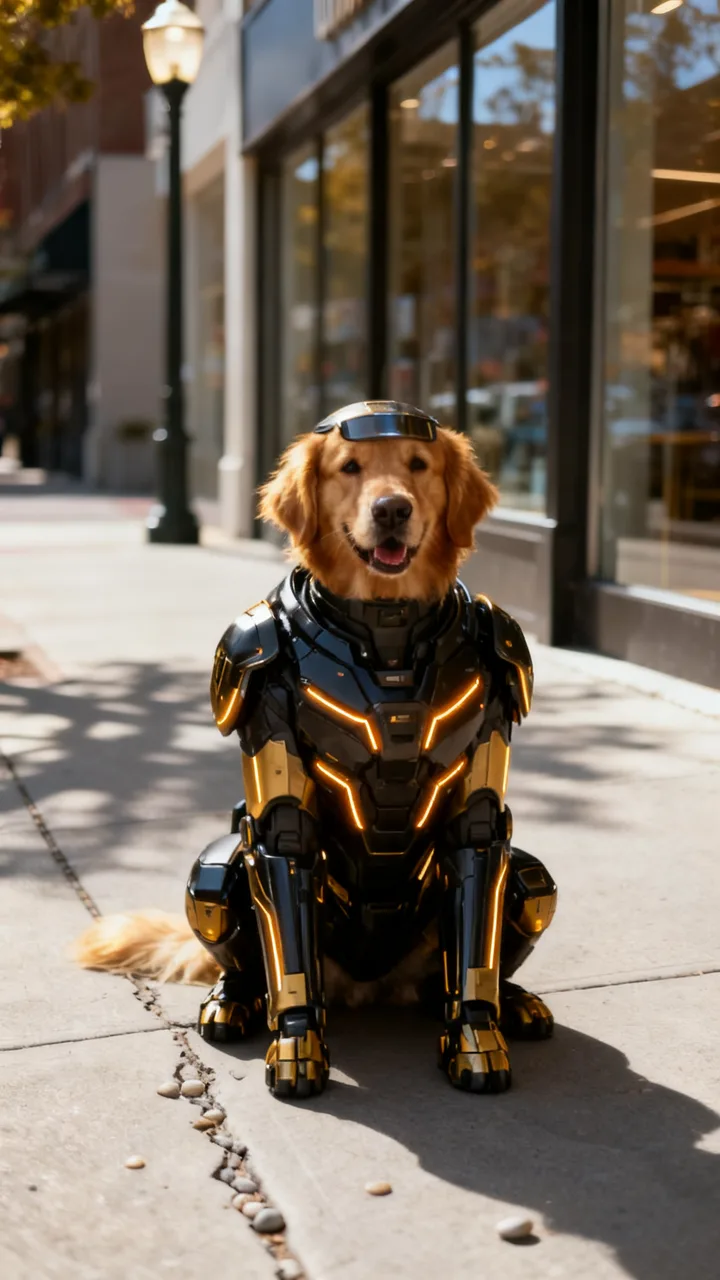
beforeBattle armor
Black and gold hero armor locks on
Transform this dog into a futuristic armored hero: sleek black and gold high-tech armor plates over its body and legs, glowing amber light lines, a small visor on its forehead, standing proud.
 before
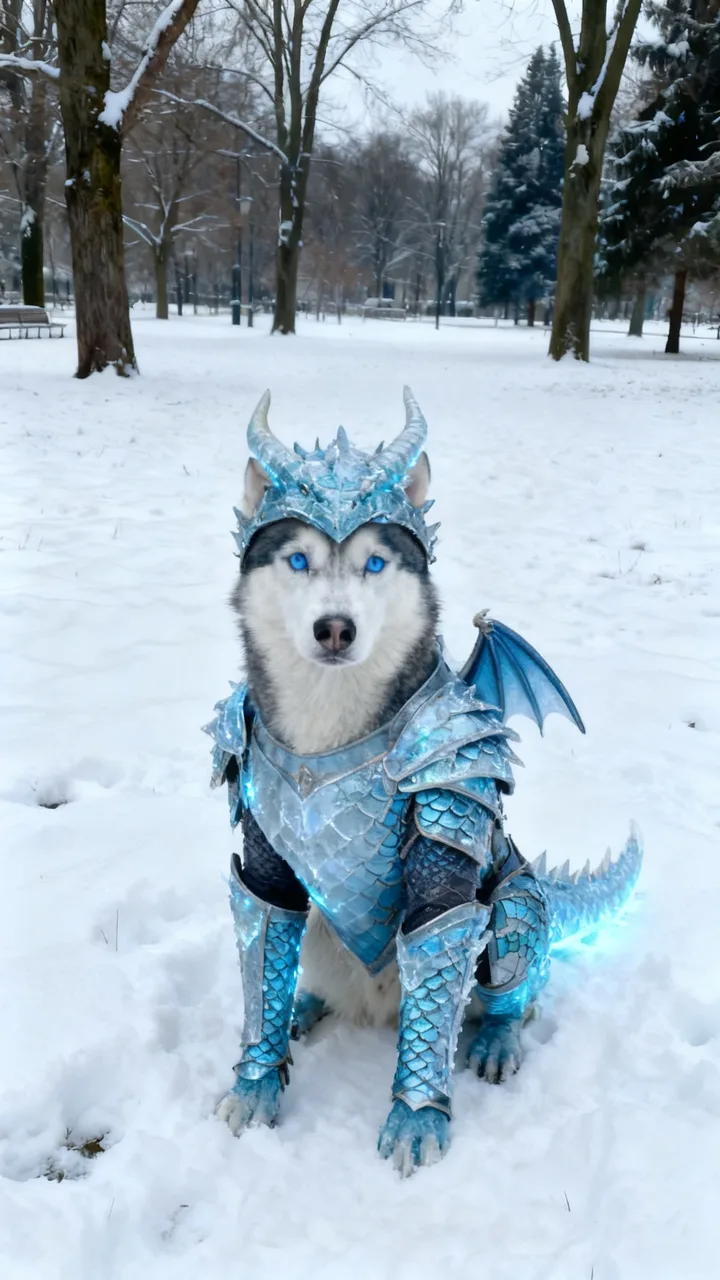
Dragon knight
Ice-blue scales, horns and wings
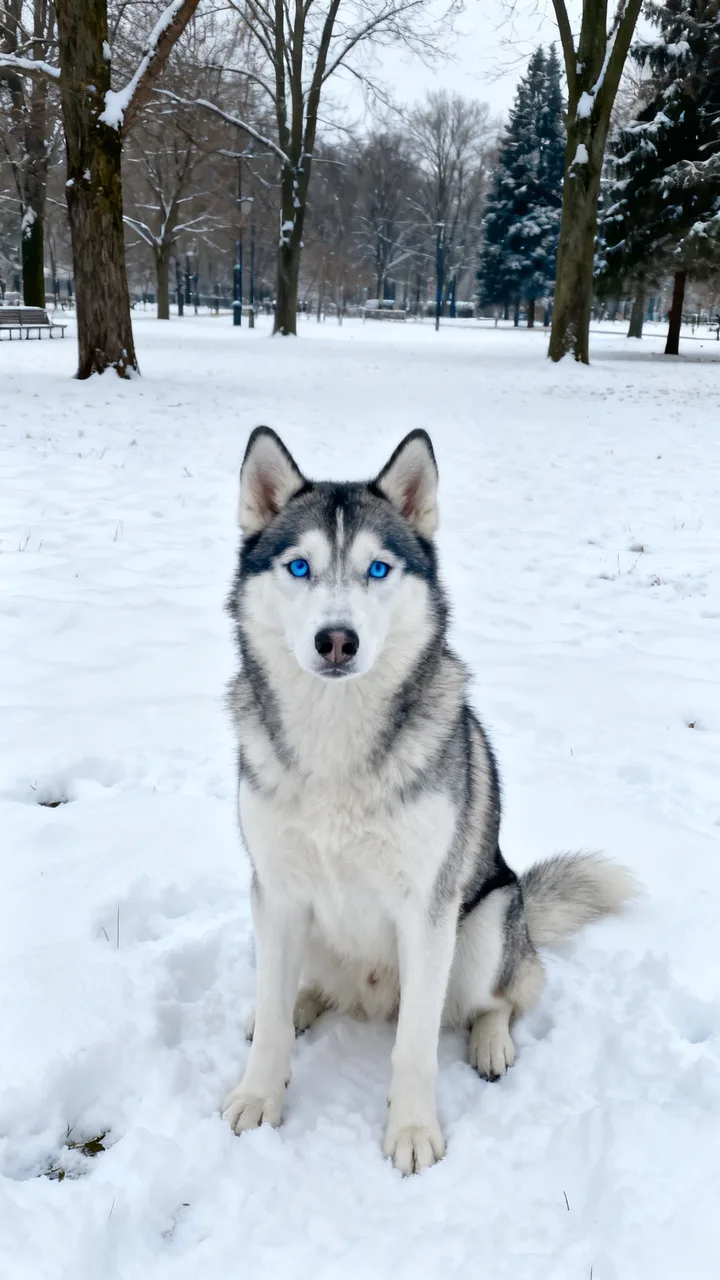
Transform this dog into a dragon knight: ice-blue dragon-scale armor over its body and legs, a horned dragon helmet, small folded dragon wings on its back, a frosty glow, same sitting pose.
 before
Cyber suit
Neon exosuit and a tiny visor
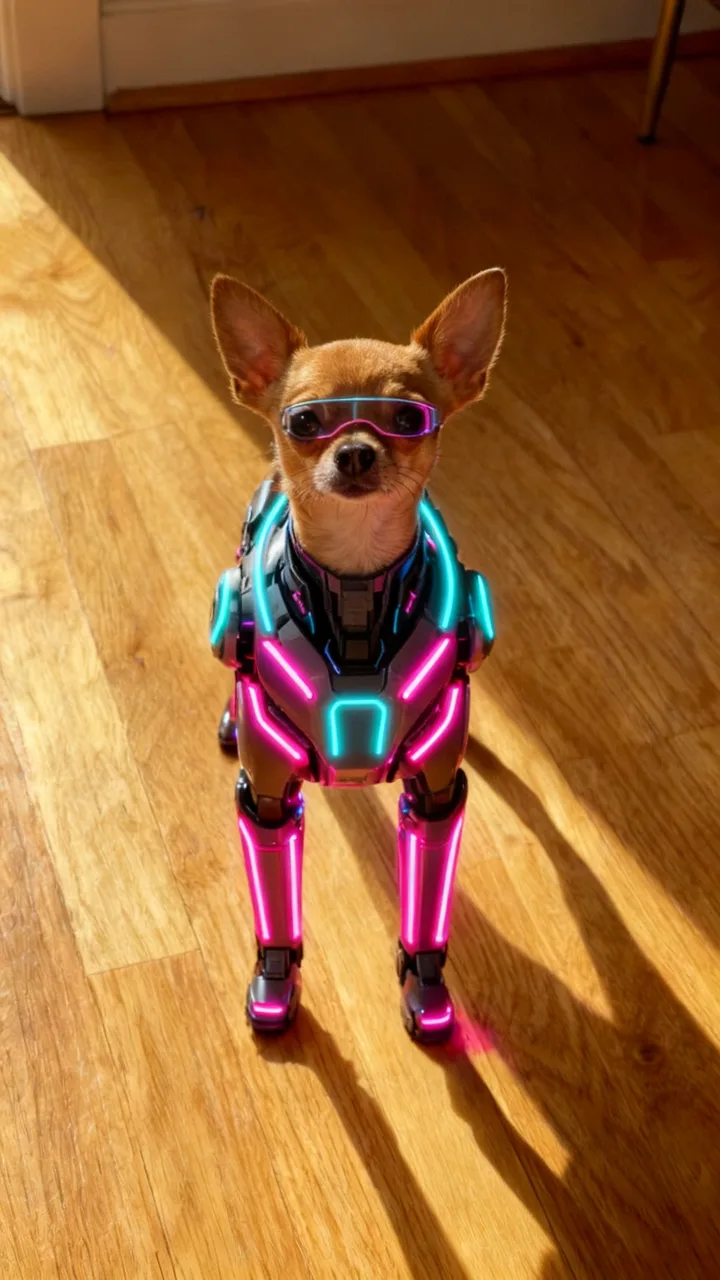
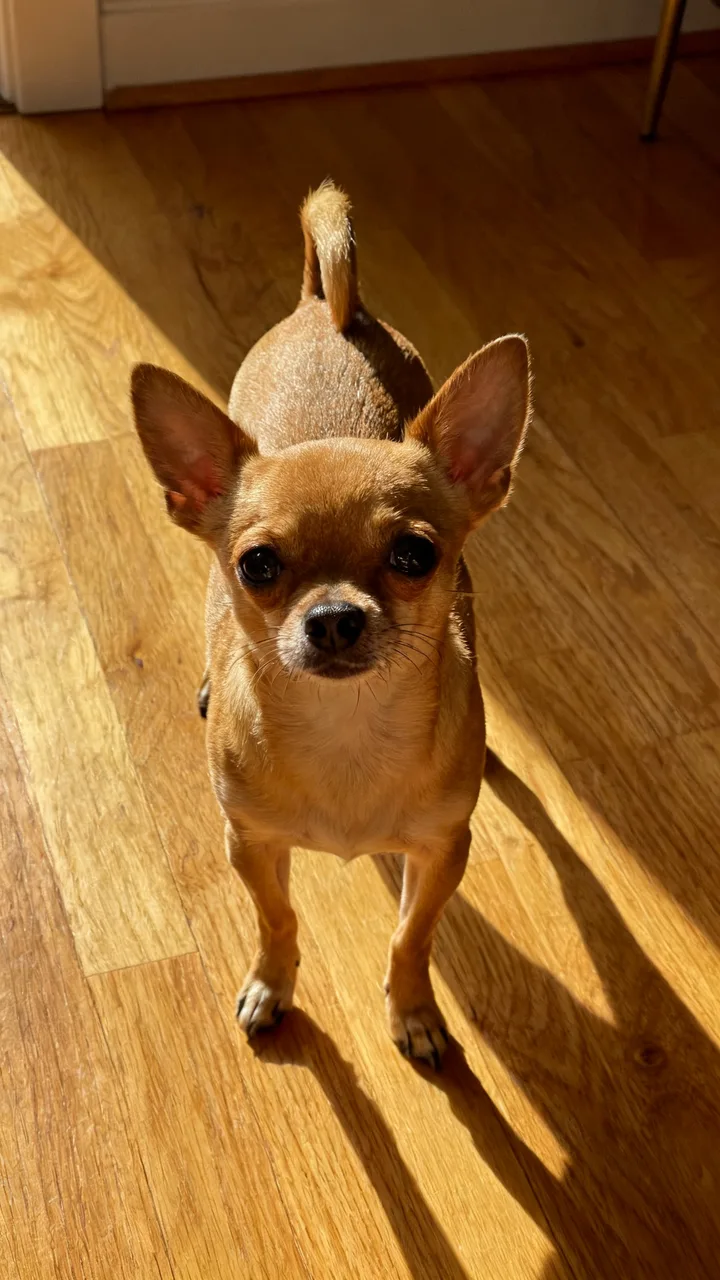
Transform this dog into a cyberpunk hero: a sleek neon exosuit with glowing pink and cyan light strips over its body and legs, a tiny visor over its eyes, same pose.
 before
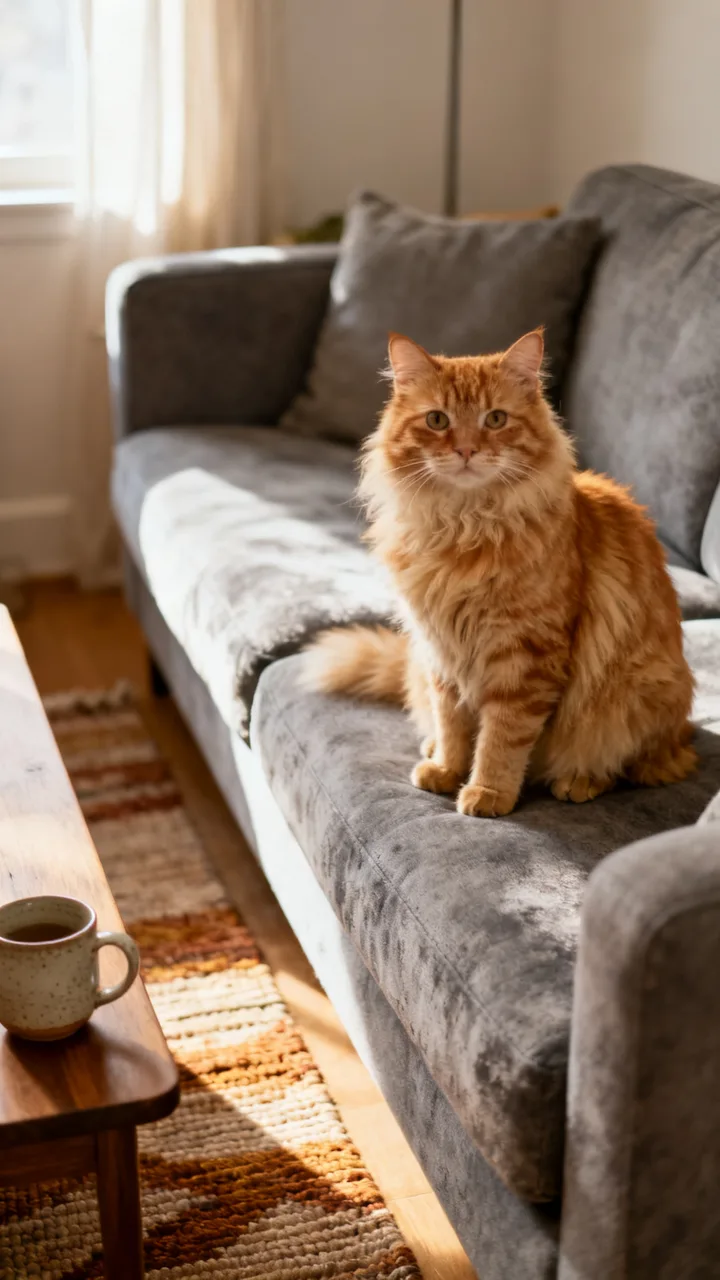
Mecha cat
Silver and blue robot shell
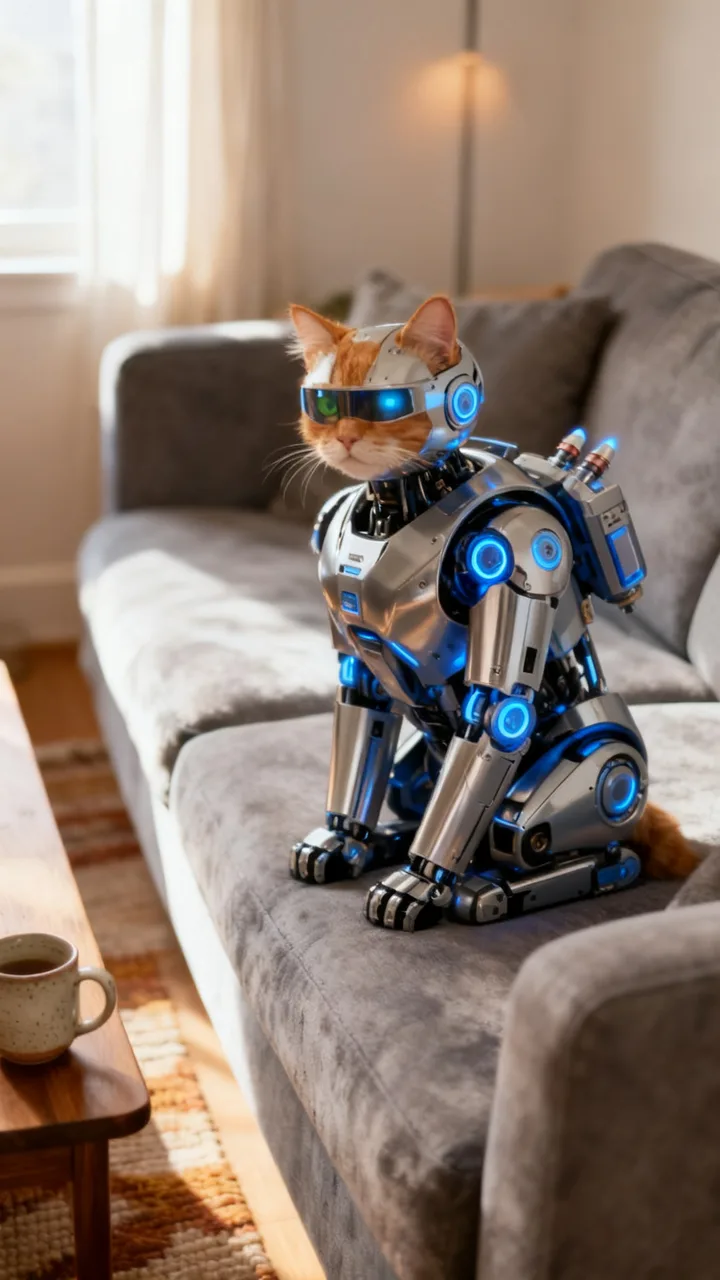
Transform this cat into a mecha robot cat: polished silver and blue robotic armor shell over its body, glowing blue joints and eyes visor, small thrusters on its back, same sitting pose.
 before
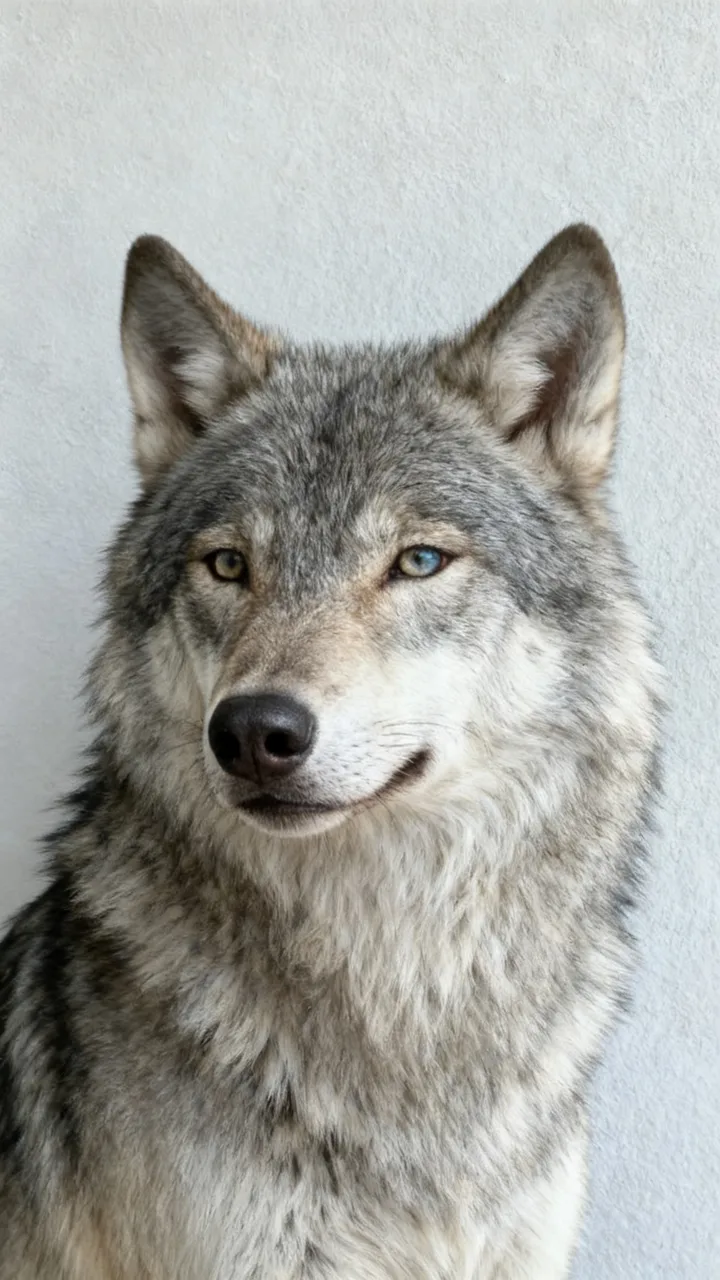
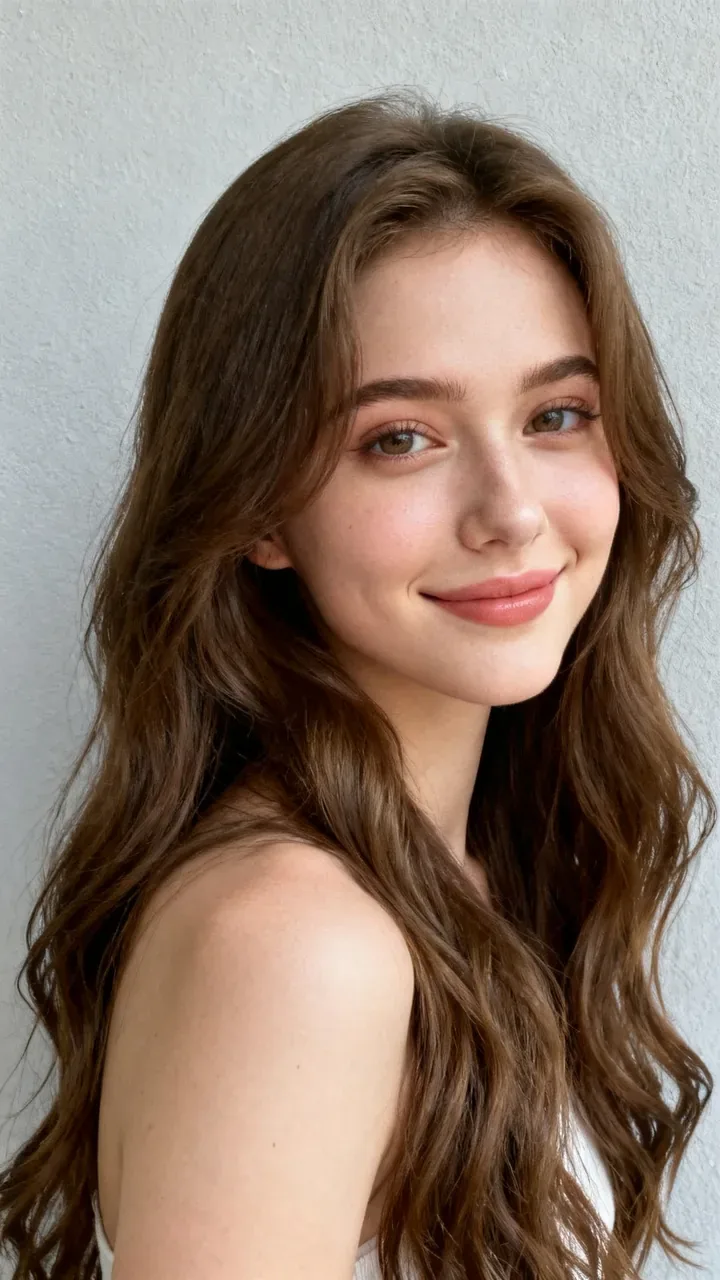
You as a wolf
A person turns into a grey wolf
Transform me into a majestic grey wolf in exactly the same pose and place: the wolf has my eye color and a fur tone that matches my hair color, realistic wolf, no human features.
 before
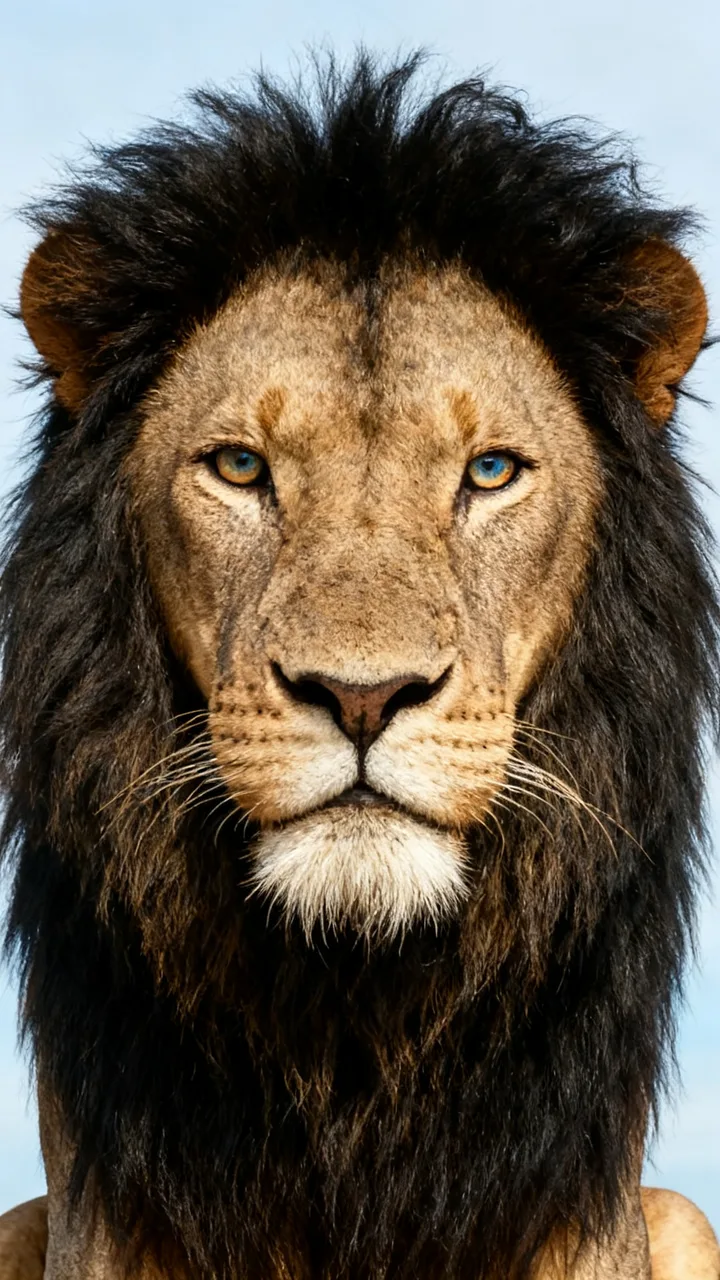
You as a lion
A person turns into a lion
Transform me into a majestic lion in exactly the same pose and place: the lion has my eye color and a mane that matches my hair color, realistic lion, no human features.
What is the animal transformation AI trend?
On TikTok, animal transformation AI means a pet or a person changing into something else in one continuous shot while the camera stays still. The pet versions are the ones spreading now: a dog suits up in futuristic battle armor piece by piece, a cat turns into a mecha, a husky grows ice dragon wings. People also search for it as AI pet transformation or pet armor transformation.
The page here makes both kinds from one photo: pick a pet transformation (battle armor, dragon knight, cyber suit, mecha cat) or a person-to-animal one (you as a wolf or a lion), or describe your own. The transformed photo keeps your photo’s framing, so the video only has to transform, not move the camera. That is animal transformation AI in one sentence: same spot, new form.
How to make an animal transformation with AI
Step 1
Upload one clear photo
Your pet or yourself, whole body in frame if you can, good light. Only use a photo you have the right to use.
Step 2
Pick a transformation
Tap battle armor, dragon knight, cyber suit, mecha cat, wolf or lion, or describe your own in the box.
Step 3
Create a photo or a video
Press Create: 15 credits for the transformed photo in about a minute, or 95 credits on the Video tab for the photo plus a 6-second transformation video.
Tips for a better pet transformation
- One pet per photo, whole body in frame: the armor needs legs and a back to lock onto.
- Vertical photos work best for the video. The Video tab crops your photo to 9:16 so the first and last frame line up.
- A calm, sitting pet gives the cleanest clip; a blurry jumping dog gives a blurry hero.
- The video has no sound. Add an epic sound in TikTok when you post, like the trend’s clips.
More one-photo AI effects on ReelMuse
Want to be the one watched through a window? Try the window peeper AI trend. For an anime twist on your selfie, use anime star face AI.
Who makes this
ReelMuse makes the transformed photo and video from the photo you upload. The photo is used for those. Read the privacy policy and the terms.
FAQ
What is animal transformation AI?
It turns one photo into a transformation: a pet suiting up in armor, a cat becoming a mecha, or a person turning into a wolf or a lion. On this page you get the transformed photo, or on the Video tab a 6-second clip from your photo to the transformed version.
Does it work with any pet?
Dogs and cats work best, one animal per photo with its whole body visible. Other pets work too: describe the transformation you want in the box.
Can I turn myself into an animal?
Yes. Pick You as a wolf or You as a lion, or write your own, like "turn me into a fox". Your eye color and hair color carry over to the animal.
How long does it take?
About a minute for the photo. The Video tab makes the photo first, then the 6-second video, usually 2–3 minutes in all.
Does the video have sound?
No. Add an epic sound in TikTok when you post; the pet transformation clips on TikTok all use one.
How much does it cost?
15 credits per photo, or 95 credits for the photo plus the transformation video. The price is on the button before you create, and if a step fails its credits go back to your account automatically.