@maeveplusryan
Grey ghost filter on boyfriend
CapCut ghost filter prank
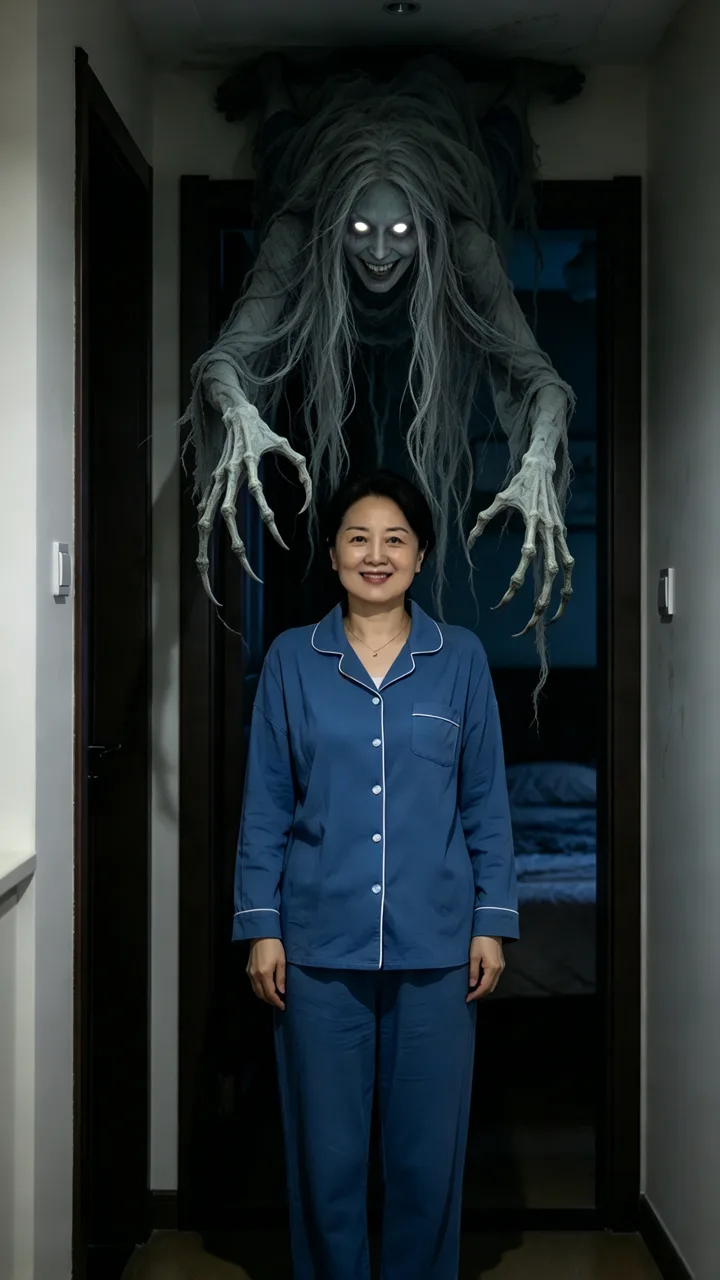
Ghost filter: put a pale grey ghost right behind you in your photo.
Ghost scenes · tap to use
One ghost photo (9:16), usually under a minute. Upload only a photo you have the right to use. Failed photos are refunded.
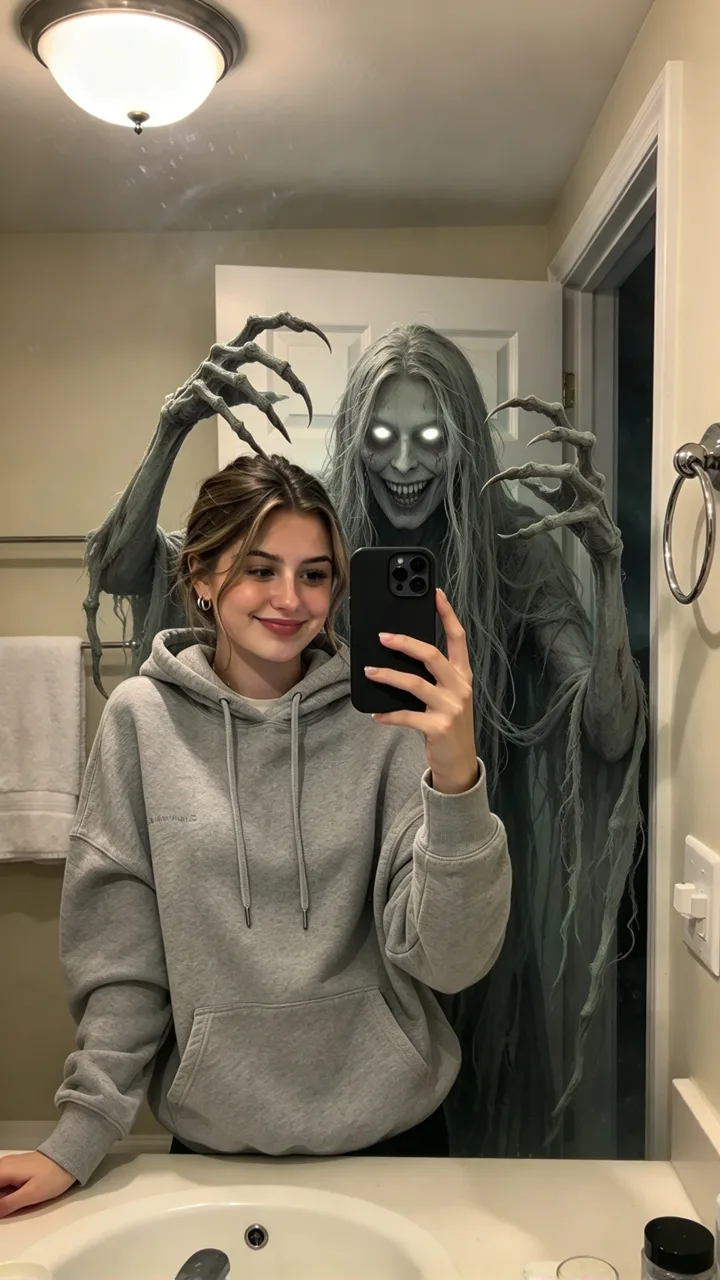
Ghost filter is the CapCut scare everyone is sending: a tall pale grey ghost with long stringy hair, glowing eyes and clawed hands stands right behind you while you smile at the camera. The format first blew up with parent pranks; TikTok shows 22 posts this week versus 4 last week, with a top clip near 14.4 million views — a kids' version we don't feature. The cards on this page are adult couple pranks only — our examples use fictional adults. Upload one photo, pick a scene, get a 9:16 still; the Video tab turns it into a 6-second shot of her moving (usually 1–3 minutes).
Each card is one ghost scene made from the small before photo in its corner (fictional adults only). Tap Use this to put that scene in the box, or Copy prompt to take it with you.
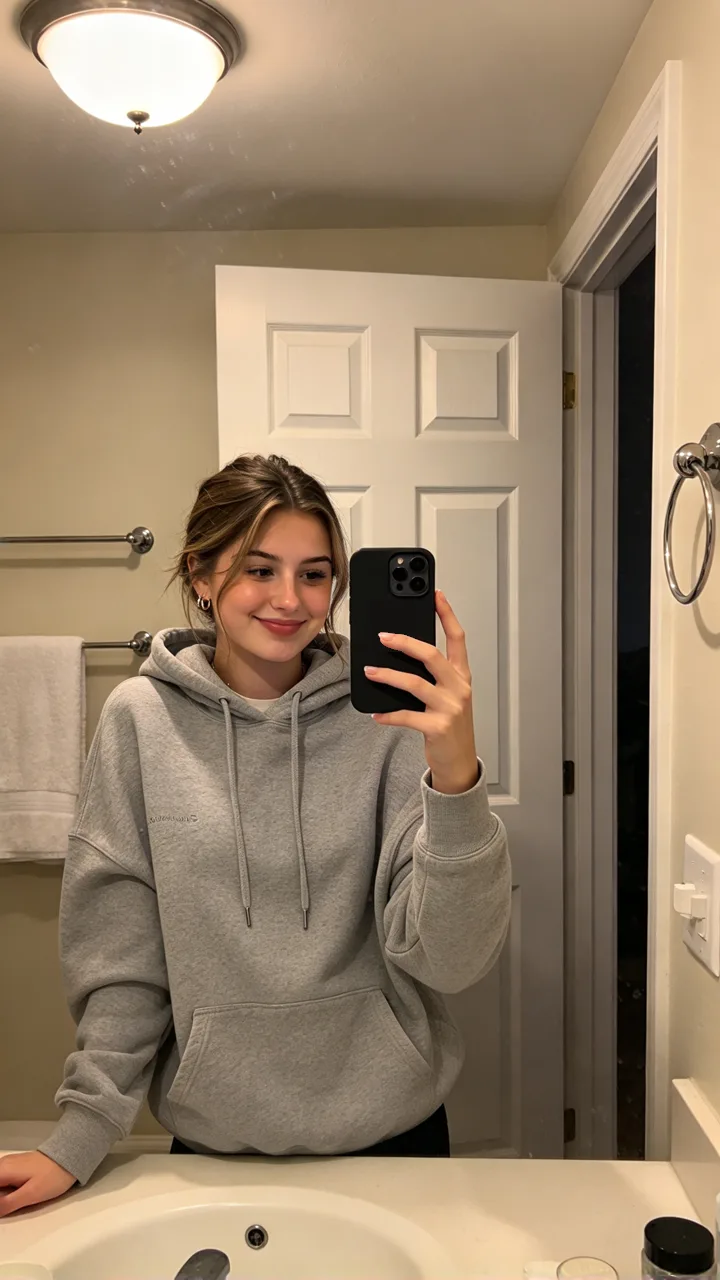
beforeRight behind you
The viral one: she is in the mirror
Add the ghost standing right behind me, her clawed hands raised close to my shoulders and her face just above my head.
 before
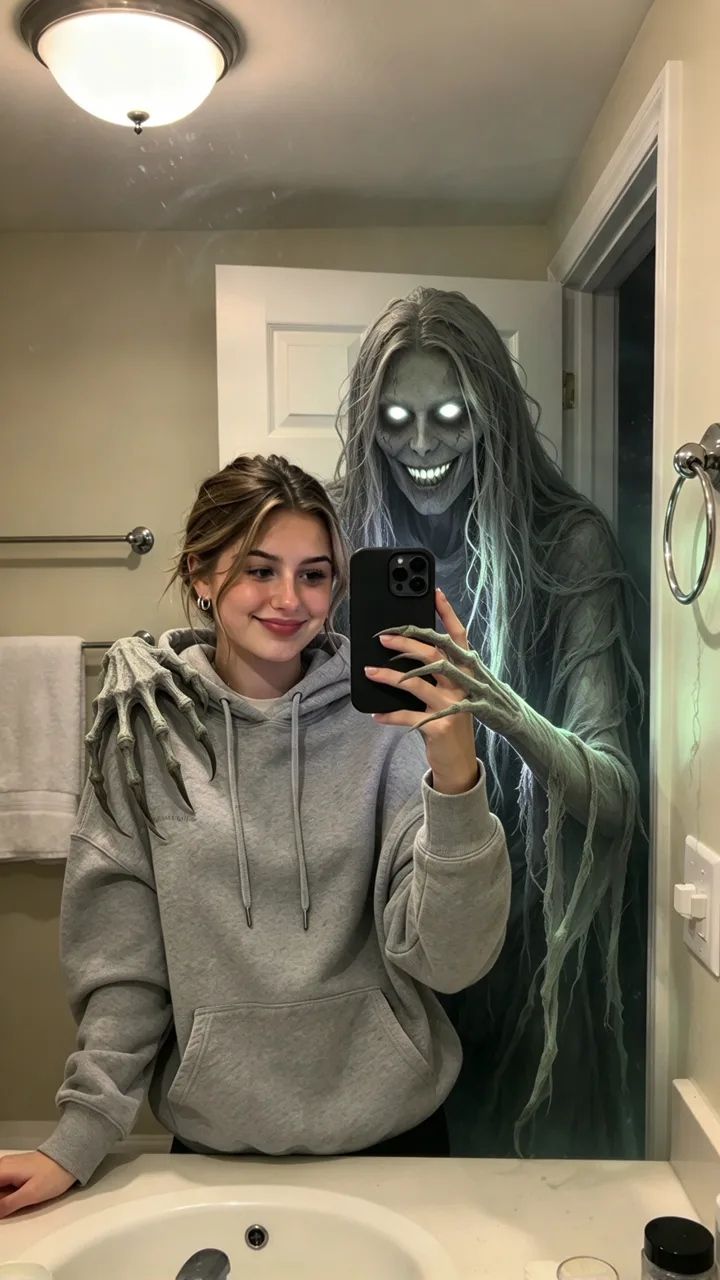
A hand on your shoulder
Cold fingers, then you turn
Add the ghost standing close behind me with one long clawed hand resting on my shoulder.
 before
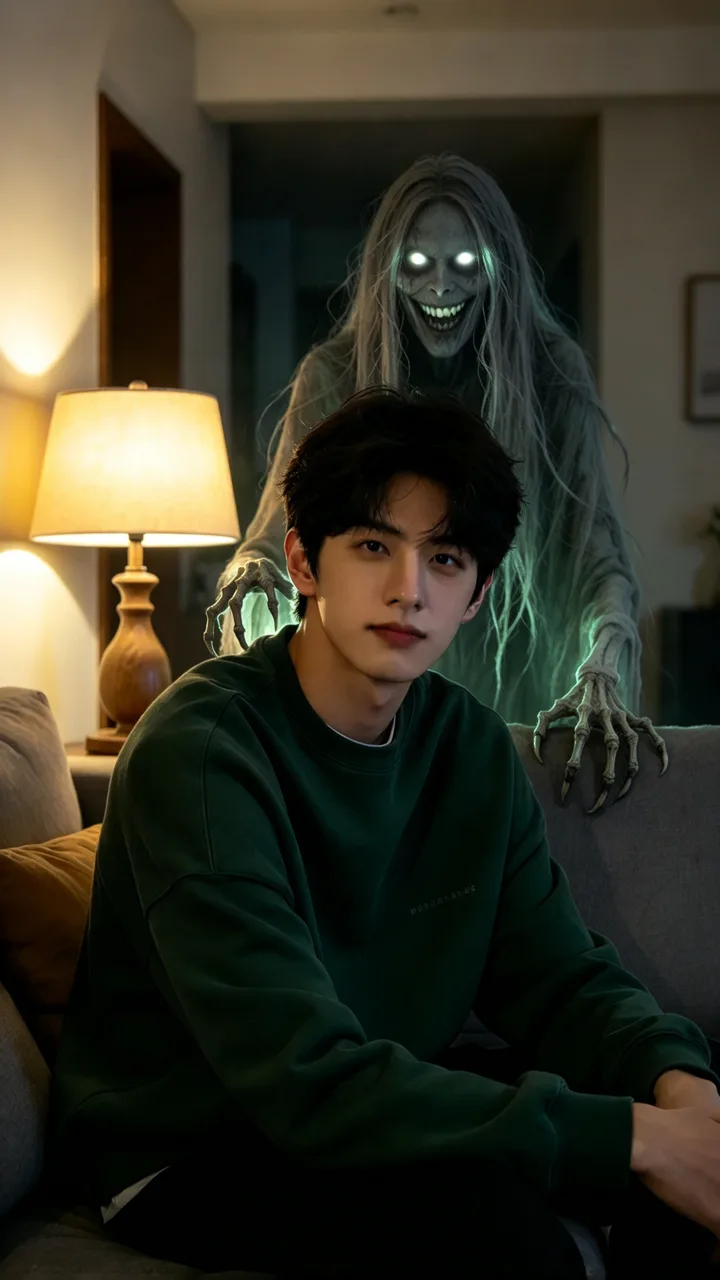
Peeking over the sofa
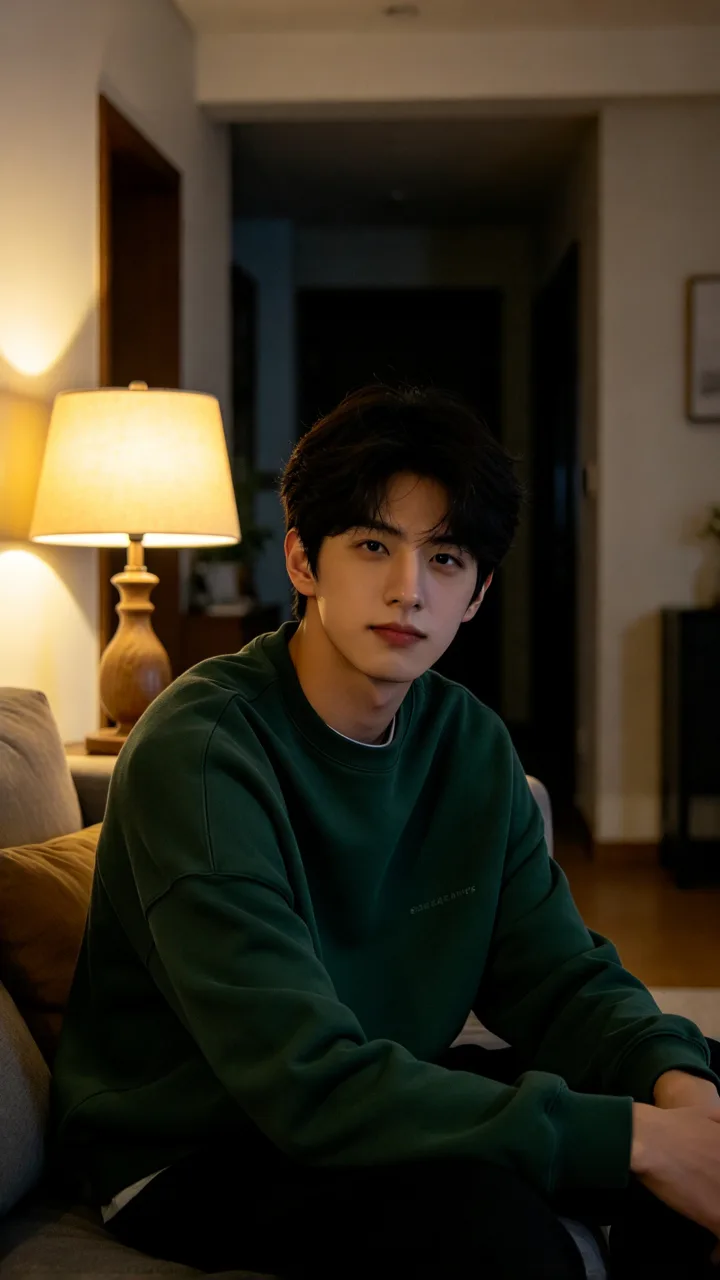
Grinning at the camera
Add the ghost peeking over my shoulder from behind the sofa with a wide creepy smile, one clawed hand on the sofa back.
 before
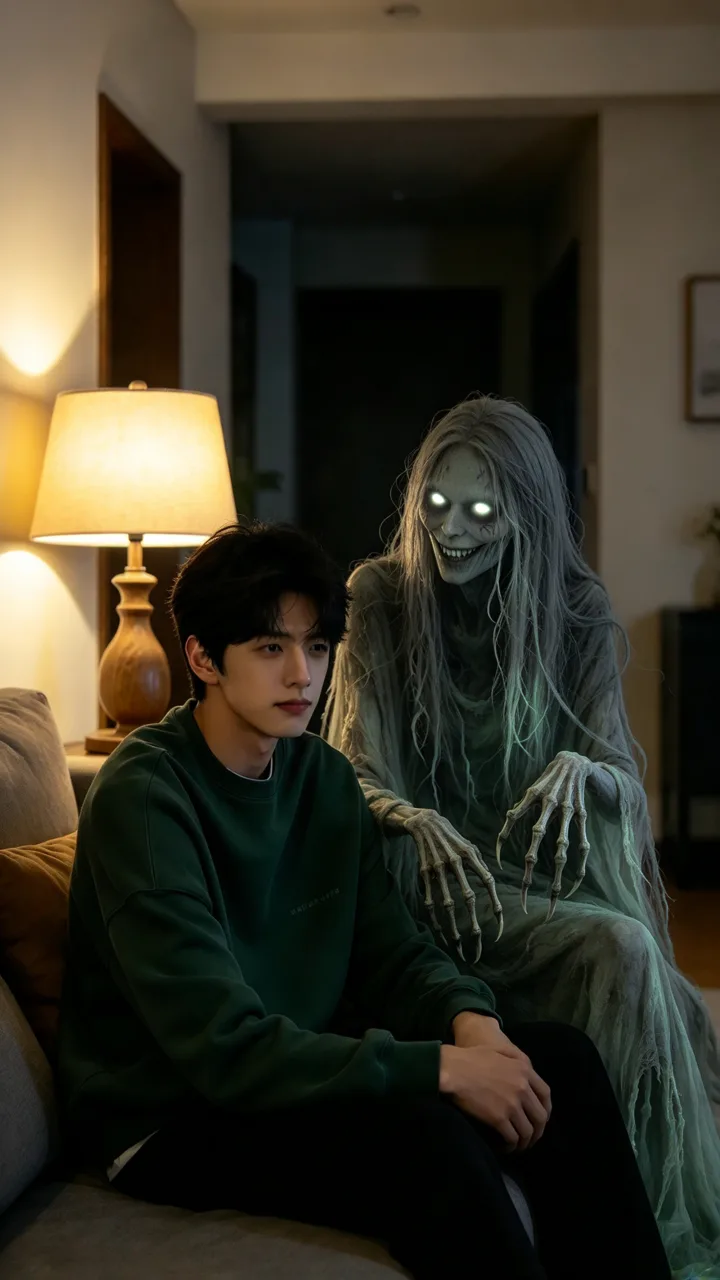
Sitting next to you
She has been there all along
Add the ghost sitting right next to me on the sofa, her head turned toward me, staring at me with glowing eyes.
 before
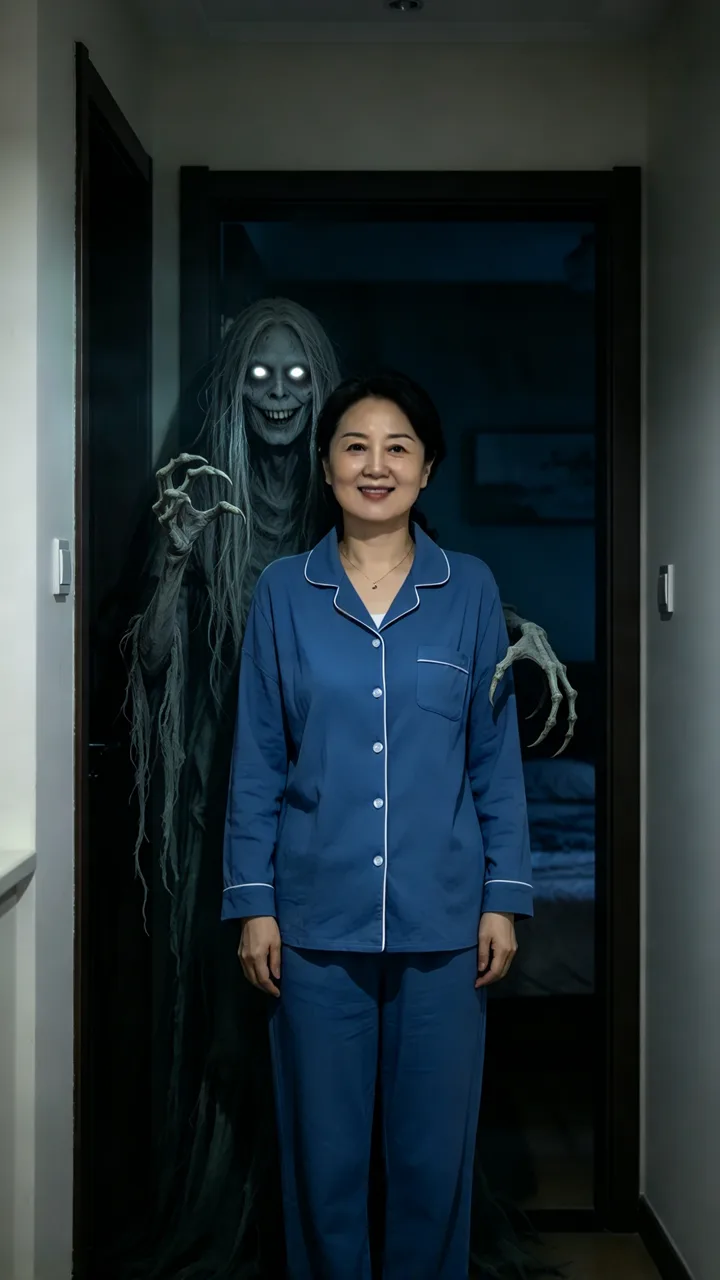
In the doorway
Watching from the dark room
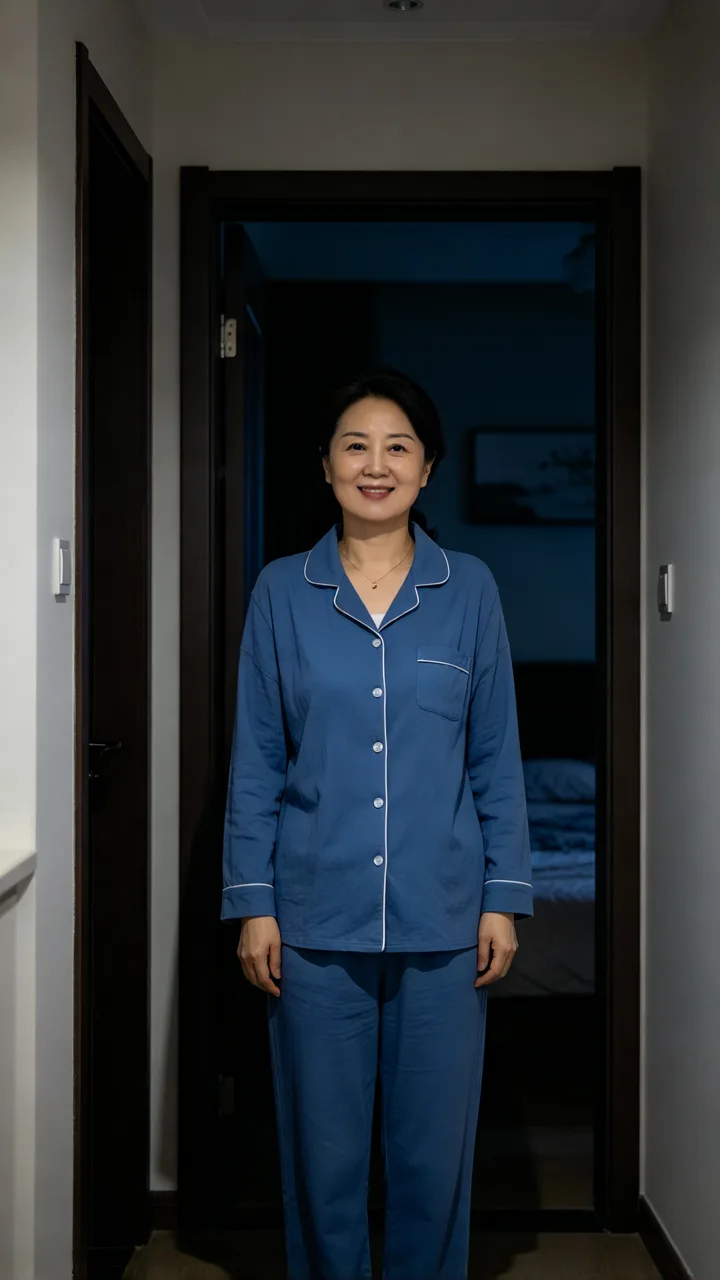
Add the ghost standing in the dark doorway behind me, half in shadow, staring at the camera with glowing white eyes.
 before
On the ceiling
Crawling right above you
Add the ghost crawling upside down on the ceiling high above me, her long grey hair hanging down but not touching me; my own hair stays exactly as it is.
Creators add a pale grey ghost woman behind someone in a real room photo — clawed hands near the shoulders, face just above the head, or peeking over a sofa — then send the still or a short moving clip. The person in frame has not noticed. CapCut templates made the look easy to copy; people tag it ghost filter, ghost behind you, and AI ghost prank.
This ghost filter page makes that picture without hunting for a CapCut template: six adult scenes are ready to tap, and you can describe any other placement in the box. Photo tab for the still; Video tab for a 6-second shot where she moves.
Examples from TikTok
Two real adult ghost pranks. Not made with ReelMuse. We do not feature kids scare clips.
Clips belong to their creators and link back to TikTok. The ghost filter page above edits your own photo (adults only).
TikTok ghost-filter posts hit 22 this week versus 4 last week. A top clip sits near 14.4 million views — a kids' version we don't feature. The adult cards we feature are a 48K grey-ghost couple prank and a 3.55M framed-photo ghost edit.
The format first blew up with parents pranking kids. This page stays on adult couple pranks and fictional adult examples only — no kids scare clips in our cards or demos.
TikTok numbers from public posts, as of November 4, 2026.
CapCut “ghost behind you” templates packaged a simple scare: keep the real person and room, drop in a pale grey ghost with stringy hair and clawed hands, and send it. The biggest posts are reaction videos after someone opens the photo or short clip.
ReelMuse rebuilds that CapCut-style ghost filter from your own photo — six adult scenes, plus a Video tab that makes a 6-second shot of her moving. Film their reaction when you send it; that is the prank.
People laugh hard under adult couple ghost pranks; under kids scare versions they push back — which is why this page stays adult-only:
“Bro got me wheezing”
167 likes, under @maeveplusryan
“GOT EM🤣🤣🤣🤣😂😂😂😂😂”
41 likes
“please do more of these i'm laughing so hard.”
1 like
“I feel sorry for the kids but I'm entertained”
under a kids scare clip we do not feature
“Y'all need to stop this trend😢”
under a kids scare clip we do not feature
On ReelMuse you still get the ghost from one photo — Photo for the still, Video for a 6-second moving shot (usually 1–3 minutes). Adults only.
Step 1
A selfie or mirror photo with the room behind you works best. Only use a photo you have the right to use. Examples on this page use fictional adults only.
Step 2
Tap Right behind you, A hand on your shoulder, Peeking over the sofa, Sitting next to you, In the doorway or On the ceiling, or describe your own in the box.
Step 3
Press Create for a 9:16 ghost photo, or switch to Video for the photo plus a 6-second shot of her moving. Film their reaction when you send it — that is the prank.
Both put a ghost behind you in your photo. ReelMuse is not affiliated with CapCut or ByteDance.
ReelMuse
CapCut template
What you upload
One photo of you (selfie or mirror).
A selfie, then you hunt a CapCut ghost template.
The ghost
Six scenes to tap, or describe your own.
Whatever that one template does.
Output
9:16 photo, or photo + 6-second moving shot.
A CapCut export.
Time
Photo usually under a minute; video usually 1–3 minutes.
Find the template, then export.
Price
Shown on the button before you create.
Depends on the app and template.
Want a fake disaster in a driveway or room photo instead? Try AI prank. For a window-knock food scare, use window peeper AI.
ReelMuse makes the ghost filter from the photo you upload. The photo is used for that edit. Read the privacy policy and the terms. Adults only — do not upload photos of children for scare edits.
It is the CapCut “ghost behind you” prank: a tall pale grey ghost woman with long stringy hair, glowing white eyes and clawed hands appears right behind you in your own photo while you have not noticed. Creators send the still or a short moving clip and film the reaction.
Upload one photo of yourself on this page, pick where the ghost stands (or describe your own) and press Create. You get the finished ghost photo. Switch to the Video tab for a 6-second shot where she moves.
Both. The Photo tab makes one 9:16 still. The Video tab makes that still first, then a 6-second shot where the ghost moves while you stay unaware.
Yes. The edit keeps you, your face, clothes, pose and the room; only the ghost is added. Friends should still recognize you — that is what makes the scare land.
Adults pranking other adults. Our examples use fictional adults only. Do not upload photos of children for scare edits.