@honeykhan8533
CapCut goodbye 2026, welcome 2027
New Year 2027 AI transition
One selfie in: giant stone 2027 under your feet, or a camera pull-back that reveals the new year.

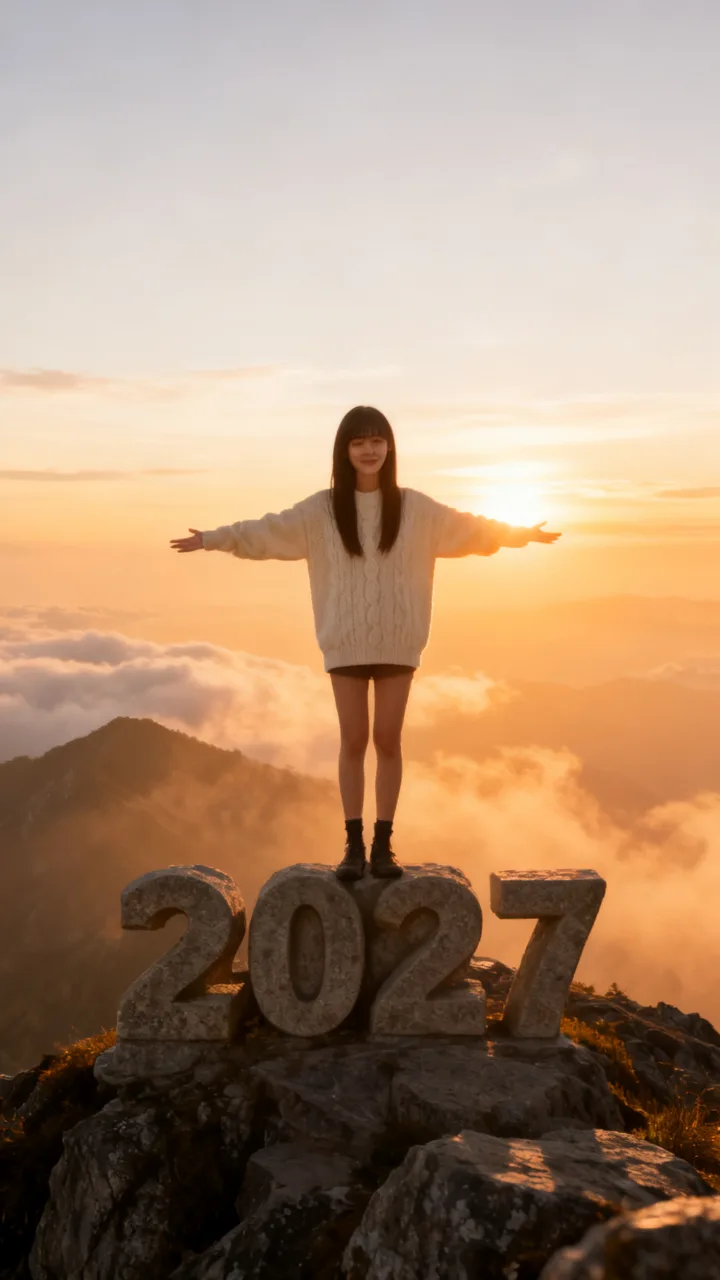
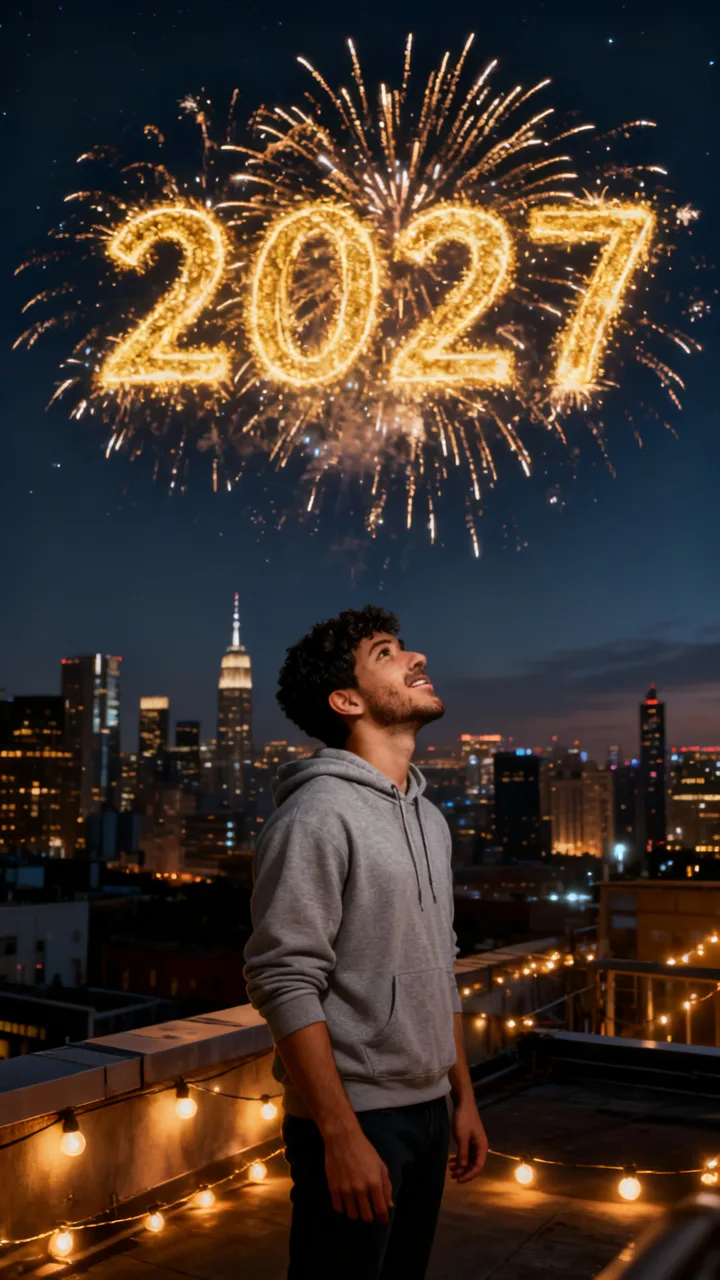
New Year scenes · tap to use
One New Year photo (9:16), usually under a minute. Upload only a photo you have the right to use. Failed photos are refunded.
The goodbye 2026 welcome 2027 AI transition turns one selfie into a New Year scene — standing on giant carved stone numbers 2027 at sunrise, on a fireworks rooftop, or under a neon 2027 sign — while your face stays recognizable. It is the CapCut-style year-change reveal that picked up on TikTok from late October 2026: the camera starts on your close selfie and pulls back into the full 2027 set. Here you skip CapCut: upload one photo, pick a scene, and get a 9:16 still in about a minute. Want the clip? The Video tab adds the 6-second pull-back reveal (usually about 6–9 minutes after the photo).
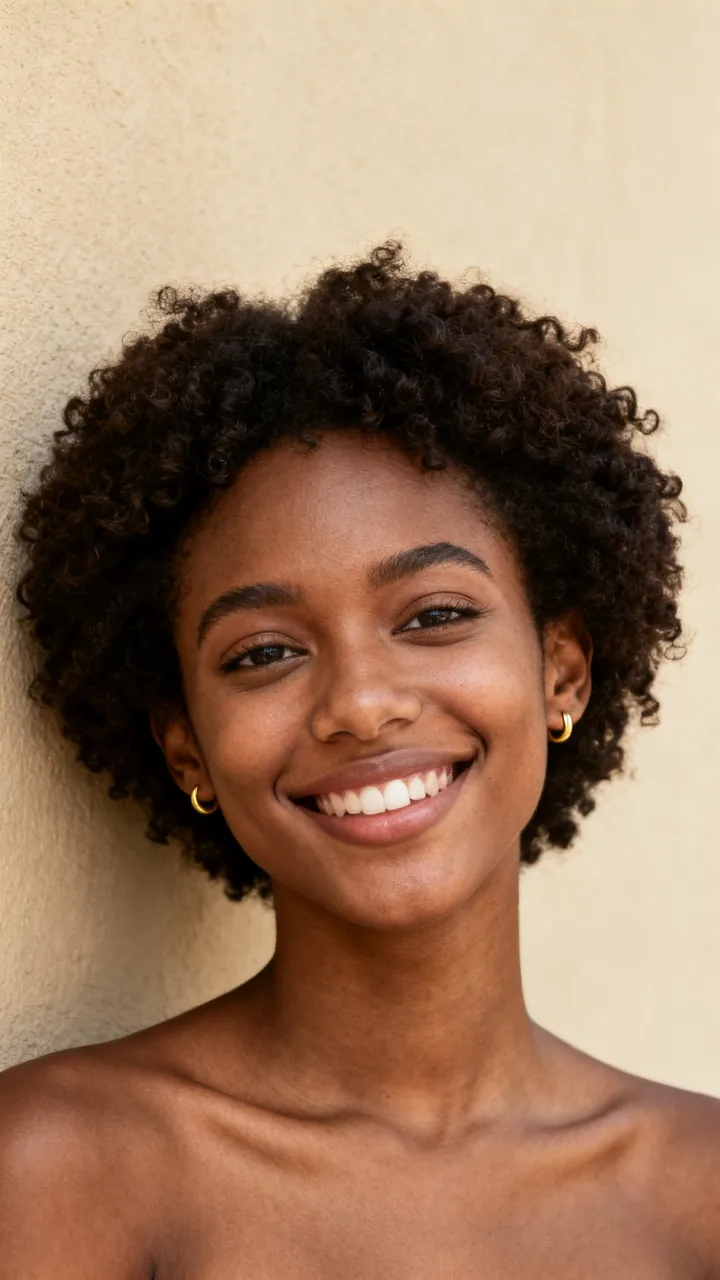
Each card is one New Year photo made from the small selfie in its corner (fictional test faces). Tap Use this to put that 2027 scene in the box, or Copy prompt to take it with you.
beforeGiant 2027 at sunrise
The template: standing on giant stone numbers
Put me standing on top of giant carved stone numbers 2027 at sunrise: full body visible, arms open wide, the huge digits under my feet on a mountain top, golden sunrise sky and soft clouds behind me, cinematic.
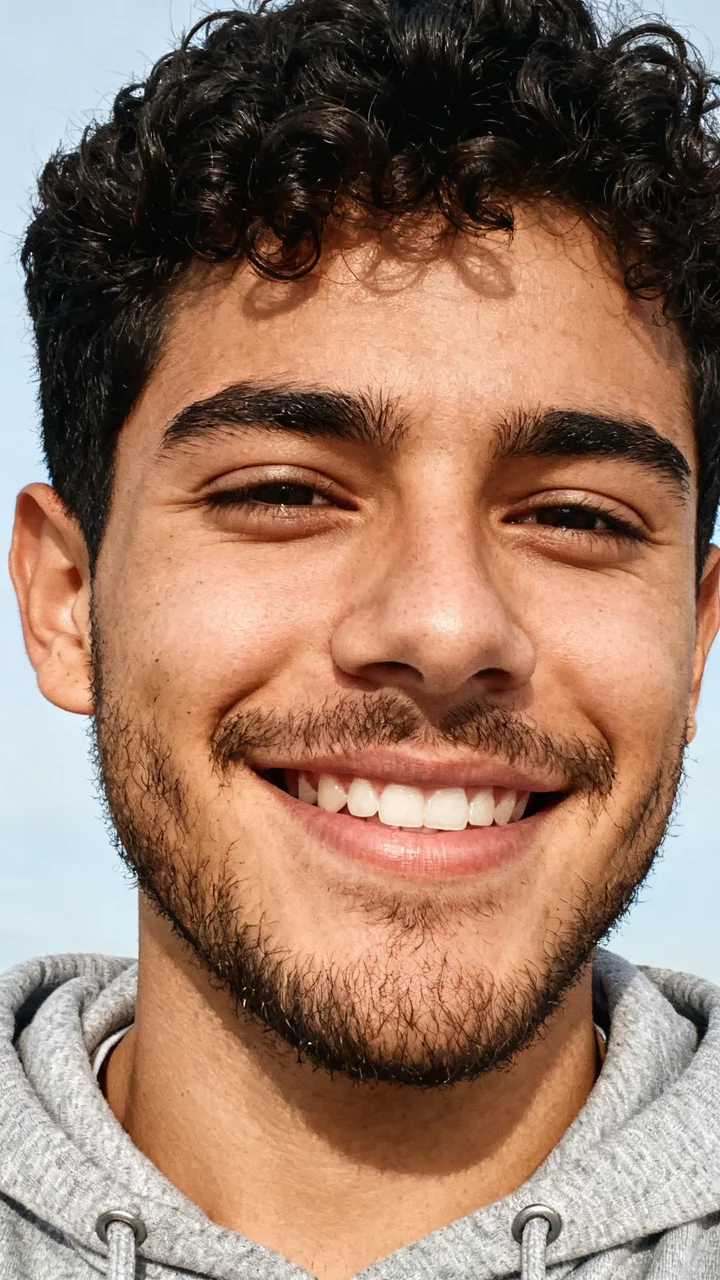 before
Midnight fireworks
A city rooftop as the clock hits 2027
Put me on a city rooftop at midnight on New Year’s Eve: full body visible, looking up at the sky, huge golden fireworks spelling 2027 above the skyline, warm string lights around me, festive and cinematic.
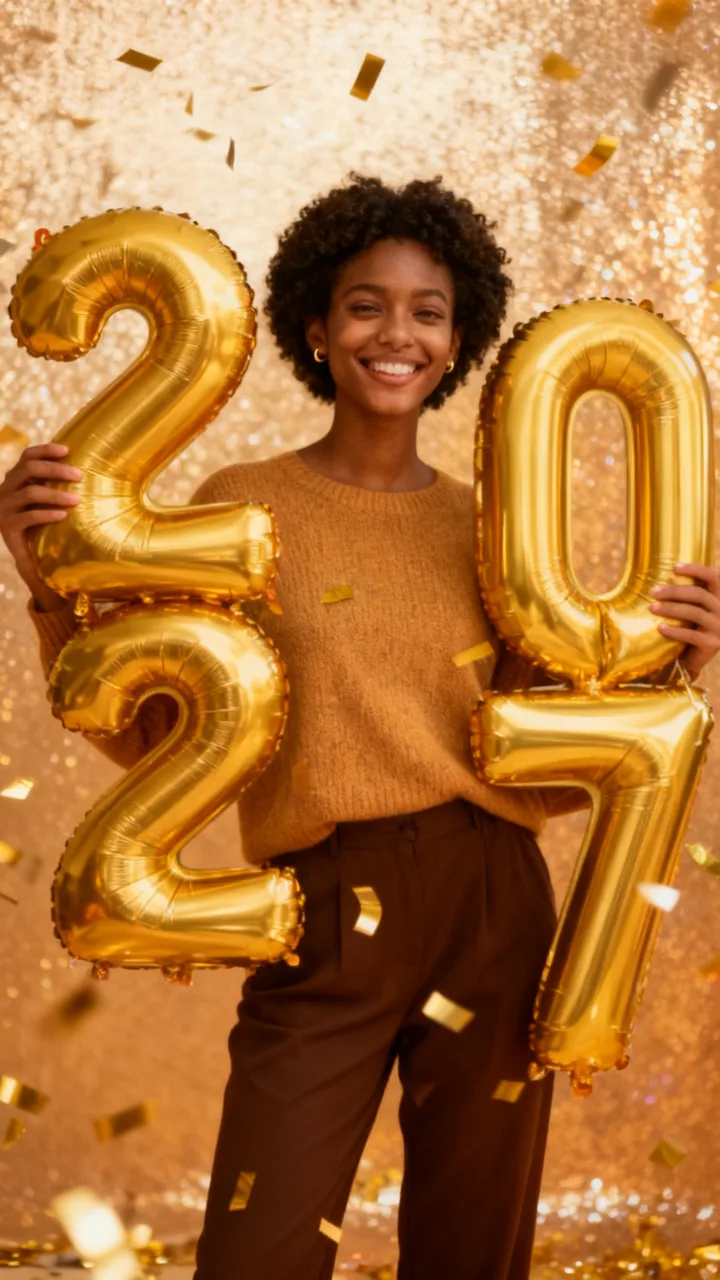
 before
Golden balloons
Giant 2027 balloons and confetti
Put me at a New Year party holding giant golden foil balloons in the shape of the numbers 2027: full body visible, smiling, gold confetti falling around me, a warm glittering background.
 before
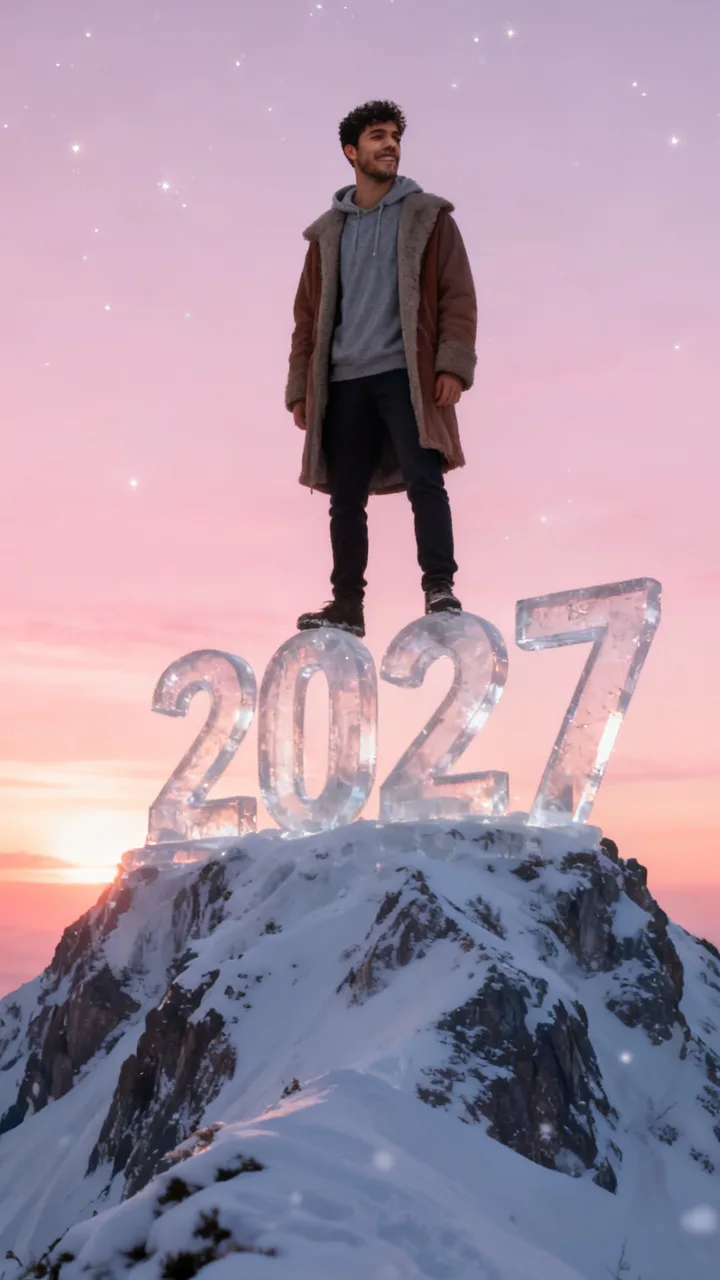
Snowy peak
Giant ice numbers on top of the world
Put me standing on top of giant clear ice numbers 2027 on a snowy mountain peak at dawn: full body visible, wearing a warm coat over my clothes, the huge ice digits 2027 under my feet, pink sunrise sky, sparkling snow, cinematic.
 before
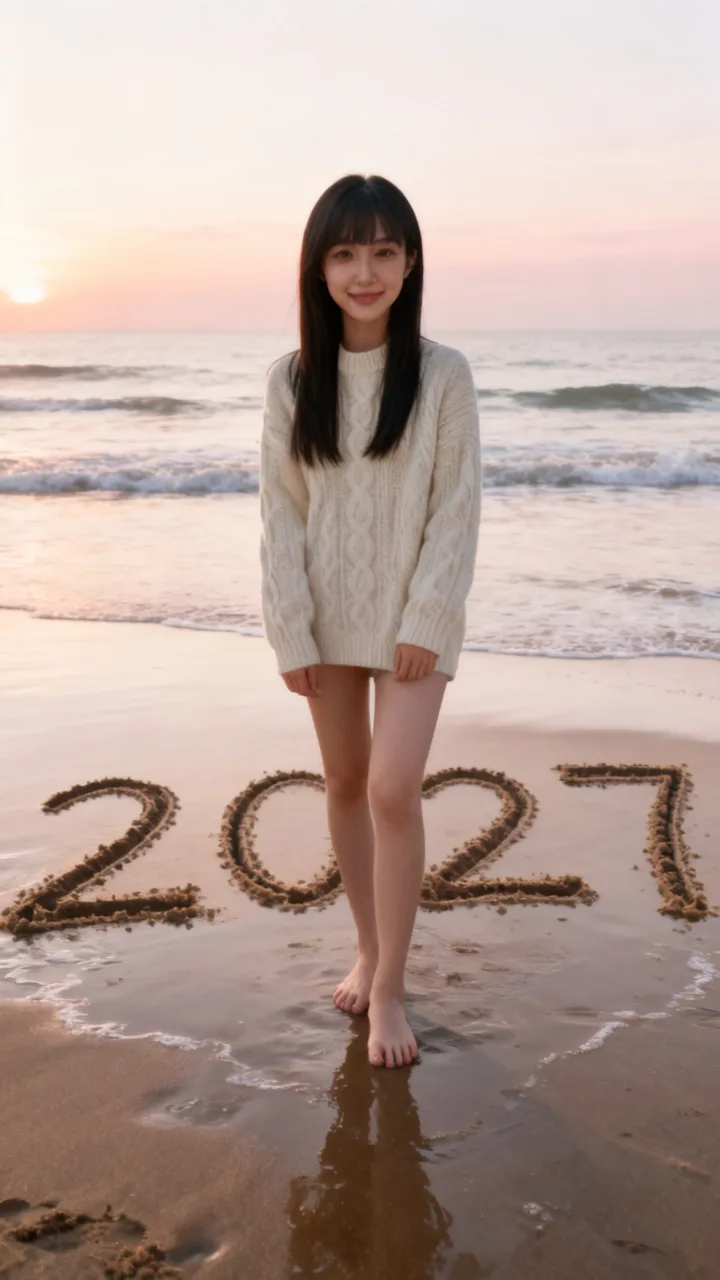
Beach sunrise
2027 written in the sand
Put me on a quiet beach at sunrise standing behind huge numbers 2027 drawn in the wet sand: full body visible, barefoot, gentle waves, a soft pastel sky, peaceful and cinematic.
 before
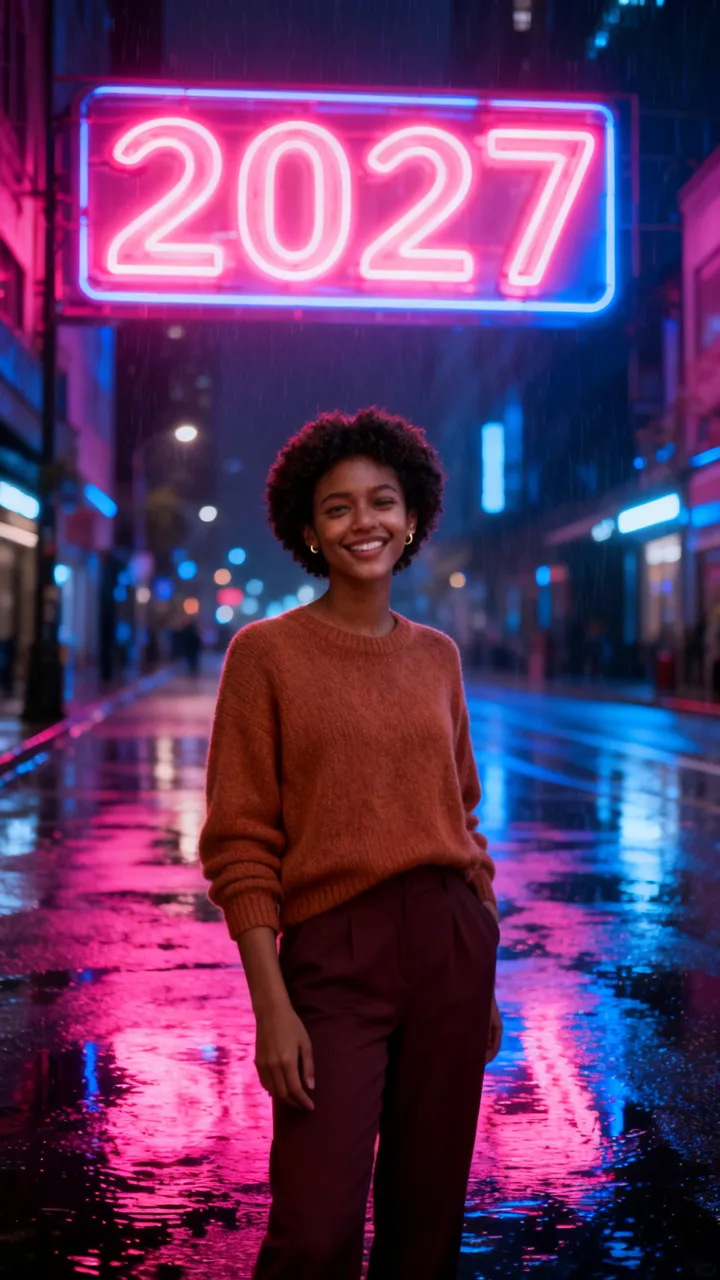
Neon city
A glowing 2027 sign at night
Put me on a rainy city street at night under a huge glowing neon sign that reads 2027: full body visible, reflections on the wet street, pink and blue neon light, stylish and cinematic.
Examples from TikTok
Three real CapCut AI goodbye-2026 / welcome-2027 posts. Not made with ReelMuse.
Clips belong to their creators and link back to TikTok. The goodbye 2026 welcome 2027 AI filter above makes the look from your own selfie.
On TikTok, posts matching the goodbye-2026 / welcome-2027 wave jumped from 0 last week to 44 this week, with the surge starting around October 26, 2026. The CapCut and AI transition posts we track sit near 3.8 million views — the heat is the template wave itself, not a broad Google keyword.
The top CapCut post, by @honeykhan8533, passed 1.4 million views with a one-photo goodbye-2026 / welcome-2027 template. French CapCut tutorials (including a 1.0M-view “Adieu 2026 Bienvenue 2027” how-to) show the same hook: one selfie, then a cinematic pull-back into the new year.
TikTok numbers from public posts, as of November 1, 2026.
It is a one-photo AI New Year template: you add a selfie and get back yourself in a 2027 scene — often standing on giant stone digits, under fireworks that spell 2027, or holding gold 2027 balloons — while the video version starts tight on your face and pulls the camera back to reveal the full set. Creators share CapCut versions with captions like “Goodbye 2026, Welcome 2027” and French “Adieu 2026 Bienvenue 2027 ia” tutorials.
The filter on this page does the same job without the template app. You choose the scene: six looks are ready to tap, from giant stone 2027 at sunrise to a neon city sign, and you can describe any other New Year moment in the box. Photo or Video pull-back — that is the goodbye 2026 welcome 2027 AI transition in one place.
Year-end TikTok always fills with “this year went by so fast” posts. In late October 2026, CapCut Pioneer templates turned that feeling into a one-photo effect: upload a selfie, and the clip reveals a 2027 set — stone numbers on a mountain, fireworks over a skyline, confetti and gold balloons — as if the camera stepped back from your face into the new year.
French how-to accounts pushed the AI version hard (“transition IA Adieu 2026 Bienvenue 2027”), while English CapCut posts used the same goodbye / welcome caption. The filter here rebuilds that reveal from your own selfie: a still of you on the giant 2027 numbers, or a 6-second pull-back that starts on the selfie and ends on the full scene.
Under the CapCut and year-change clips, people mostly feel the calendar moving too fast:
“Vous êtes pressé 😂”
186 likes, under the French CapCut AI tutorial — “You’re in a hurry.”
“Abhi to buhit time he loghe😁”
64 likes, under the 1.4M CapCut post. Urdu/Hinglish for “There’s still a lot of time left, people.”
“Boht gham ka saal ta Allah ana wala saal ko bahtar farma 🥺🥹🥹”
51 likes, under the 1.4M CapCut post. Urdu for “This year had a lot of sorrow — may Allah make the coming year better.”
“THIS YEAR IS SO FAST💔”
7,247 likes, under @josephrandell’s Aug 2026 goodbye-2026 / welcome-2027 post.
Almost nobody asks how to make it in those threads — they are busy feeling the year slip. On ReelMuse the steps are on this page: one selfie, pick a 2027 scene, Create.
Step 1
Use a photo where your face is easy to see: facing the camera, even light, and only a photo you have the right to use.
Step 2
Tap a New Year look (giant stone 2027, fireworks, balloons, ice peak, beach, neon) or describe your own. Use this on any example fills the box.
Step 3
Press Create for a 9:16 New Year photo (15 credits, about a minute), or switch to Video for the photo plus a 6-second camera pull-back reveal (95 credits total; the video step usually finishes about 6–9 minutes after the photo).
Both give you a goodbye-2026 / welcome-2027 look from your photo. The difference is how much you get to choose. ReelMuse is not affiliated with CapCut or ByteDance.
ReelMuse
CapCut template
What you upload
One selfie.
A photo, then you edit inside the CapCut template.
The 2027 look
Six scenes to tap, or describe your own.
Whatever that one template does.
Video
Video tab: a 6-second pull-back from your selfie into the 2027 scene.
The template’s own clip.
Time
About a minute for the photo; about 6–9 minutes more for the video step.
Find the template, then export from the app.
Price
15 credits for photo, 95 with video — shown before you create.
Depends on the app and template.
Want Día de Muertos makeup instead? Try the La Catrina AI filter. Prefer a space-to-street zoom? Use the earth zoom AI trend page.
ReelMuse makes the New Year photo and pull-back video from the selfie you upload. The photo is used for that picture and clip. Read the privacy policy and the terms.
It is the CapCut / TikTok New Year effect where one selfie becomes a cinematic goodbye-2026 / welcome-2027 reveal — often you standing on giant carved stone numbers 2027, with the camera pulling back from a close selfie into that scene. This page makes that look from your own photo.
Upload one selfie here, tap a 2027 scene (or write your own), and press Create. The Photo tab gives a finished 9:16 still. The Video tab adds a 6-second pull-back from your selfie into that scene, ready for TikTok or Reels.
No. ReelMuse is not affiliated with CapCut or ByteDance. This page is our own AI filter for the same goodbye-2026 / welcome-2027 idea from your selfie.
Both. Photo makes one 9:16 New Year still (giant 2027 numbers, fireworks, balloons, and more). Video makes that photo first, then a 6-second shot that starts on your selfie and pulls back into the scene, like the CapCut reveal.
The New Year photo is usually ready in about a minute. The Video tab runs the photo first, then the 6-second pull-back; that video step usually finishes about 6–9 minutes after the photo.
Yes. Every scene keeps your face, hair and skin tone; the giant 2027 set, fireworks or party props are built around you.
15 credits per photo, or 95 credits for the photo plus the pull-back video. The price is on the button before you create, and if a step fails its credits go back to your account automatically.