AI Snow Globe Photo
Put yourself inside a Christmas crystal globe from one photo.
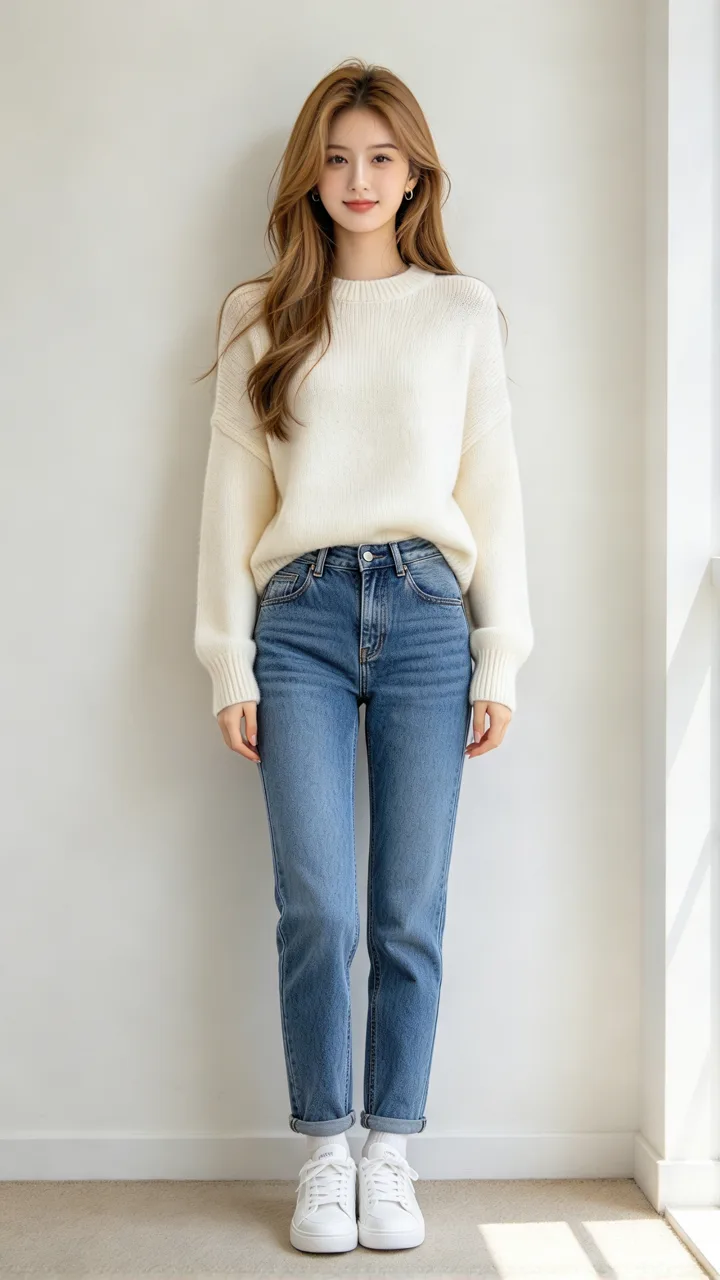
Your photo · snow globe
Snow globes · tap to use
One 9:16 snow globe photo, usually about 20–30 seconds. Upload only a photo you have the right to use. Failed photos are refunded.
On Spanish-language TikTok, Christmas snow globe templates tuck a photo into a crystal esfera navideña — your recuerdo más bonito inside the glass. ReelMuse makes an AI snow globe photo from one upload and a scene pick. Each Create is one 9:16 still in about 20–30 seconds (GPT Image 2.6, 15 credits). Prefer a full-body festive portrait? Try AI Christmas photo, a winter Christmas collage, or the Christmas princess carriage look.
AI snow globe photo prompts
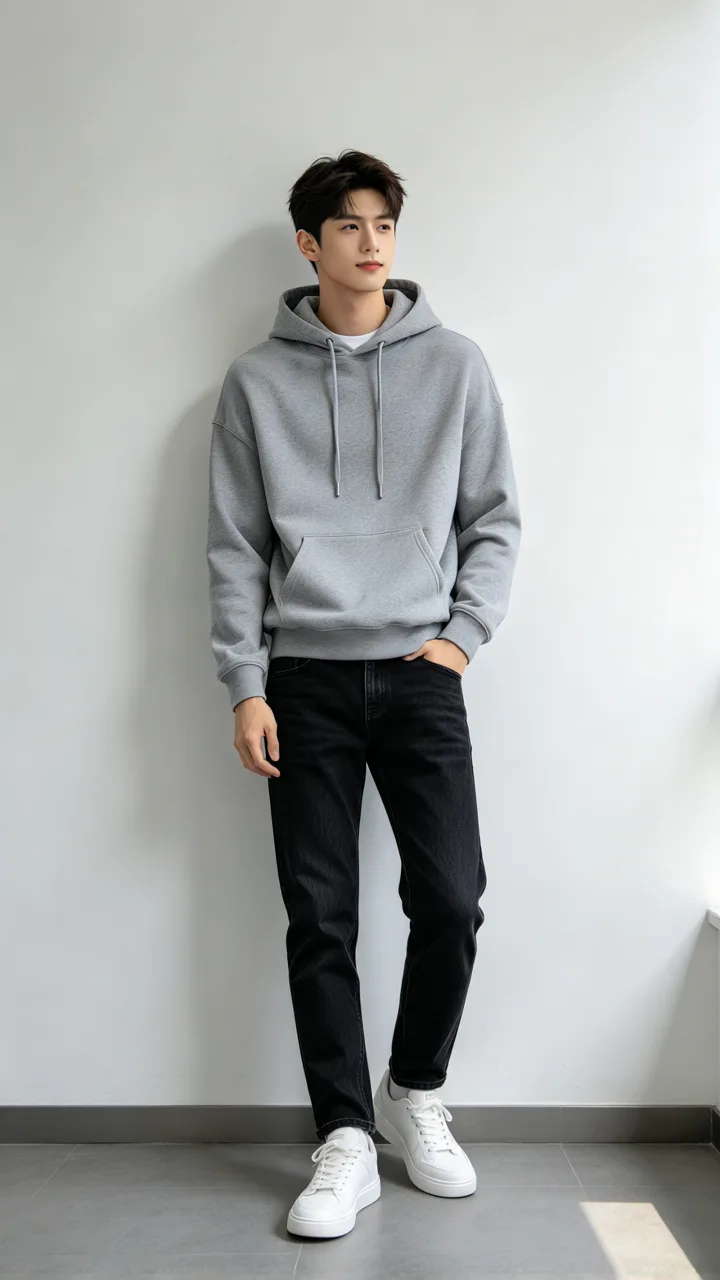
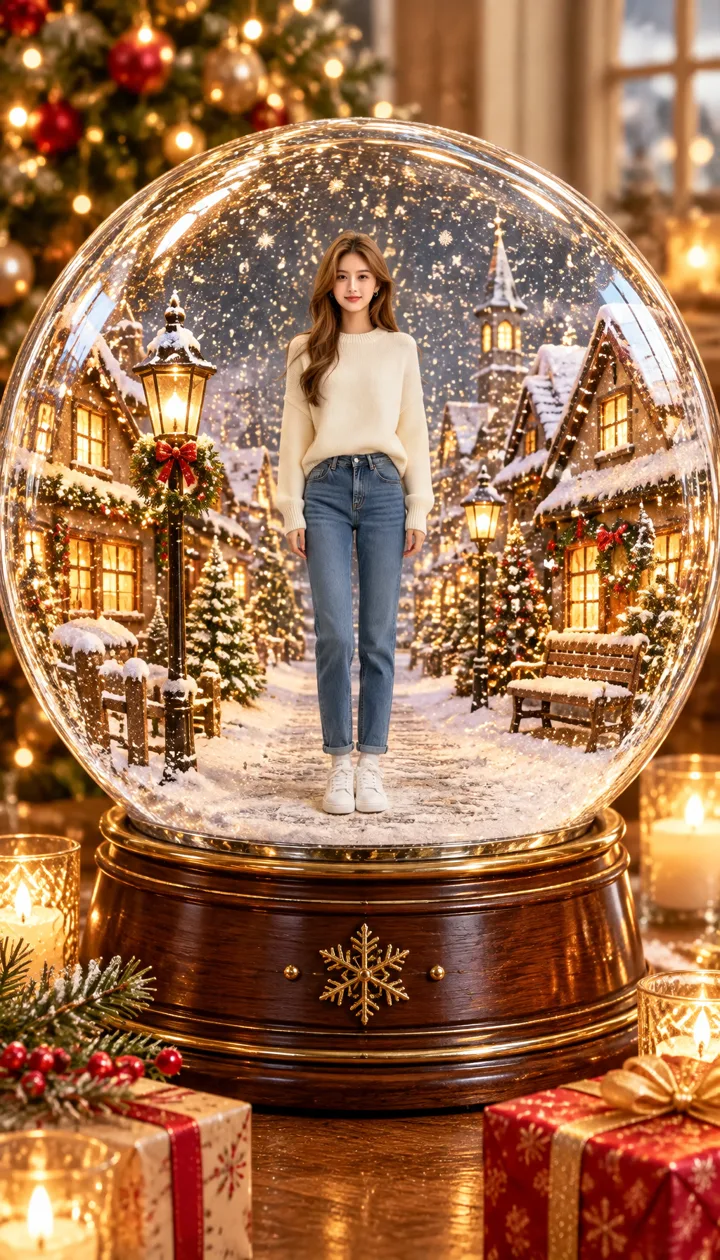
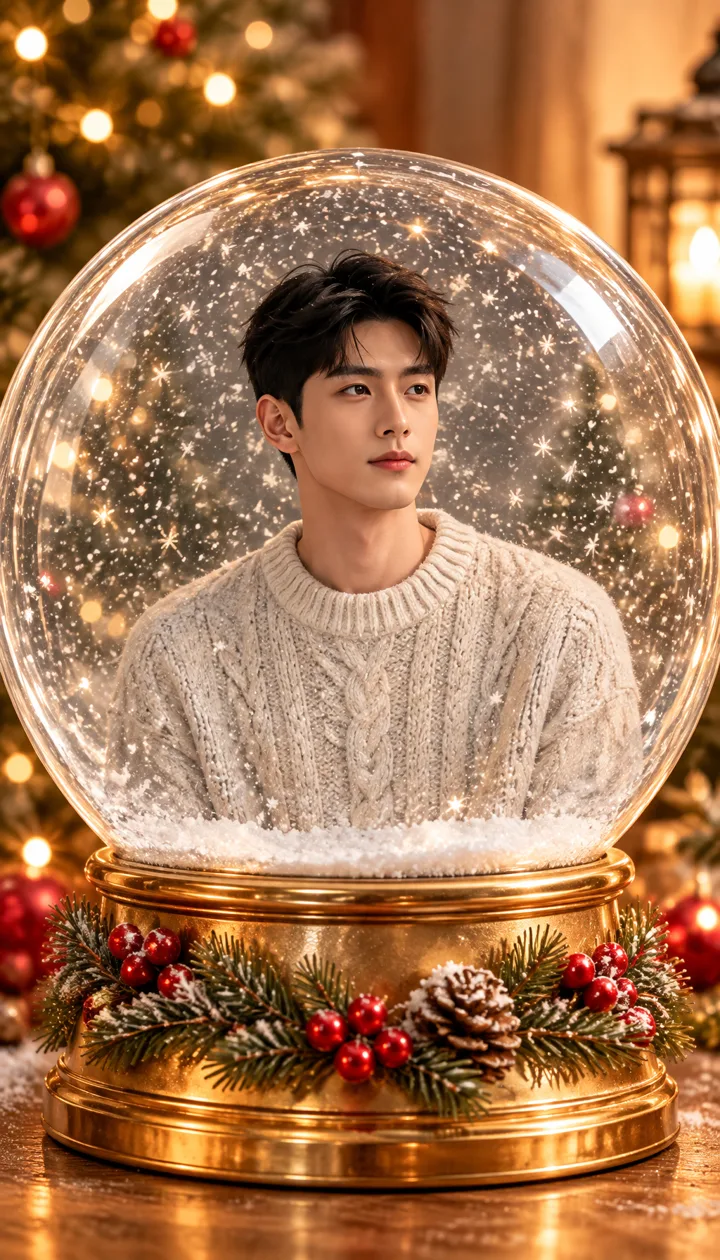
Each card is one festive scene made from the small before photo in its corner (fictional adults, not real persons). Tap Use this to put that scene in the box, or Copy prompt to take the full prompt with you.
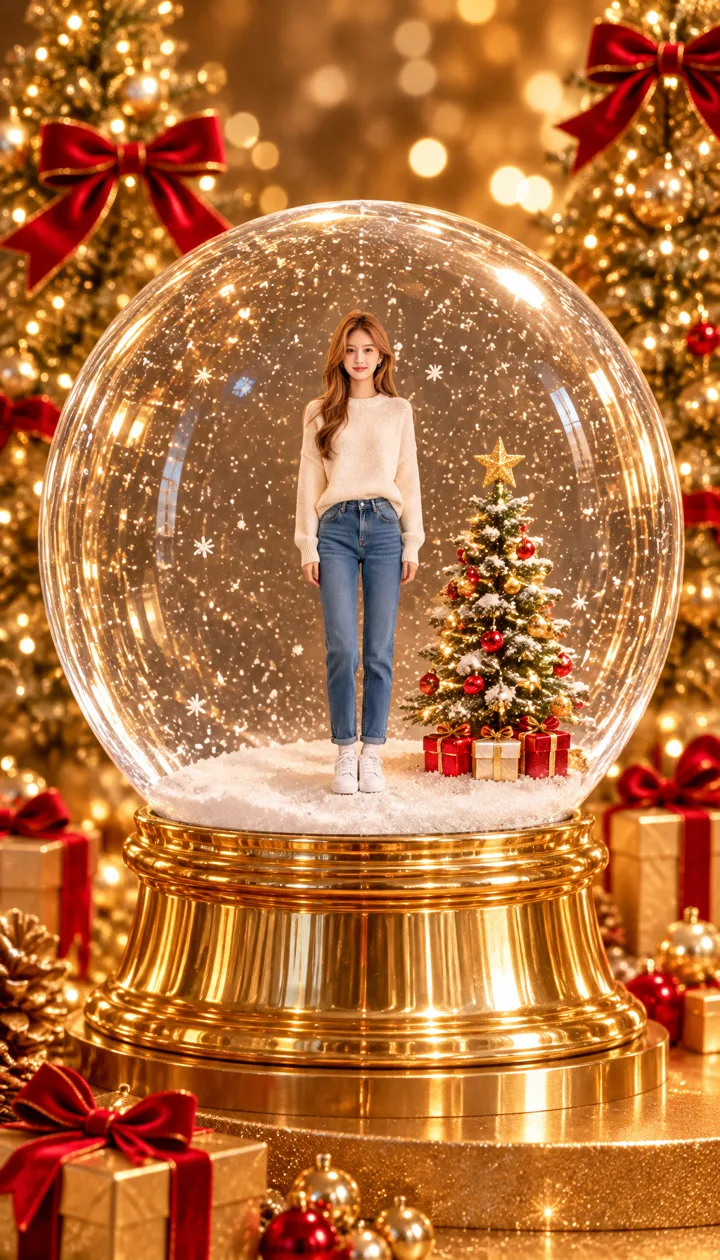
beforeGolden stage
Gold trees and red ribbons
Put me inside a big crystal snow globe as a small full-body figure standing in falling snow beside a tiny Christmas tree; the globe sits on a golden pedestal on a golden stage with gold Christmas trees, red ribbon bows and warm golden bokeh lights all around.
 before
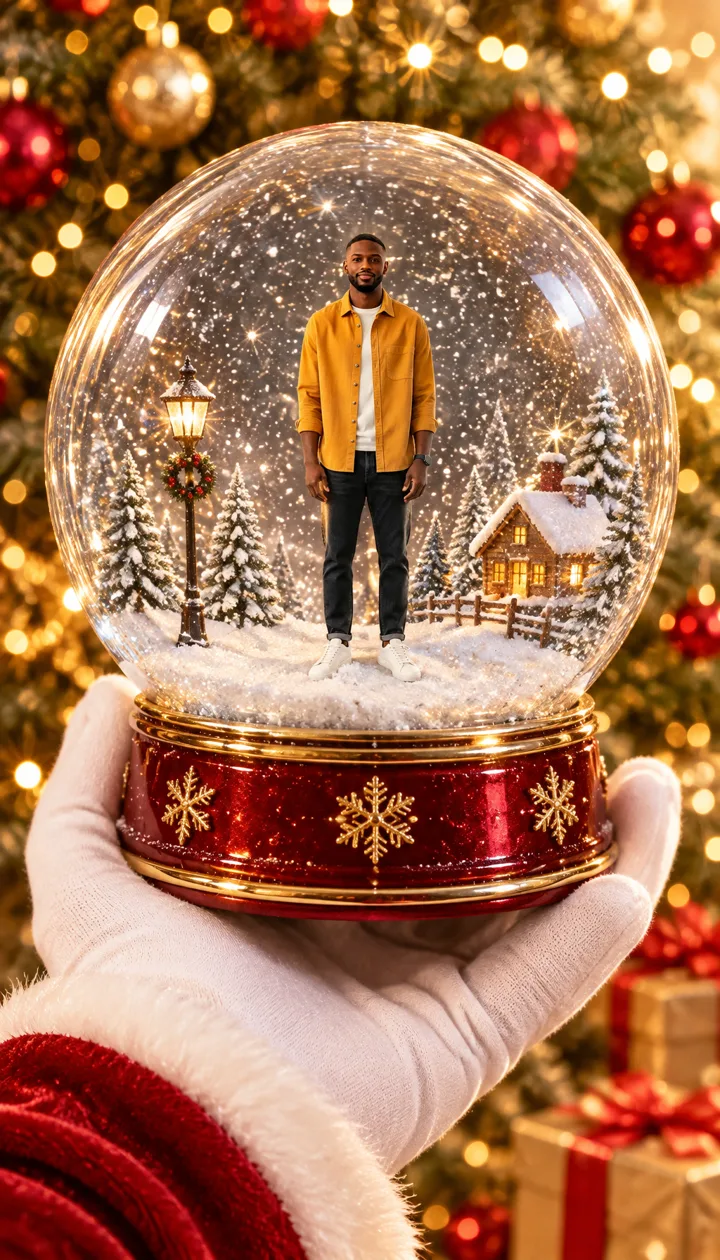
Santa's hand
A gloved hand holds it up
Put me inside a crystal snow globe as a small full-body figure in a snowy scene; a white-gloved hand with a red velvet sleeve holds the globe up toward the camera, with a sparkling gold and red Christmas background.
 before
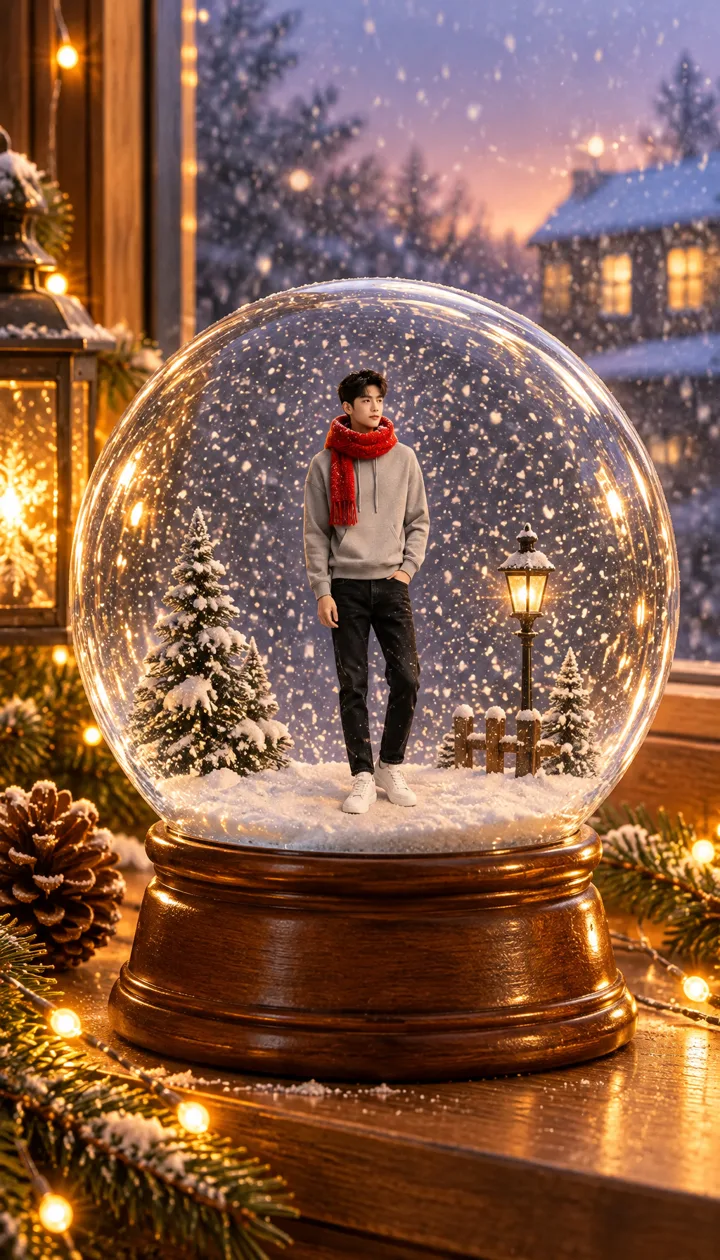
Frosty window
Pine branches and fairy lights
Put me inside a crystal snow globe as a small full-body figure in a red scarf; the globe stands on a wooden windowsill with pine branches and fairy lights, snow falling outside the window at dusk.
 before
Snowy village
Lit houses all around
Put me inside a crystal snow globe, standing in a tiny snowy village street with lit houses and lanterns, snow swirling inside the glass; the globe sits on a table with candles and wrapped gifts.
 before
Under the tree
Among wrapped gifts
Put me inside a crystal snow globe, waving in a little snowy pine forest; the globe sits under a big lit Christmas tree among red and gold wrapped gifts.
 before
Portrait globe
Head and shoulders in the glass
Put me inside a large crystal snow globe as a close head-and-shoulders portrait in a cozy knit sweater, snowflakes swirling around me inside the glass, the globe on a golden base with red berries and pine.
What is an AI snow globe photo?
In the TikTok templates, your photo sits inside the globe like a framed picture. ReelMuse makes a new photo with you as a small figure inside the glass. Spanish captions call it an esfera navideña. Paper craft “snow globe templates” are a different search; this page is the AI photo look.
This page skips the template paste step: six scenes are ready to tap, and you can describe any other setup in the box. One Create is one 9:16 photo.
How people make AI snow globe photos
Spanish-language TikTok popularized Christmas snow globe templates that drop a selfie into a crystal globe — on a golden stage or in a gloved hand. Search interest for snow globe photo looks rises into November and December.
On ReelMuse the same look needs no template app: six tap-ready scenes, photo only, about 20–30 seconds per Create. Only the people in your photo go inside the globe.
How to make an AI snow globe photo
- Upload a clear photo of yourself. Face the camera with both eyes visible and good light. Couples and solo shots both work. Only use a photo you have the right to use.
- Pick a snow globe scene. Tap Golden stage, Santa's hand, Frosty window, Snowy village, Under the tree or Portrait globe, or describe your own festive setup in the box.
- Create the portrait. Press Create (15 credits). In about 20–30 seconds you get one 9:16 AI snow globe photo (GPT Image 2.6), ready to share.
FAQ
What is an AI snow globe photo?
An AI snow globe photo places the people from your photo as a tiny scene inside a Christmas crystal globe — snow swirling in the glass, festive lights outside. CapCut templates call it an esfera navideña; this page does it from one upload.
How do I make a snow globe portrait without CapCut?
Upload one photo on this page, pick a scene (or describe your own) and press Create. You get a finished 9:16 festive portrait.
Will people still look like themselves?
That is the goal. Every scene asks to keep face, skin tone, age, hair and body shape recognizable even when small inside the glass.
Is it a photo or a video?
Photo only. One Create makes one 9:16 AI snow globe photo, usually about 20–30 seconds with GPT Image 2.6.
Who are the people in the examples?
Fictional adults made for this page — not real persons.
Is ReelMuse affiliated with CapCut?
No. ReelMuse is not affiliated with CapCut or ByteDance. This page is our own AI snow globe photo tool.
How much does an AI snow globe photo cost?
15 credits per photo. The price is on the button before you create, and if a photo fails the credits go back to your account automatically.
Related
ReelMuse is not affiliated with CapCut or ByteDance.