Snow atmosphere photo AI
AI Snow Portrait
One photo → falling snow, knit scarf, snow on your lashes. Winter Christmas collage energy, snow-atmosphere still.
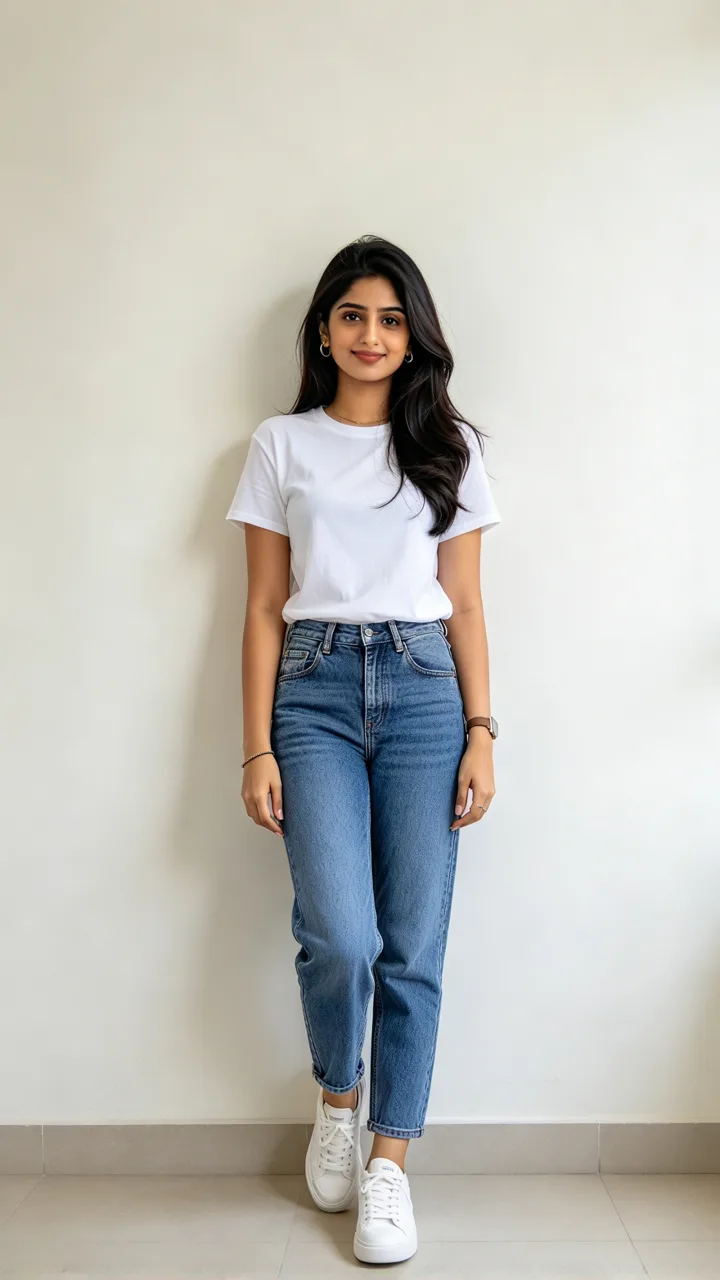
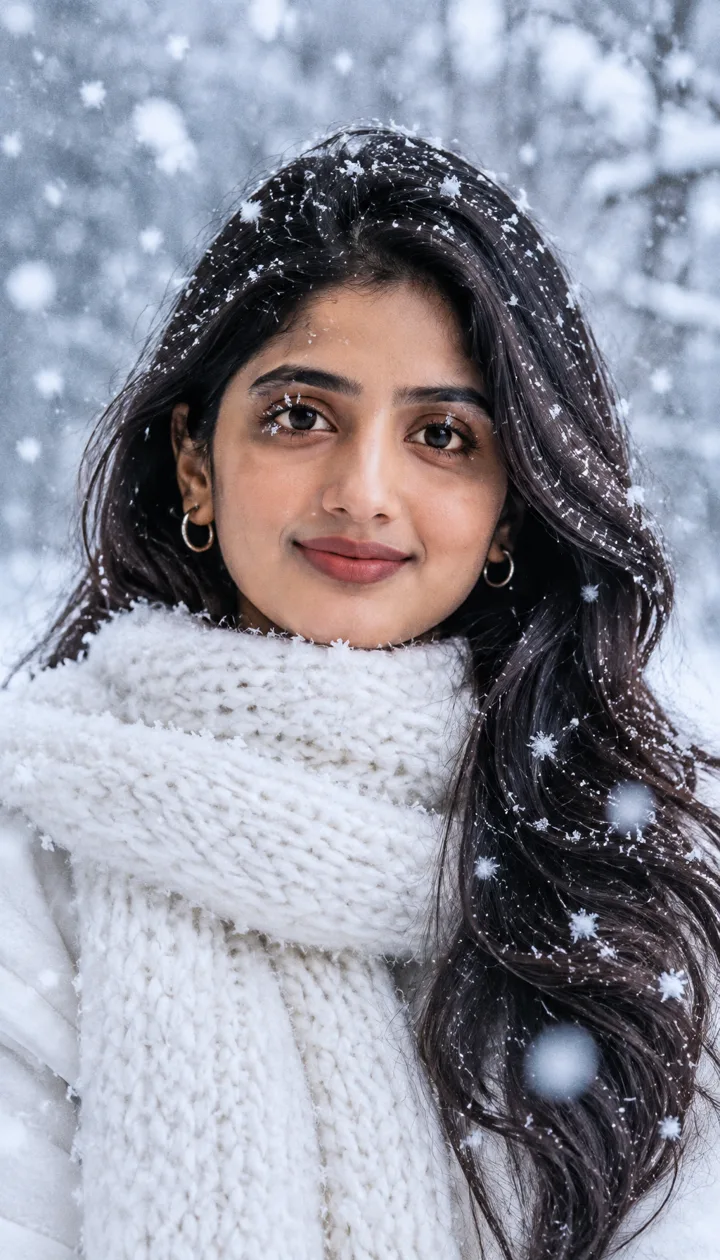
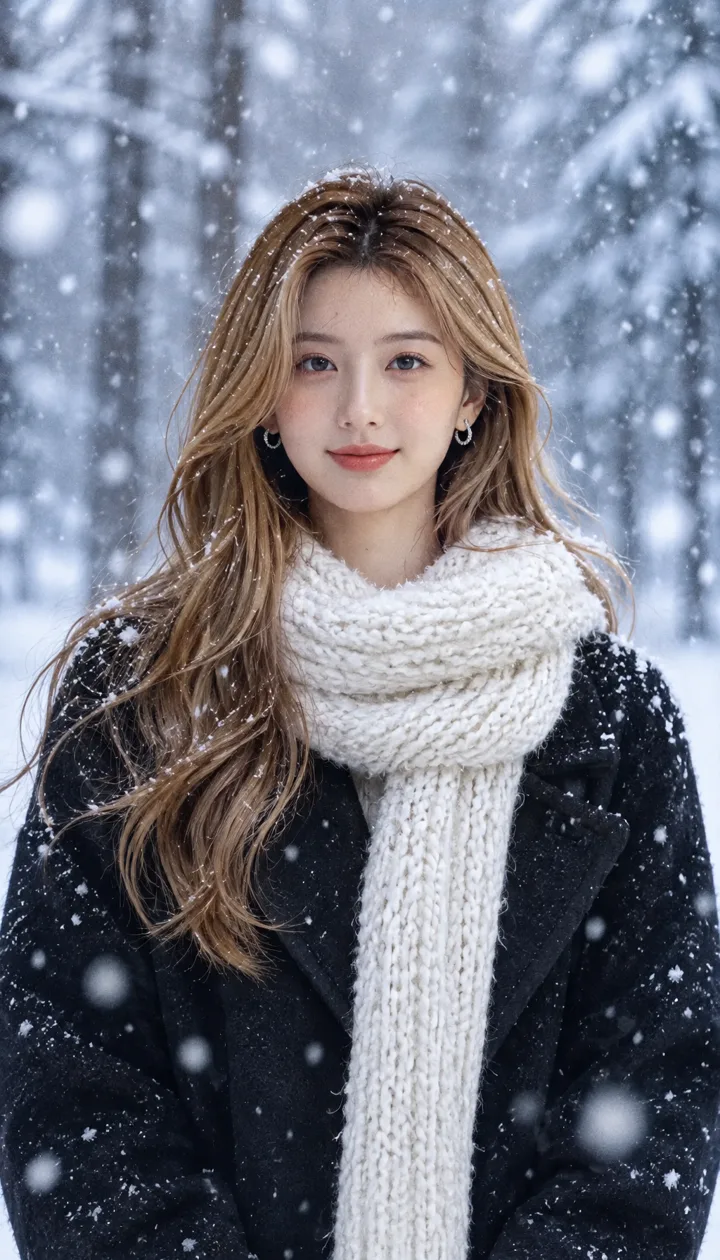
Your photo · snow portrait
Snow scenes · tap to use
One 9:16 snow portrait, usually about 20–30 seconds. Upload only a photo you have the right to use. Failed photos are refunded.
CapCut and Gemini prompts freeze you in falling snow with a chunky knit scarf and flakes on your lashes. This week TikTok shows about 36 vs 0 snow-atmosphere posts and 68 vs 0 Christmas portrait posts, with roughly 85K + 10K tracked plays (as of November 13, 2026). ReelMuse does the still from one upload (15 credits). Prefer another holiday look? Try Christmas photo, Christmas princess, Christmas elegant dress, snow globe or Christmas couple photo.
AI snow portrait prompts
Each card is one snow atmosphere scene made from the small before photo in its corner (fictional adults, not real persons). Tap Use this to put that scene in the box, or Copy prompt to take it with you.
beforeSnow on your lashes
Extreme close-up
An extreme close-up of my face filling the frame, snowflakes caught on my eyelashes and hair, a chunky white knit scarf pulled up to my chin, softly blurred snowy trees behind me.
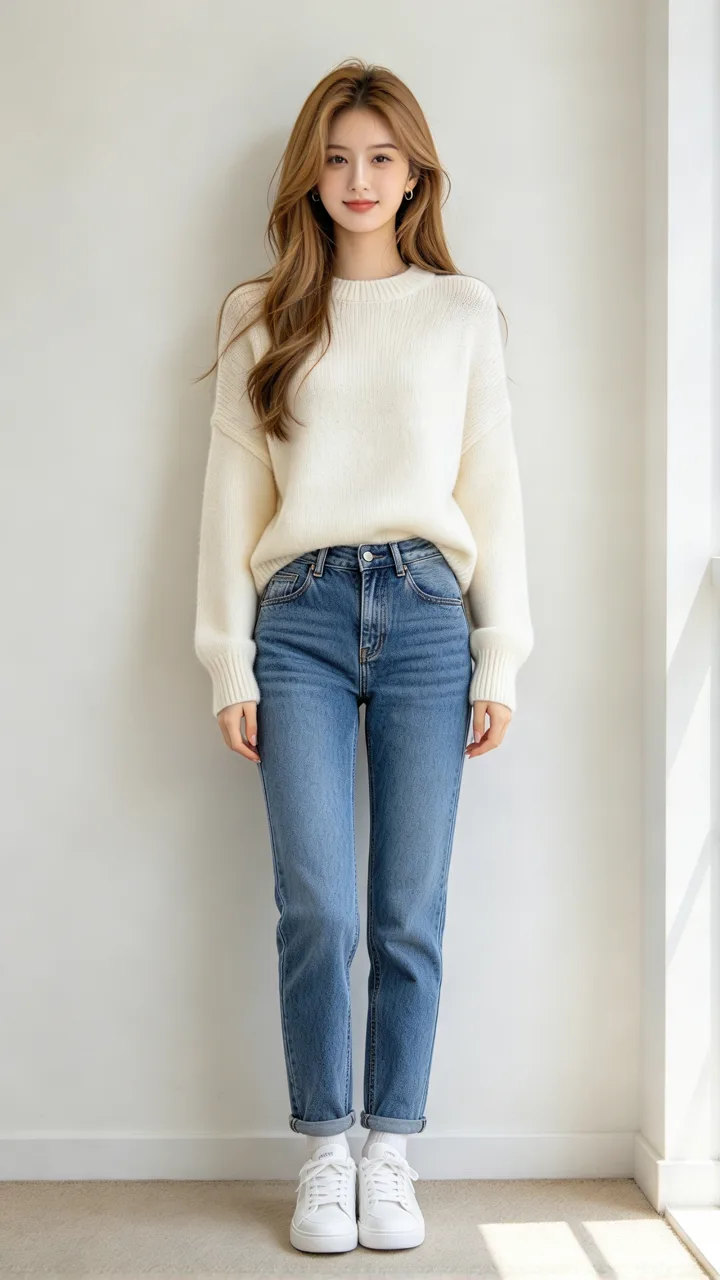 before
White scarf in the forest
Head and shoulders
A head-and-shoulders portrait: I wear a black wool coat and a chunky white knit scarf, a snowy forest softly blurred behind me.
 before
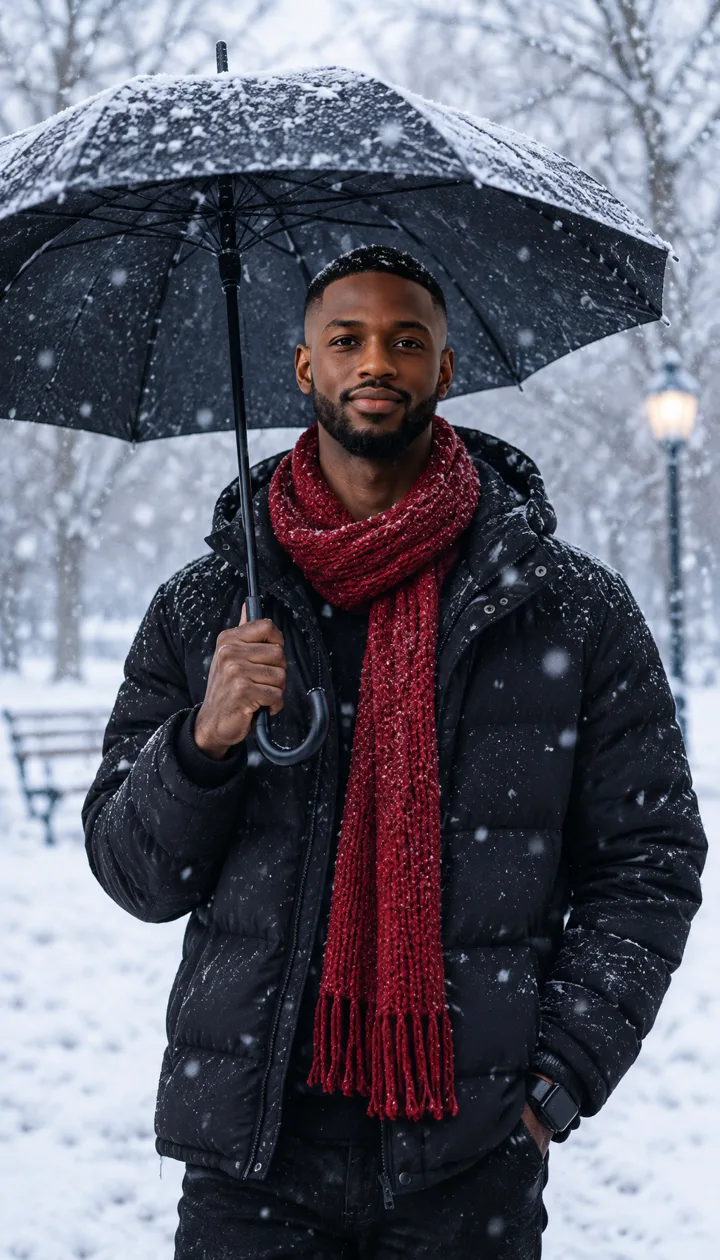
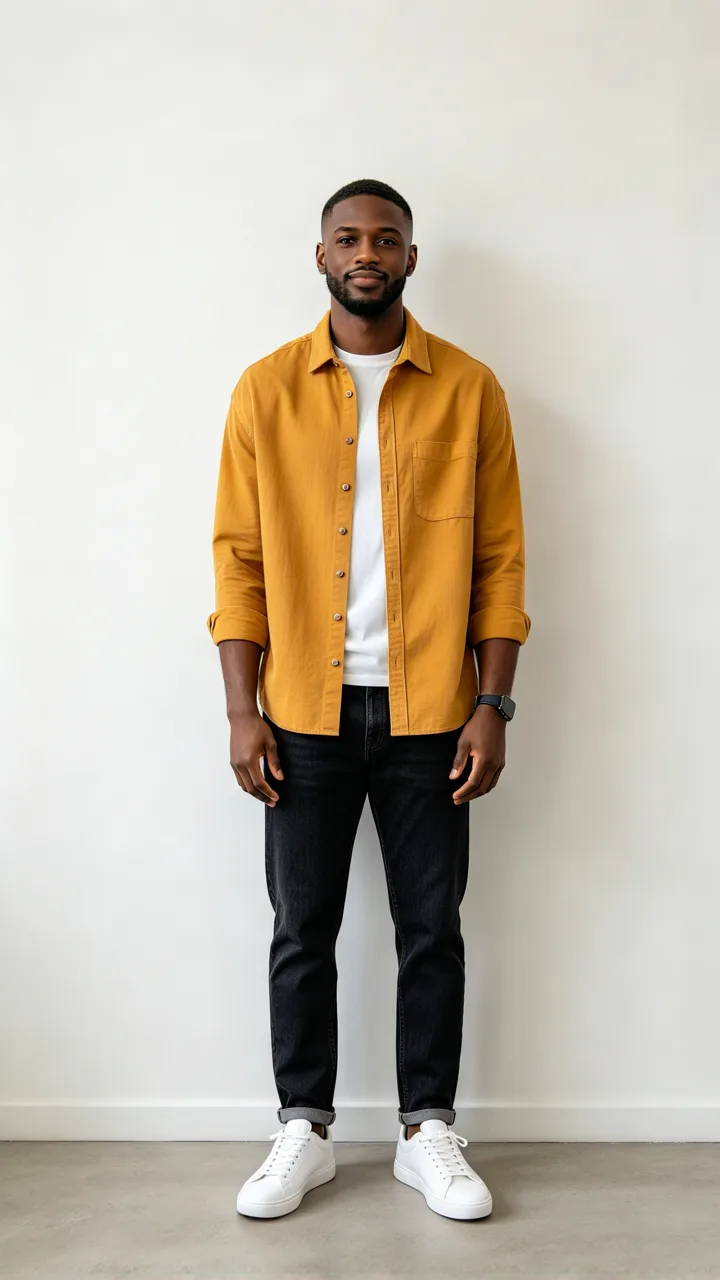
Red scarf and umbrella
Snowy park
A half-body portrait: I wear a black puffer jacket and a red knit scarf and hold a black umbrella, a quiet snowy park behind me.
 before
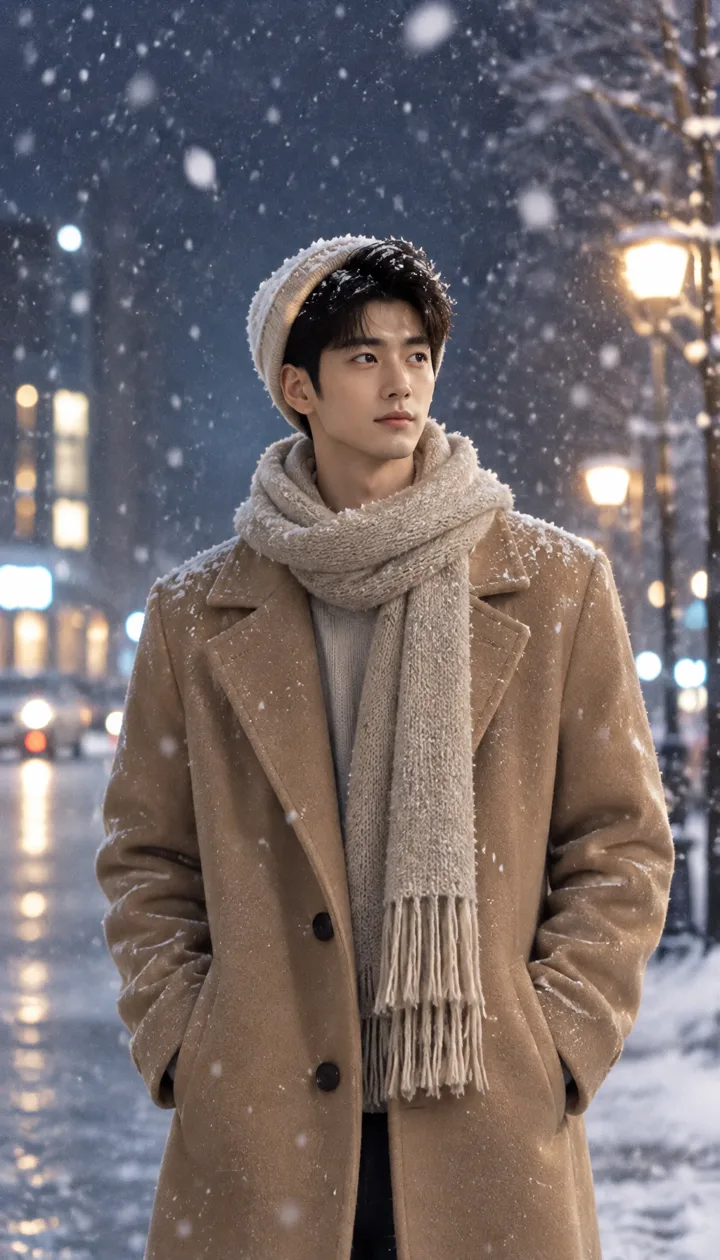
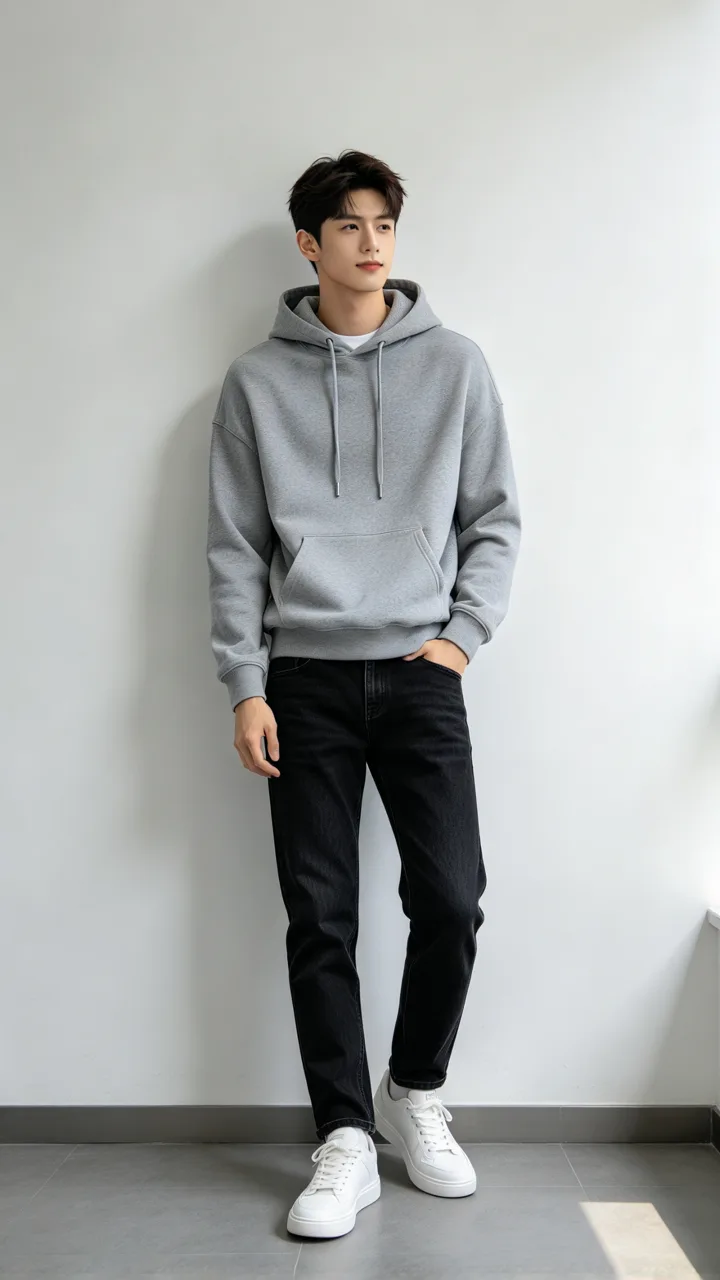
Beanie at night
Snowy street lights
A half-body portrait at night: I wear a beige knit beanie, a matching scarf and a camel coat, warm street lights and falling snow on a city street behind me.
 before
Coldest winter look
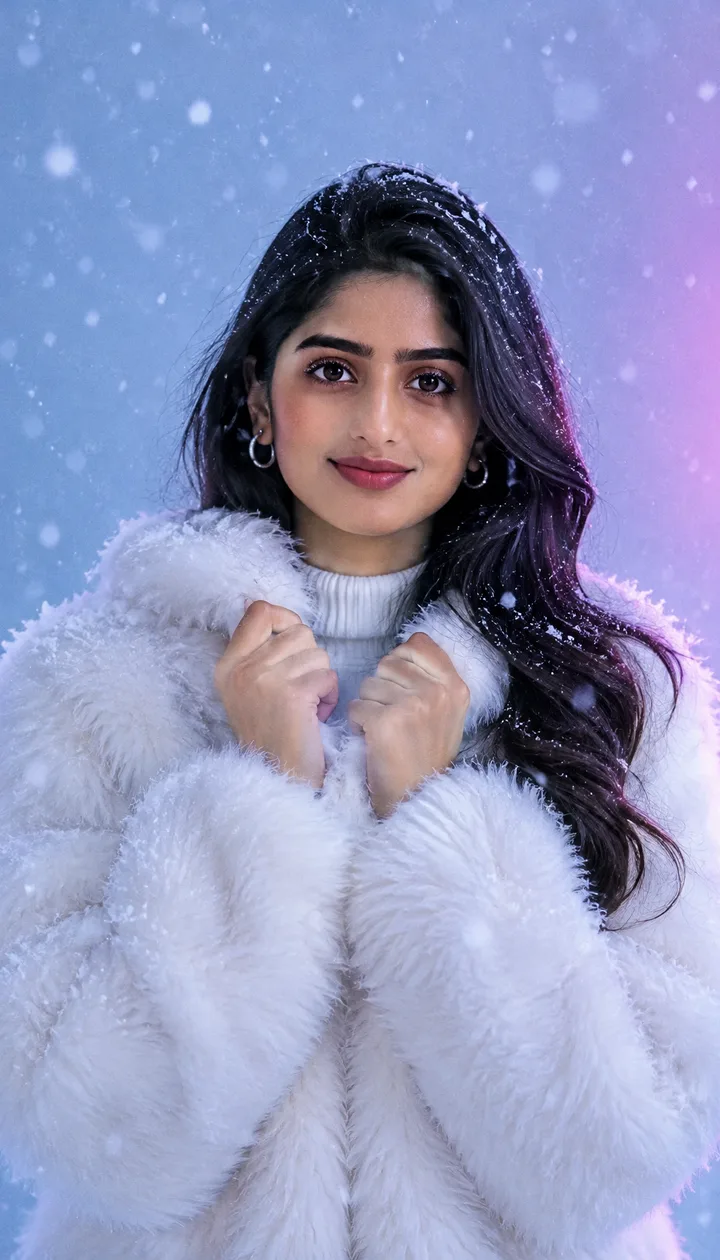
White fur coat, blue light
A close-up "coldest winter" portrait with my face and shoulders filling the frame, cropped at the chest, however far away my photo was taken: I wear a big fluffy white faux-fur coat over a white turtleneck and hold the collar closed with both hands near my chin as if shivering, looking into the camera. Behind me is a plain wall washed in flat cold-blue light with a soft purple-pink glow on one side, like a home music-video set. Glowing skin, frosty lashes, my exact hairstyle and hair length.
 before
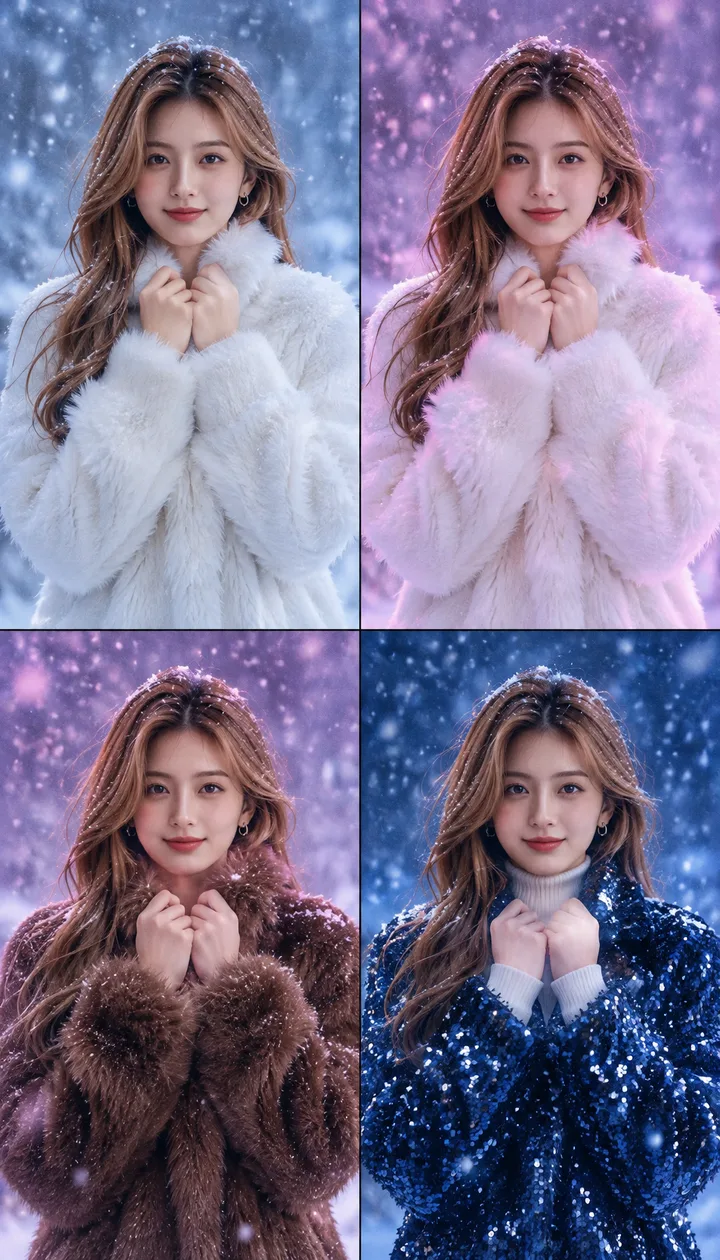
Coldest winter, four panels
2x2 collage, four coats
A 2x2 photo collage of four "coldest winter" portraits of me, each a medium shot from the chest up with my hands holding the collar closed near my chin. Top left: a fluffy white faux-fur coat in flat cold-blue light. Top right: a fluffy white faux-fur coat in purple-pink light. Bottom left: a fluffy brown faux-fur coat in purple-pink light. Bottom right: a blue sequin coat over a white turtleneck in deep blue light. The same face, hairstyle and hair length in all four panels, thin black lines between the panels.
Cold winter look (самая холодная зима)
In November the Russian-language posts made to the song “самая холодная зима” (“the coldest winter”) gave TikTok one more winter look: a fluffy fur coat, both hands pulling the collar closed, flat blue or pink light and snow in the hair. The AI versions are CapCut templates in which four people lip-sync in a 2x2 grid; a tutorial for it by @lwivu5 (November 16) is at about 400K views as of November 20, 2026.
Here it is a photo of you, with no lip-sync and no music. Pick “Coldest winter look” for one portrait in a white fur coat, or “Coldest winter, four panels” for the 2x2 collage with four coats. Your face, hairstyle and hair length stay the same.
Why AI snow portraits are trending
- TikTok snow-atmosphere posts this week vs last week
- 36 vs 0
- TikTok snow-atmosphere posts this week vs last week
- tracked plays on snow-atmosphere photo posts this week
- ~85K
- tracked plays on snow-atmosphere photo posts this week
- TikTok Christmas portrait posts this week vs last week
- 68 vs 0
- TikTok Christmas portrait posts this week vs last week
- tracked plays on those Christmas portrait posts this week
- ~10K
- tracked plays on those Christmas portrait posts this week
TikTok snow-atmosphere-photo-ai posts jumped from 0 last week to 36 this week (~85K tracked plays). Multiverso-christmas-portrait posts jumped from 0 to 68 (~10K tracked plays) in the same window.
The hook is soft falling snow, a knit scarf, flakes on the lashes, and a face that still looks like you — useful for holiday collage-style posts too. ReelMuse rebuilds that still without pasting a CapCut template.
TikTok numbers from public posts, as of November 13, 2026.
What is an AI snow portrait?
Creators upload one photo into CapCut AI or follow Gemini prompt tutorials and come back in a dreamy winter frame: chunky scarf, cold blue-white light, big soft flakes in the hair and on the lashes. Boards label it snow-atmosphere-photo-ai or multiverso-christmas-portrait; older winter Christmas collage searches often mean the same scarf-and-snow still.
This page skips the template paste step: six scenes are ready to tap, and your own description still gets falling snow with your face kept. One Create is one 9:16 photo. Examples use fictional adults only.
How people make AI snow portraits
The CapCut and Gemini wave freezes you under falling snow with a knit scarf and soft winter light. Some posts are extreme eyelash close-ups; others are head-and-shoulders in a snowy forest or city night.
On ReelMuse the same look needs no template app: six presets, photo only, about 20–30 seconds per Create.
How to make an AI snow portrait
- Upload one clear photo of yourself. Face the camera with both eyes visible and good light. Only use a photo you have the right to use.
- Pick a snow scene. Tap Snow on your lashes, White scarf in the forest, Red scarf and umbrella or Beanie at night, or describe your own falling-snow look in the box.
- Create the portrait. Press Create (15 credits). In about 20–30 seconds you get one 9:16 AI snow portrait (GPT Image 2.6), ready to share.
FAQ
What is an AI snow portrait?
An AI snow portrait turns one photo into a dreamy winter still: chunky knit scarf, soft falling snow, flakes on your lashes and hair, cold blue-white light. CapCut and Gemini “snow atmosphere” / multiverso Christmas portrait tutorials popularized the look; this page does the still from one upload. The same vibe also works for winter Christmas collage-style posts.
Is this still a winter Christmas collage maker?
The path stays /winter-christmas-collage. Each Create makes one image: a single AI snow portrait (scarf, falling snow, snow on lashes), or, with the “Coldest winter, four panels” scene, a 2x2 collage of four looks in one picture. It is not a collage editor for your own photos.
What is the “самая холодная зима” (coldest winter) look?
It is the look from the Russian-language TikTok posts made to the song “самая холодная зима” (“the coldest winter”): a fluffy fur coat, hands pulling the collar closed, flat blue or pink light and snow in the hair. The AI versions are CapCut lip-sync templates. On this page you get the same look as a photo, from the two “Coldest winter” scenes; there is no lip-sync and no music.
How do I make a snow atmosphere photo without CapCut?
Upload one photo on this page, pick a snow scene (or describe your own) and press Create. You get a finished 9:16 portrait with falling snow and a knit scarf look.
Will I still look like myself?
That is the goal. Every scene asks to keep your face, skin tone, age, gender and hair or hijab, with snow and scarf around you.
Is it a photo or a video?
Photo only on this page. One Create is one 9:16 still (GPT Image 2.6).
Who are the people in the examples?
Fictional adults made for this page — not real persons.
Is ReelMuse affiliated with CapCut or Gemini?
No. ReelMuse is not affiliated with CapCut, ByteDance or Google Gemini. This page is our own AI snow portrait tool.
How much does an AI snow portrait cost?
15 credits per photo. The price is on the button before you create, and if a photo fails the credits go back to your account automatically.
Related
- AI Christmas Photo
- AI Christmas Princess
- AI Christmas Elegant Dress
- AI Snow Globe Photo
- AI Christmas Couple Photo
- All AI effects
ReelMuse is not affiliated with CapCut, ByteDance or Google Gemini. Examples use fictional adults.