@jay.cadmus
Home-camera Santa leaves gifts
AI Santa caught on camera
AI Santa video: Santa caught on camera in your house.
Santa scenes · tap to use
Your Santa photo first, then a 6-second home-camera video of Santa, usually 2–3 minutes. Upload only a photo of a place you have the right to use. Failed steps are refunded.
AI Santa video is the Christmas-morning trick where Santa shows up on a home camera: leaving gifts under the tree, turning into golden light, or standing by a glowing present. Last Christmas season (Dec 2025) the two posts we feature sat at 28.9K and 8.2K views. Here you upload one photo of your own room, pick a scene, and get a 9:16 still of Santa in it. The Video tab turns it into a 6-second home-camera clip (usually 2–3 minutes).
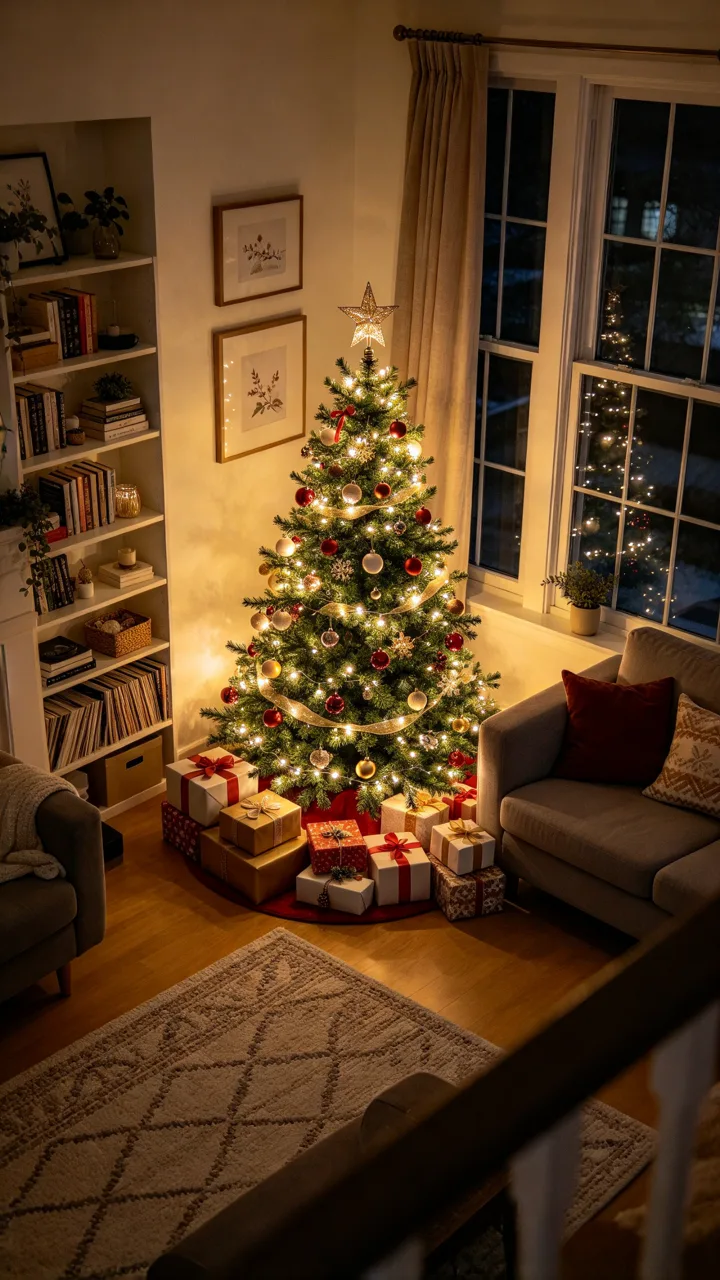
Each card is one Santa still made from the small before photo in its corner (fictional rooms). Tap Use this to put that scene in the box, or Copy prompt to take it with you.
 before
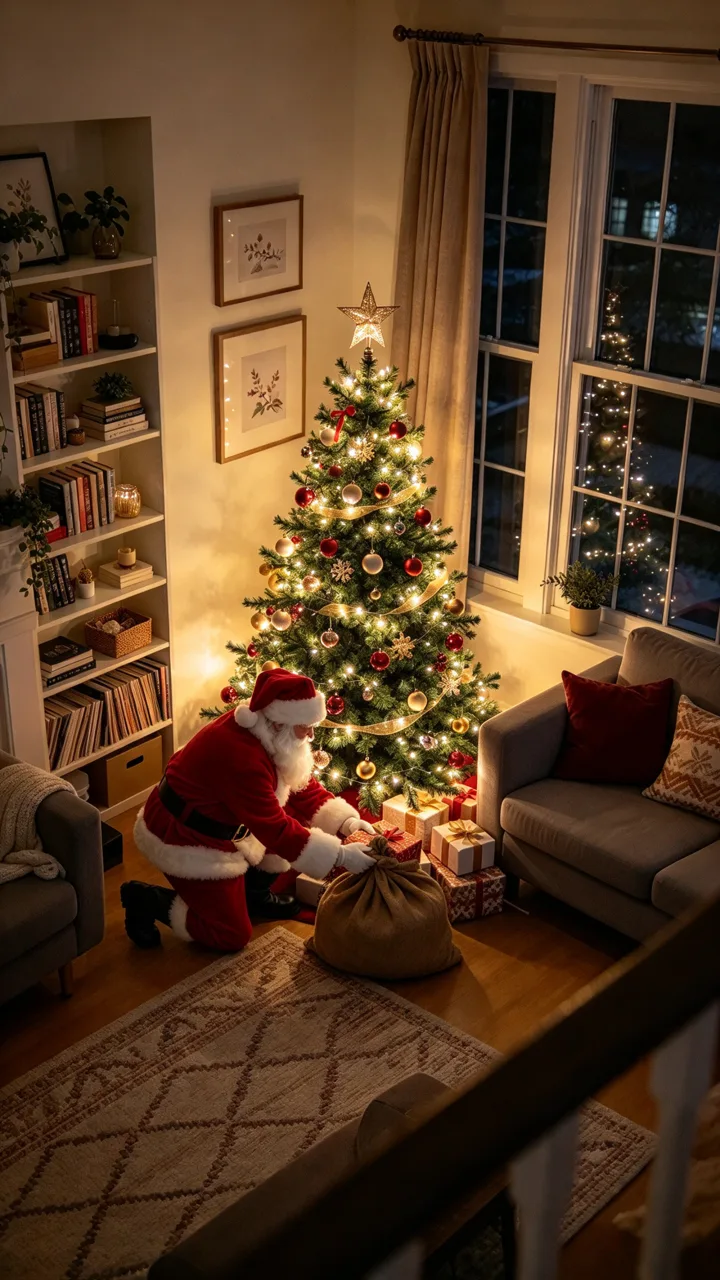
Leaving presents
Caught by the tree at night
Add Santa Claus kneeling beside the Christmas tree with his big brown sack, placing a wrapped present under the tree.
 before
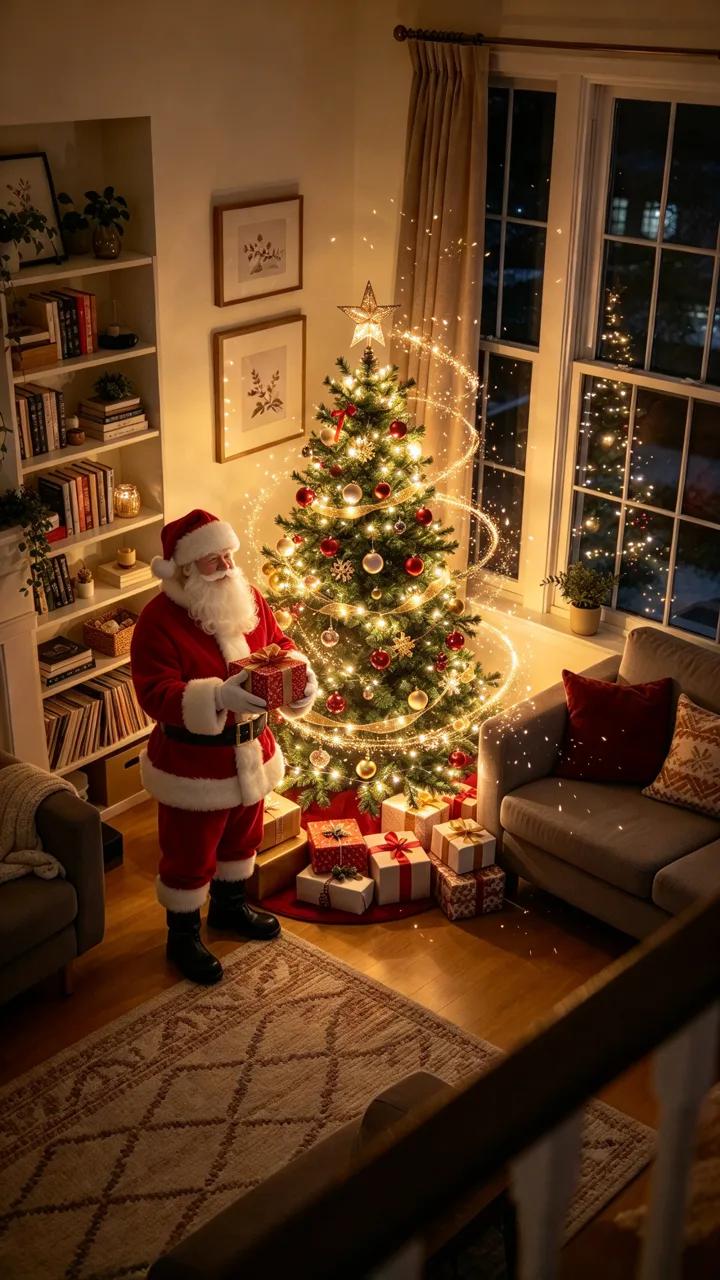
Magic Santa
He appears in golden sparkles
Add Santa Claus standing next to the Christmas tree holding a wrapped present, a soft swirl of golden sparkles around him.
 before
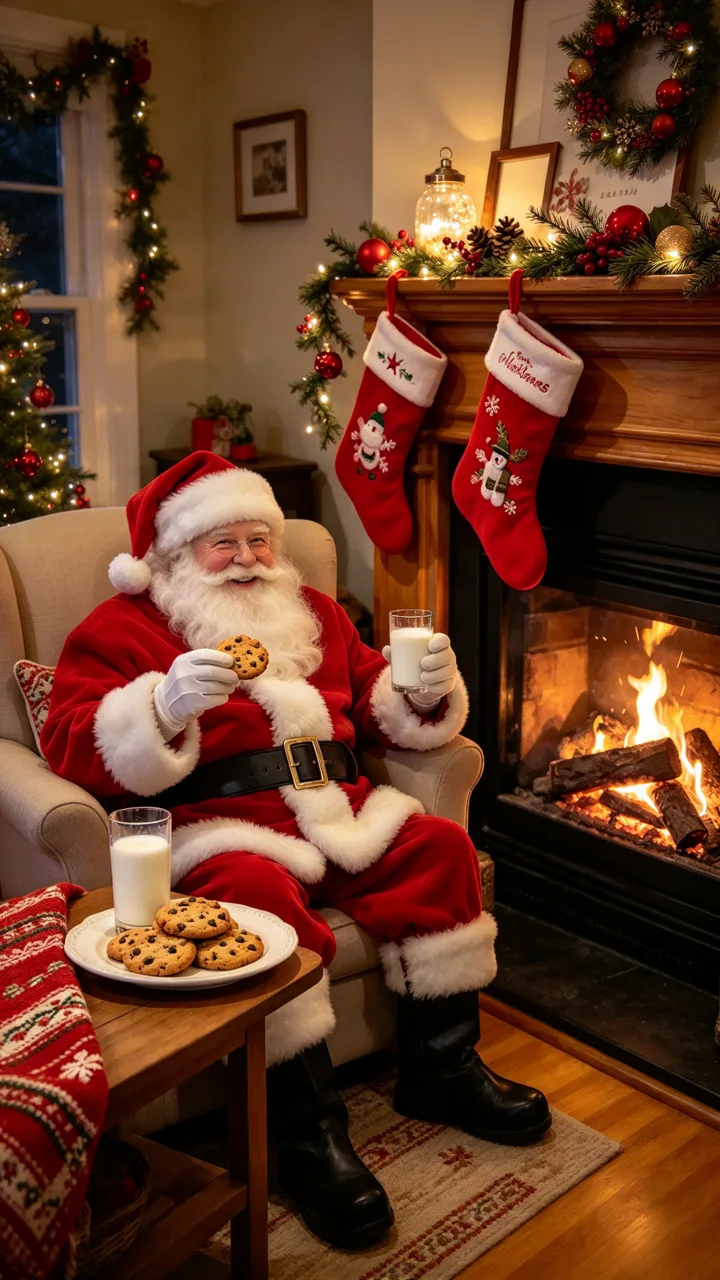
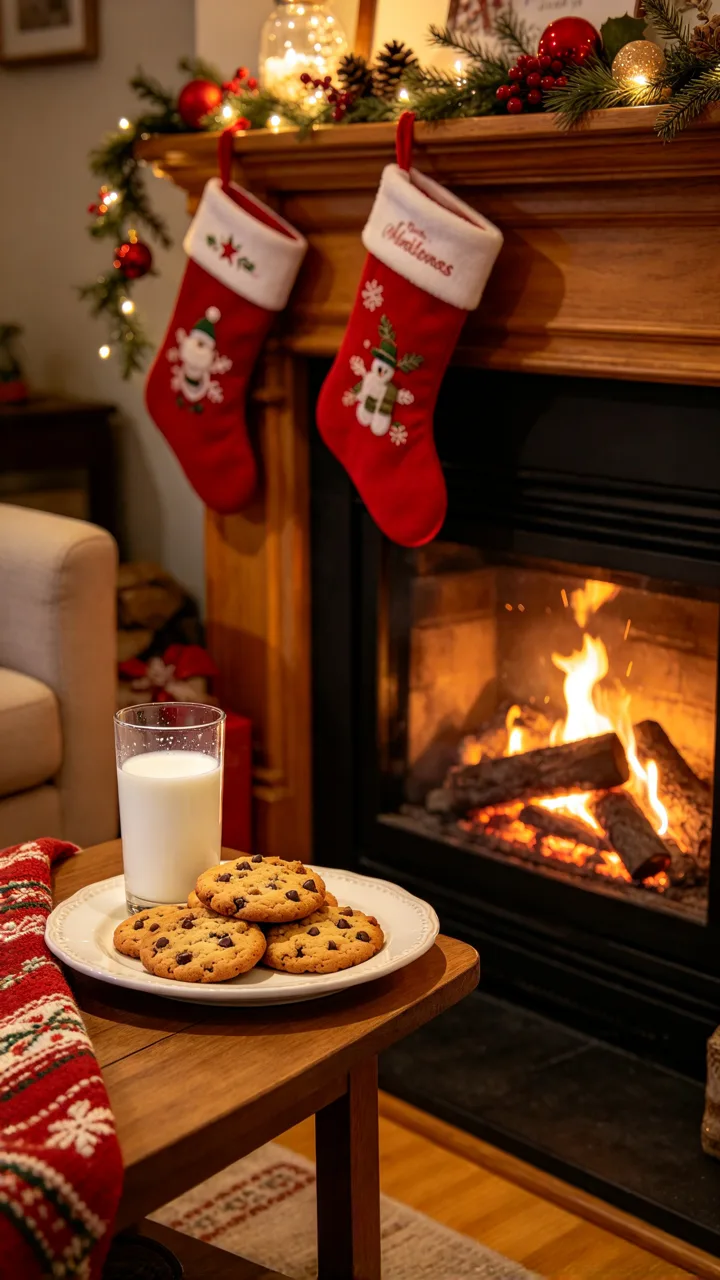
Eating the cookies
Milk and cookies by the fire
Add Santa Claus sitting in a chair by the fireplace, holding a cookie from the plate and the glass of milk.
 before
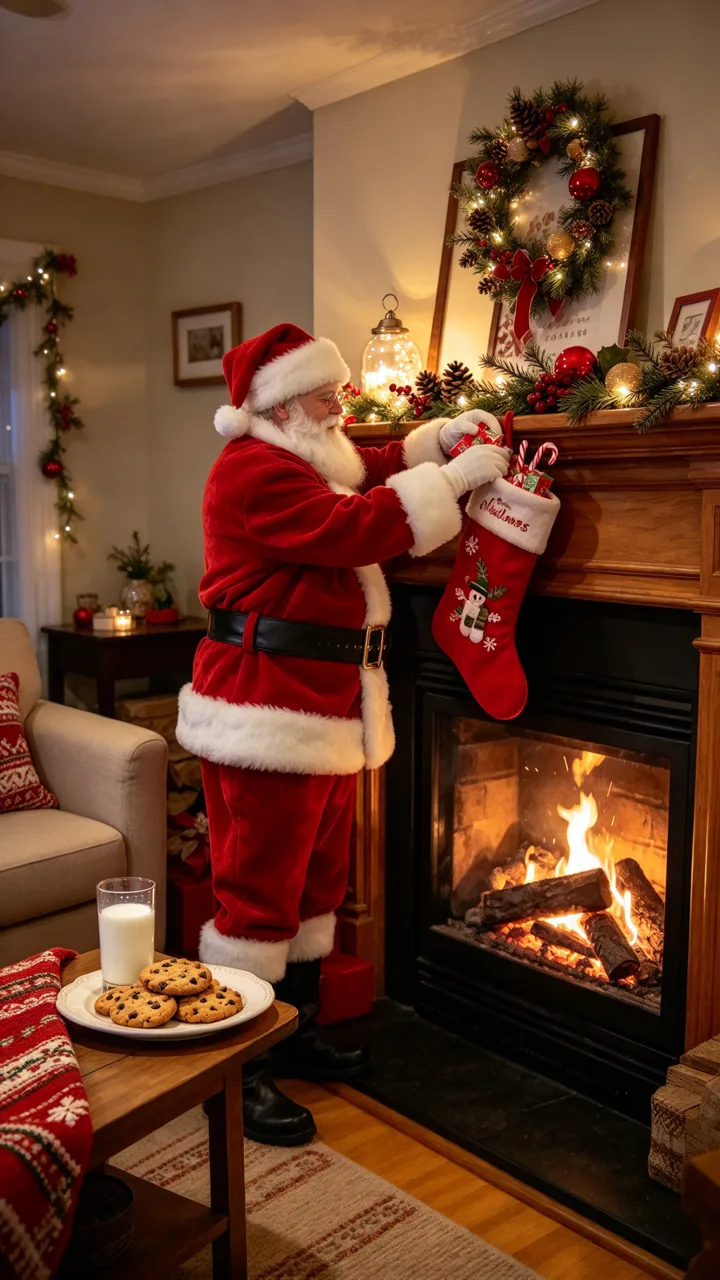
Filling the stockings
Candy canes by the fireplace
Add Santa Claus, a real full-size man as tall as the mantel, standing at the fireplace and filling the hanging stockings with small presents and candy canes.
 before
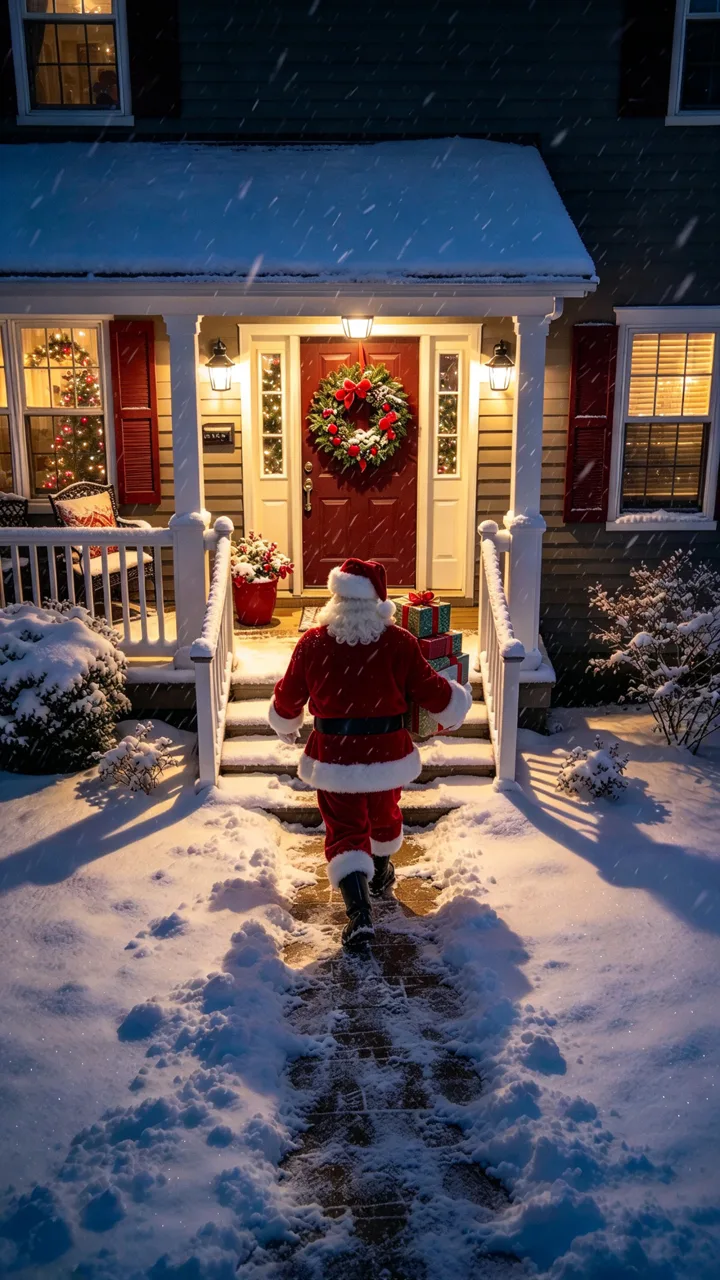
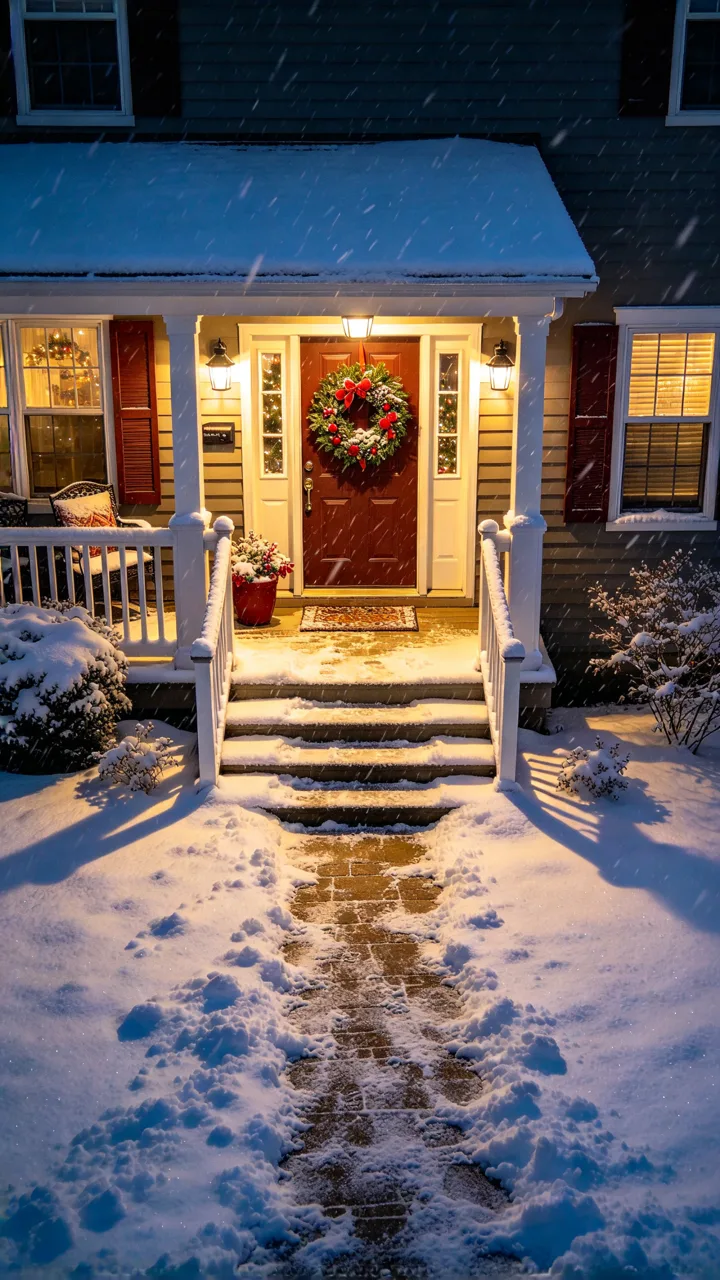
On the porch camera
Presents at the front door
Add Santa Claus walking up the snowy path to the front door, carrying a stack of wrapped presents.
 before
Reindeer in the yard
His sleigh parks outside
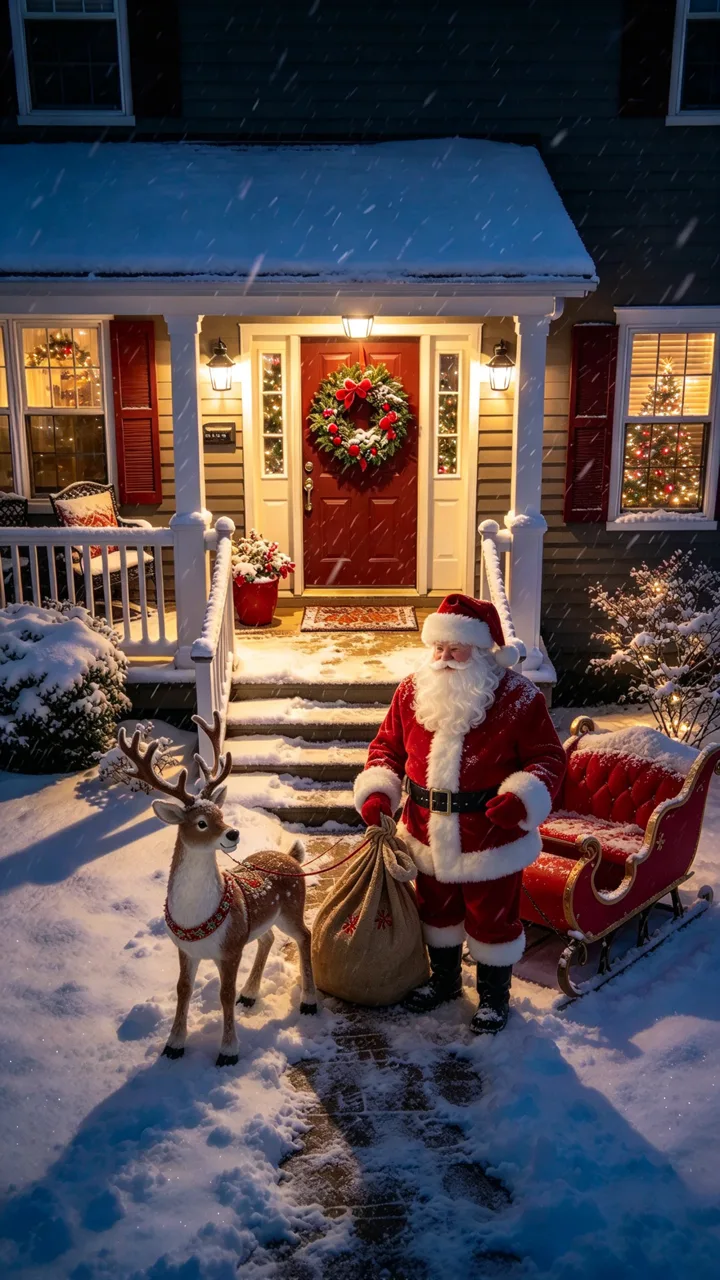
Add Santa Claus on the snowy front lawn with a reindeer beside him and his red sleigh behind, reaching into his sack.
Parents make short clips that look like Santa was caught on a home camera on Christmas Eve: he kneels by the tree with a sack of gifts, sits by the fire with milk and cookies, or waves from the snowy porch, then often vanishes in golden sparkles. The posts we show are from last Christmas season (December 2025).
This AI Santa video page puts Santa in a photo of your own home: six scenes are ready to tap (leaving presents, magic Santa with sparkles, eating the cookies, filling the stockings, porch gifts, reindeer in the yard) and you can describe your own. Photo tab for the still; Video tab for a 6-second shot.
Examples from TikTok
Two real Santa-caught-on-camera posts from last Christmas season (Dec 2025). Not made with ReelMuse.
Clips belong to their creators and link back to TikTok. The AI Santa video page above makes the scene from a photo of your own home. ReelMuse is not affiliated with Google or Kling.
AI Santa video is a seasonal search: close to zero most of the year, then it peaked in the week of December 21–27, 2025 at about 3 times its yearly average (Google Trends, US, last 12 months).
On TikTok, the two Santa posts we feature are from that same season: @_jaydennunn’s Santa-by-tree how-to (Dec 12, 2025) at 28.9K views, and @jay.cadmus’s home-camera gifts clip (Dec 24, 2025) at 8.2K views.
TikTok numbers from public posts, as of November 6, 2026.
The pattern is simple: start from a still of your own tree or living room, put Santa into that room, then turn the still into a short clip where he leaves a gift, waves, or dissolves into gold dust. Last season’s how-to posts walked people through chat-app edits and a separate video tool; the home-camera posts framed the result as Christmas-morning proof for the kids.
On ReelMuse you skip the tool-hopping: one photo of your room, a Santa scene to tap, a still or a 6-second home-camera shot.
Comments under the two Santa posts we feature (last Christmas season):
“my inner child is screaminggggg! i love this 😍 you’re so talented and creative!”
Under @_jaydennunn · 7 likes
“Sooo magical!!! Love that”
Under @_jaydennunn · 3 likes
“Awwwww I need to see her reaction thats just beautiful well done!!!”
Under @_jaydennunn · 2 likes
“Oh wow this is actually good!!!”
Under @jay.cadmus · 2 likes
“Can you just give a prompts please to copy paste ?”
Under @_jaydennunn · 0 likes
On ReelMuse your own room gets Santa: upload one home photo, tap a scene above or describe your own, and get the still or a 6-second home-camera shot from the Video tab.
Step 1
Your living room, Christmas tree, fireplace or front porch, from a clear angle. Only use a photo of a place you have the right to use.
Step 2
Tap Leaving presents, Magic Santa, Eating the cookies, Filling the stockings, On the porch camera or Reindeer in the yard, or describe your own in the box.
Step 3
Press Create for a 9:16 still of Santa in your room (15 credits), or stay on Video for the photo plus a 6-second home-camera clip (210 credits).
Both can put Santa in a photo of your home. ReelMuse is not affiliated with Google or Kling, or with the tools the creators above use.
ReelMuse
Other video apps
What you upload
One photo of your room, tree, fireplace or porch.
A photo, plus a long prompt and often a second tool for the video.
The scene
Six Santa scenes to tap, or describe your own.
Whatever you manage to describe across apps.
Your room’s look
Every scene asks to keep the furniture, tree, decorations and angle.
Depends on the app and your prompt.
Output
9:16 photo, or photo + 6-second home-camera clip.
Depends on the app.
Time
Photo usually under a minute; video usually 2–3 minutes.
Write prompts, hop tools, then wait.
Price
15 credits photo / 210 credits video, shown before you create.
Depends on the app and subscription.
Want a holiday photoshoot of you, a couple or the family instead of Santa in the room? Use AI Christmas photo. For a Christmas elf doll that “comes alive” overnight, try AI elf video.
ReelMuse makes the AI Santa video from the home photo you upload. The photo is used for that picture and, on the Video tab, for the 6-second clip made from it. Read the privacy policy and the terms. Upload only a photo you have the right to use.
A short “Santa caught on camera” clip made from a photo of your own home: Santa leaves presents under the tree, eats the cookies by the fire, or waves from the porch, framed like home-camera footage to show the kids on Christmas morning.
Upload one photo of your living room, tree, fireplace or porch on this page, pick a Santa scene (or describe your own) and press Create. You get Santa in that room as a still, or a 6-second home-camera shot on the Video tab.
That is the goal. Every scene asks to keep your furniture, tree, decorations, walls and camera angle the same, then adds a friendly classic Santa. A clear photo of the room works best.
Both. The Photo tab makes one 9:16 still, usually under a minute. The Video tab makes that still first, then a 6-second home-camera clip of Santa moving through the scene, usually 2–3 minutes.
Yes — that is what the trend is for. Parents post AI Santa clips as “caught on camera” proof; on ReelMuse you make the clip from a photo of your own home so the room looks familiar.
Related, different job. AI Christmas photo puts you, a couple or the family into a holiday photoshoot. This page puts Santa into a photo of your room, as home-camera still or video.
15 credits per photo, or 210 credits for the photo plus the 6-second video. The price is on the button before you create, and if a step fails its credits go back to your account automatically.