Create Your STORM II AI Dance Video
Upload one clear photo. ReelMuse preserves the 15-second choreography, camera push and group formation in one continuous MiniMax H3 Max generation — no 10+5 second splice.
- One continuous shot
- 15s
- Required input
- 1 photo
- Ready to share
- 16:9
- Credits per generation
- 500
See the 15-Second STORM II Result
This reference result was generated in a single MiniMax H3 Max task. The lead identity, synchronized rows and moving camera remain continuous because there is no mid-video splice or second-shot reset.
STORM II AI Dance Generator Online
Start with a sharp front-facing or half-body photo. A crowd reference and extra direction are optional; when you skip them, ReelMuse uses the approved all-female group style and the locked STORM II choreography.
Fixed output: 15 seconds · 768P · 16:9 · 500 credits. Failed generations are refunded automatically.
Browse more AI Effects, or use Video-to-Video for a custom dance clip.
How to Make a STORM II AI Dance Video
Three steps from photo to a downloadable 15-second group dance.
Photo to STORM II Dance
Step 1: Upload Your Lead Photo
Choose one clear, front-facing or half-body photo with good lighting. You can optionally add a crowd-style reference.
Step 2: Generate the Full 15 Seconds
ReelMuse sends both visual references and the locked motion clip to MiniMax H3 Max as one reference-to-video task.
Step 3: Review and Download
Check lead identity and background performers, then download the 16:9 result or generate another version.
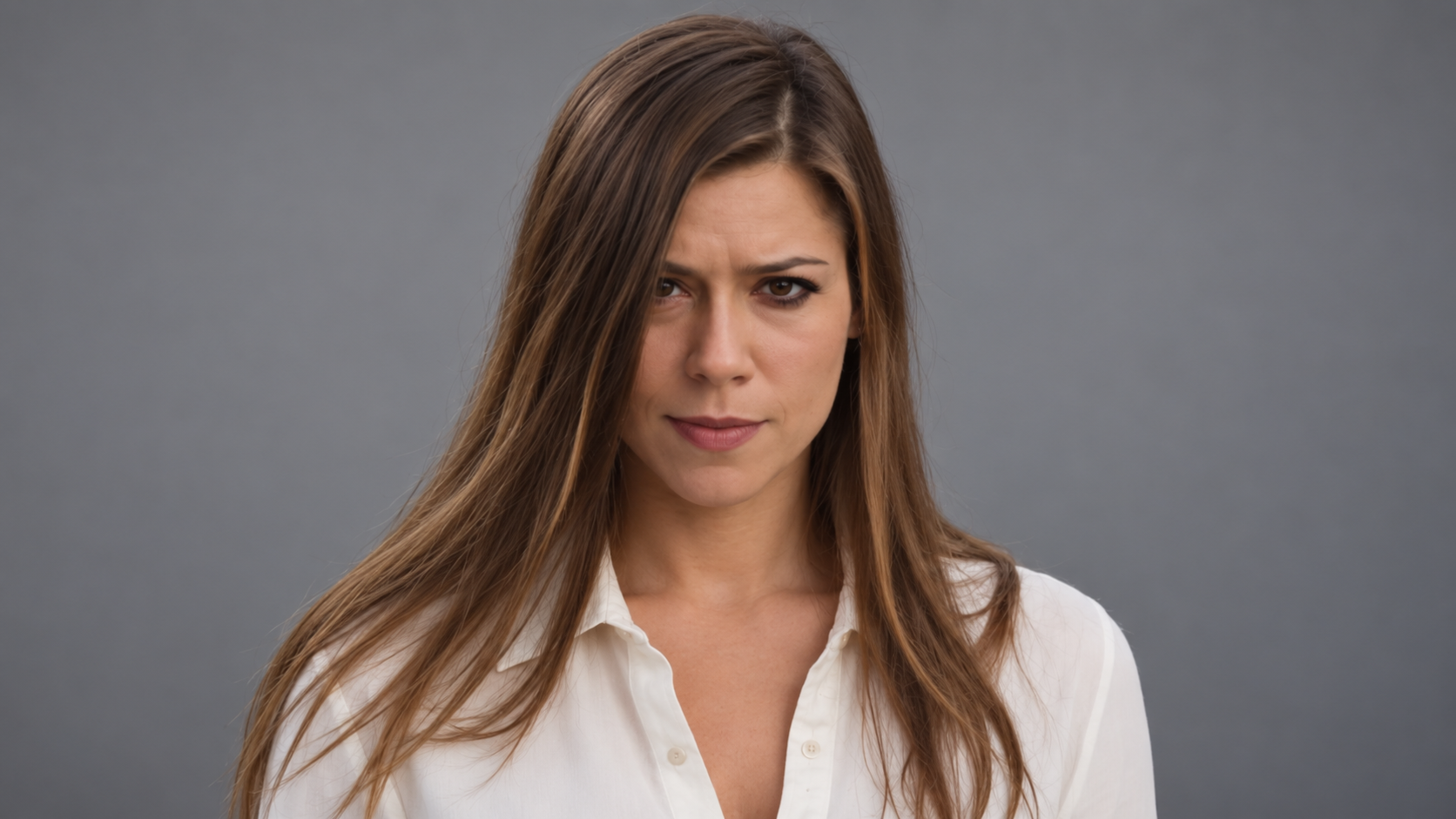
Use a Clear Photo for a More Stable Lead Character
Why ReelMuse Generates STORM II as One 15-Second Shot
Many video models stop at five or ten seconds. Building a 15-second dance from separate clips can reset the camera, swap a background performer, duplicate the lead, or create a visible seam at the join. ReelMuse uses MiniMax H3 Max for one native 15-second reference-to-video request, so the choreography and formation have one continuous timeline.
The effect also separates responsibilities: your photo locks the lead identity, the crowd reference guides background appearance, and the motion reference controls timing, blocking and camera movement.
STORM II Generator vs. Generic AI Dance Tools
A preset is faster when you want this exact trend; a generic motion-transfer tool is better when you want to upload your own dance video.
STORM II AI Dance Generator FAQ
Ready to Make Your STORM II AI Dance?
Upload one clear photo and generate the complete 15-second sequence in your browser.