How to Extract Audio from Video: 5 Free Methods + AI-Powered Noise Removal (2026 Guide)
Wondering how to extract audio from video files, YouTube clips, or iPhone recordings? Get step-by-step free tutorials and fix noisy results with ReelMuse AI for clear, professional sound.
Why You Need to Extract Audio from Video and Remove Noise
Extracting audio is straightforward, but background noise like wind or echoes can make it unusable. Here's how to do it right, based on real user experiences.
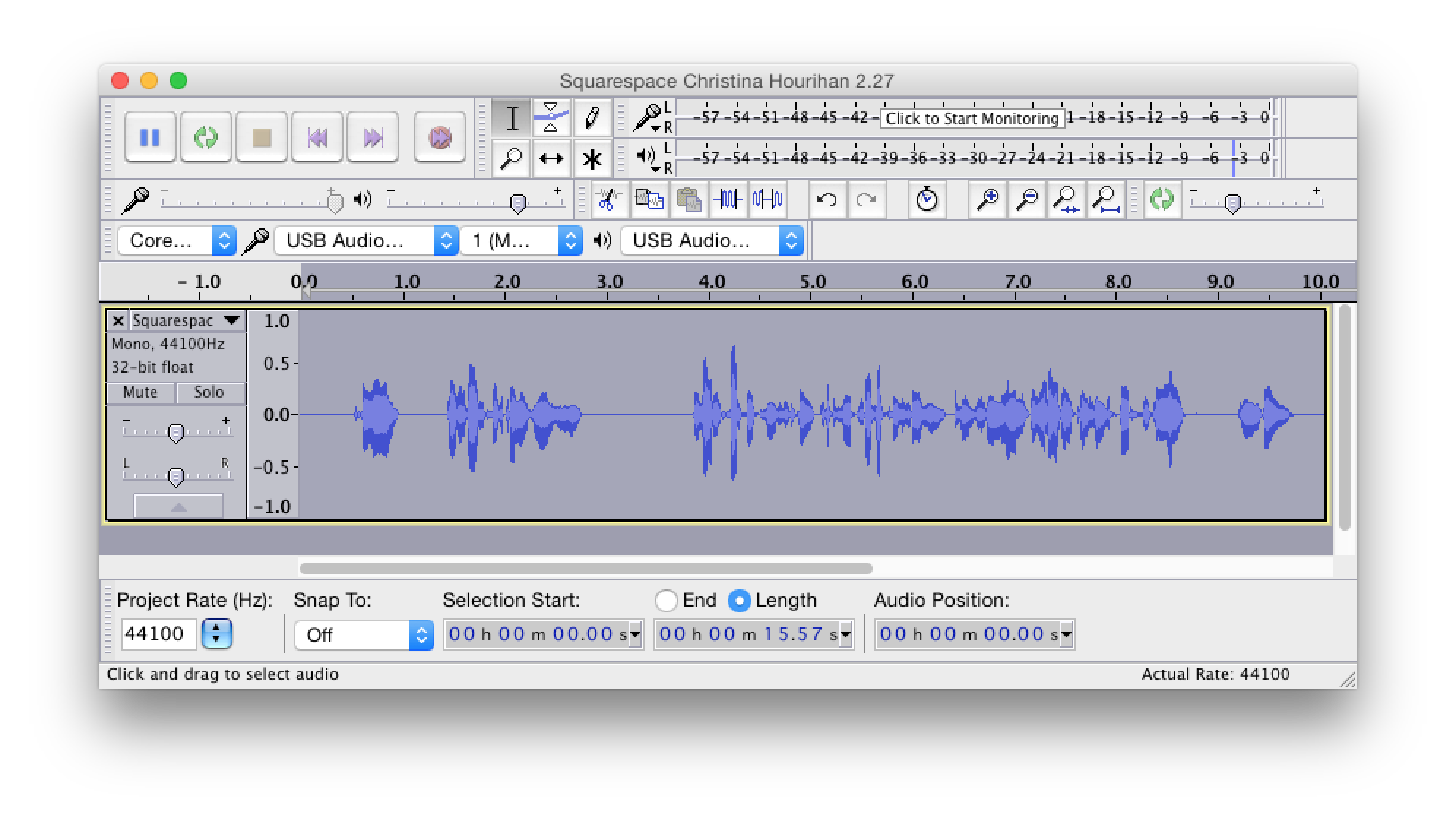
At ReelMuse, our AI Voice Isolator—developed by audio experts—lets you upload any video or audio file to automatically extract audio from video and remove noise, enhancing clarity without losing quality. Trusted by thousands of creators for podcasting, music, and content editing.
5 Best Free Ways to Extract Audio from Video (2026 Updated Guide)
Step-by-step instructions for Windows, Mac, iPhone, Android – no software costs involved
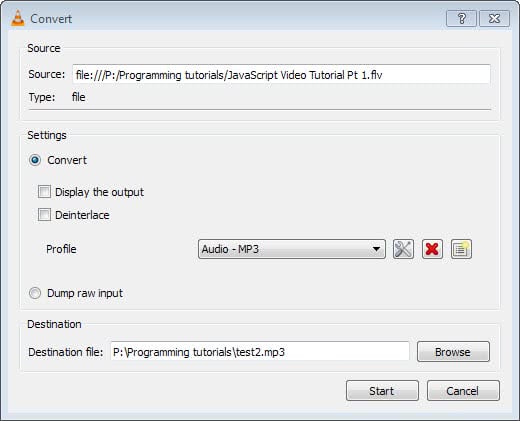
Method 2: CapCut (Ideal for Mobile Creators on iPhone/Android)
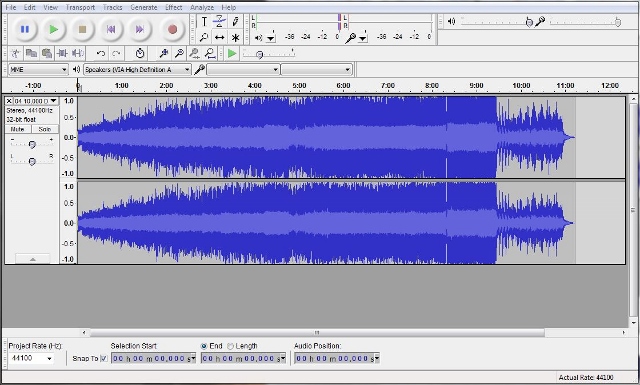
Method 3: Audacity + FFmpeg (Advanced, Lossless Extraction)
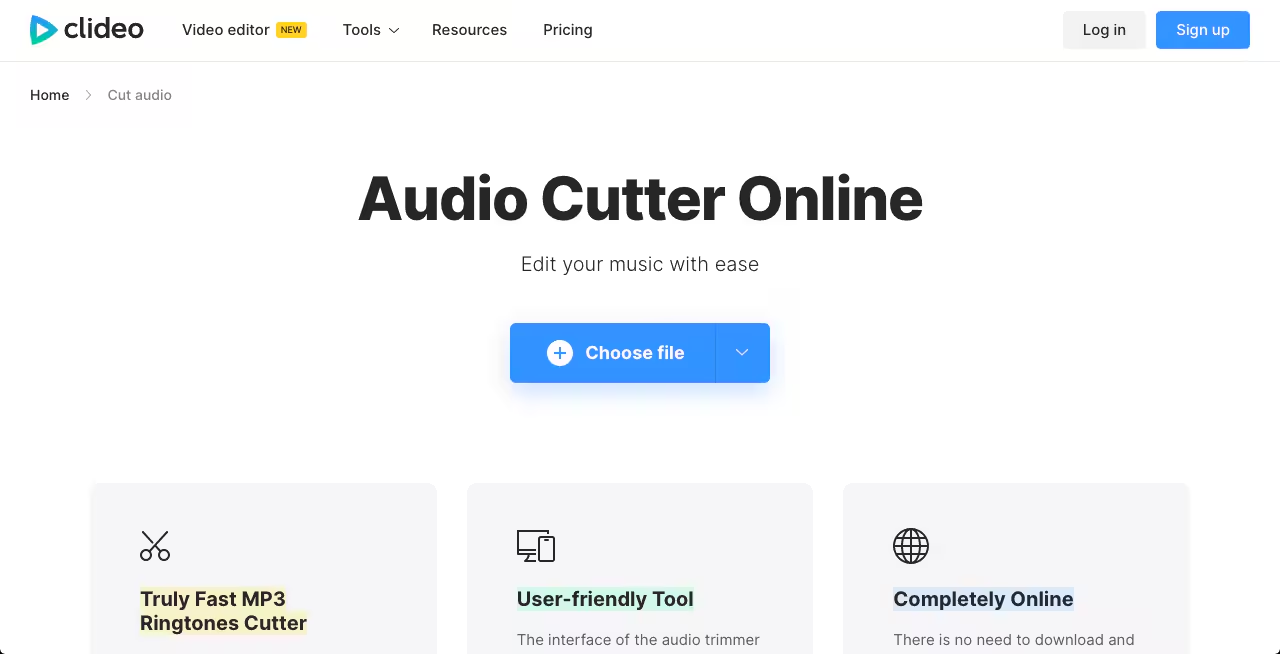
Method 4: Online Tools (No Download Required)
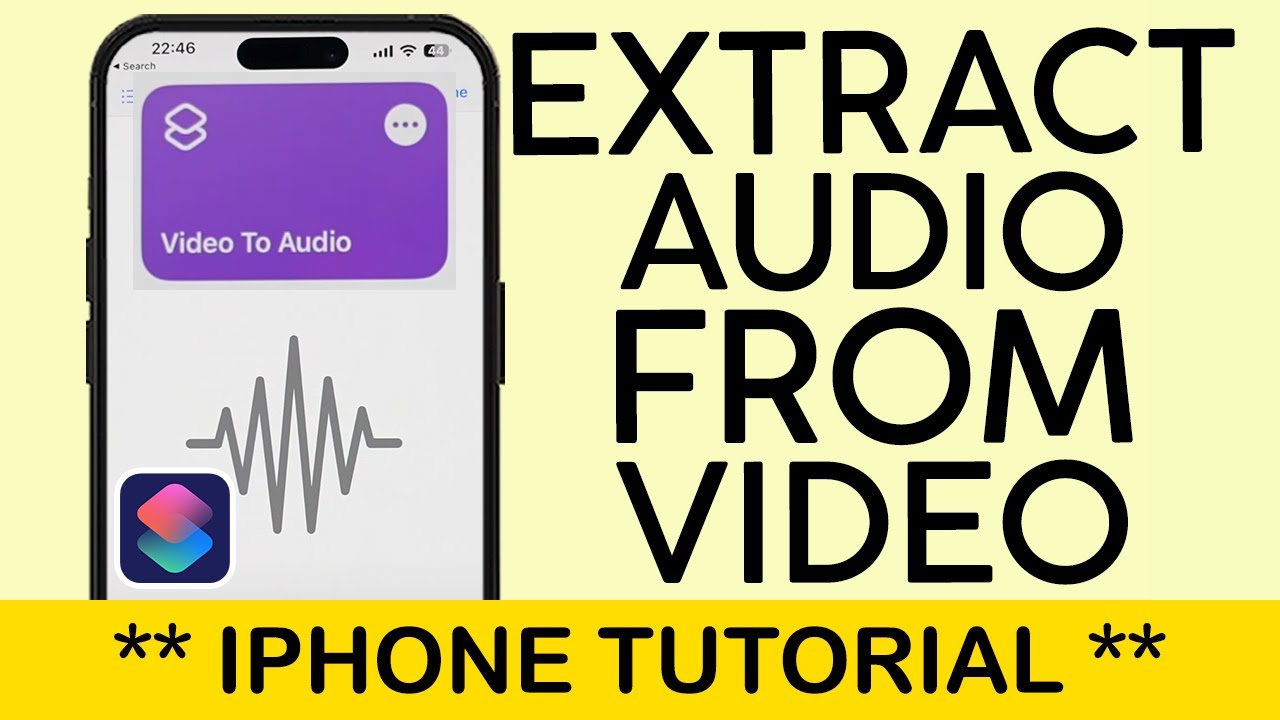
Method 5: iPhone Shortcuts or Android Apps
Extracted Audio Too Noisy? Clean It with ReelMuse AI Voice Isolator
Listen to a Sample:
Original Audio
00:0000:00
Isolated Audio
00:0000:00
- Automatically removes wind, traffic, hum, and other background noise
- Enhances voice clarity and balances audio levels for professional results
- Eliminates room echo and reverb effectively
- Upload video directly – AI handles extraction + cleanup in one go
- Free to try, backed by our team's audio AI expertise