Genjutsu AI Video: Swap Anyone, Keep the Motion

Recreate Higgsfield Genjutsu-style video-to-video effects for free. Replace the performer, the scene, or a single object in any clip while the original choreography, camera movement, and timing stay perfectly intact — right in your browser with ReelMuse.

What Is Genjutsu AI Video?

Higgsfield's viral video-to-video feature — and how to get the same result without a subscription.

3 Copy-Paste Genjutsu Prompt Briefs

Each brief separates what stays from what changes — the key to clean motion transfer.
Brief 1: Choreography Preserved, New Lead

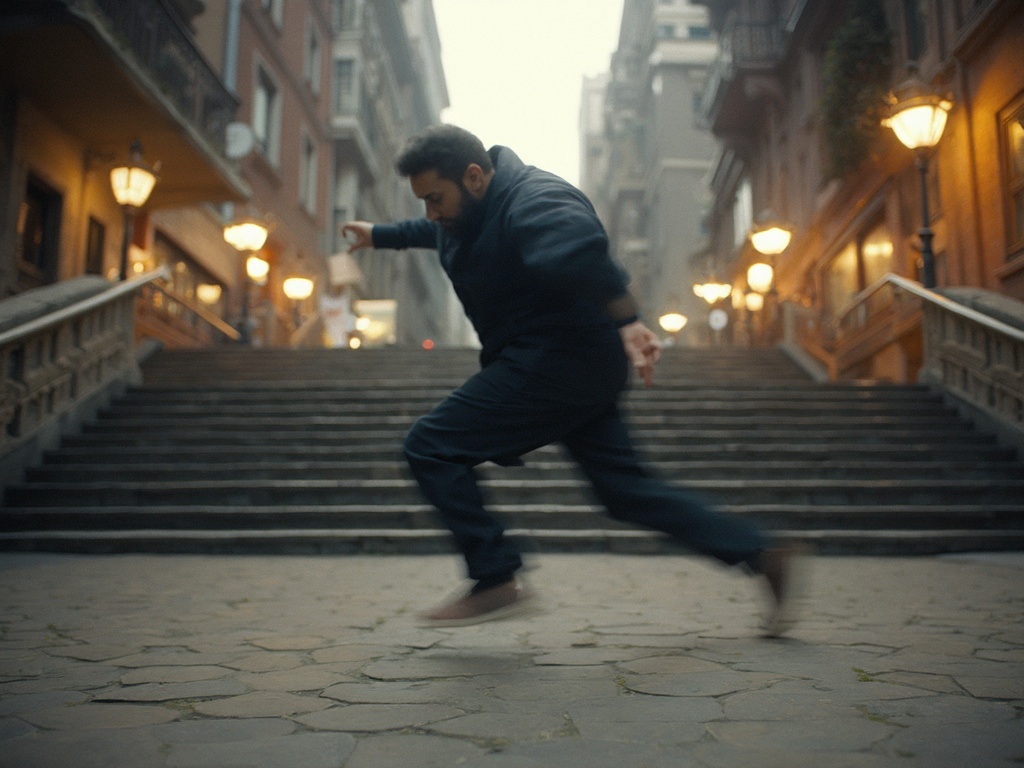
Motion-transfer reference frame with a dancer

Brief 2: Same Action, New World

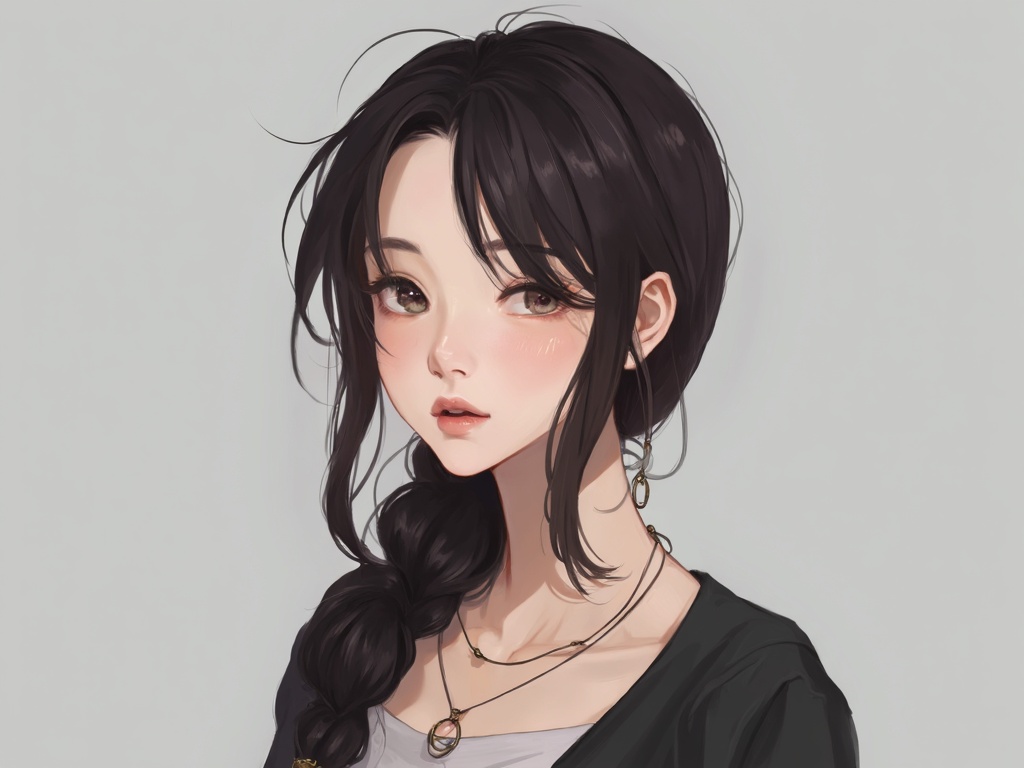
Cinematic character reference portrait at dusk

Brief 3: Single Prop Swap in Motion

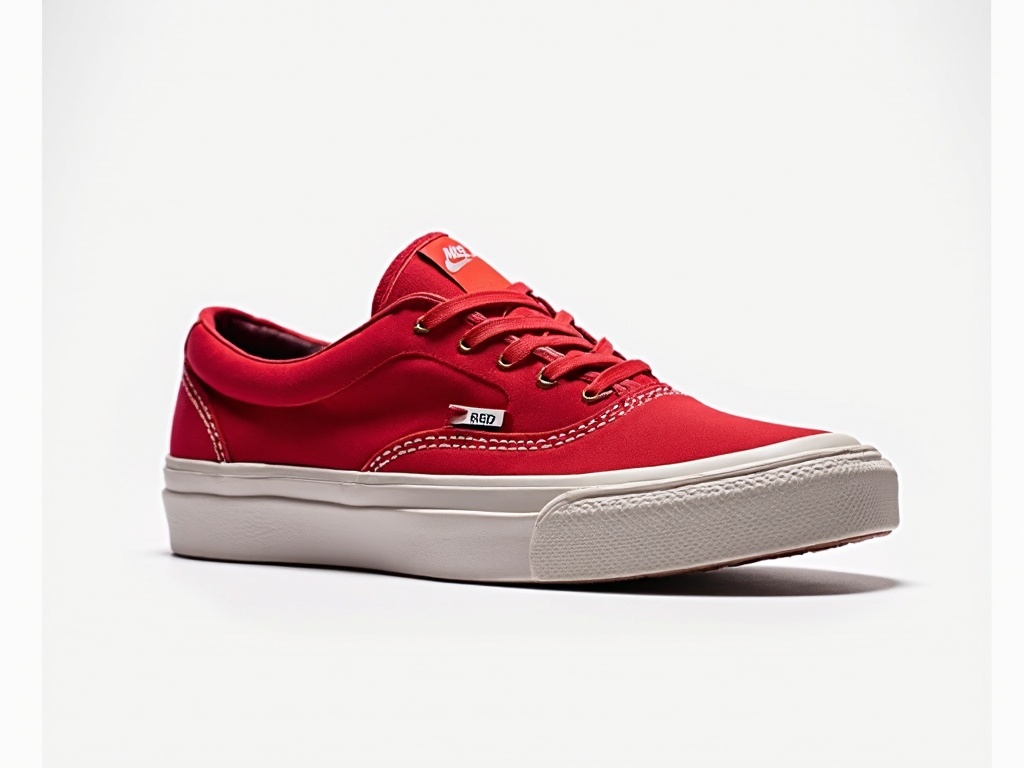
Object-swap reference frame in a natural room setting

How to Make a Genjutsu-Style Video with ReelMuse

Step 1: Choose the movement to preserve

Step 1: Choose the movement to preserve

Step 2: Add references and define the change

Step 2: Add references and define the change

Step 3: Generate, inspect, and refine

Step 3: Generate, inspect, and refine

Three Habits That Make Motion Transfer Look Real

Preserve the shot that already works

Test motion and identity separately

Build a reusable prompt brief

Genjutsu AI Free: What You Actually Get

Genjutsu AI Video FAQ

What is Genjutsu in Higgsfield?

Is there a free way to try Genjutsu-style video?

What source clips work best?

Can I put a celebrity or another person into a video?

Genjutsu vs face swap — which do I need?

© 2026 ReelMuse. All rights reserved.