Lip Sync, Face Swap, Kissing — A Complete Guide to ReelMuse Effects
Every effect on ReelMuse, what it's for, what input works best, and which use case it nails. Bookmark-worthy reference.
This is the reference doc we wish existed when we started. For each effect: what it does, the input it expects, and the single use case it nails best.
Lip Sync
Input: 1 portrait photo + audio file (MP3/WAV) or text-to-speech.
Best use case: Reaction memes — “what they really thought” clips.
Avoid: Profile shots; the model needs both eyes visible.
Face Swap Video
Input: 1 face photo (you) + 1 source video (the clip).
Best use case: Friend-group humor, putting yourself into iconic scenes.
Avoid: Heavy lighting changes between source frames — produces flicker.
Kissing Effect
Input: 2 portrait photos.
Best use case: Couple anniversaries, fan-edit ships, romance reels.
Tip: Both photos should face roughly the same camera angle for the cleanest result.
Brainrot Video
Input: Script (or AI-generated from topic) + voice + background.
Best use case: Educational explainers, product demos, story time.
Tip: First 1.5 seconds matter most. Open with a hook.
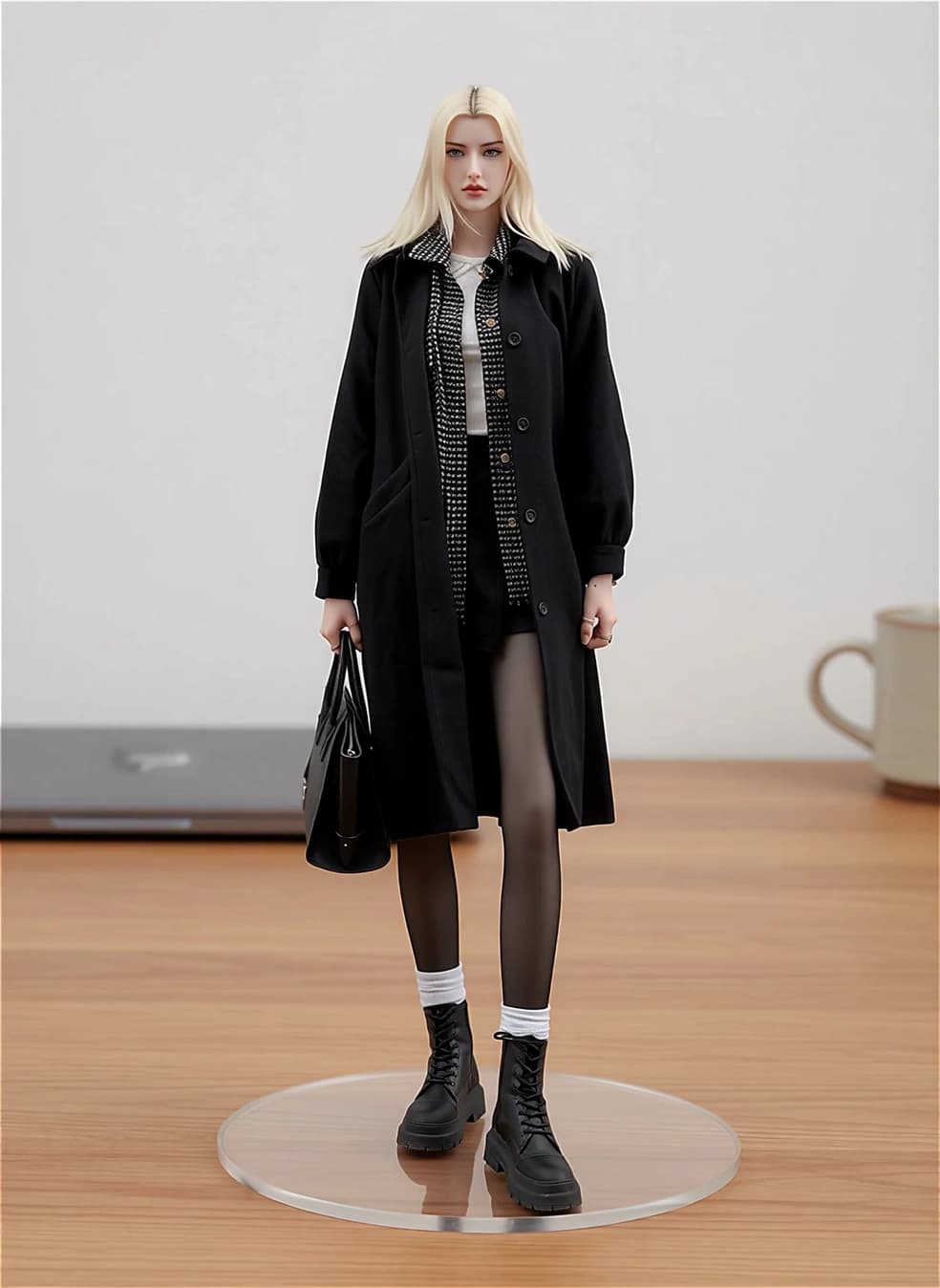
Figurine Generator
Input: 1 character photo.
Best use case: Pinterest pins, “character cards” for fan accounts.
Tip: Full-body photos produce better figurines than headshots.
Image to Video
Input: 1 image + optional motion prompt.
Best use case: Travel reels, product shots that rotate, aesthetic loops.
Tip: Subtle prompts (“gentle camera push-in”) outperform dramatic ones.
Text to Video
Input: Text prompt.
Best use case: Abstract B-roll, mood pieces, opener clips.
Avoid: Detailed character descriptions — text-to-video struggles with specific identities.
AI Twerk
Input: 1 character photo.
Best use case: Comedy accounts, meme content.
Tip: Cartoon / 3D character inputs produce funnier results than realistic photos.
Change Video Style
Input: 1 source video + style choice (anime / watercolor / oil paint / claymation).
Best use case: Re-skinning travel footage, art-style content.
Polaroid Camera
Input: 1 photo.
Best use case: Aesthetic Reels, throwback content, photo-album openers.
Picking your first effect
If you’re new: start with Brainrot Video (lowest barrier, fastest output) or Lip Sync (highest virality per minute spent). Once you’ve published 3-5 of either, branch into the rest.