AI Unblur Video Online for Free
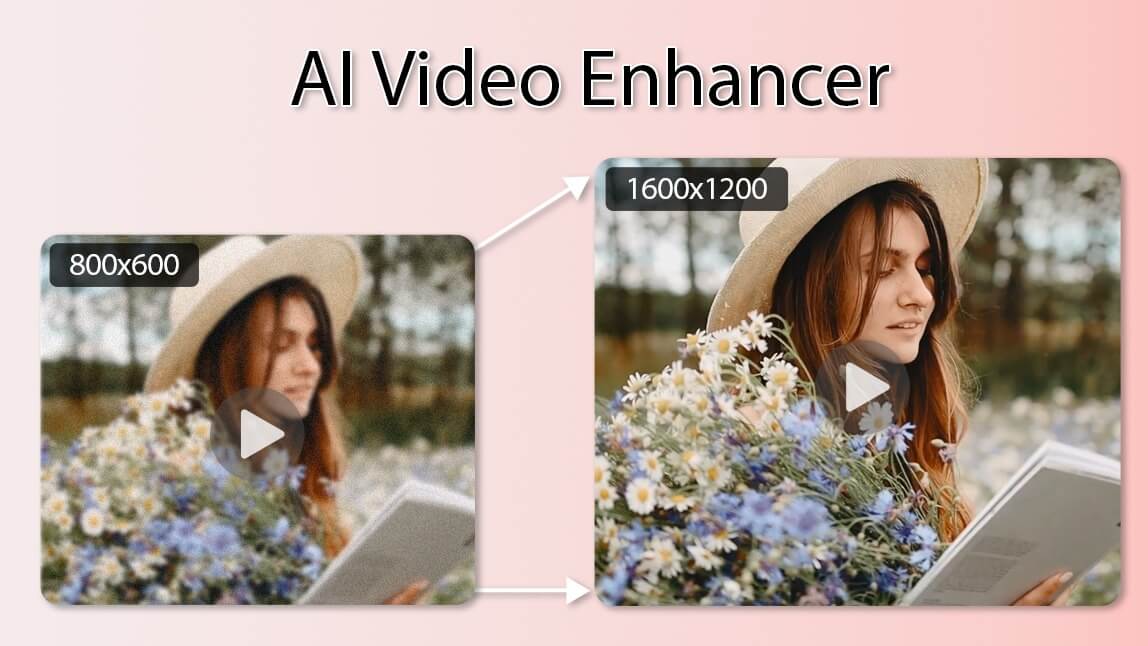
Easily fix blurry videos and make video clearer with ReelMuse powerful AI video enhancement tool. Our advanced AI unblur video technology can automatically remove blur from video, sharpen video quality, eliminate pixelation, denoise low-quality footage, and convert blurry video to HD or even 4K resolution in just one click. Whether you have old pixelated videos, motion-blurred clips, or low-resolution recordings, our online video unblur tool restores details, enhances facial features, and brings cherished memories back to life. No downloads required – enhance video clarity directly in your browser for free and enjoy professional results without watermarks.
How To Use The Blurry Video Enhancement Online?
1. Upload a Video
Simply upload your blurry or low-quality video file to our online AI unblur video tool. Supports all common formats with no size limits for free trials.
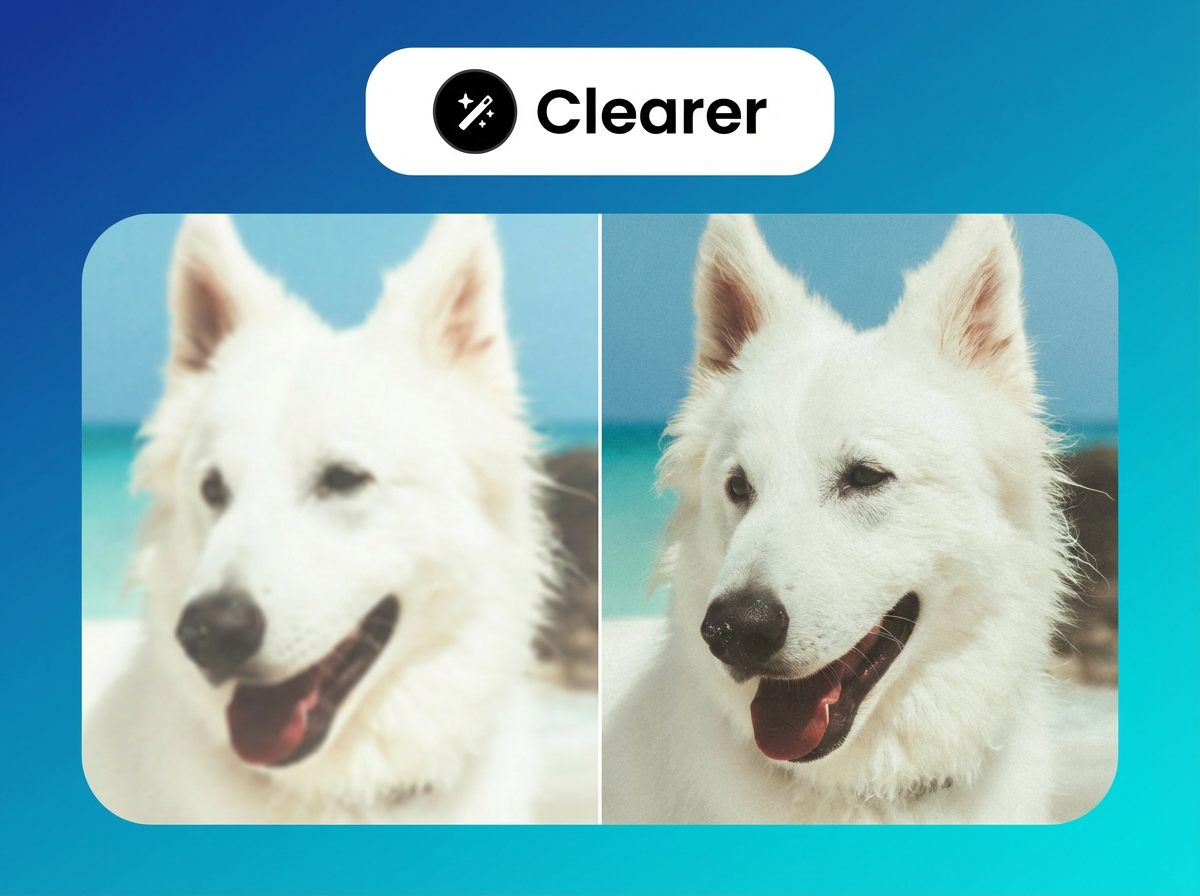
2. Make it Clearer
Our AI automatically analyzes and enhances video clarity – removes blur, sharpens details, denoises, and upscales to HD in seconds.
3. Download or Share
Preview the sharpened result, then download your crystal-clear video or share it directly. Fast and watermark-free export.
Restore Old and Pixelated Videos to HD with AI
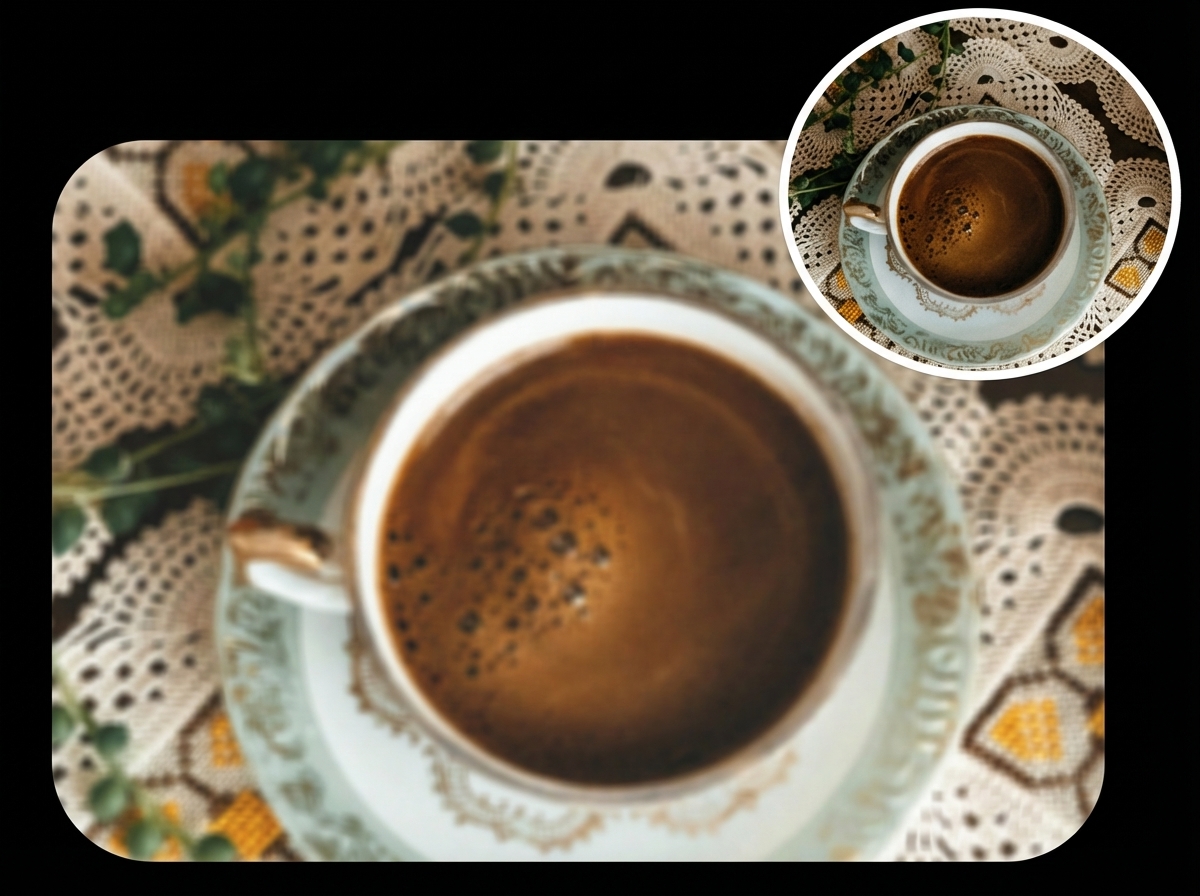
ReelMuse AI excels at restoring old videos and fixing pixelated footage. Using deep learning, our tool analyzes each frame to remove pixelation, eliminate noise in lower-quality videos, and upscale to crisp HD or 4K resolution. Bring aged family recordings, vintage films, or low-resolution clips back to life with enhanced details and vibrant colors. Perfect for preserving cherished memories – automatically unblur videos and sharpen video quality while maintaining natural motion and authenticity. No professional skills needed; achieve stunning restoration results online in minutes.
Denoise and Enhance Facial Details in Portrait Shots
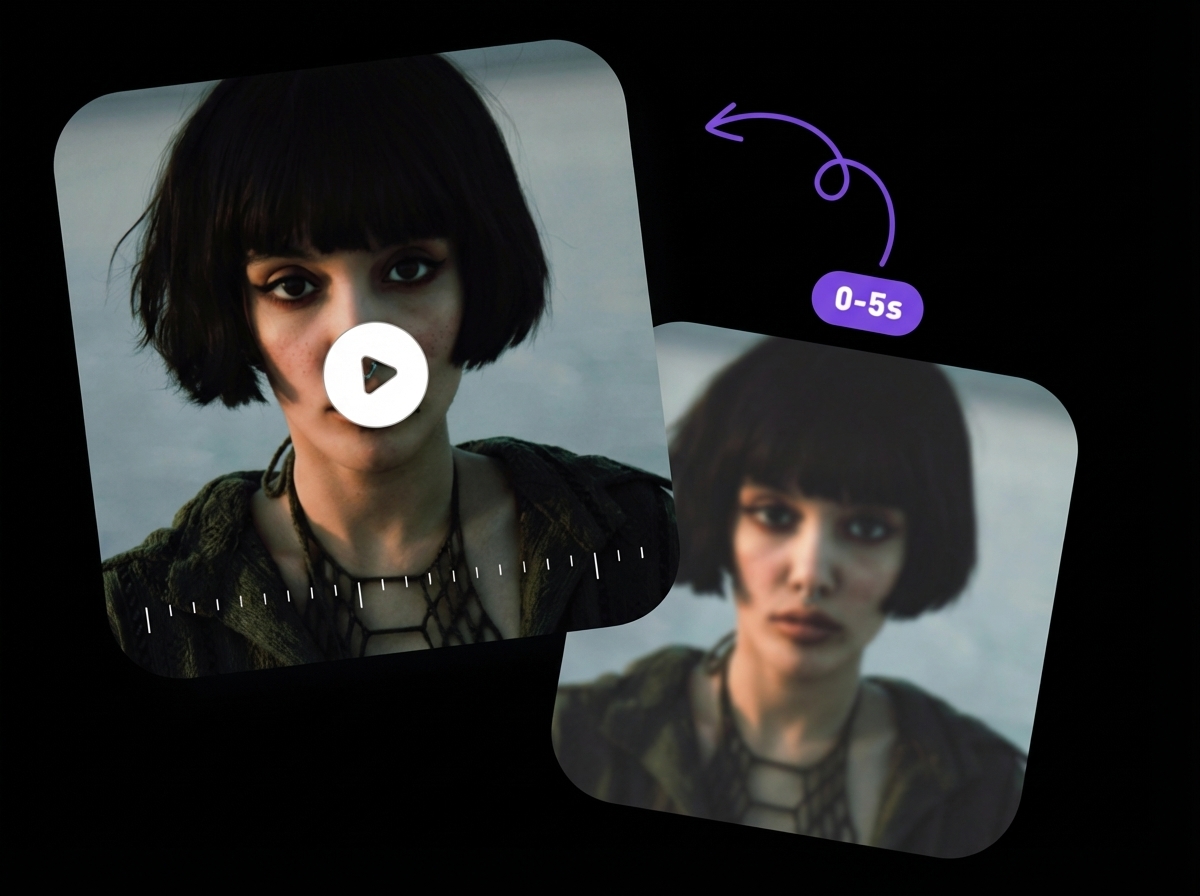
Remove noise from video and dramatically enhance facial details with ReelMuse advanced AI algorithms. Our video clearer tool uses facial recognition to sharpen eyes, skin texture, and expressions even in motion-blurred or low-light portraits. Ideal for social media clips, vlogs, or professional shots – fix blurry faces, reduce grain, and achieve natural-looking sharpness. Combine with overall enhancement to remove blur from video while preserving authentic skin tones and emotions for stunning, professional-grade results.
Enhance Video Clarity with Precise Adjustments
Take full control to make video clearer with ReelMuse fine-tuning options. After AI automatic enhancement, adjust contrast, brightness, saturation, and sharpness manually for perfect results. Effectively remove motion blur, stabilize shaky footage, and upscale while preserving details. Whether fixing blurry action scenes or refining colors in low-light videos, our online tool delivers cinema-quality clarity and vibrant visuals tailored to your needs.
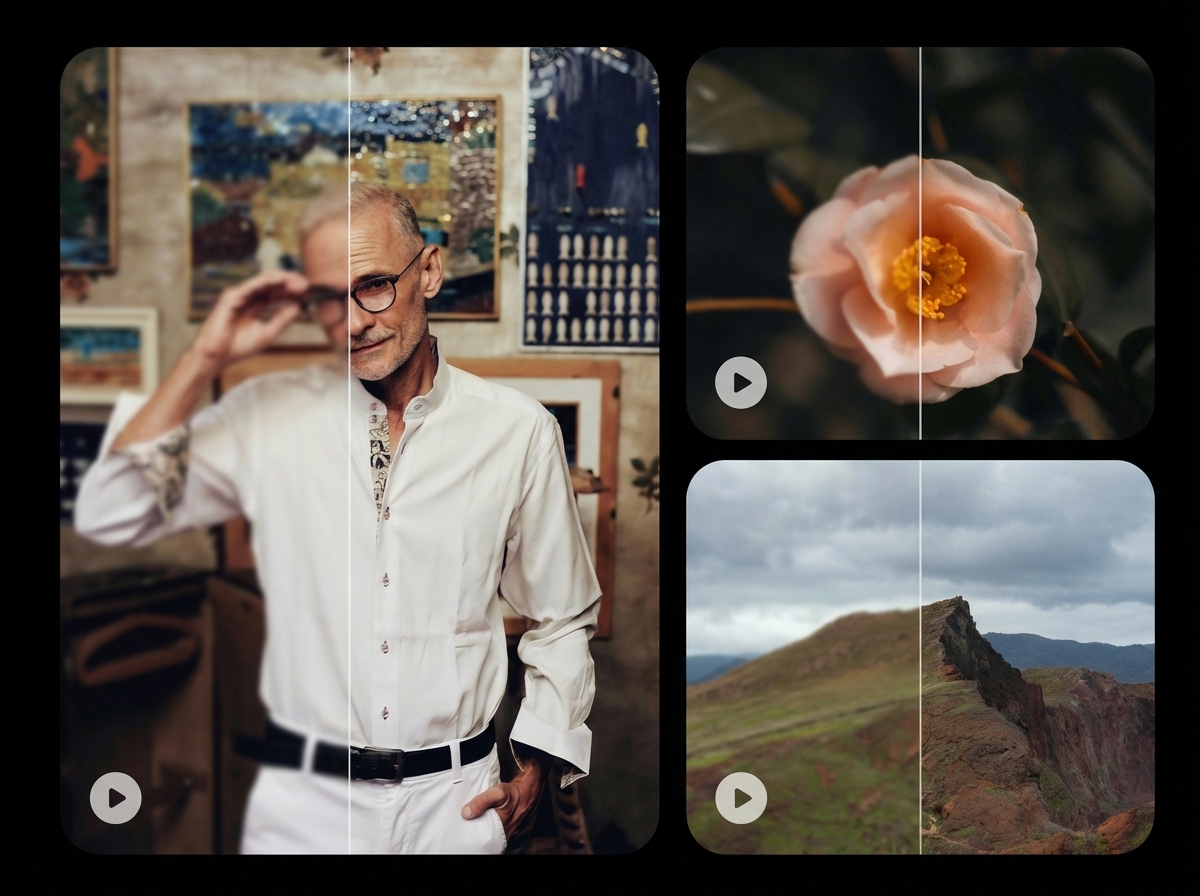
Automatically Unblur Videos with AI for All Purposes
Restored Family Memory
Old blurry home video enhanced to sharp HD with AI
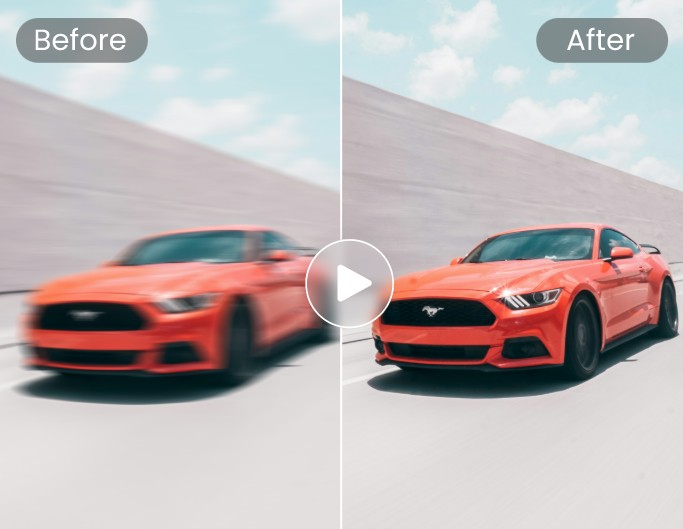
Motion Blur Removed
High-speed footage made clearer by removing motion blur
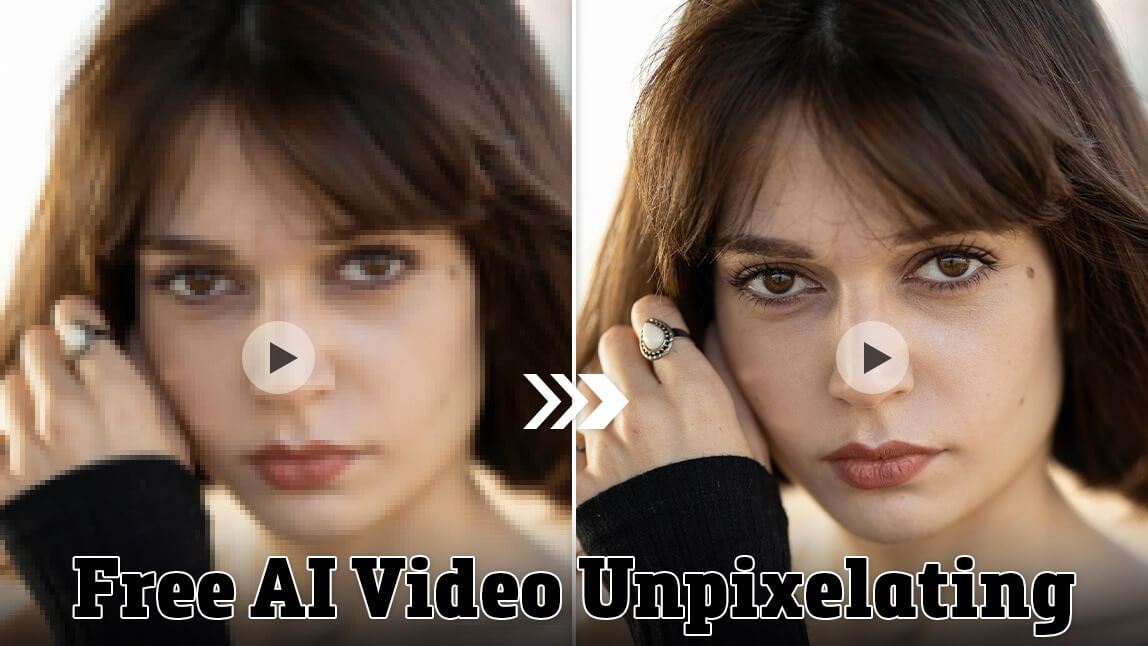
Portrait Face Enhancement
Blurry face sharpened with precise AI facial restoration
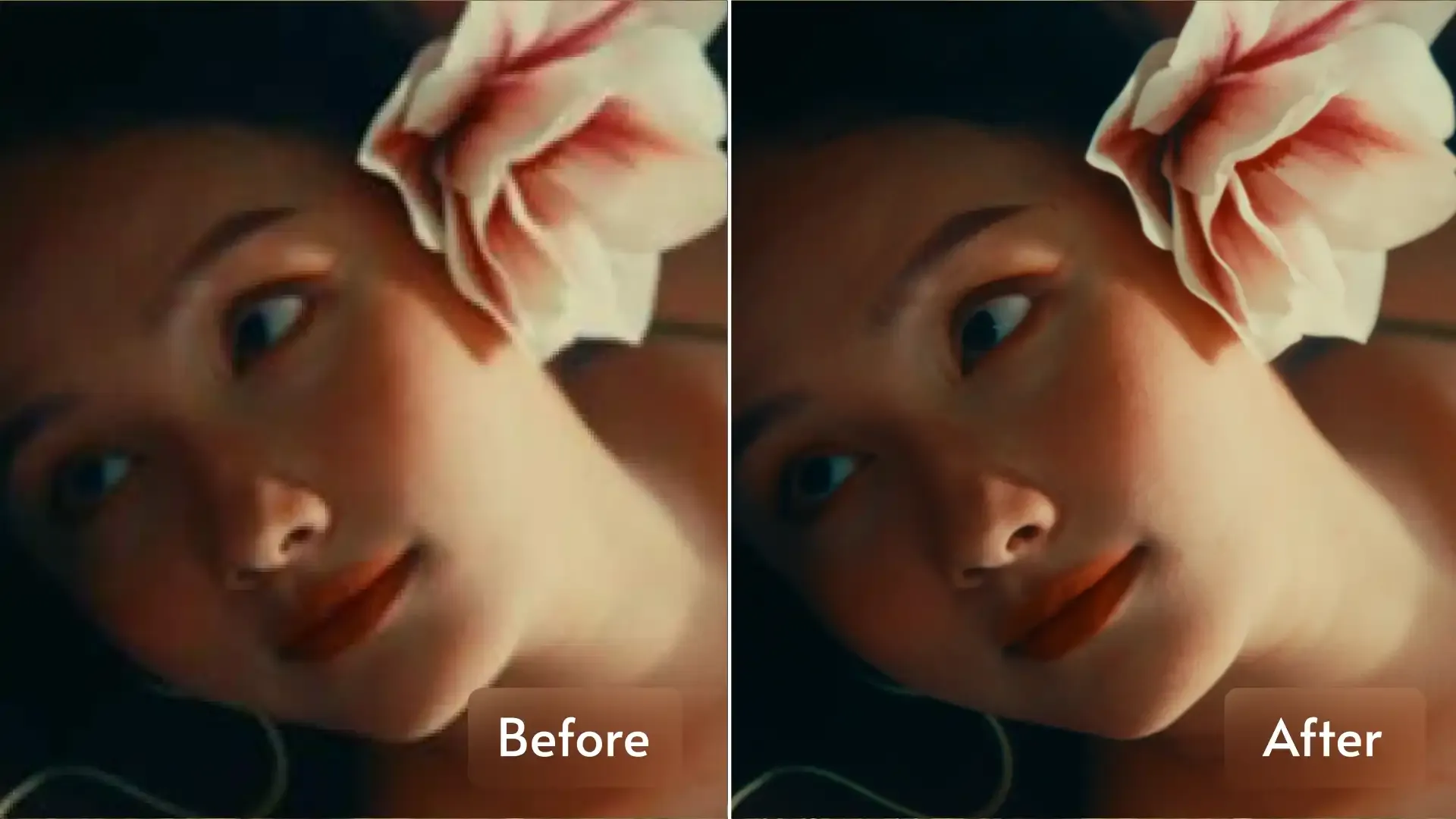
Low-Res to 4K Upscale
Pixelated low-resolution clip converted to stunning 4K