Rain night portrait AI
AI Rain Night Portrait
One selfie → cinematic rainy night photo. Backlit drops, soft city lights, your face sharp.
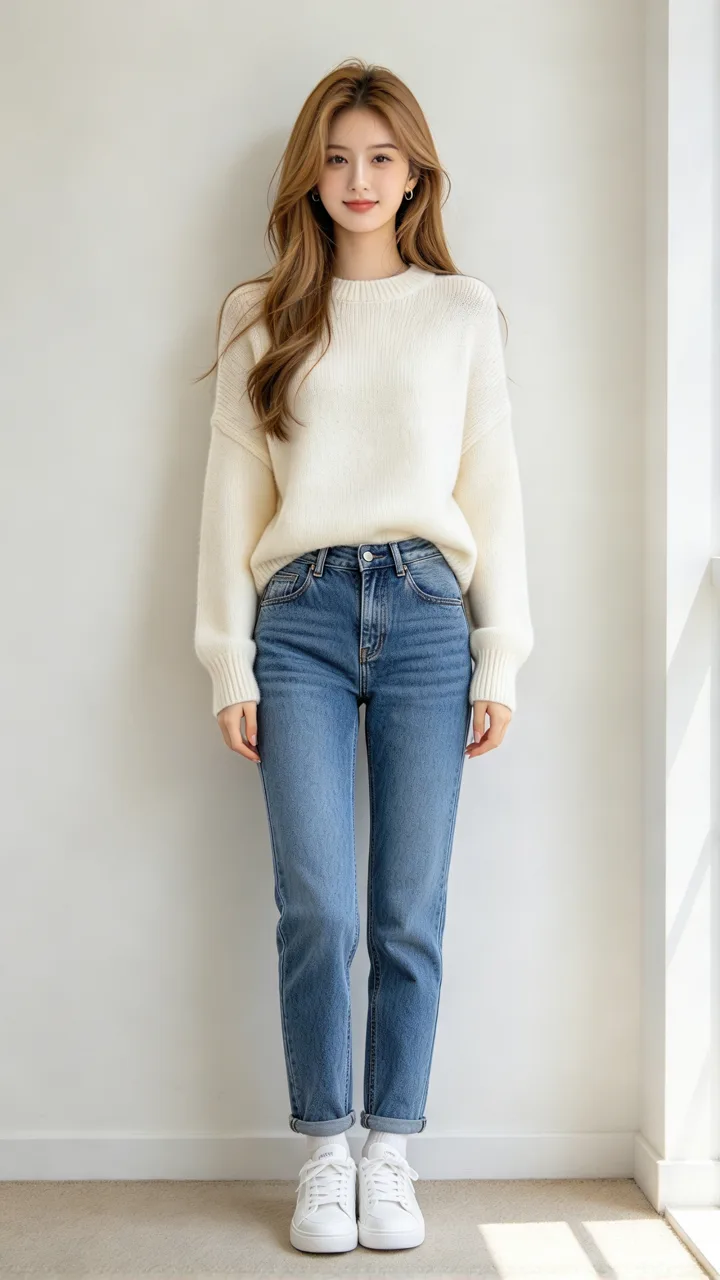
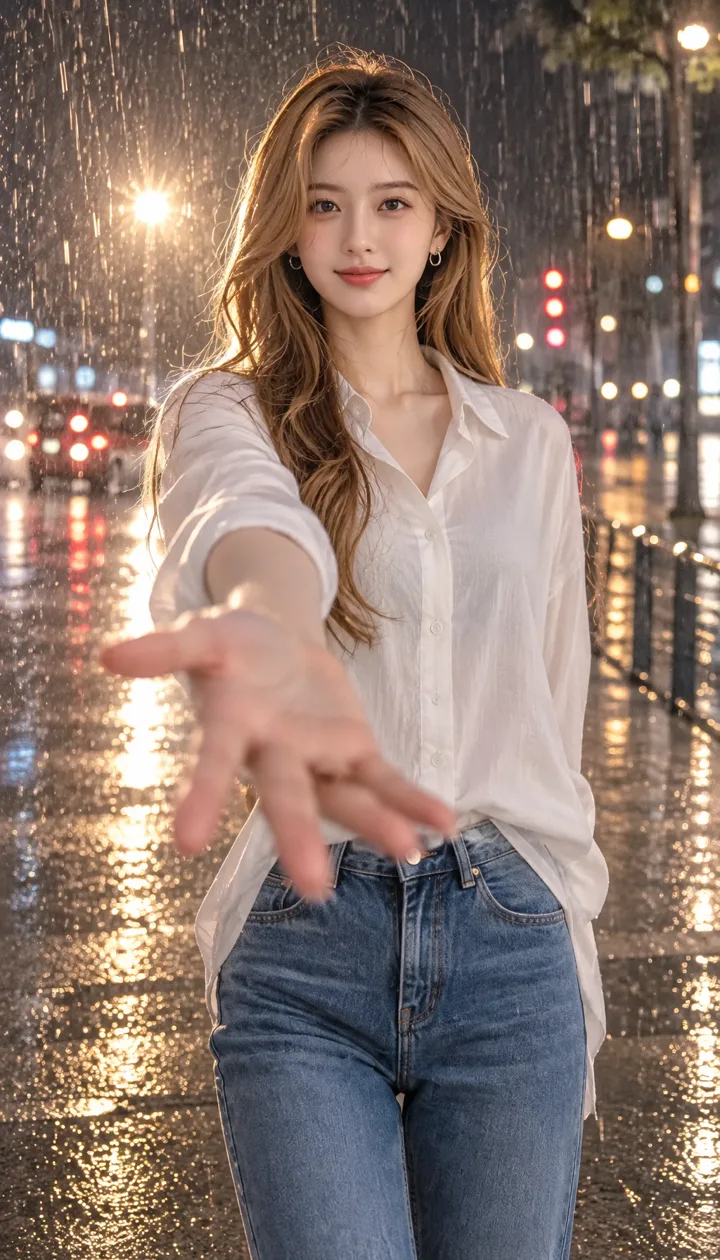
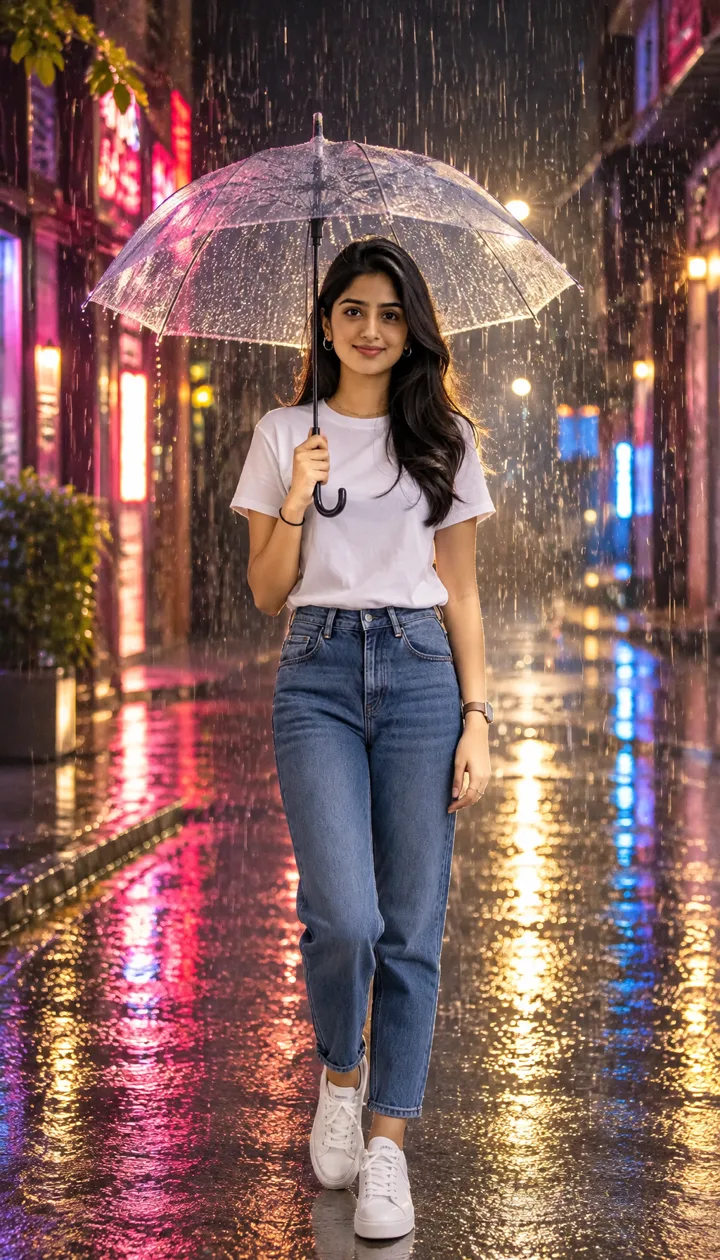
Your photo · rain night portrait
Rain scenes · tap to use
One 9:16 rain night portrait, usually about 20–30 seconds. Upload only a photo you have the right to use. Failed photos are refunded.
CapCut AI templates put you on a rainy street at night with glowing drops and soft bokeh lights. About 2.7 million tracked plays this week, with 29 new posts vs 0 last week (as of November 11, 2026). ReelMuse does the still from one selfie and a scene pick. Each Create is one 9:16 photo in about 20–30 seconds (GPT Image 2.6, 15 credits). Prefer a short hair try-on instead? Try AI haircut or a chibi portrait.
AI rain night portrait prompts
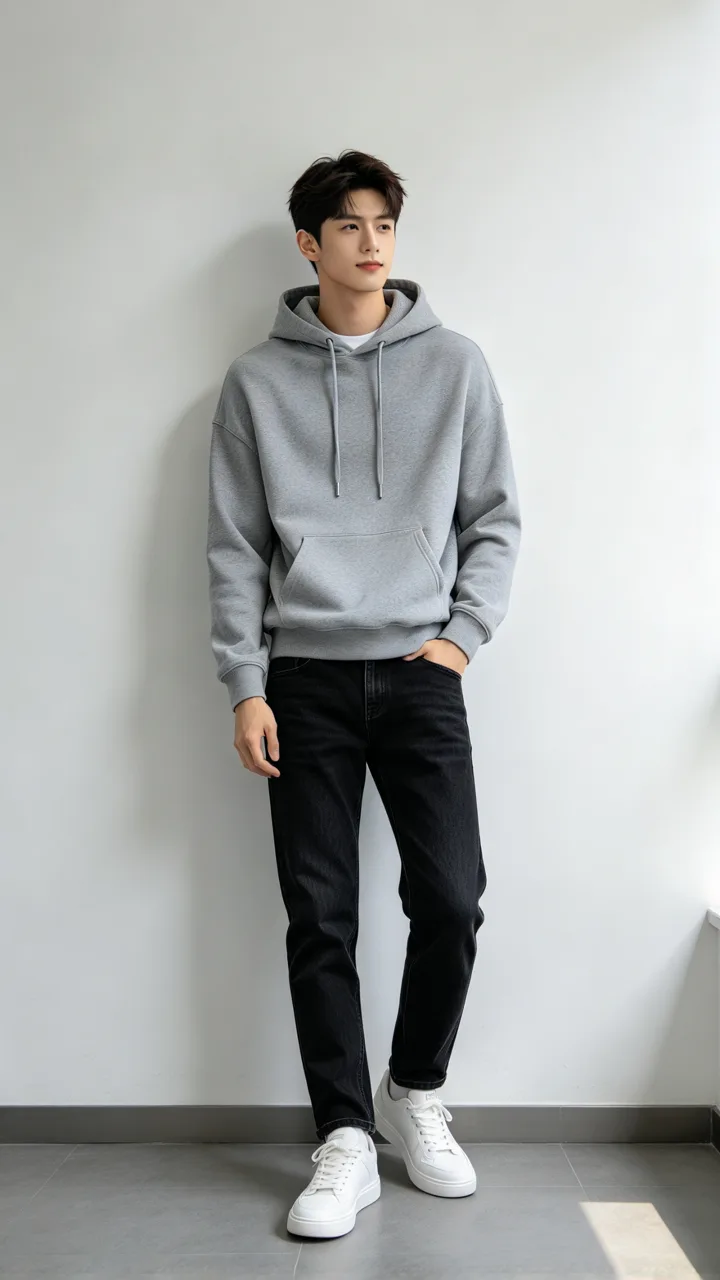
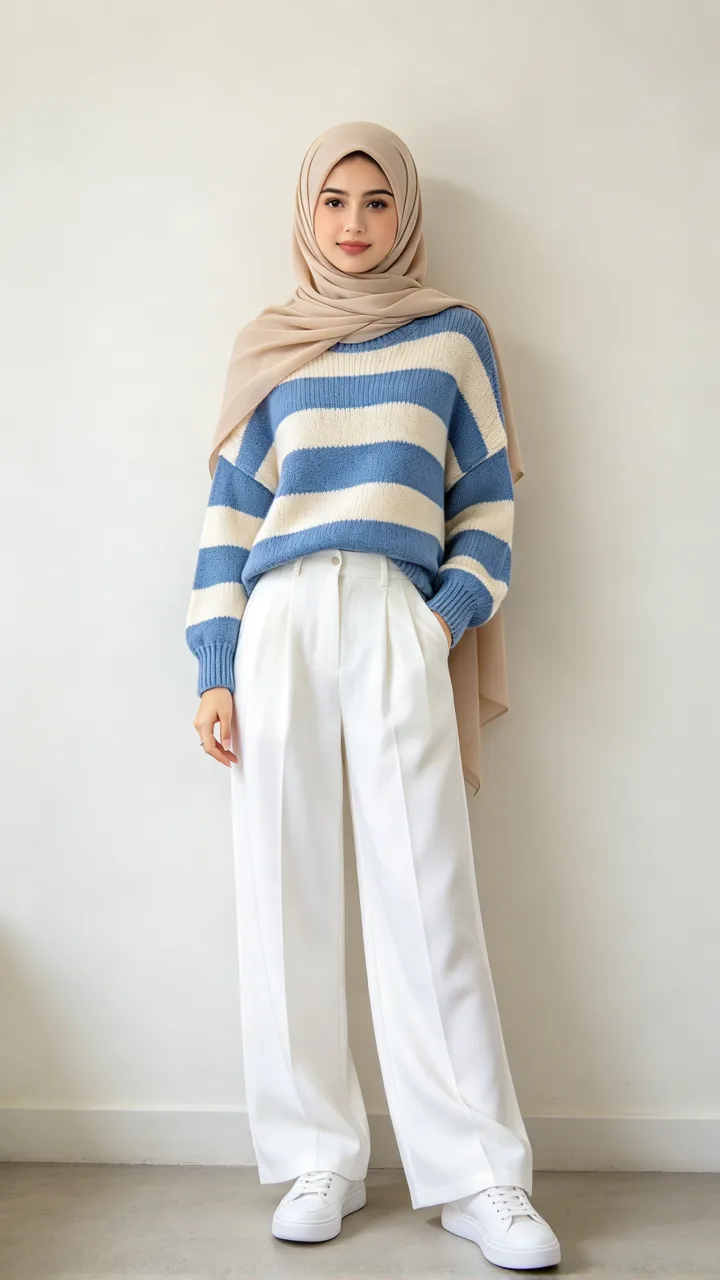
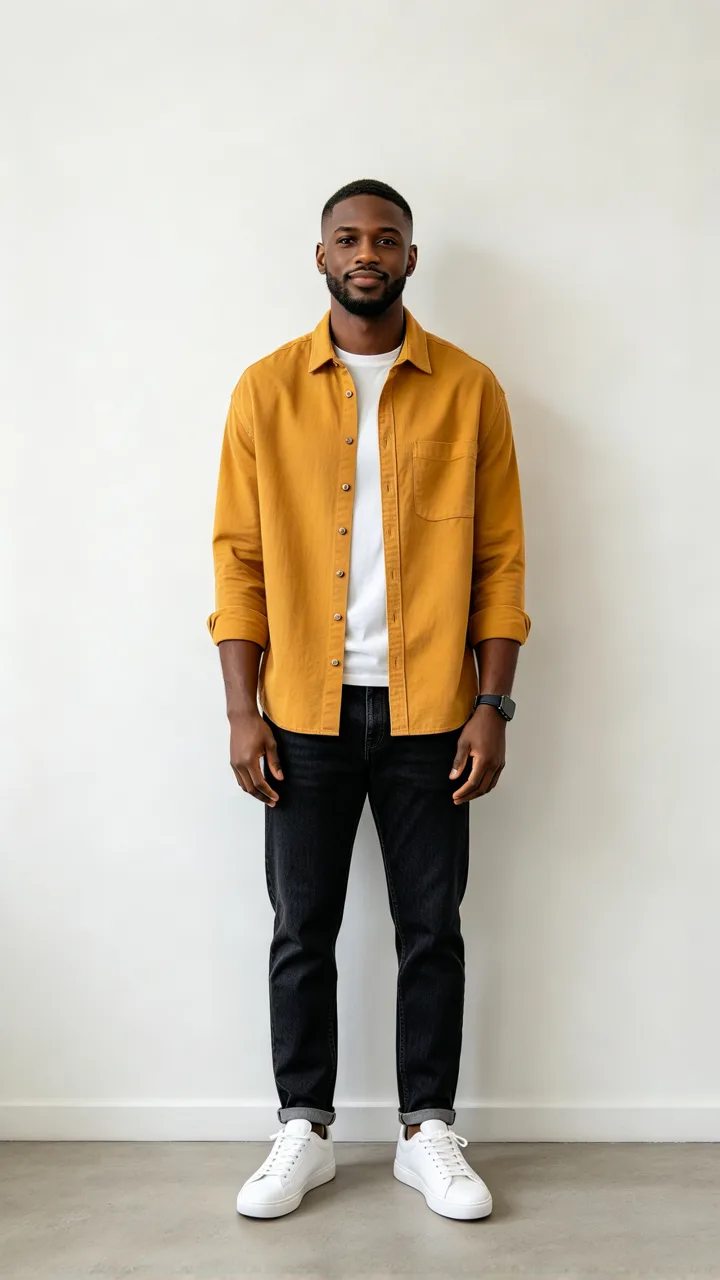
Each card is one rainy night scene made from the small before photo in its corner (fictional adults, not real persons). Clothes stay dry-looking. Tap Use this to put that scene in the box, or Copy prompt to take it with you.
beforeReaching out
The trend pose, hand to the lens
Put me on a city street at night in the rain, in a loose white shirt, reaching one open hand toward the camera so it looks close and a little out of focus while my face stays sharp.
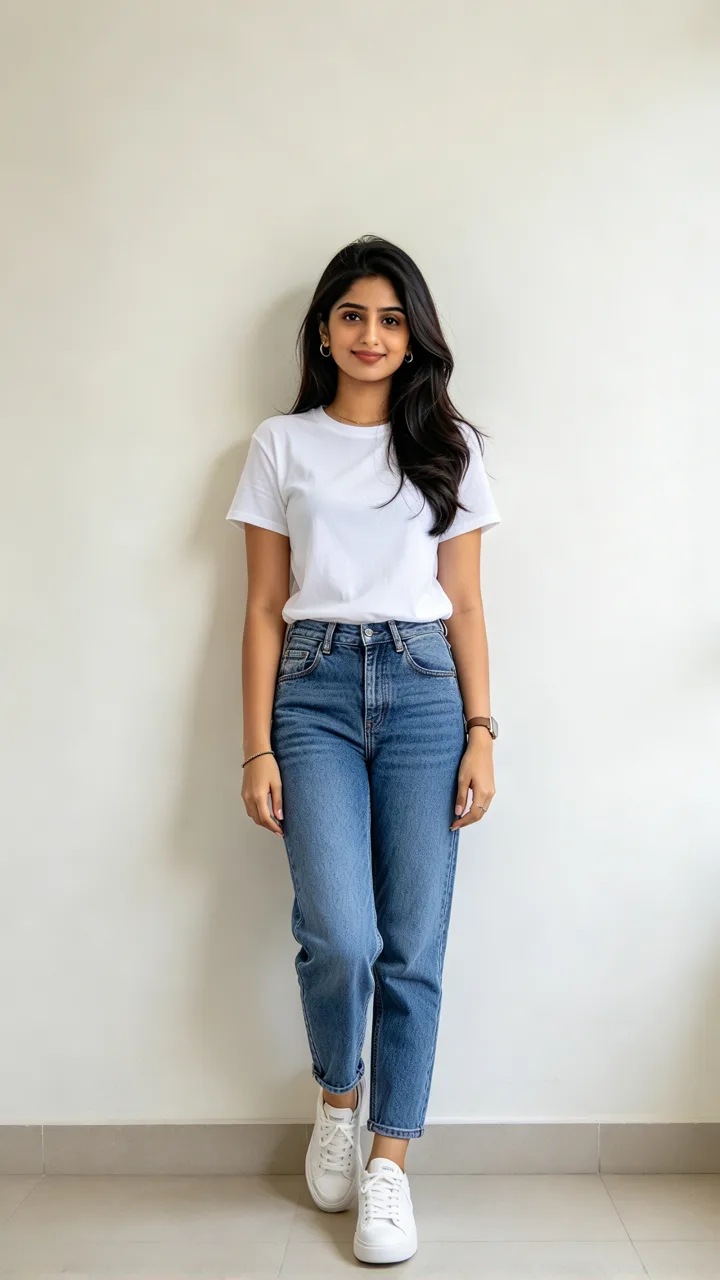 before
Clear umbrella
Neon on wet pavement
Put me holding a clear umbrella on a narrow street at night, neon signs reflecting in the wet pavement, rain streaks lit from behind.
 before
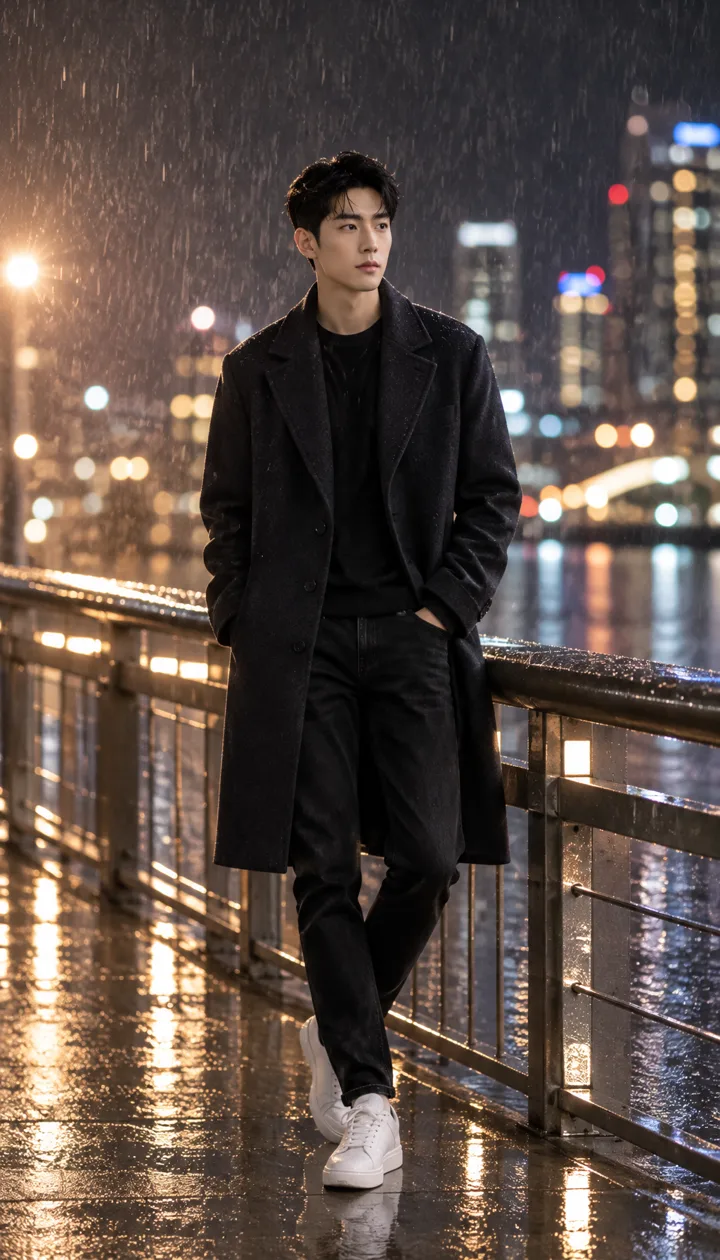
On the bridge
City lights behind
Put me standing on a bridge railing walkway at night in the rain, wearing a dark coat, the city skyline melting into big bokeh lights behind me.
 before
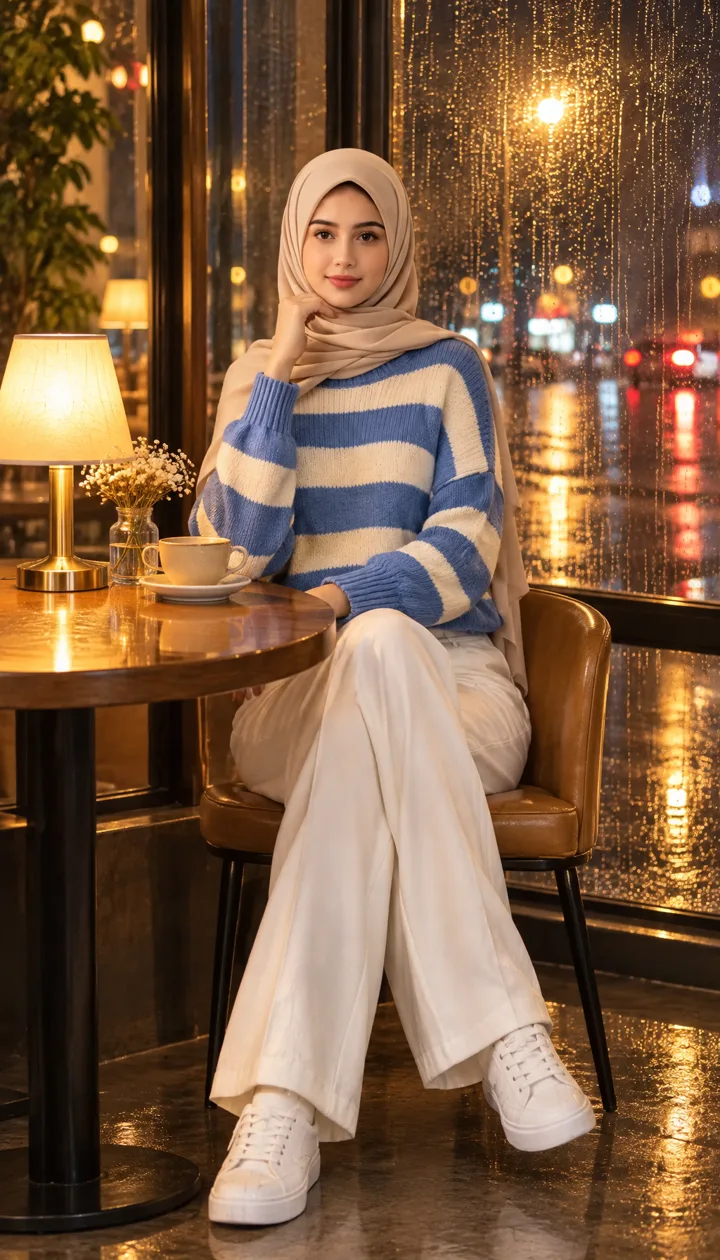
Cafe window
Raindrops on the glass
Put me sitting by a cafe window at night, warm lamp light inside, raindrops running down the glass and street lights blurred outside.
 before
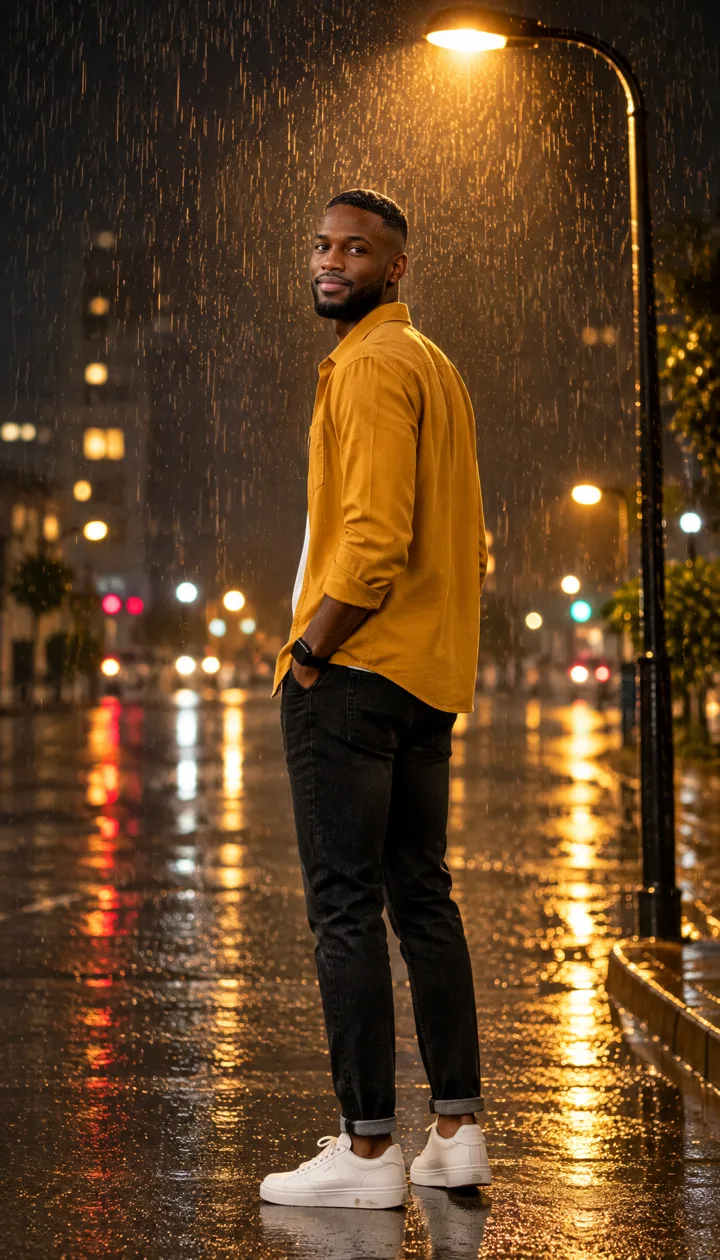
Under the streetlamp
Looking back
Put me under a single streetlamp at night in the rain, looking back over my shoulder at the camera, the lamp lighting the raindrops around me.
 before
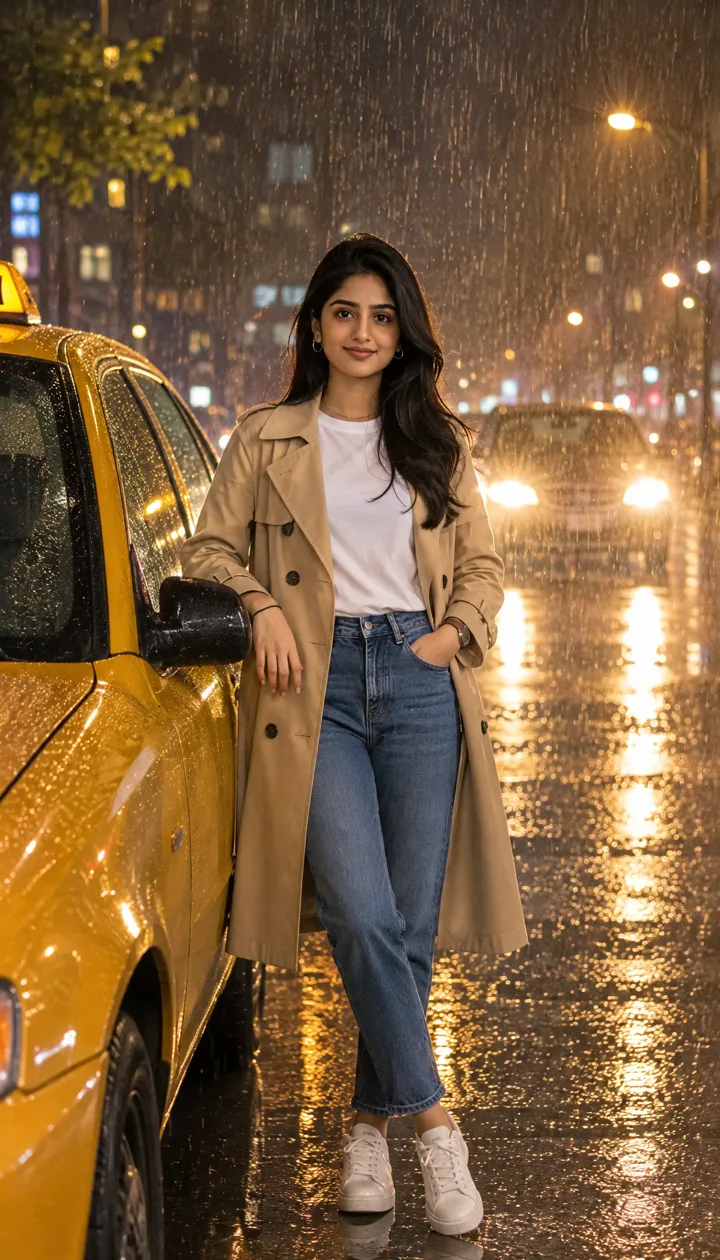
Night taxi
Headlights behind
Put me standing beside a taxi on a rainy street at night, headlights behind me glowing through the rain, in a beige trench coat.
Why AI rain night portraits are trending
- TikTok posts this week vs last week
- 29 vs 0
- TikTok posts this week vs last week
- tracked plays on rain night portrait posts this week
- ~2.7M
- tracked plays on rain night portrait posts this week
- when this rainy night AI wave took off
- Nov 2026
- when this rainy night AI wave took off
TikTok rain night portrait posts jumped from 0 last week to 29 this week, with about 2.7 million tracked plays. The top CapCut AI clip we follow sits near 2.2M views.
The hook is the same every time: one selfie, glowing raindrops, soft city lights, face still recognizable. ReelMuse rebuilds that still without pasting a CapCut template.
TikTok numbers from public posts, as of November 11, 2026.
What is an AI rain night portrait?
Creators upload one selfie into a CapCut AI template and come back standing in the rain at night: backlight turns every drop into a bright streak, neon and streetlamps melt into bokeh, and the face stays sharp in front.
This page skips the template paste step: six scenes are ready to tap, and your own description still gets the same rainy night look with dry-looking clothes. One Create is one 9:16 photo.
How people make AI rain night portraits
The CapCut wave freezes you under glowing rain with soft city lights behind. Some clips pan or zoom; this page makes the still portrait.
On ReelMuse the same look needs no template app: six scene presets, photo only, about 20–30 seconds per Create. Examples use fictional adults only.
How to make an AI rain night portrait
- Upload one clear selfie. Face the camera with both eyes visible and good light. Only use a photo you have the right to use.
- Pick a rainy night scene. Tap Reaching out, Clear umbrella, On the bridge, Cafe window, Under the streetlamp or Night taxi, or describe your own scene in the box.
- Create the portrait. Press Create (15 credits). In about 20–30 seconds you get one 9:16 AI rain night portrait (GPT Image 2.6), ready to share.
AI rain night portrait FAQ
- What is an AI rain night portrait?
- An AI rain night portrait turns one selfie into a cinematic night photo in the rain: strong backlight makes the drops glow, city lights melt into bokeh, and your face stays sharp. CapCut AI templates popularized the look; this page does the still from one upload.
- How do I make a rain night portrait without CapCut?
- Upload one photo on this page, pick a scene (or describe your own) and press Create. You get a finished 9:16 portrait with glowing rain and soft city lights behind you.
- Will I still look like myself?
- That is the goal. Every scene asks to keep your face, skin tone, age, hair or hijab and body shape, with clothes that look dry rather than soaked.
- Is it a photo or a video?
- Photo only on this page. One Create is one 9:16 still (GPT Image 2.6).
- Who are the people in the examples?
- Fictional adults made for this page — not real persons.
- Is ReelMuse affiliated with CapCut?
- No. ReelMuse is not affiliated with CapCut or ByteDance. This page is our own AI rain night portrait tool.
- How much does an AI rain night portrait cost?
- 15 credits per photo. The price is on the button before you create, and if a photo fails the credits go back to your account automatically.
Examples use fictional adults. Only upload photos you have the right to use. ReelMuse is not affiliated with CapCut or ByteDance.