Portrait glow-up
Turn a selfie into a night-city cinematic slide for Reels / TikTok.
AI SLIDE TRANSITION · 1 PHOTO · NIGHT CITY
Upload one clear portrait. ReelMuse locks your face in a picture frame and slides it across neon night-city backgrounds — the CapCut / Dreamina AI template look, generated in the browser (15s · 246 credits).
Opens the tool page (upload → quote → result). This landing is SEO-only.
AI slide transition effect is the viral CapCut/Dreamina template where one photo becomes a framed portrait sliding through night city scenes. TikTok blew up first (~4.6M plays / 7d); Google still lags. Many “slide transition” tutorials are manual keyframe edits — ReelMuse matches the AI upload-a-photo path only.
Turn a selfie into a night-city cinematic slide for Reels / TikTok.
Same one-photo AI template idea in the browser — no CapCut app required.
Match the Dreamina “upload a photo” night slide look before Google search catches up.
Board-scraped AI template path (upload a photo → generate). Manual keyframe tutorials excluded.
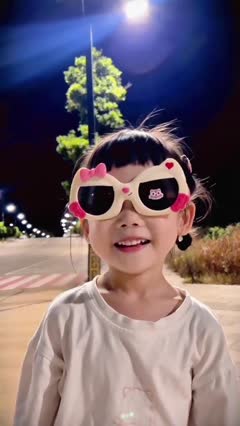 1.95M plays
@dreamina_tao
CapCut / Dreamina AI template: upload one photo → framed portrait slides through night city.
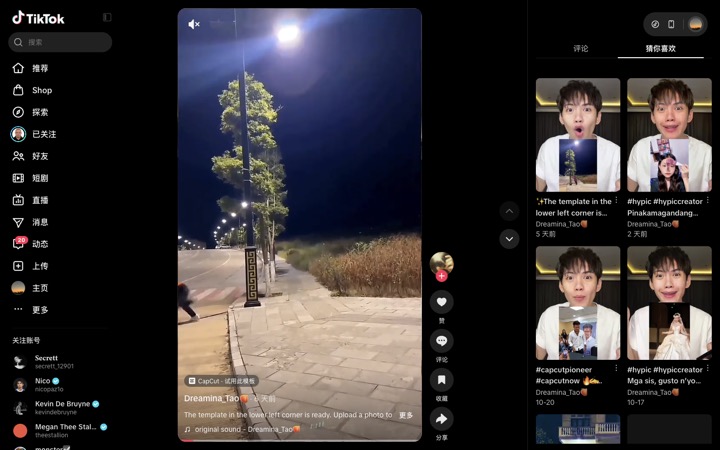 635K plays
@dreamina_tao
Same Dreamina AI “upload a photo” path — neon night-city slide, face stays locked.
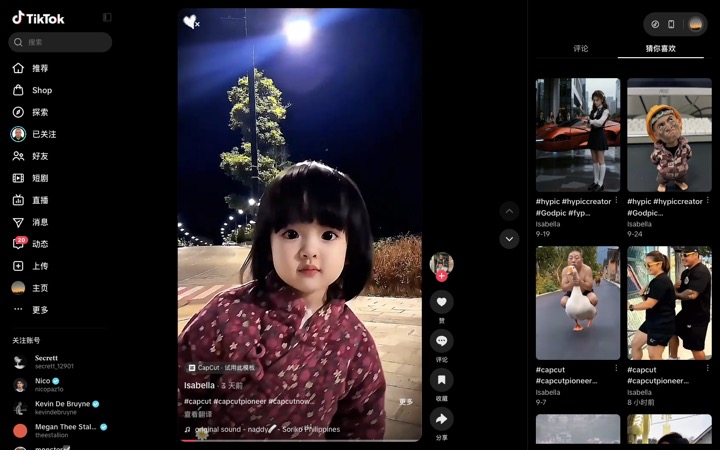 872K plays
@user8015826167671
Philippines CapCut AI template: “template ready in the lower left — upload a photo.”
1
CTA opens /ai-effect?effect=ai_slide_transition.
2
One portrait — face stays locked; night city slides around the frame.
3
Fixed 246 credits · H3 Max · 15s · 768P · AI one-photo path (not manual CapCut keyframes).
A one-photo AI video trend: your still portrait is framed and slides across neon night-city plates. CapCut/Dreamina ship it as an AI template; many high-play TikToks are instead manual keyframe tutorials. ReelMuse runs MiniMax H3 Max · 15s · 768P · 246 credits with a locked slide template so you stay on the AI path.
Upload one clear portrait you may use, open AI Slide Transition on ReelMuse, and Generate. You get a 15s vertical night-city slide MP4 (246 credits).
Same idea: upload one photo → framed portrait slides through night scenes. CapCut/Dreamina run inside their apps; ReelMuse does it in the browser with a locked H3 Max template.
Many top TikToks teach manual keyframes / collage editing. This page is the AI one-photo generator path only — no timeline cutting required.
Fixed 246 credits (MiniMax H3 Max · 15s · 768P). Failed jobs are refunded.
Yes — identity stays locked in the frame; what moves is the night-city background and the framed portrait’s slide.
On /ai-effect?effect=ai_slide_transition after Generate — not on this SEO page.
Ready to make your AI slide transition video?
Generate on ReelMuse