YouTube to WAV Converter
Paste a YouTube link, start the conversion, and download WAV audio in a simple browser-based workflow built for speed and high-quality output.
Convert YouTube URLs to WAV
Paste your link to start a draft YouTube to WAV workflow in ReelMuse.
Why people convert YouTube to WAV
A YouTube to WAV converter helps you pull audio from a video link into a format that fits editing, archiving, and production workflows. WAV is often chosen when you want a straightforward audio file that drops cleanly into desktop editors, sample libraries, or review sessions without extra format changes.
This page keeps the workflow tool-first: paste the URL, run the conversion, and download the result. The supporting sections explain when WAV output is useful, what affects the final sound quality, and where this format works best in real projects.
How to convert YouTube to WAV
Step 1: Paste the YouTube URL
Copy the video link you want to work from and drop it into the converter field.
Step 2: Start the conversion
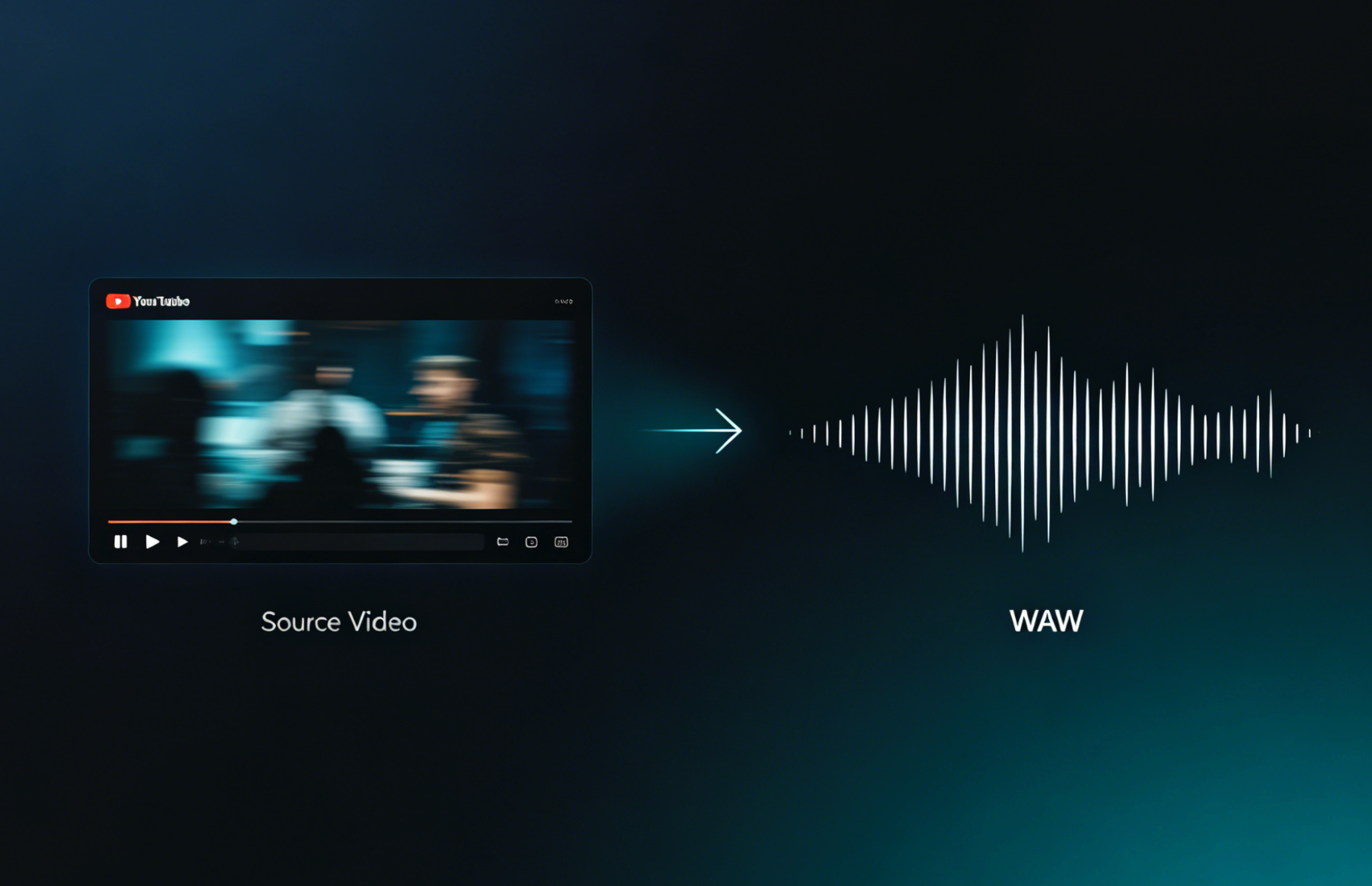
Run the YouTube to WAV process so ReelMuse can prepare the audio output from the source video.
Step 3: Download the WAV file
Save the generated audio file and move it into your editor, archive, or review workflow.

Why choose WAV output

Why use ReelMuse
How to get better WAV output quality