GPT Image 2 Generator for Marketing Images, Product Shots, and Posters
Create AI images on ReelMuse with the GPT Image 2 model. Write a prompt, choose the format you need, and generate visuals for ads, ecommerce, thumbnails, social posts, landing pages, and design drafts.
Built for creators, marketers, ecommerce sellers, and design teams who need useful AI images quickly: start with a prompt, test variations, and download clean results from one workspace.
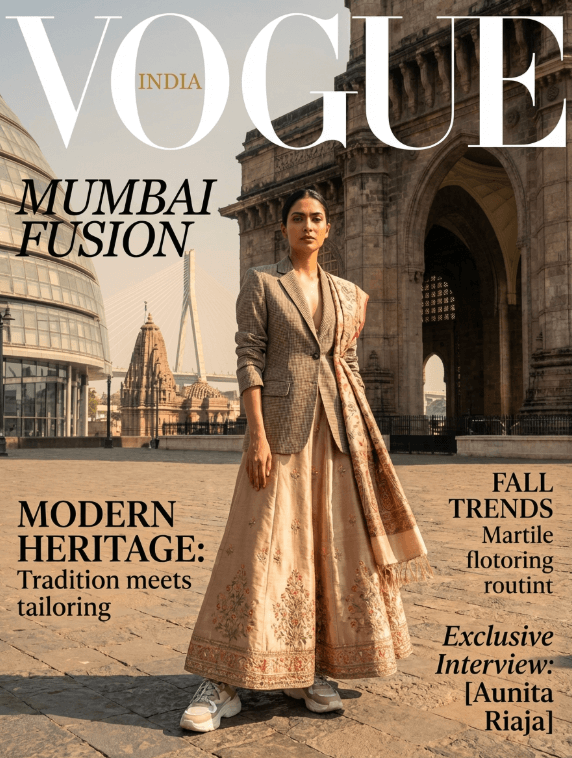
Why Creators Use GPT Image 2 on ReelMuse
When you need more than a generic AI picture, GPT Image 2 helps turn a specific brief into a usable visual: a campaign concept, a product scene, a poster layout, a YouTube thumbnail, or a client presentation image.
ReelMuse keeps the workflow direct: open the generator with GPT Image 2 selected, write the prompt, choose the aspect ratio, generate the image, then refine or download the result.
Create Images for the Work That Actually Converts
Use GPT Image 2 for practical creative work, not just experiments. Build visual directions for campaigns, products, content, and client concepts in one place.
Ad Creatives and Social Posts
Ecommerce Product Visuals
Posters, Covers, and Thumbnails
Landing Page Hero Images
Brand and Moodboard Exploration
Client Presentation Concepts
How to Use GPT Image 2 on ReelMuse
- Open the text-to-image tool. ReelMuse opens the generator with GPT Image 2 selected.
- Write a specific prompt. Include subject, setting, mood, lighting, format, and any text you want to test in the image.
- Choose an aspect ratio and generate. Use square for social posts, vertical for short-form covers, and landscape for ads, thumbnails, and website hero images.
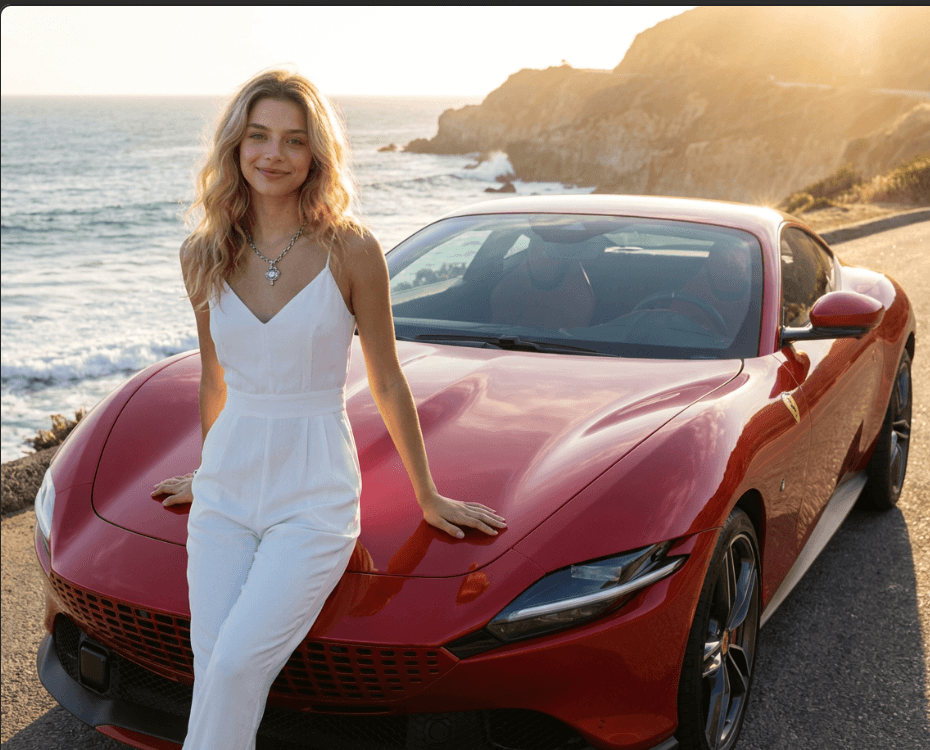
GPT Image 2 Prompt Examples for Better Outputs
Use these prompt directions as starting points, then adjust the subject, style, lighting, and layout for your own project.
| Use case | Prompt angle |
|---|---|
| Product ad | A premium skincare bottle on wet stone, soft morning light, clean luxury campaign style, space for headline text |
| Poster | A bold concert poster for a synthwave night, neon city skyline, large readable title area, high contrast layout |
| Thumbnail | A dramatic YouTube thumbnail about AI design tools, expressive creator, glowing laptop, clear empty area for text |
| Ecommerce scene | A modern desk setup featuring wireless earbuds, warm sunlight, lifestyle photography, realistic shadows, 16:9 |
Why Use ReelMuse Instead of a Single-Purpose Generator?
Use GPT Image 2 when it fits the brief, then compare other creative models in the same workspace when you need a different look, cost profile, or output style.
GPT Image 2 Direct Access
Multiple AI Models in One Workspace
Clean Image Downloads
Example Creative Directions
Start from a creative direction, then use GPT Image 2 to explore variations for campaign visuals, ecommerce scenes, posters, and landing page graphics.
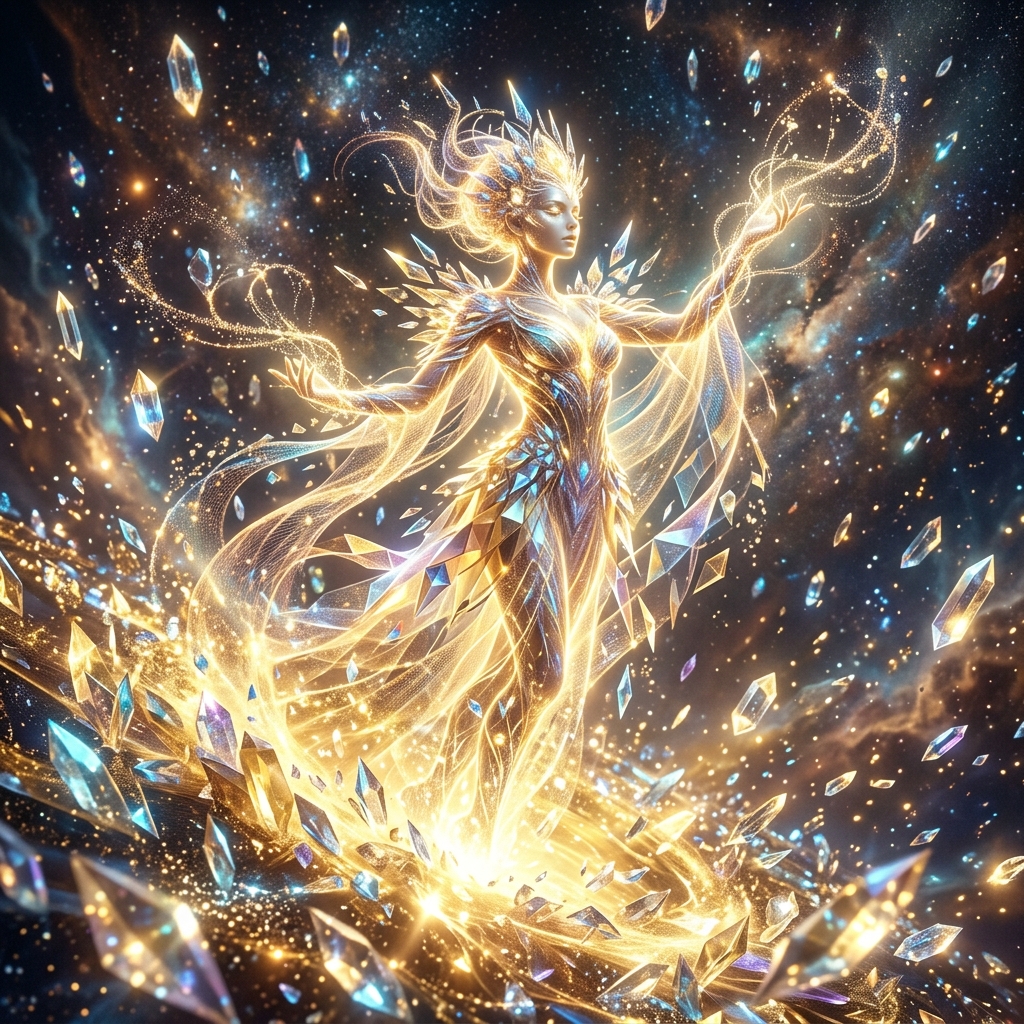
GPT Image 2 Generator FAQ
Create with GPT Image 2
Open ReelMuse with GPT Image 2 selected, write your first prompt, and generate a marketing-ready image draft in minutes.