The Box AI Trend
One selfie → a 6-second video of you doing the Roddy Ricch bounce, somewhere you really shouldn’t.
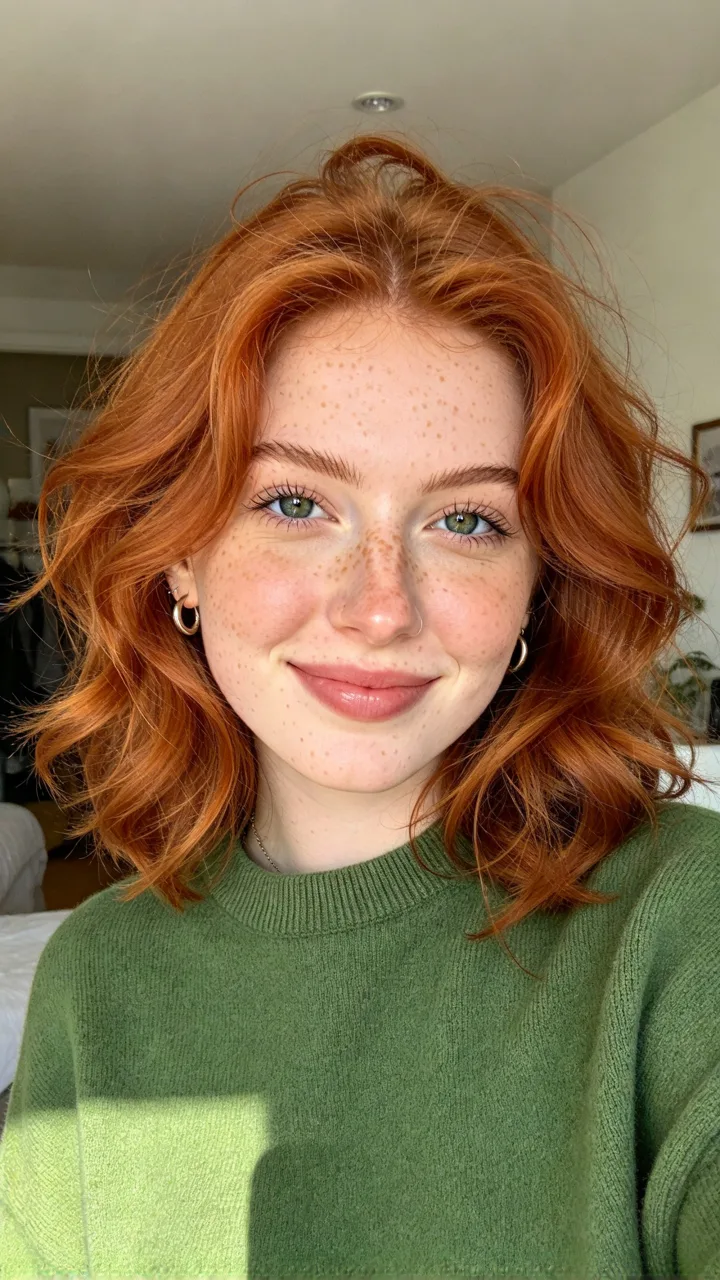
Your photo · the bounce
Where you dance
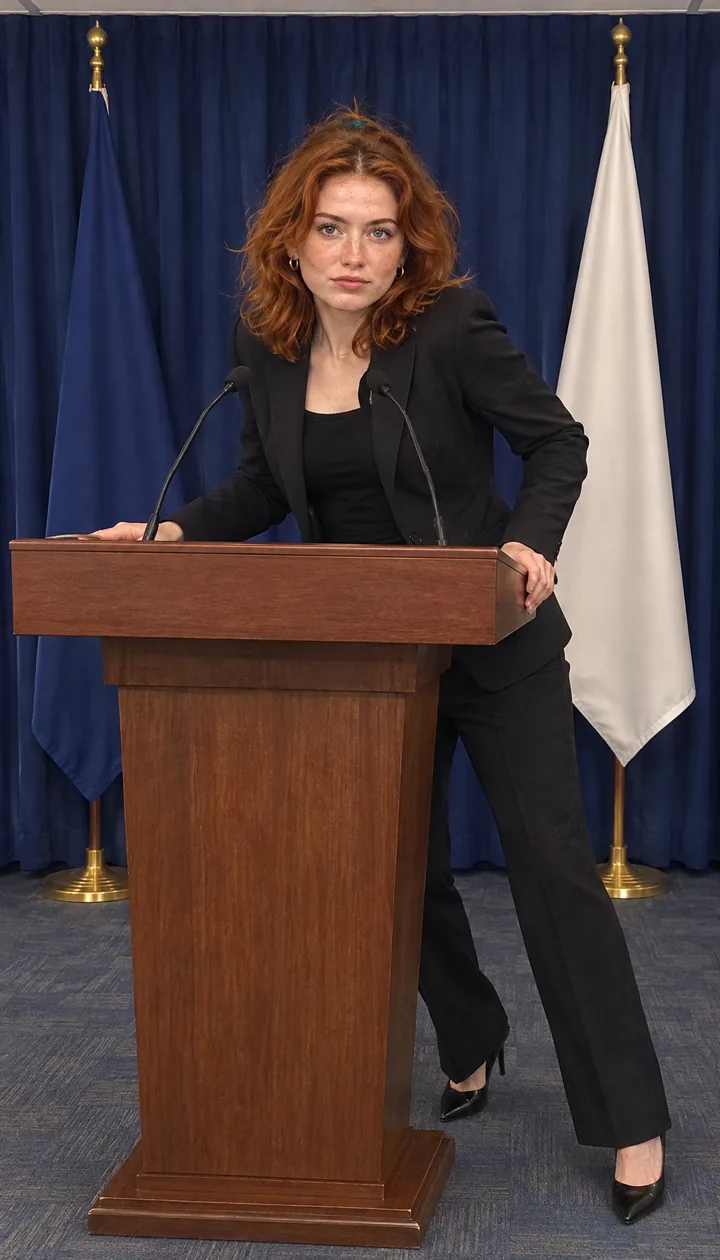
A dead-serious press briefing, then the bounce.
A photo of you in the scene first, then a 6-second video of you doing the bounce, usually 3–5 minutes in all. The video comes with an AI-made beat, not the song; add the song in TikTok or CapCut. Upload only a photo of yourself. Failed steps are refunded.
The Box AI trend is the TikTok CapCut template that puts you into the dance to Roddy Ricch’s “The Box”: knees bent, a heavy bounce on every beat, shoulders popping. It took off on November 20, 2026, with about 62 new posts this week vs 0 the week before. Here you pick a scene, a press podium, a gas station, the office or your kitchen, and get a photo of you mid-bounce, then a 6-second video of you dancing.
The Box AI trend examples
Each clip was made from the small before selfie in its corner, with the same prompts the create box uses for that scene. Everyone here is fictional. Tap Use this to pick the same scene.
beforeAt the podium
A dead-serious press briefing, then the bounce
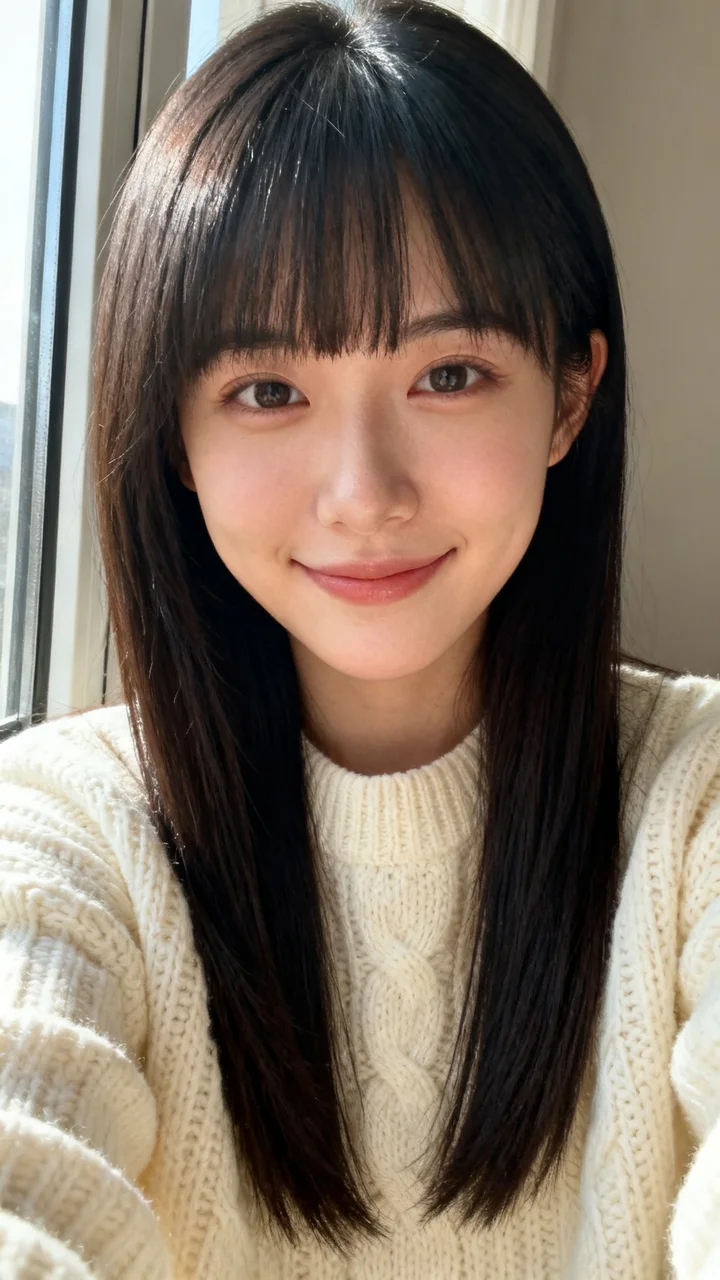 before
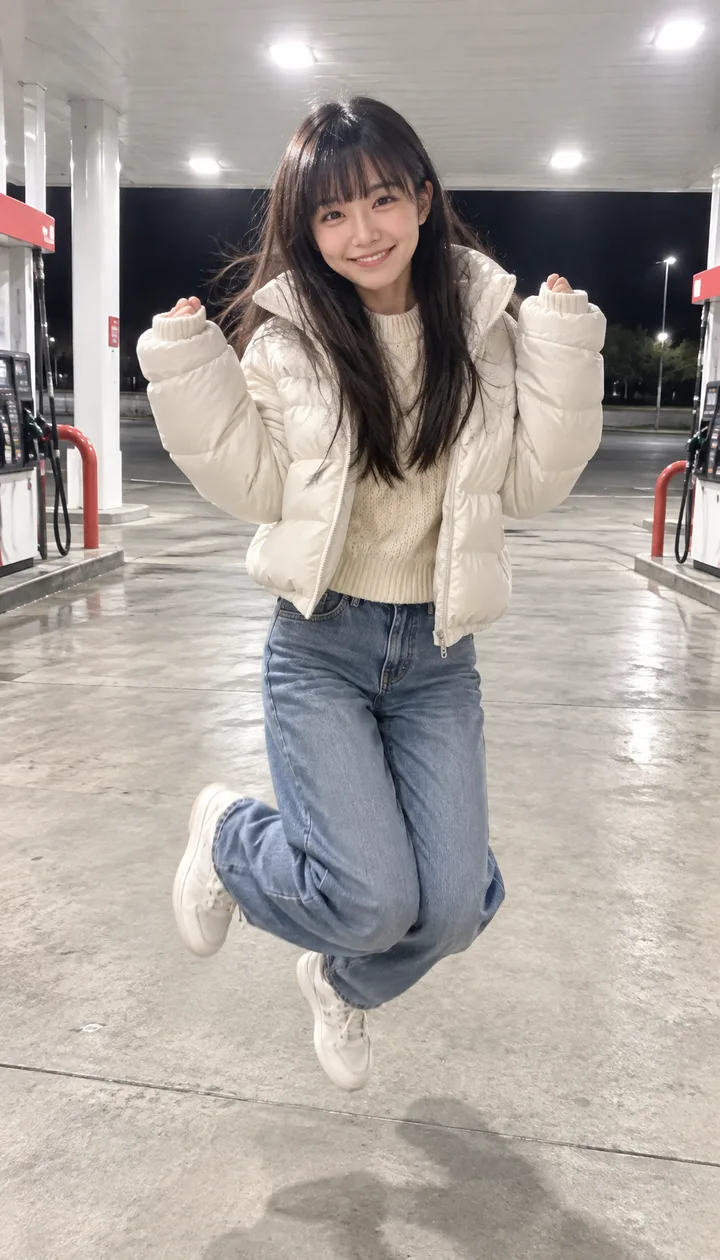
At the gas station
Under the gas station lights at night
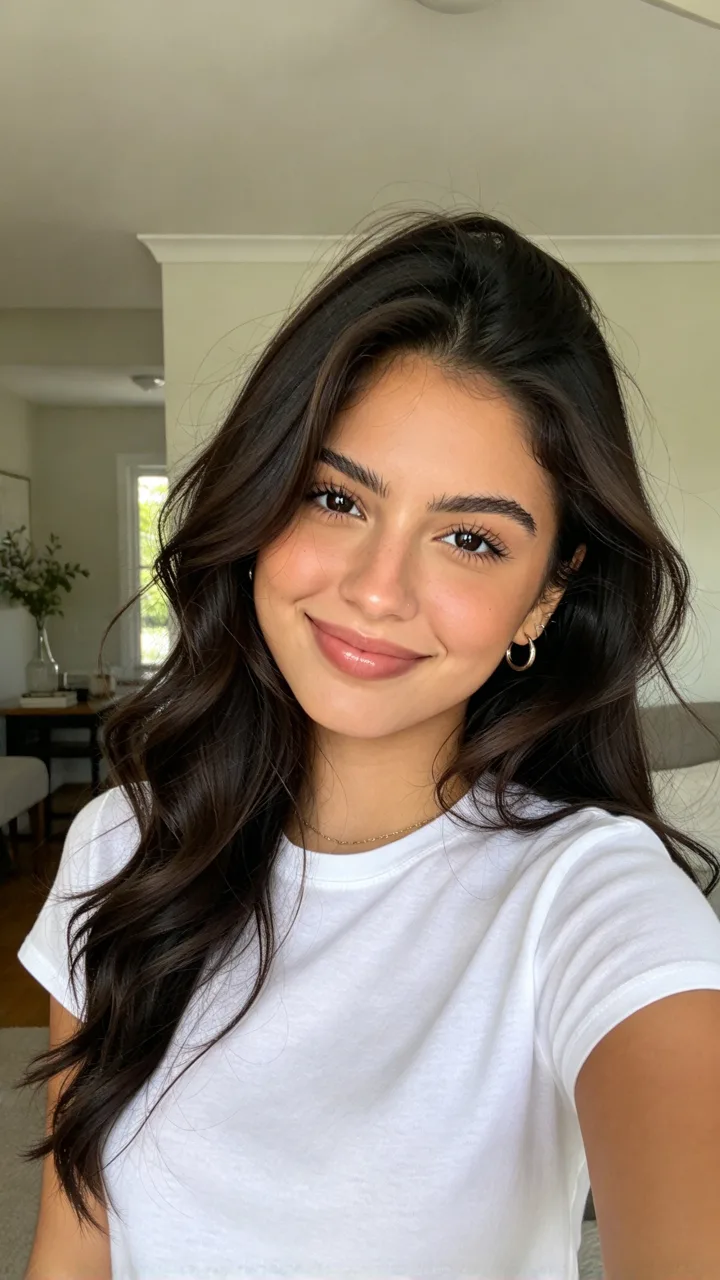 before
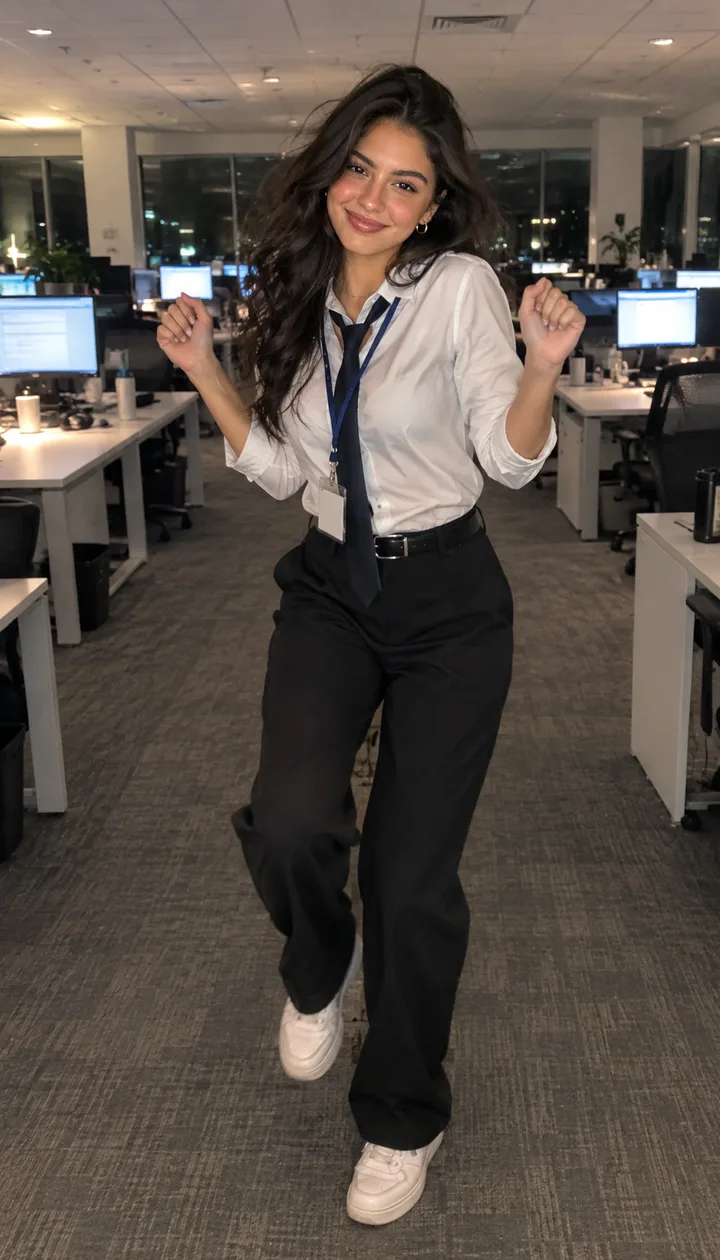
In the office
The empty office after hours, lanyard on
 before
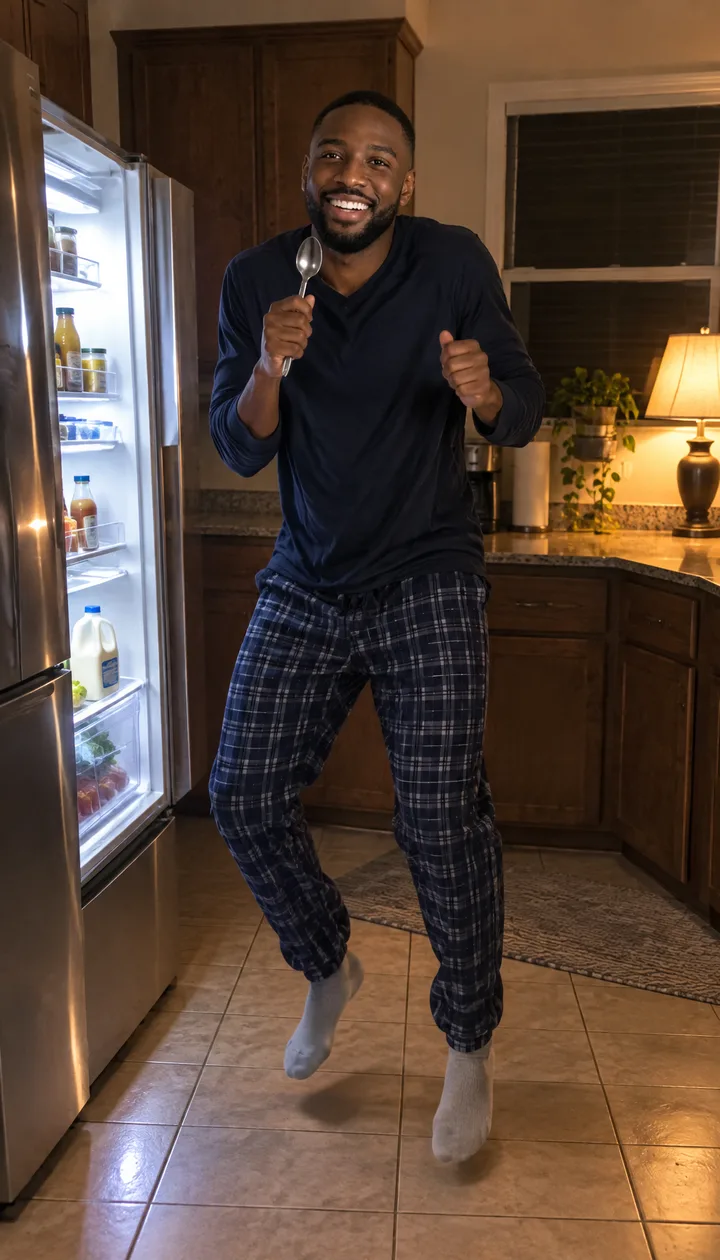
In the kitchen
Pajamas, the fridge light and a spoon mic
Step one: the scene photo
Before the video, you get a still of you mid-bounce in the scene, in a matching outfit. It is the first frame of the video, and it stays in your Library as a photo too.
The Box AI trend in numbers
- TikTok posts this week vs last week
- 62 vs 0
- TikTok posts this week vs last week
- plays in the last 7 days
- ~437K
- plays in the last 7 days
- when the trend took off
- Nov 20, 2026
- when the trend took off
- where the template lives
- CapCut
- where the template lives
This week TikTok has about 62 new posts of The Box AI template vs 0 the week before, with about 437K plays in the last 7 days. It took off on November 20, 2026, and most posts so far come from template accounts.
TikTok numbers from public posts, as of November 24, 2026.
How The Box AI video works
Your face, skin tone, age, hair and build stay the same; the outfit and the place are redone to fit the scene: a dark suit at the podium, a puffer jacket at the pumps, a shirt, tie and lanyard in the office, pajamas and socks in the kitchen. The photo catches you mid-bounce, shoulders up.
That photo is the first frame of the video. You then dance to a slow, heavy beat: knees bent, a bounce on every beat, shoulders popping, loose arms and a small side step, in one fixed phone shot with no cuts.
How to do The Box AI trend
- Upload one selfie. Just you, face clearly visible, good light. The outfit and the place are redone, so any everyday photo works.
- Pick where you dance. A dead-serious press podium, a gas station at night, the empty office after hours, or your kitchen in pajamas.
- Create. First a photo of you mid-bounce in that scene, then a 6-second video of you doing the bounce, about 3–5 minutes in all.
- Add the song on TikTok. The video comes with an AI-made beat. When you post, pick the sound “The Box” by Roddy Ricch in TikTok or CapCut.
FAQ
What is The Box AI trend?
A TikTok trend that took off on November 20, 2026: a CapCut AI template puts you into a dance to Roddy Ricch’s 2019 hit “The Box”, the slow bounce with knees bent and shoulders popping on every beat. Most posts put a very serious-looking person somewhere official, then start bouncing.
Is this the music video?
No. Nothing here comes from the music video or the song. The scenes, the people in the examples and the dance clips are all made by AI for this page, and there are no real seals, logos or brands in them.
Does the video have the song?
No. It comes with an AI-made hip-hop beat so it is not silent. To post it as the trend, add the sound “The Box” by Roddy Ricch in TikTok or CapCut.
Which scenes can I pick?
Four: a press podium with two microphones and plain flags, an empty gas station at night, an open-plan office after hours with your lanyard on, and your kitchen at night with a spoon as a mic.
Do I need CapCut or an app?
No. The template version asks you to open CapCut; here you upload your selfie and create the video in the browser, then download it.
Who are the people in the examples?
Fictional people made for this page. None of them is a real person. Upload only a photo of yourself.
Related